France
MyScoreCenter is a plugin which displays sports results from "almost" any web sites.
Last version = 2.12.0.0 (4 May 2014) Download
Version only compatible with MediaPortal 1.6/1.7.
Important see installation note below.





The source is available on GoogleCode.
Release Notes
Installation
Download the file and install the plugin, then go to MediaPortal and the plugin will download the default configuration file from the online web site.
Upgrade from 1.* to 2.0
The schema of the settings has change in version 2.0 to introduce type of scores.
Don't panic the settings will not be erased since the settings file for version 2 is MyScoreCenter2.Settings.xml.
You will need to re-enter your settings with the configuration screen.
Open the old file settings with a text editor MyScoreCenter.Settings.xml and re-use the settings (URL, XPath expression ...) to create new scores (use the Generic type which correspond to the old format).
See instructions on the wiki page.
Description
Since it was difficult to find a site which can give results for all sports, I decided to create a very generic plugin.
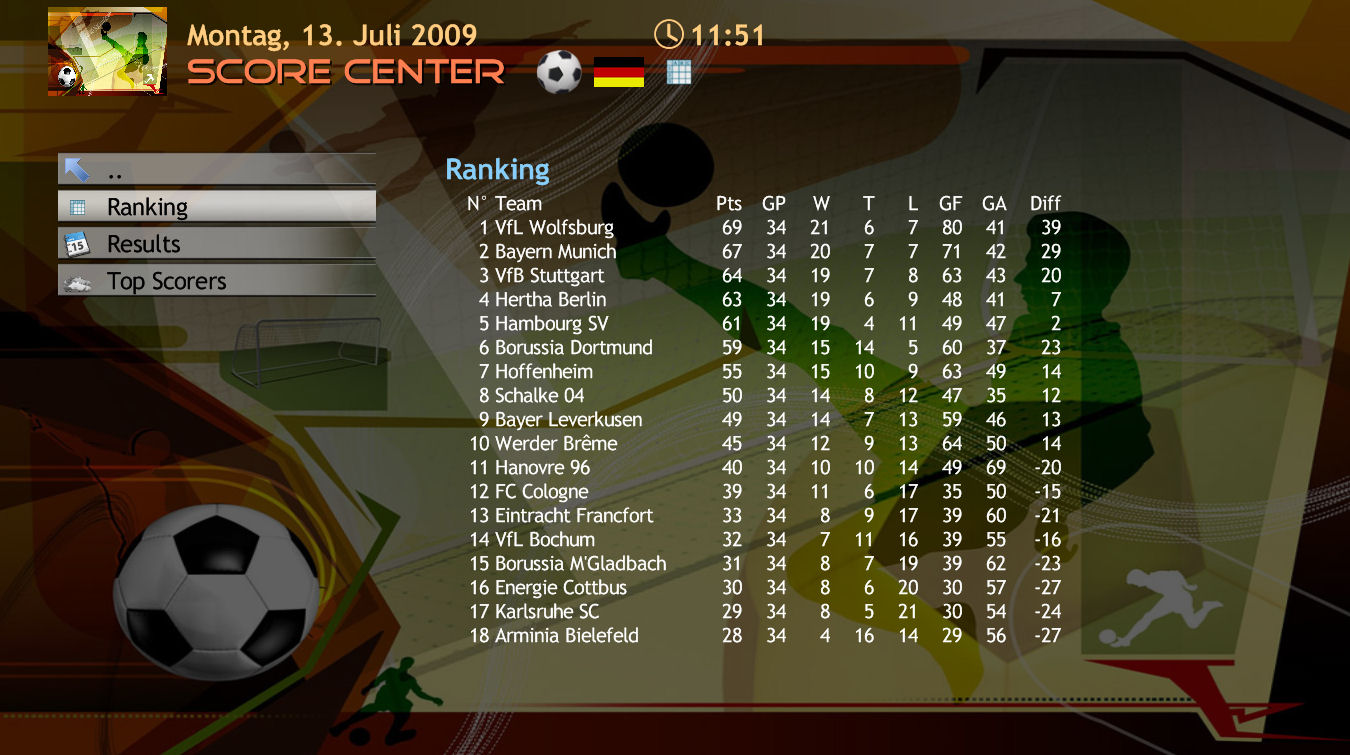
The principle is very simple, the plugin just renders HTML tables : a score is represented by an URL and an XPath expression to find the table in the page (see: XPath Tutorial to learn about Xpath).
It works for almost everything displayed in a table.
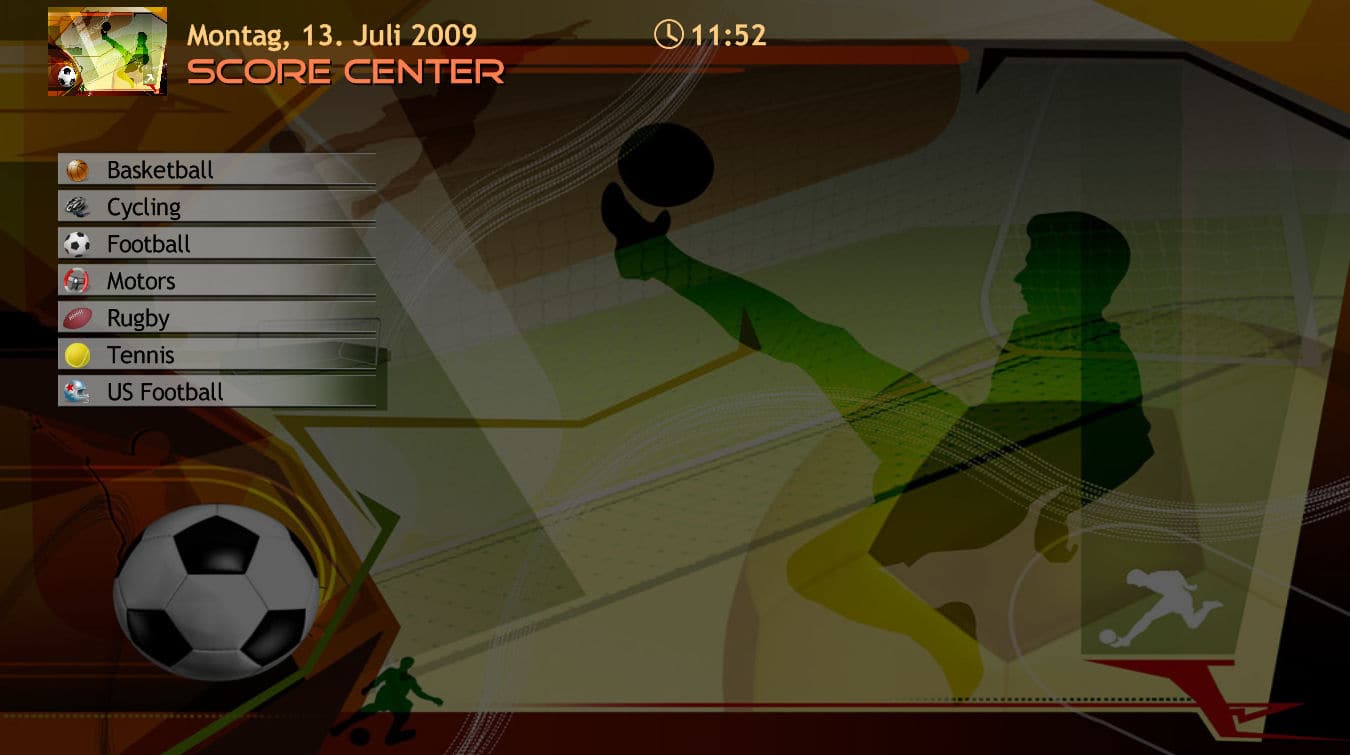
The scores are displayed by category (or sport) and then by league.
For example: football (or soccer) is a category then each national championship is a league and then for a league you can display the current standings, the last results and the top scorer.
But this is totally configurable, and you can for example decide to display results by countries, then by sports...
The default configuration file contains definitions for many competitions, including:
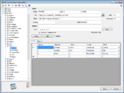
It also allows you to enter your own header row, set the size of the columns, enter rules to format the score (for example highlight your team).
When you set the size of the column, add a minus sign to align the column to the left and a plus sign to center it and nothing to align to the right.
The test button allows you to test your setting.
Note that an Xpath expression can return many tables. In this case they all of them will be displayed. So if it is not what you want be sure to give an Xpath that will return only the table you want.
For each items you can have an icon in the configuration screen.
Skin controls:
There are two main controls:
the list control for the navigation
a textbox control which defines the display area and the font to use.
The following properties can be used to display names and icons:
Personally, I used backdrops from Olympic Games 2008 - Free Wallpapers


Any critics on the plugin or the skin implementation are welcome.
Last version = 2.12.0.0 (4 May 2014) Download
Version only compatible with MediaPortal 1.6/1.7.
Important see installation note below.
The source is available on GoogleCode.
Release Notes
Installation
Download the file and install the plugin, then go to MediaPortal and the plugin will download the default configuration file from the online web site.
Upgrade from 1.* to 2.0
The schema of the settings has change in version 2.0 to introduce type of scores.
Don't panic the settings will not be erased since the settings file for version 2 is MyScoreCenter2.Settings.xml.
You will need to re-enter your settings with the configuration screen.
Open the old file settings with a text editor MyScoreCenter.Settings.xml and re-use the settings (URL, XPath expression ...) to create new scores (use the Generic type which correspond to the old format).
See instructions on the wiki page.
Description
Since it was difficult to find a site which can give results for all sports, I decided to create a very generic plugin.
The principle is very simple, the plugin just renders HTML tables : a score is represented by an URL and an XPath expression to find the table in the page (see: XPath Tutorial to learn about Xpath).
It works for almost everything displayed in a table.
The scores are displayed by category (or sport) and then by league.
For example: football (or soccer) is a category then each national championship is a league and then for a league you can display the current standings, the last results and the top scorer.
But this is totally configurable, and you can for example decide to display results by countries, then by sports...
The default configuration file contains definitions for many competitions, including:
- Football: all the major championships (29 leagues) + champions league and world cup qualifications,
- Basketball: NBA (regular season), Euroleague
- Motors: Formula 1, WRC, Nascar, Moto GP
- Cycling (Tour de France, Giro, Vuelta)
- Rugby: France, England, Tri Nations, SuperLeague, 6 Nations, European Cups
- Tennis: ATP and WTA ranking, all grand slams (history tables)
- US Football: college football and NFL standings
- Baseball MLB
- Cricket (ICC + last results)
- Ice Hockey: NHL, DEL (Germany), France
- World Records
- Skiing: world cup calendar and standings
It also allows you to enter your own header row, set the size of the columns, enter rules to format the score (for example highlight your team).
When you set the size of the column, add a minus sign to align the column to the left and a plus sign to center it and nothing to align to the right.
The test button allows you to test your setting.
Note that an Xpath expression can return many tables. In this case they all of them will be displayed. So if it is not what you want be sure to give an Xpath that will return only the table you want.
For each items you can have an icon in the configuration screen.
Skin controls:
There are two main controls:
the list control for the navigation
a textbox control which defines the display area and the font to use.
The following properties can be used to display names and icons:
- #ScoreCenter.Title: the name of the plugin,
- #ScoreCenter.Results: the current results path (ie: Level 1 > Level 2 > Level 3 ...),
- #ScoreCenter.Ico1, #ScoreCenter.Ico2, #ScoreCenter.Ico3 ...: current score icon for level n,
- #ScoreCenter.bd: the backdrop to display,
- #ScoreCenter.Source: the source (web site) of the score.
- #ScoreCenter.Live: the live status (on or off).
- #ScoreCenter.LiveOn: a flag to give the live status 0 = OFF, 1 = ON.
- #ScoreCenter.LiveIcon: the icon to display for live status.
- #ScoreCenter.Round: the current round (used for scores allowing navigation through rounds).
Personally, I used backdrops from Olympic Games 2008 - Free Wallpapers
Any critics on the plugin or the skin implementation are welcome.
Last edited:


 for this plugin - long awaited, finally there!