
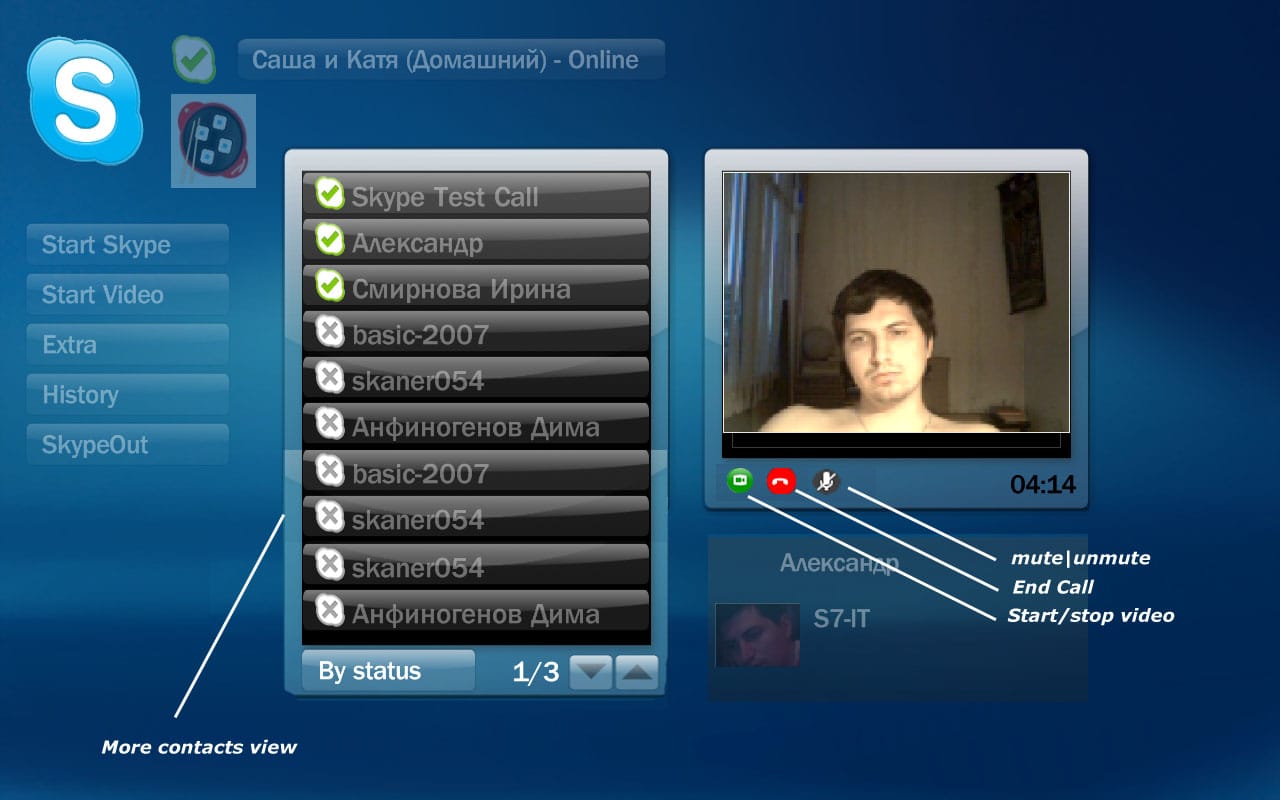
Skype4MP with video (1 Viewer)
- Thread starter Gixxer
- Start date

 Spain
Spain


Users who are viewing this thread
Similar threads
Hi Framug,
Thank you, you helped me a lot.
Hi Framug,
Thank you, you helped me a lot.
Hi,
i want to delete a video via the 0-Key (Zero). But other than the focus jumps to the top of the list nothing happens.
Then i...

Hi.
Als ich die neue Version von Media-Buddy fertig gestellt habe, habe ich auch mit FFMpeg 6 experimentiert. Ohne größere Anpassungen macht die Umstellung aber keinen Sinn, denn die mit FFMpeg 6 kodierten Videos haben bei zu FFMpeg 5 unveränderten Parametern große Probleme bei der Navigation innerhalb des Videos. Irgendwelche...
Hi.
Als ich die neue Version von Media-Buddy fertig gestellt habe, habe ich auch mit FFMpeg 6 experimentiert. Ohne größere...
Hi.
Als ich die neue Version von Media-Buddy fertig gestellt habe, habe ich auch mit FFMpeg 6 experimentiert. Ohne größere...
That’s not possible, MP2 is not YouTube. There are several skins with different appearance and skin settings. I really recommend you check the wiki first. Most things you ask are documented.
PS: A thumbnail should be shown if named correctly (see wiki again) and recognized by the importer. But it will be located within the OSD bar...
That’s not possible, MP2 is not YouTube. There are several skins with different appearance and skin settings. I really recommend...
Here is the video in screenshot, but when I click video nothing happened.

I have set VLC as external Player and set buffer there
I have set VLC as external Player and set buffer there
Is it possible to set buffer size for video rendering ?
I play videos via WLAN & Samba and it loads every 5 seconds 2 MB.
I want to...
That fixed the problem. I just manually installed VC_redist.x64.exe and reinstalled 1.32 64-bit. Thanks for that.
A couple of things; the deployment tool for 1.32 doesn't remove the previous version when you're updating from 1.31 to 1.32 and "MediaPortal TV Server" gets installed even when you choose to install the client only.
I...
That fixed the problem. I just manually installed VC_redist.x64.exe and reinstalled 1.32 64-bit. Thanks for that.
A couple of...
I have performed client installations of 1.32 64-Bit on four machines using the central configuration setup on Windows 10 Pro...