United States of America
My media PC client / LCD TV mount
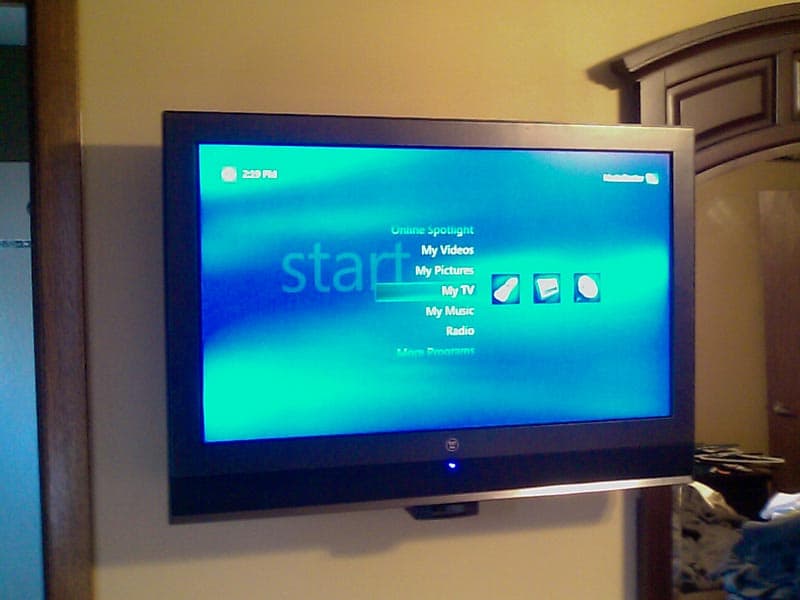
A while back, I purchased a 32" LCD for my master bedroom. I was planning on connecting a PC to is as a client of my main media PC, but didn't want a big ugly box stuffed somewhere. Also, I needed to mount it to the wall and found that "flush" LCD TV mounts are about an inch thick. Hmmm.... a "1U" rack-mount chassis is only 1.75" thick....
So, I decided to repurpose a spare 1U server chassis and turn it into a TV mount AND the client for the bedroom!
The chassis originally was designed for a (small) full-size ATX motherboard mounted sideways, and had pass-thru connections for two ethernet cables. (Was originally designed as a router/firewall box.)
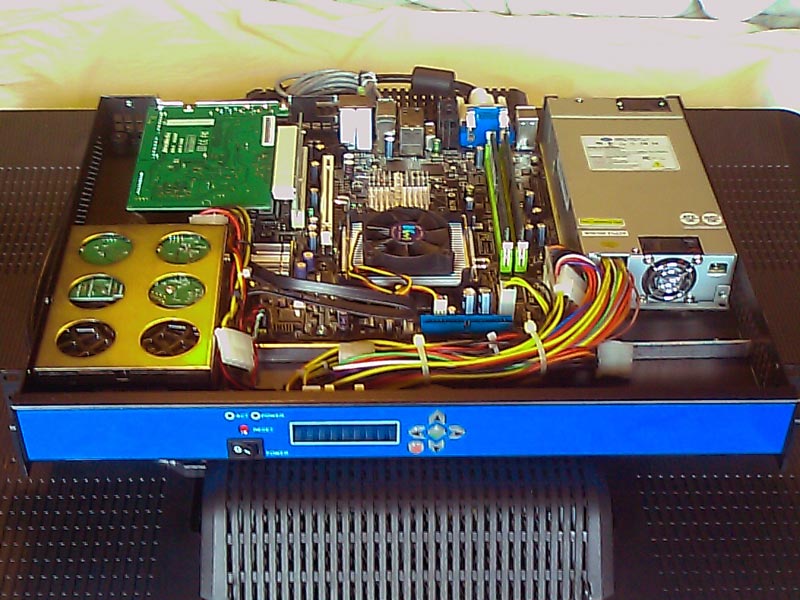
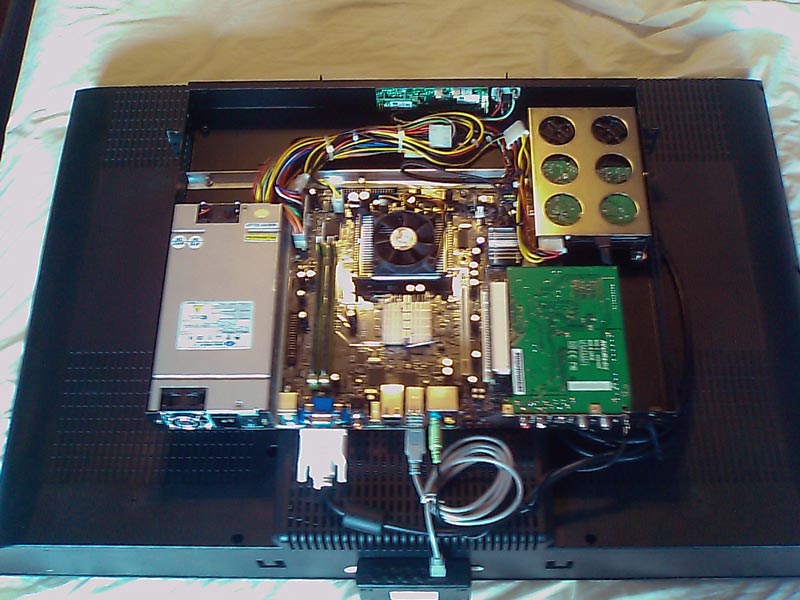
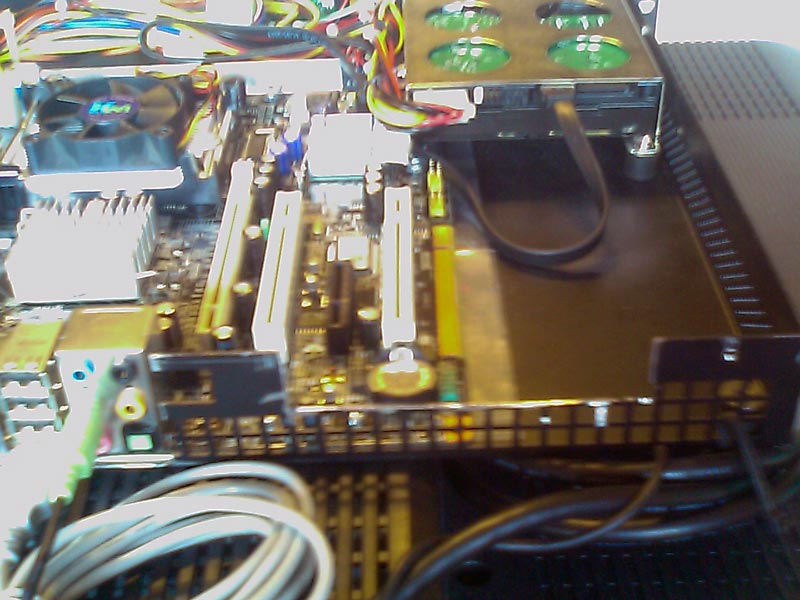
I ground off the original motherboard standoffs, cut out the rear of the case, and epoxied in new standoffs to fit a standard MicroATX board. It was not as simple a task as the one sentence above makes it sound! Quite a bit of planning, measuring, cutting, modifying the hard drive mount, removing cooling fans, making room for right angle PCI adapter & hard drive, etc.
The 1U 300W supply originally had two super-loud 40mm fans. I rewired them in series, cutting down the noise, but eventually replaced them with two much quiter units. I also reversed their flow, to send the heat UP and out.
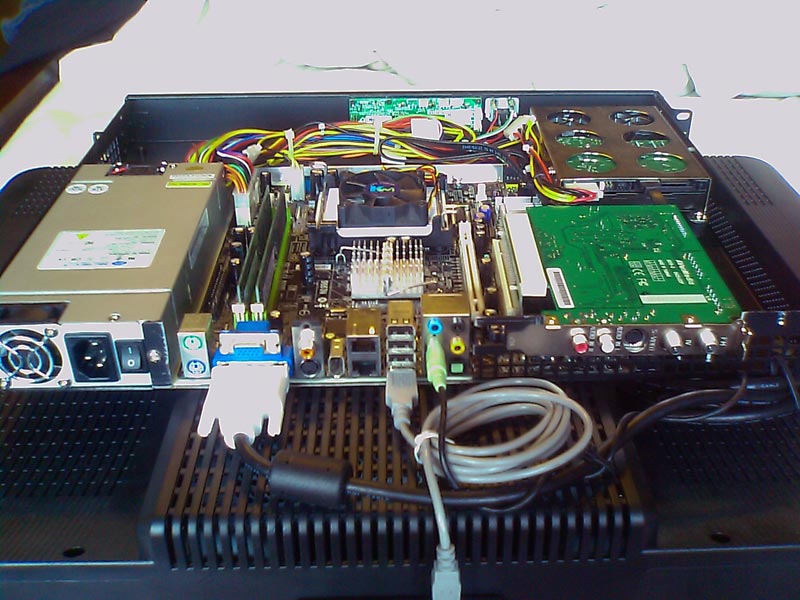
The motherboard is a "Notebook-on-Desktop" board I got as a sample a few years ago. A desktop form factor, but using a low-power notebook CPU. (Released before Core2Duo was available on the desktop). Intel integrated graphics, two gigabit, four SATA, and a couple of PCI slots. Im using a notebook Core2Duo chip from a scrapped notebook - a T7200, IIRC.
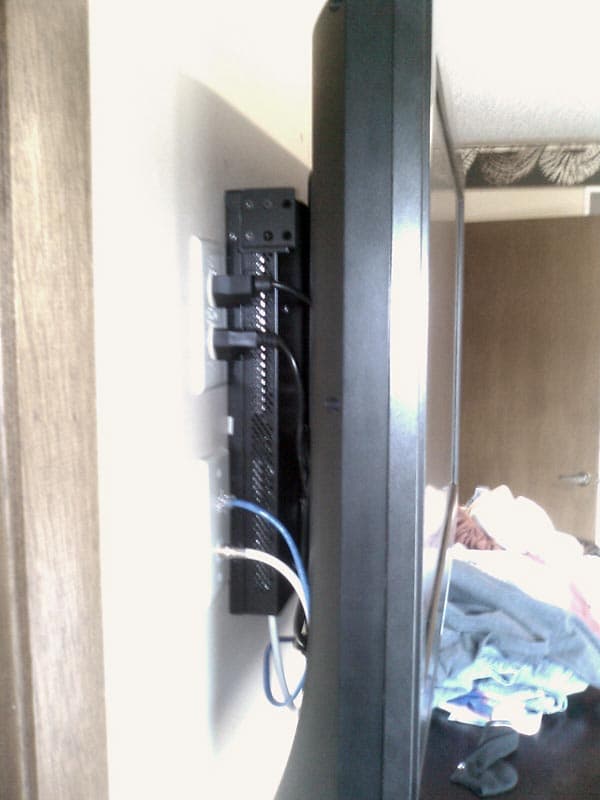
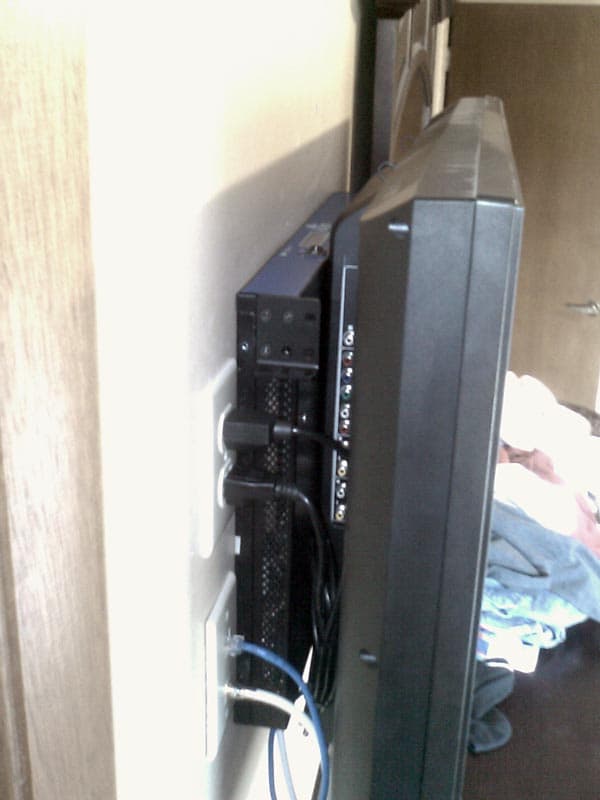
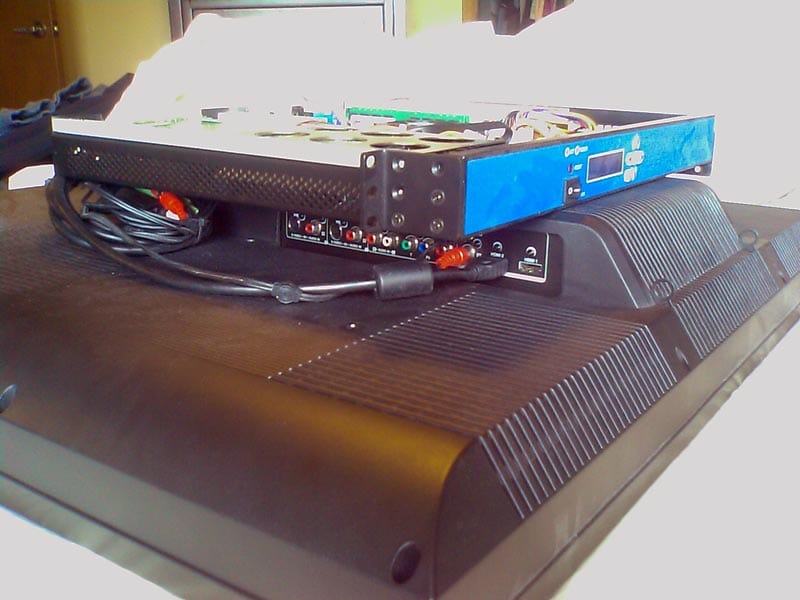
The chassis is mounted directly to the back of the TV. It took quite a bit of careful positioning to figure out where the mounting screws could be safely located under the motherboard, without touching any protruding components. Much trial and error found a suitable location that centered the chassis right/left, kept it obscured top/bottom, and didnt short out the motherboard in the process! I also installed an aluminum brace along two of the TV mounting screws to minimize twisting forces - the chassis wasnt designed to be load bearing in that orientation.
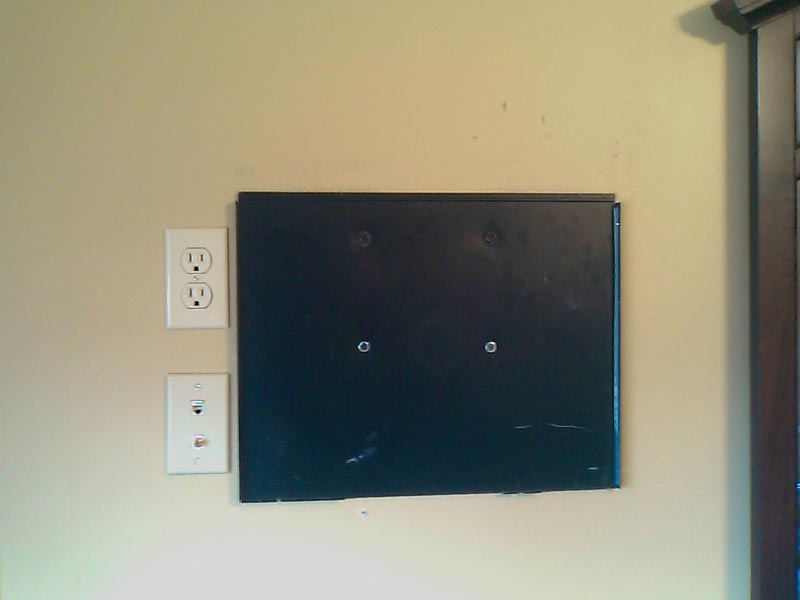
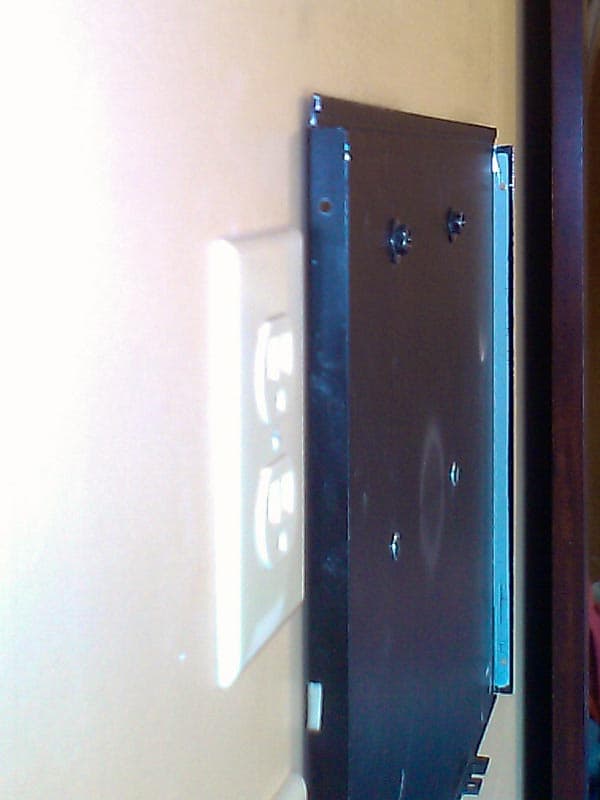
The top of the 1U chassis has a "tab" that slipped under a "lip" on the top/front of the case. This provided a perfect mechanism to hang the TV+PC on the wall. The thick metal and welded contruction of the chassis provide plenty of strength to hold up the completed unit.
These pics were taken when I was using XP:MCE2005. I've since converted to Vista Media Center, and am in the process of converting to MediaPortal (on XP) as we speak.
AWOL
A while back, I purchased a 32" LCD for my master bedroom. I was planning on connecting a PC to is as a client of my main media PC, but didn't want a big ugly box stuffed somewhere. Also, I needed to mount it to the wall and found that "flush" LCD TV mounts are about an inch thick. Hmmm.... a "1U" rack-mount chassis is only 1.75" thick....
So, I decided to repurpose a spare 1U server chassis and turn it into a TV mount AND the client for the bedroom!
The chassis originally was designed for a (small) full-size ATX motherboard mounted sideways, and had pass-thru connections for two ethernet cables. (Was originally designed as a router/firewall box.)
I ground off the original motherboard standoffs, cut out the rear of the case, and epoxied in new standoffs to fit a standard MicroATX board. It was not as simple a task as the one sentence above makes it sound! Quite a bit of planning, measuring, cutting, modifying the hard drive mount, removing cooling fans, making room for right angle PCI adapter & hard drive, etc.
The 1U 300W supply originally had two super-loud 40mm fans. I rewired them in series, cutting down the noise, but eventually replaced them with two much quiter units. I also reversed their flow, to send the heat UP and out.
The motherboard is a "Notebook-on-Desktop" board I got as a sample a few years ago. A desktop form factor, but using a low-power notebook CPU. (Released before Core2Duo was available on the desktop). Intel integrated graphics, two gigabit, four SATA, and a couple of PCI slots. Im using a notebook Core2Duo chip from a scrapped notebook - a T7200, IIRC.
The chassis is mounted directly to the back of the TV. It took quite a bit of careful positioning to figure out where the mounting screws could be safely located under the motherboard, without touching any protruding components. Much trial and error found a suitable location that centered the chassis right/left, kept it obscured top/bottom, and didnt short out the motherboard in the process! I also installed an aluminum brace along two of the TV mounting screws to minimize twisting forces - the chassis wasnt designed to be load bearing in that orientation.
The top of the 1U chassis has a "tab" that slipped under a "lip" on the top/front of the case. This provided a perfect mechanism to hang the TV+PC on the wall. The thick metal and welded contruction of the chassis provide plenty of strength to hold up the completed unit.
These pics were taken when I was using XP:MCE2005. I've since converted to Vista Media Center, and am in the process of converting to MediaPortal (on XP) as we speak.
AWOL