Hungary
-==Pictures Gallery Updated==--
Sentinel HTPC - Thermaltake HTPC System - Codename Thunderbolt
Hi allz
3 year, many trouble but here is my Thermaltake HTPC.
HTPC HW:
Mainboard: Gigabyte S-Series
CPU: AMD X2 3600+
Memory: 2x 1GB Kingston Ram in dual channel mode
HDD: Samsung 200GB
Video Card: ATI Radeon x1650 Silent Pipe II
Tv Tuner: Hauppague hvr-1300 DVB-T Hybrid
Power Supply: Thermaltake TR2 420W
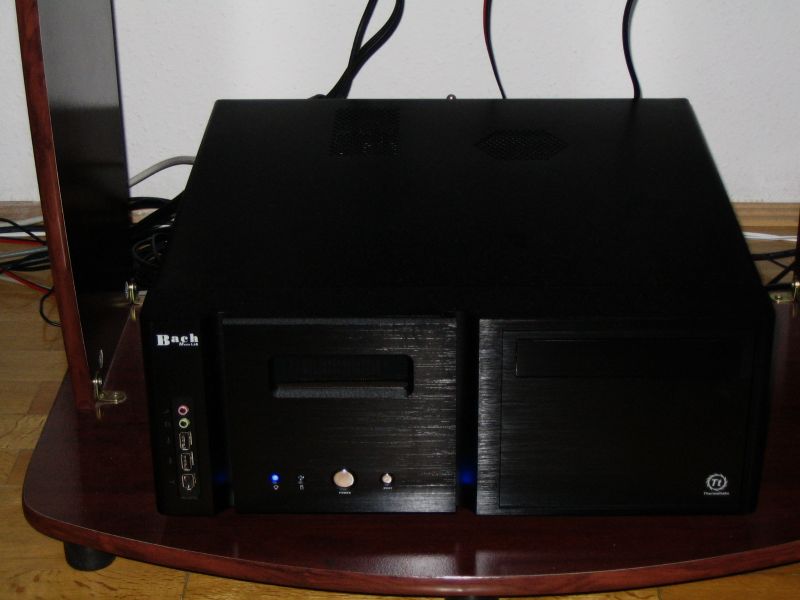
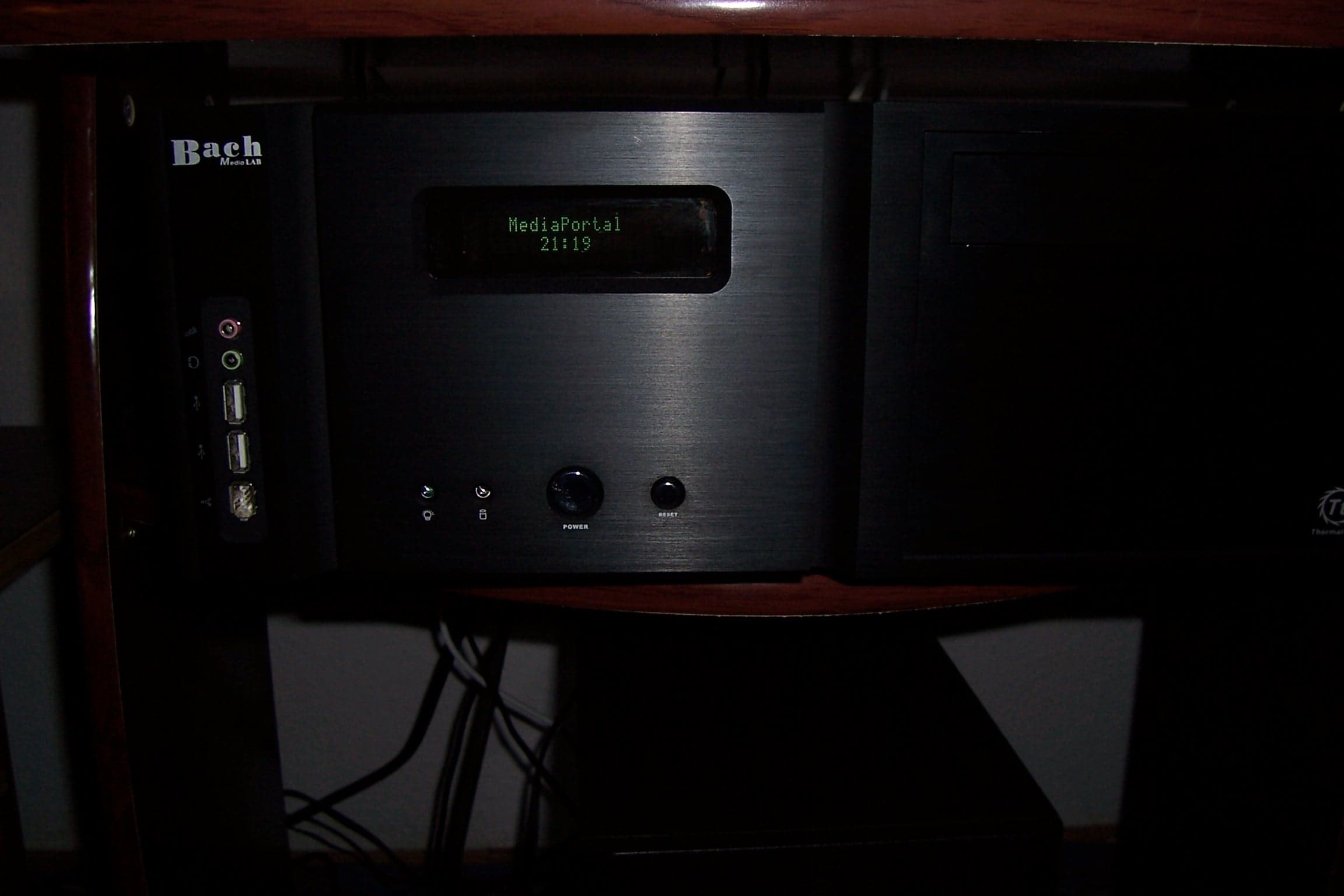
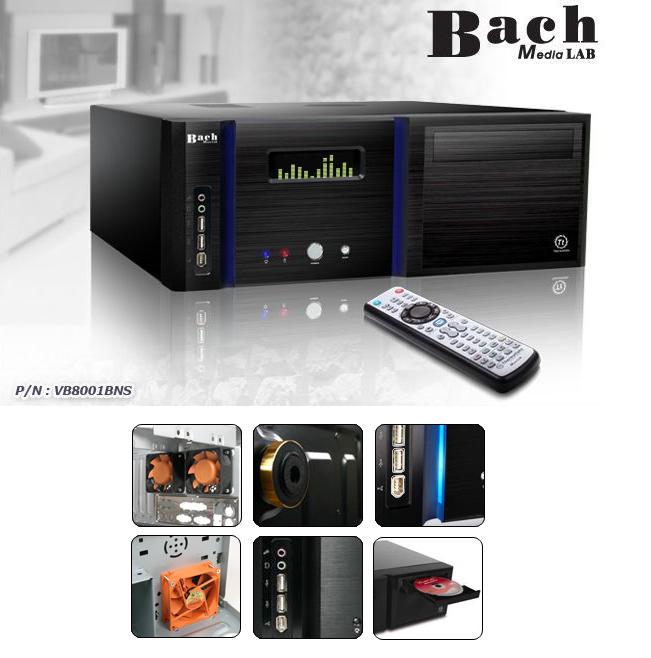
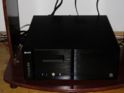
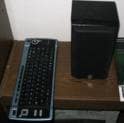
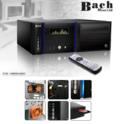
Case: Thermaltake Bach VB8001BNSD with Media Lab VFD
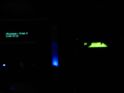
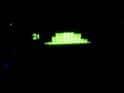
Extra addon: I have one parallel port controlled PLED panel, and this have the graphic equalizer function
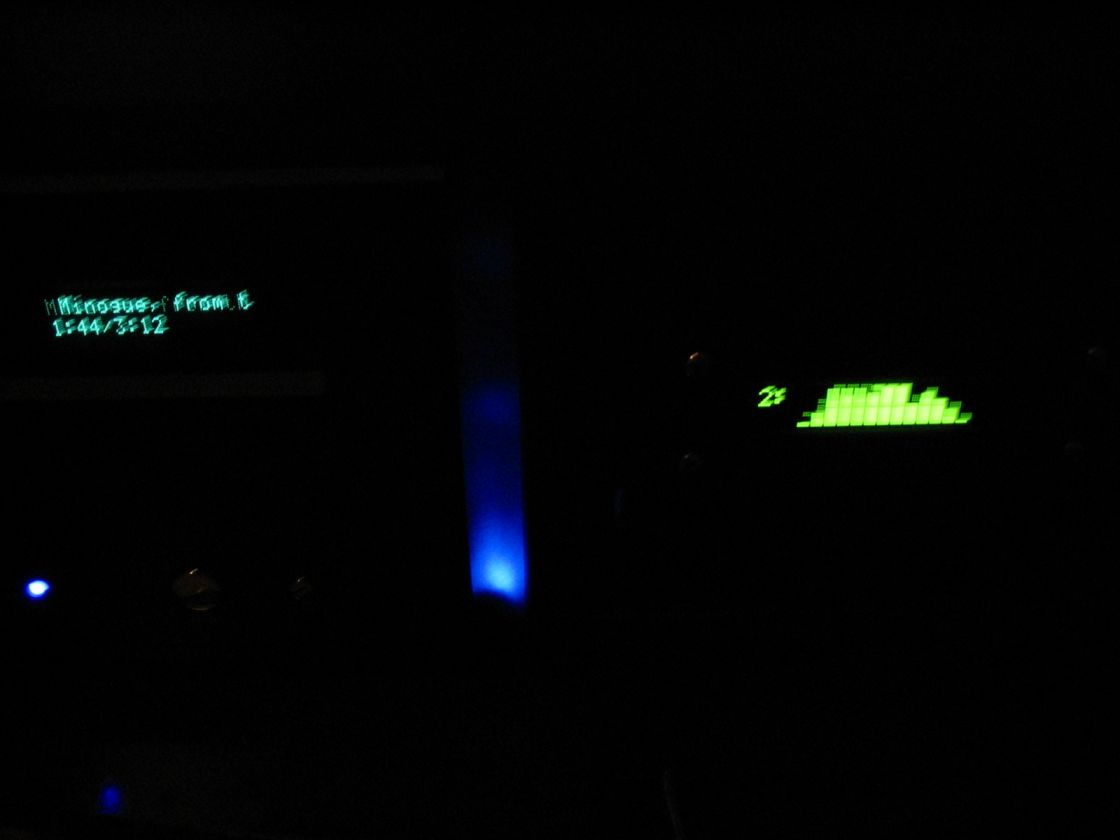
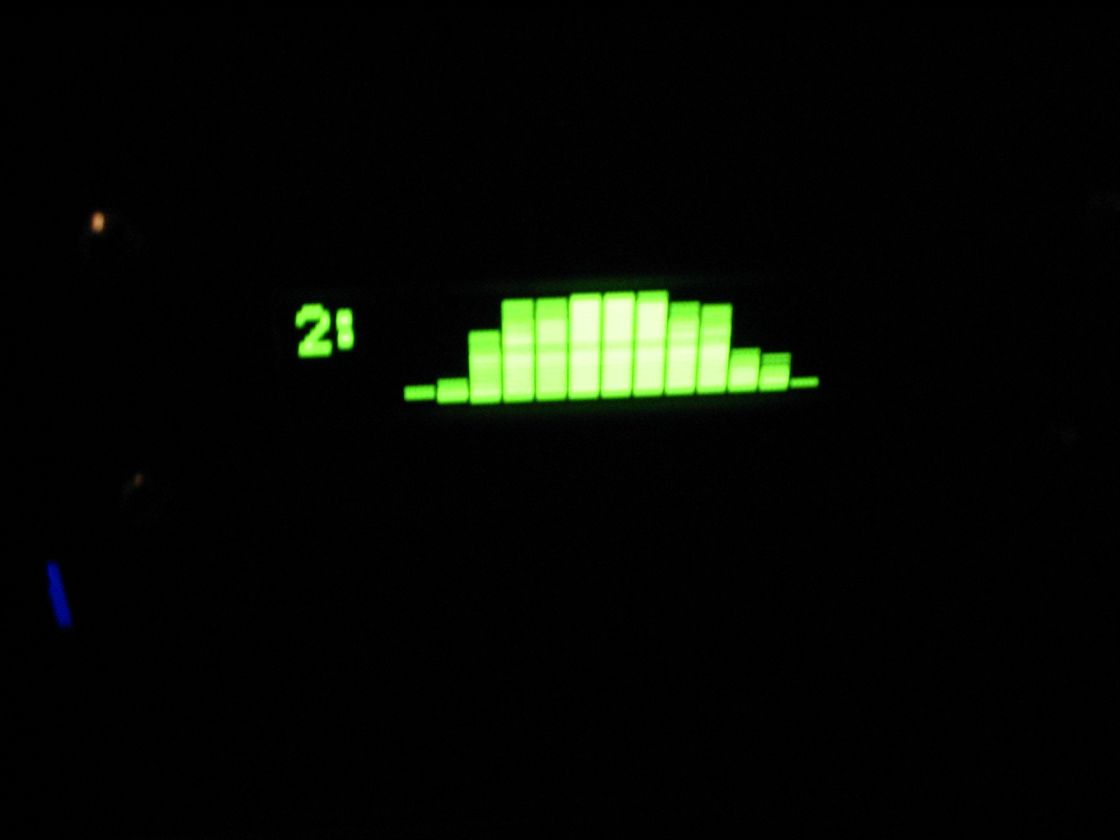
 MediaPortal dont have graphic eq with the fronview plugin (the square head frontview plugin programmer say me, "some users have slower lcd panel" ) , i have installated the winamp spectrum analyser plugin (support parallel port LCD panel) and if select in the MP configuration/plugin the winamp player if i play music i can see the eq. My extra front panel controlled from the parallel port.This lcd panel have another features: id3 tag view,system time...
Cooling System: Thermaltake
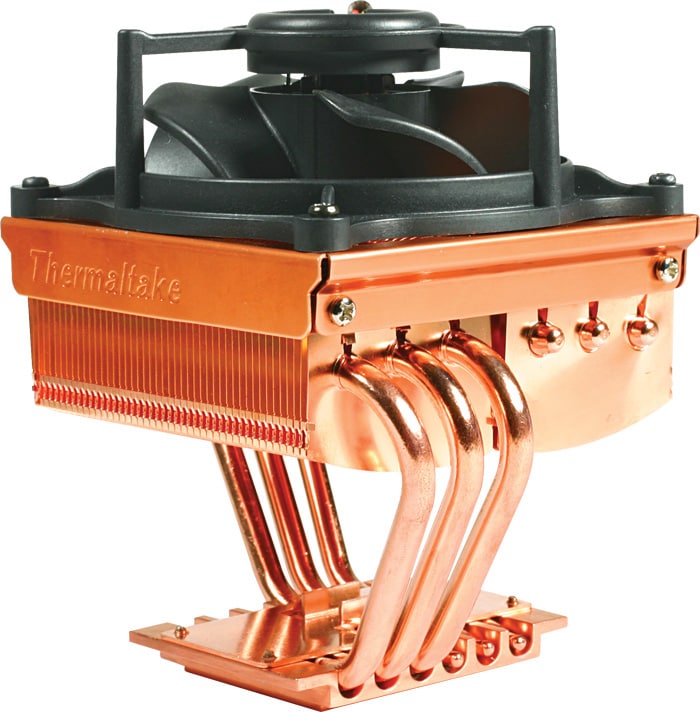
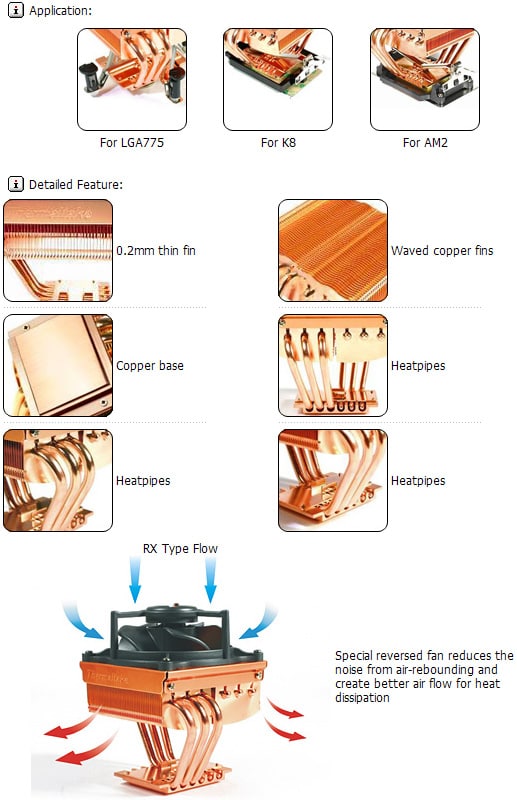
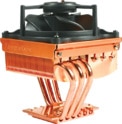
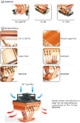
CPU: Thermaltake Mini Typhoon Reverse Blade Fan with heatpipes
Case/mainboard: 8cm Thermaltake Smart Case Fan
HDD/GPU 2x 8cm Tt fan
Summ Noise < 21dB -> silent operation
All cooler controled with PCI slot Potmeter to a slower speed-> warm days you can add more cooling power
<B>Sound System:</B>
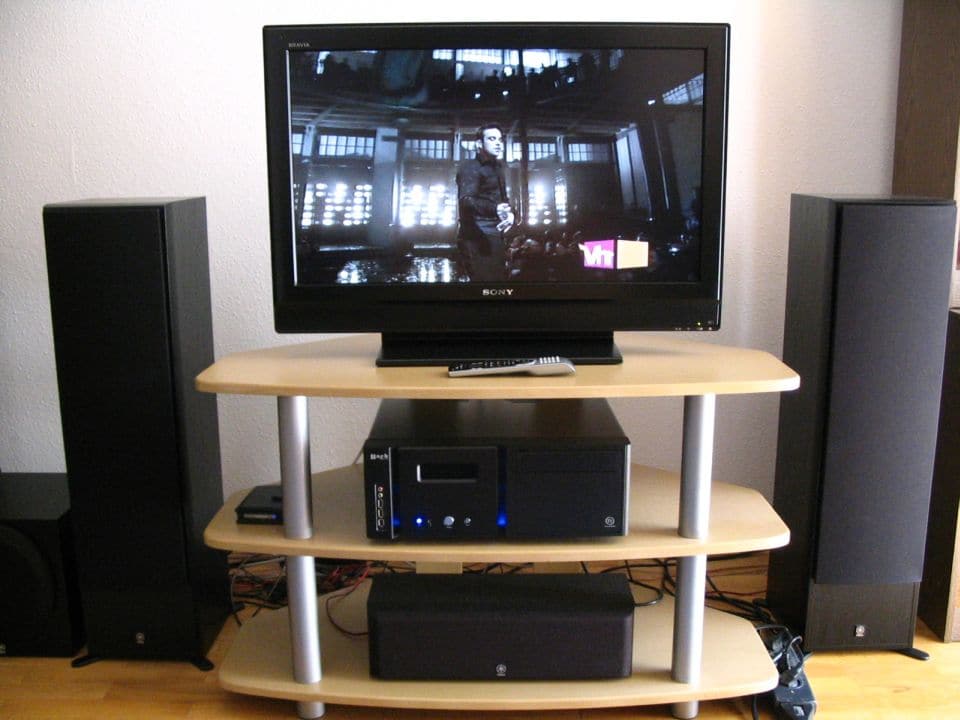
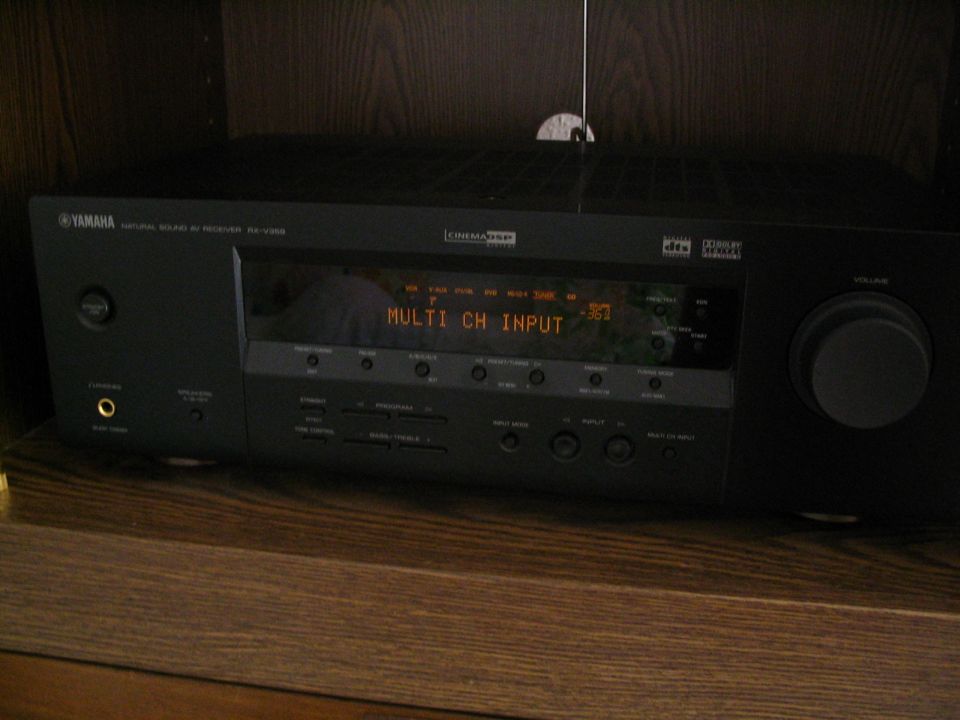
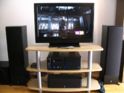
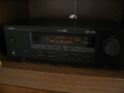
AV Receiver: Yamaha RXV-359, 5.1 - 100W /channels
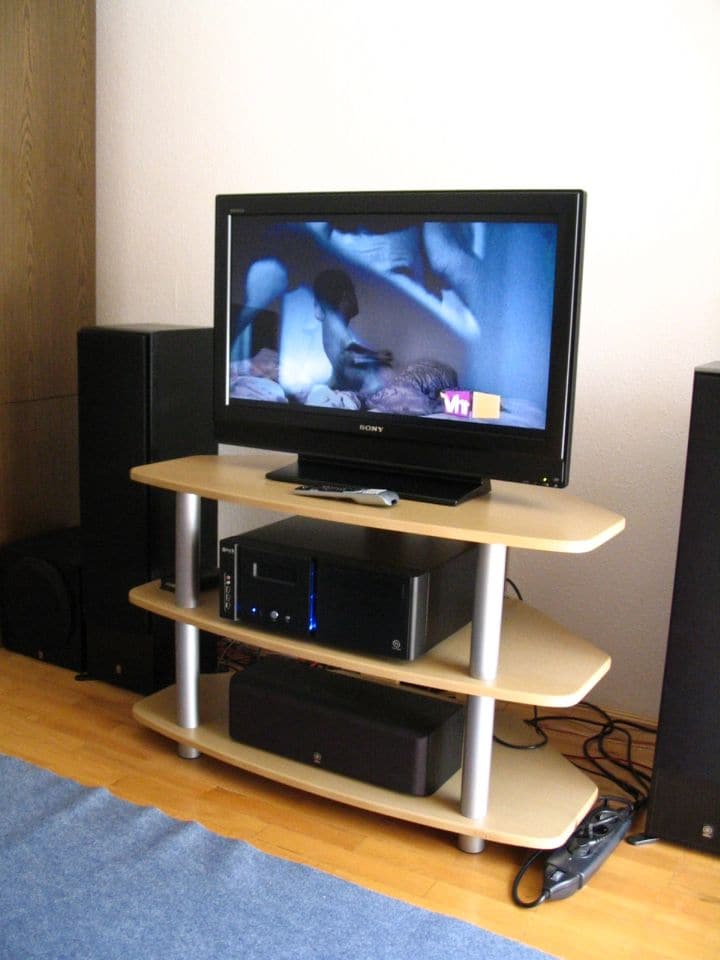
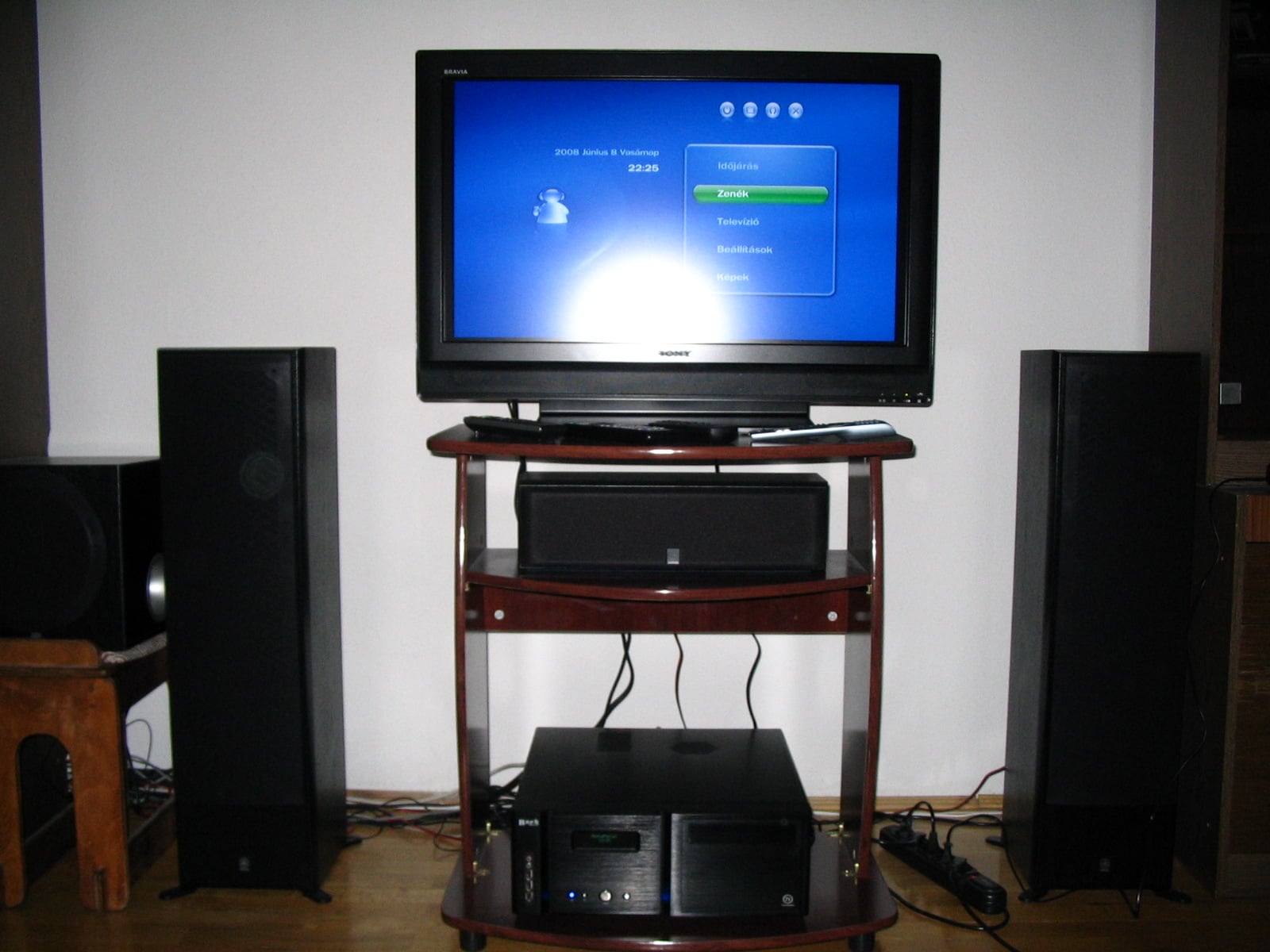
The AV receiver have connection with the Sony BRAVIA and with the HTPC.
Speakers:
Front: 2x Yamaha NS-50F
Sub: YST-SW012 with Yamaha Active Servo Technology II
Rear+Center Yamaha - NS-P60
Monitor/LCD TV:
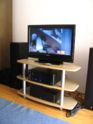
Sony KDL-32P3000 Bravia LCD TV and i have one separated Samsung crt monitor on the second dvi.
Connection with HTPC : DVI->HDMI
TV viewing modes:
1.,With Sony BRAVIA+Yamaha AV Receiver -> if i dont want record or dvd view
2.,HTPC with Timeshift and with TV Guide option+Sony BRAVIA+Yamaha AV receiver -> if i need all htpc option
Controll:
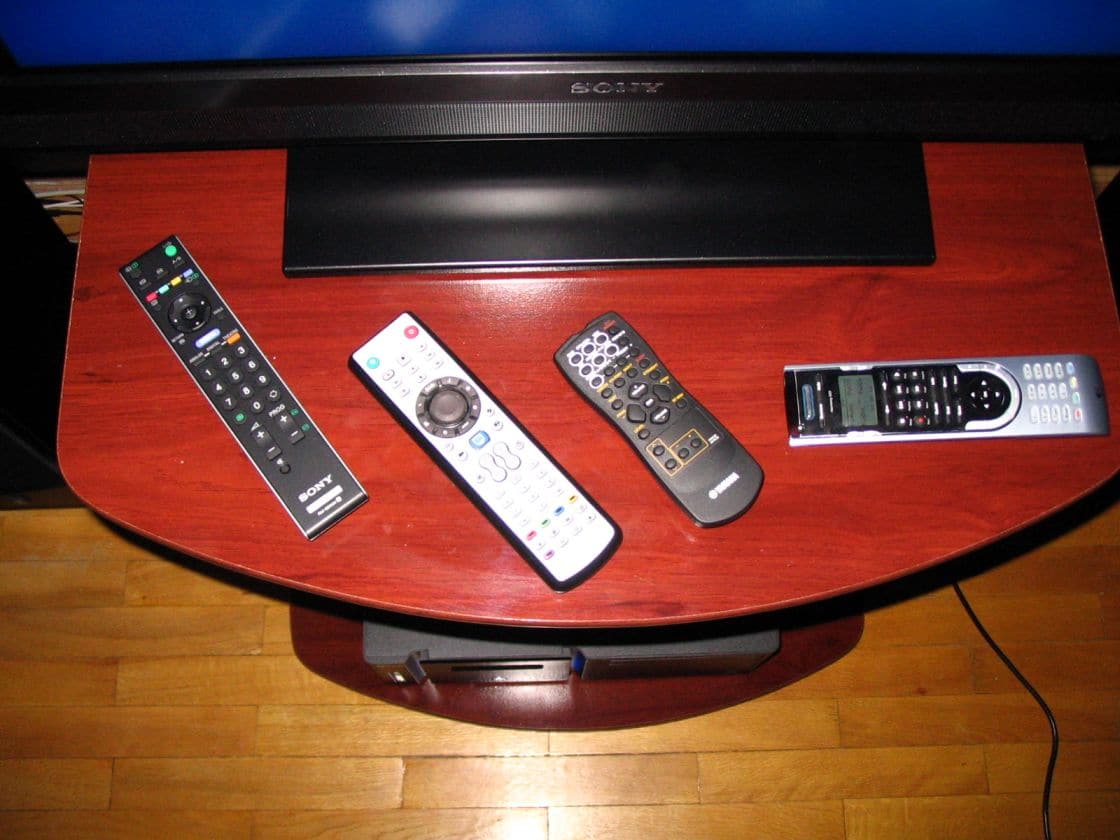
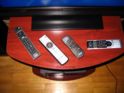
All htpc component have separated remote but i have the Logitech Harmony 525, and i can controll all system component with one remote
I have two method if i need keyboard:
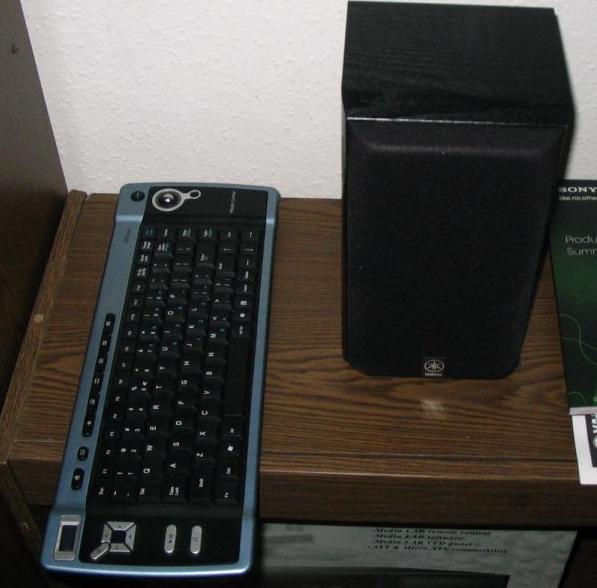
1.,Thrust Vista HTPC Keyboard with Intagrated Trackball mouse
2.,Normal PS2 A4Tech Game Master Desktop Keyboard+Mouse if i want play
HTPC Software
Remote: Thermaltake/ iMON / Logitech Harmony 525
PC: Windows XP Sp2 with MediaPortal 1.0.0.0 RC2
TV Guide: xmltv
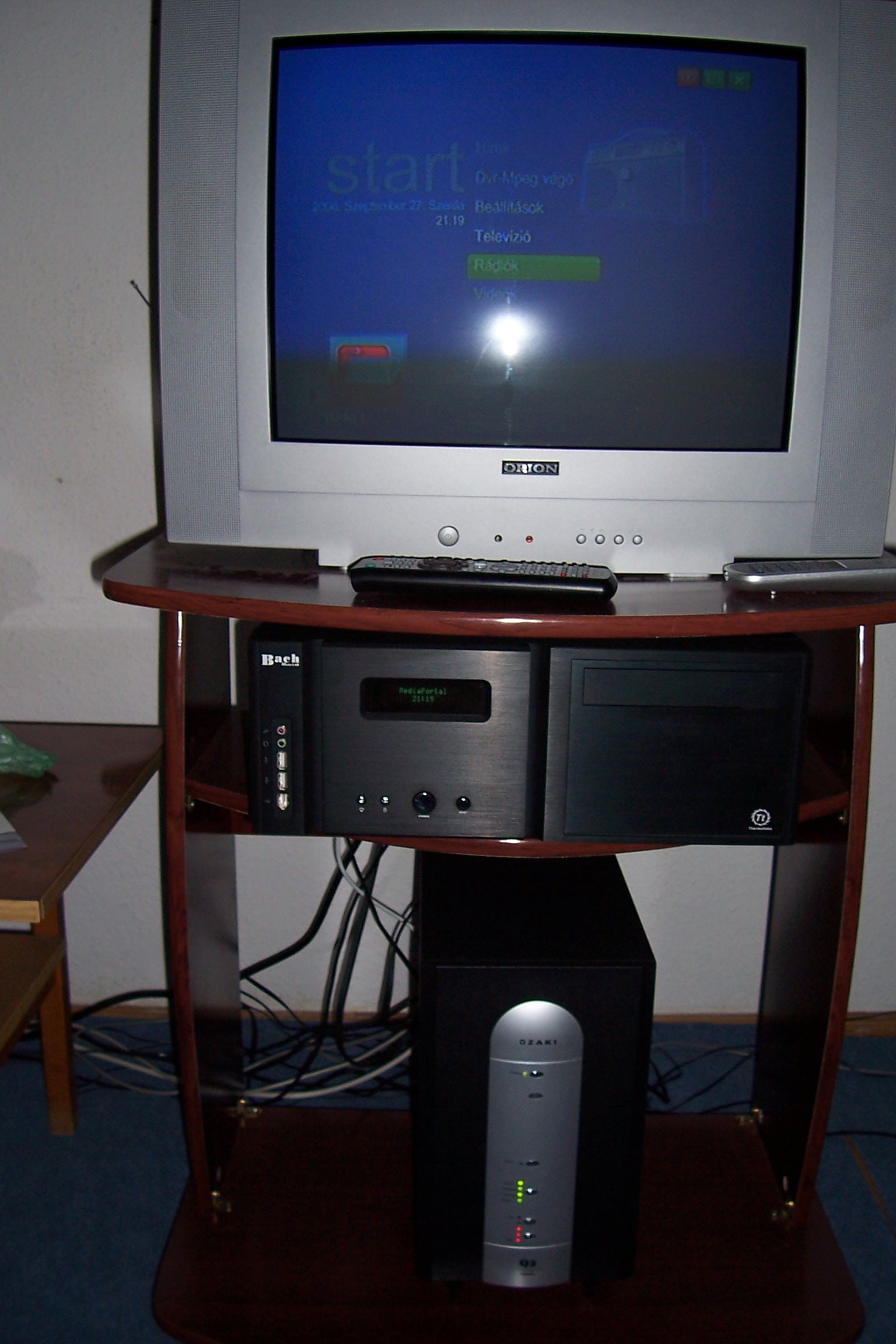
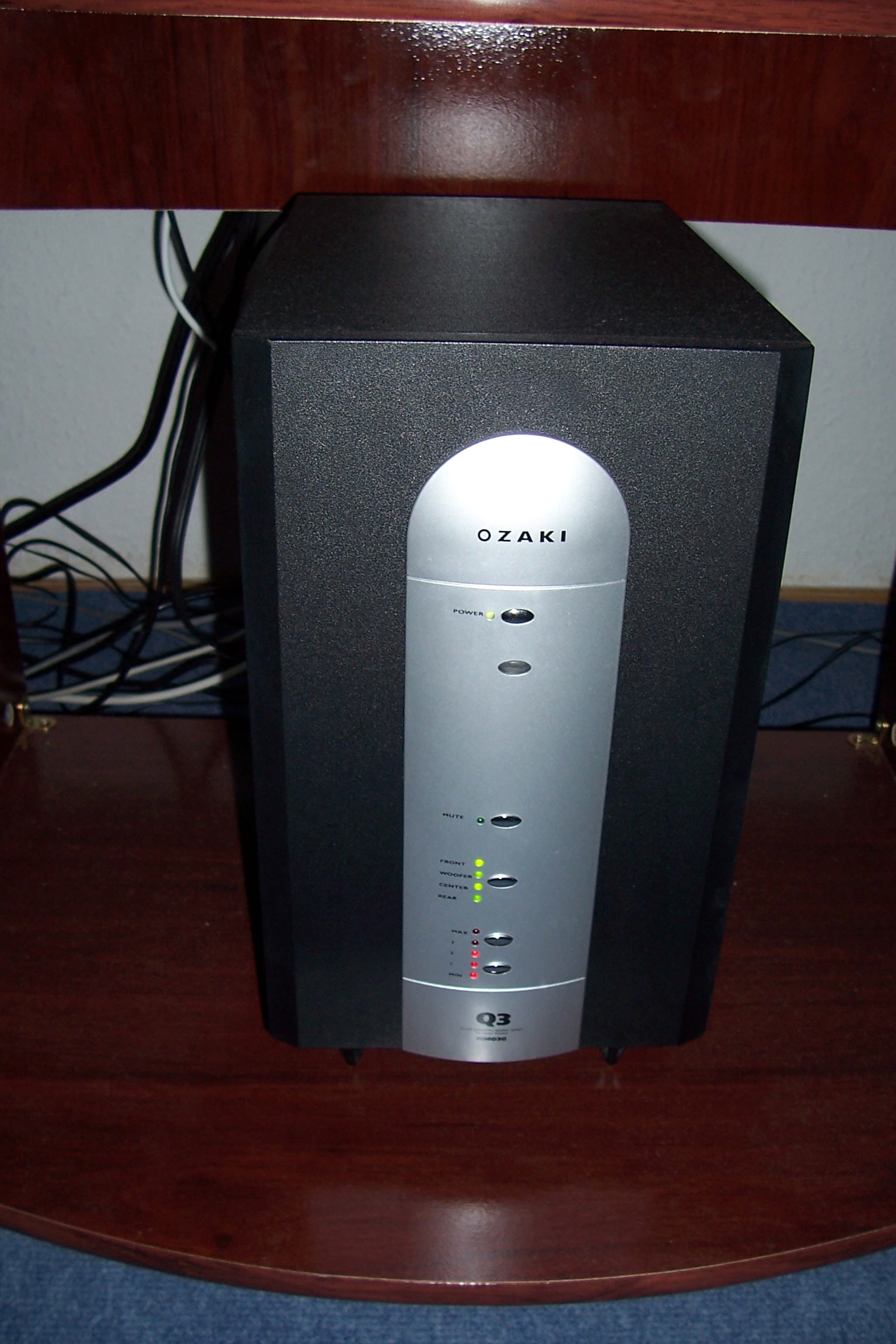
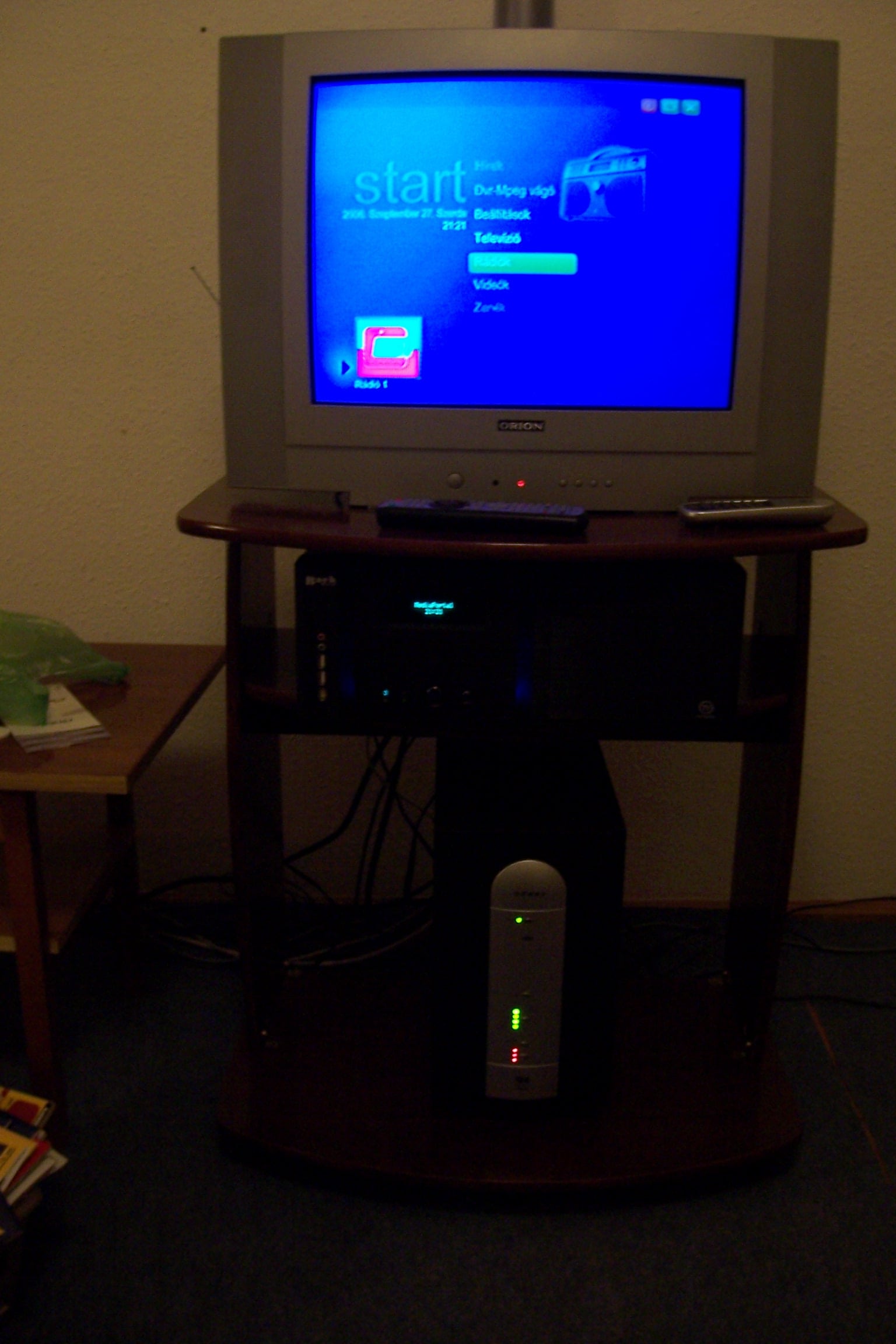
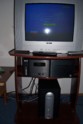
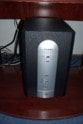
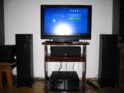
Picture gallery: First pictures: currently state, the final five picture you can see my system evolution. First time Orion 55cm CRT TV and dItália HTPC Tower, and Ozaki 5.1 Sound System. After i buy my receiver, and my speakers and finaly my new multimedia tower.
Thank you MediaPortal, and big thank you RTV and to all programmer, tester
-=respect=-
Sentinel HTPC - Thermaltake HTPC System - Codename Thunderbolt
Hi allz
3 year, many trouble but here is my Thermaltake HTPC.
HTPC HW:
Mainboard: Gigabyte S-Series
CPU: AMD X2 3600+
Memory: 2x 1GB Kingston Ram in dual channel mode
HDD: Samsung 200GB
Video Card: ATI Radeon x1650 Silent Pipe II
Tv Tuner: Hauppague hvr-1300 DVB-T Hybrid
Power Supply: Thermaltake TR2 420W
Case: Thermaltake Bach VB8001BNSD with Media Lab VFD
Extra addon: I have one parallel port controlled PLED panel, and this have the graphic equalizer function
MediaPortal dont have graphic eq with the fronview plugin (the square head frontview plugin programmer say me, "some users have slower lcd panel" ) , i have installated the winamp spectrum analyser plugin (support parallel port LCD panel) and if select in the MP configuration/plugin the winamp player if i play music i can see the eq. My extra front panel controlled from the parallel port.This lcd panel have another features: id3 tag view,system time...Cooling System: Thermaltake
CPU: Thermaltake Mini Typhoon Reverse Blade Fan with heatpipes
Case/mainboard: 8cm Thermaltake Smart Case Fan
HDD/GPU 2x 8cm Tt fan
Summ Noise < 21dB -> silent operation
All cooler controled with PCI slot Potmeter to a slower speed-> warm days you can add more cooling power
<B>Sound System:</B>
AV Receiver: Yamaha RXV-359, 5.1 - 100W /channels
The AV receiver have connection with the Sony BRAVIA and with the HTPC.
Speakers:
Front: 2x Yamaha NS-50F
Sub: YST-SW012 with Yamaha Active Servo Technology II
Rear+Center Yamaha - NS-P60
Monitor/LCD TV:
Sony KDL-32P3000 Bravia LCD TV and i have one separated Samsung crt monitor on the second dvi.
Connection with HTPC : DVI->HDMI
TV viewing modes:
1.,With Sony BRAVIA+Yamaha AV Receiver -> if i dont want record or dvd view
2.,HTPC with Timeshift and with TV Guide option+Sony BRAVIA+Yamaha AV receiver -> if i need all htpc option
Controll:
All htpc component have separated remote but i have the Logitech Harmony 525, and i can controll all system component with one remote
I have two method if i need keyboard:
1.,Thrust Vista HTPC Keyboard with Intagrated Trackball mouse
2.,Normal PS2 A4Tech Game Master Desktop Keyboard+Mouse if i want play
HTPC Software
Remote: Thermaltake/ iMON / Logitech Harmony 525
PC: Windows XP Sp2 with MediaPortal 1.0.0.0 RC2
TV Guide: xmltv
Picture gallery: First pictures: currently state, the final five picture you can see my system evolution. First time Orion 55cm CRT TV and dItália HTPC Tower, and Ozaki 5.1 Sound System. After i buy my receiver, and my speakers and finaly my new multimedia tower.
Thank you MediaPortal, and big thank you RTV and to all programmer, tester
-=respect=-
Attachments
-
 completHTPC1.jpg94.8 KB
 -
 completHTPC2.jpg83.8 KB
 -
 yamahareceiver.jpg68.7 KB
 -
 htpc1case.jpg45.9 KB
 -
 htpc2rearleft.jpg44 KB
 -
 htpc4eqandfrontv.jpg30.2 KB
 -
 htpc5remoteparadise.jpg134.4 KB
 -
 htpc4eq.jpg24.2 KB
 -
 100_1623.JPG264 KB
 -
 old1.JPG430.2 KB
 -
 old2.JPG521.3 KB
 -
 old4.JPG394.9 KB
 -
 old5.jpg392.1 KB
 -
 tt-mini-typhoon-2.jpg162.3 KB
 -
 tt-mini-typhoon-3.jpg143.4 KB
 -
 Ttbach2.JPG45.9 KB