- November 5, 2008
- 13
- 3
- Home Country
-
 Spain
Spain
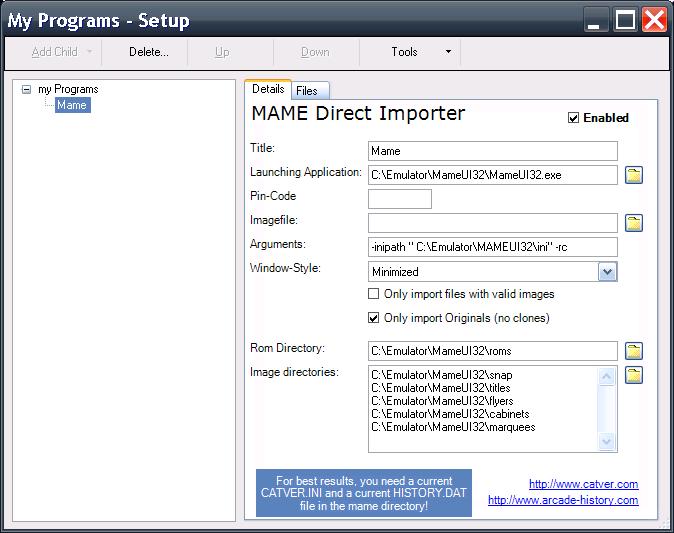
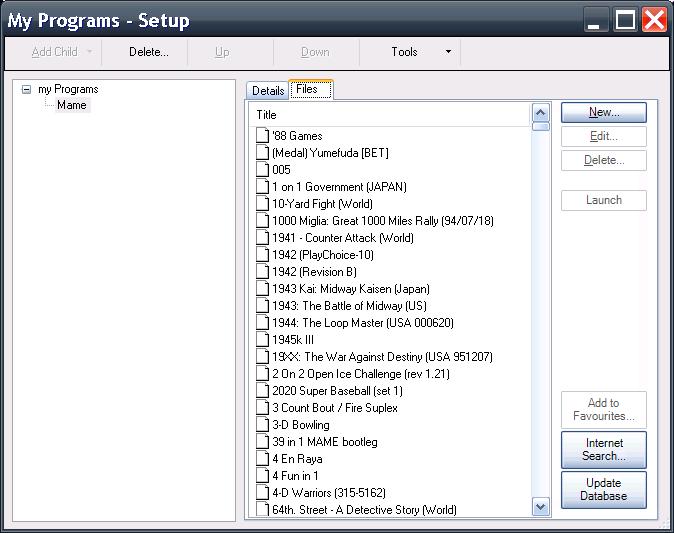
Do you want update the database of myEmulators in a few minutes?
With this process you will get Description, Year and Company of the games.
Genre isn't available
First you need this:
Download the last version of MAME from here:
MAME | Latest MAME Release
Now mame0128b.exe, extract the files, you only need mame.exe
Download TWXML2CSV from here:
Alle Programme von www.wenzlaff.de mit Pad Datei
Unzip twxml2csv1.1.zip, you only need xml2csv.exe
Download the last version of sqlite from here:
SQLite Download Page
Now sqlite-3_6_6_1.zip, extract the files, you only need sqlite3.exe
Download a batch file to update the database.
View attachment 29342
Or download this compressed file with the programs : MEGAUPLOAD
the applications are public domain or freeware.
Second, make a folder with the files and a copy of myEmulators3.db3
and run update.bat
>mame.exe
>myEmulators3.db3
>sqlite3.exe
>update.bat
>xml2csv.exe
Your database is updated. Rename the original database (backup),
copy the new and run MediaPortal.
With myEmulators 2.0 this batch works fine, only need change
"myEmulators3.db3" for "myEmulators.db3" in update.bat.

Explaining the batch:
-Extract information of the games from MAME, one XML of 30mb.
-xml2csv transform XML in CSV with ";" like separator, some games have
a "," in the description.
-SQLite3 search each game of myEmulators database (knights.zip) in a
MAME information, and get Description, Year and Company.
Thanks JC for your help
With this process you will get Description, Year and Company of the games.
Genre isn't available
First you need this:
Download the last version of MAME from here:
MAME | Latest MAME Release
Now mame0128b.exe, extract the files, you only need mame.exe
Download TWXML2CSV from here:
Alle Programme von www.wenzlaff.de mit Pad Datei
Unzip twxml2csv1.1.zip, you only need xml2csv.exe
Download the last version of sqlite from here:
SQLite Download Page
Now sqlite-3_6_6_1.zip, extract the files, you only need sqlite3.exe
Download a batch file to update the database.
View attachment 29342
Or download this compressed file with the programs : MEGAUPLOAD
the applications are public domain or freeware.
Second, make a folder with the files and a copy of myEmulators3.db3
and run update.bat
>mame.exe
>myEmulators3.db3
>sqlite3.exe
>update.bat
>xml2csv.exe
Your database is updated. Rename the original database (backup),
copy the new and run MediaPortal.
With myEmulators 2.0 this batch works fine, only need change
"myEmulators3.db3" for "myEmulators.db3" in update.bat.
Explaining the batch:
-Extract information of the games from MAME, one XML of 30mb.
-xml2csv transform XML in CSV with ";" like separator, some games have
a "," in the description.
-SQLite3 search each game of myEmulators database (knights.zip) in a
MAME information, and get Description, Year and Company.
Thanks JC for your help