
You are using an out of date browser. It may not display this or other websites correctly.
You should upgrade or use an alternative browser.
You should upgrade or use an alternative browser.
SmartPlaylists (1.1.4.7) (1 Viewer)
- Thread starter fabien44
- Start date

- January 3, 2008
- 683
- 54
- Home Country
-
 Germany
AW: Re: SmartPlaylists (1.1.4.1)
Now it works, great work !!
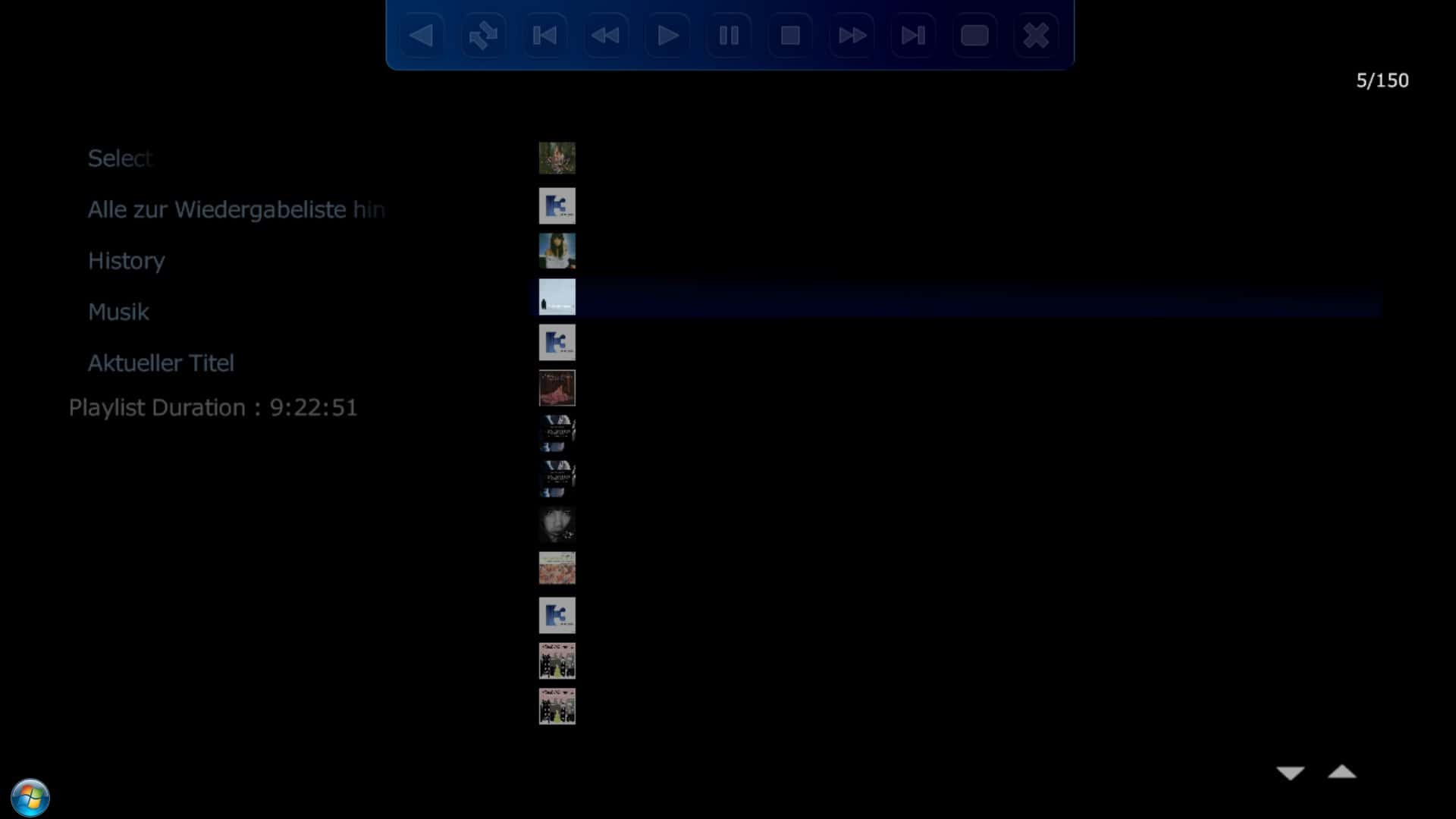
There is only one small bug, it shows in The Plugin-View with the Playlist always the same Cover. You can see in the attachted Screenshot. I use the Cover in the ID3Tag, maybee this can help
I have released a new version, try and tell me if it works.
Now it works, great work !!
There is only one small bug, it shows in The Plugin-View with the Playlist always the same Cover. You can see in the attachted Screenshot. I use the Cover in the ID3Tag, maybee this can help

Re: SmartPlaylists (1.1.4.1)
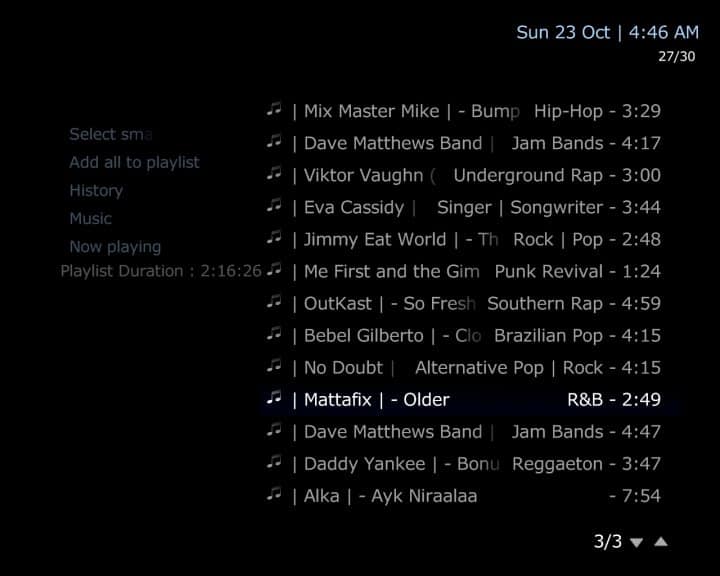
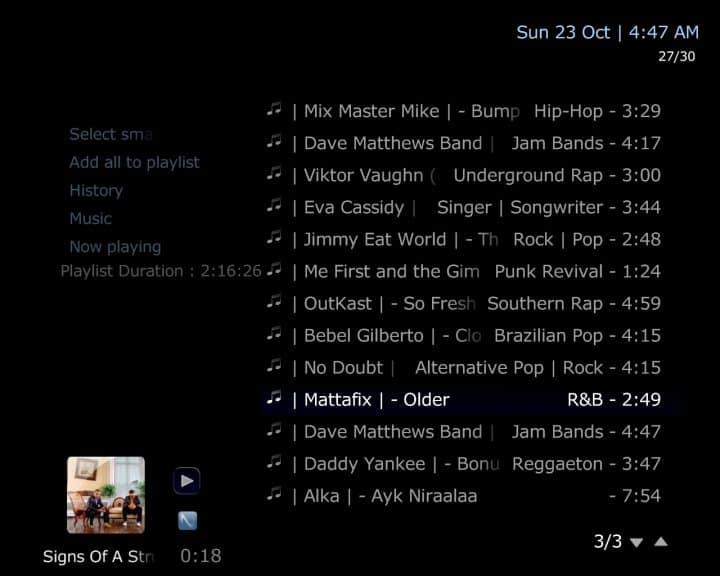
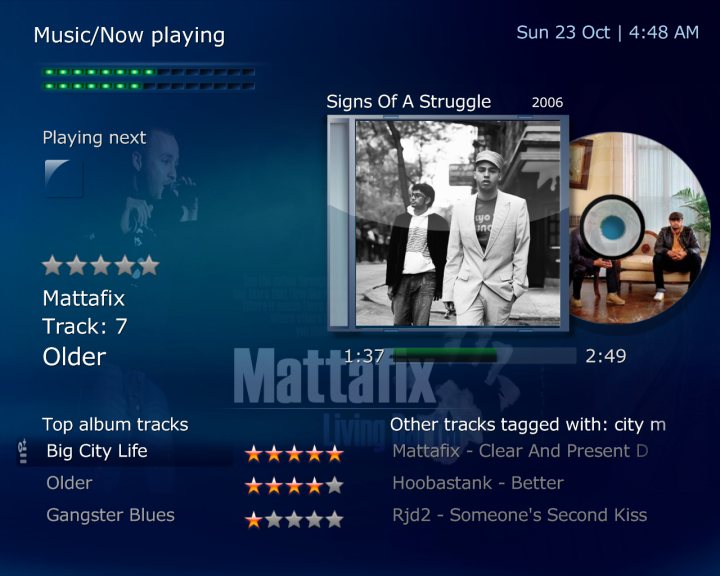
Now Playing works great now in 1.4.1.1 fabien44, thanks! (see screenshot SmartPlaylists_Now Playing)
However, I have the same issue as IchBinsShort - I used ID3 tags for covers and Smart Playlists never displays thumbs for me at all (see attached screenshot SmartPlaylists). Global Search never used to either until ltfearme fixed it in latest versions. Once I play a track I do get thumbs in the music/media overlay (see screenshot SmartPlaylistsPlaying). BUT, when I am in Smart Playlists none of the playback controls work for me (Pause, FF/Rew, Skip/Back etc). They all just start replaying the track (and I lose some properties in Now Playing then). If I just play the track and go directly to Now playing, all is fine and all the playback controls work fine there, but not if I go back to Smart Playlists.
I don't get any error message in error.log when I try to pause a track, but I attached MediaPortal.log for you in case it tells you something. It looks to me like it says it paused it correctly, but in fact the track restarts playback from the beginning.
Now Playing works great now in 1.4.1.1 fabien44, thanks! (see screenshot SmartPlaylists_Now Playing)
However, I have the same issue as IchBinsShort - I used ID3 tags for covers and Smart Playlists never displays thumbs for me at all (see attached screenshot SmartPlaylists). Global Search never used to either until ltfearme fixed it in latest versions. Once I play a track I do get thumbs in the music/media overlay (see screenshot SmartPlaylistsPlaying). BUT, when I am in Smart Playlists none of the playback controls work for me (Pause, FF/Rew, Skip/Back etc). They all just start replaying the track (and I lose some properties in Now Playing then). If I just play the track and go directly to Now playing, all is fine and all the playback controls work fine there, but not if I go back to Smart Playlists.
I don't get any error message in error.log when I try to pause a track, but I attached MediaPortal.log for you in case it tells you something. It looks to me like it says it paused it correctly, but in fact the track restarts playback from the beginning.
Attachments
AW: SmartPlaylists (1.1.4.1)
Hello Fabien,
thanks for your work, but I have a question to your skin. The skin is always black! Maybe it is nicer, when the skin is equal to the Default Wide-Skin. The default-skin color is blue.
Another problem is, that the Artist- and Genre-Informations aren't visible, when I scroll down in the list of results, sometimes. You can see it in my attached screenshot.
Hello Fabien,
thanks for your work, but I have a question to your skin. The skin is always black! Maybe it is nicer, when the skin is equal to the Default Wide-Skin. The default-skin color is blue.
Another problem is, that the Artist- and Genre-Informations aren't visible, when I scroll down in the list of results, sometimes. You can see it in my attached screenshot.
Attachments
[solved] AW: SmartPlaylists (1.1.4.2)
Good evening,
thanks for the new version of SmartPlaylist. I installed it today but as also mentioned above I have problems with the MyMusicPlayingNow.xml. None of the fields in this screen will refresh a new playing title. This is happening since I installed SmartPlaylist.
Any idea waht this could be?
Thanks for your help.
Harry
Good evening,
thanks for the new version of SmartPlaylist. I installed it today but as also mentioned above I have problems with the MyMusicPlayingNow.xml. None of the fields in this screen will refresh a new playing title. This is happening since I installed SmartPlaylist.
Any idea waht this could be?
Thanks for your help.
Harry
Great news! Works like a charm here!
I edited the title for you fabien44 - you have to go to 'More Options' in edit to do it now in XenForo. If that doesn't work for you, maybe you should message infinite loop or our new Forum Mod Boss, Paranoid Delusion, as there might be something wrong with your 'privileges' in the new forum? Your title should probably display as community developer?
I edited the title for you fabien44 - you have to go to 'More Options' in edit to do it now in XenForo. If that doesn't work for you, maybe you should message infinite loop or our new Forum Mod Boss, Paranoid Delusion, as there might be something wrong with your 'privileges' in the new forum? Your title should probably display as community developer?

Installing the latest version form the MPE1 file from the repository results in a dependancy error for smartplaylists.dll
Also - this doesn't appear in the MPEI list of known plugins...
Also - this doesn't appear in the MPEI list of known plugins...
Users who are viewing this thread
Online now: 2 (members: 0, guests: 2)