Hi Owlsroost
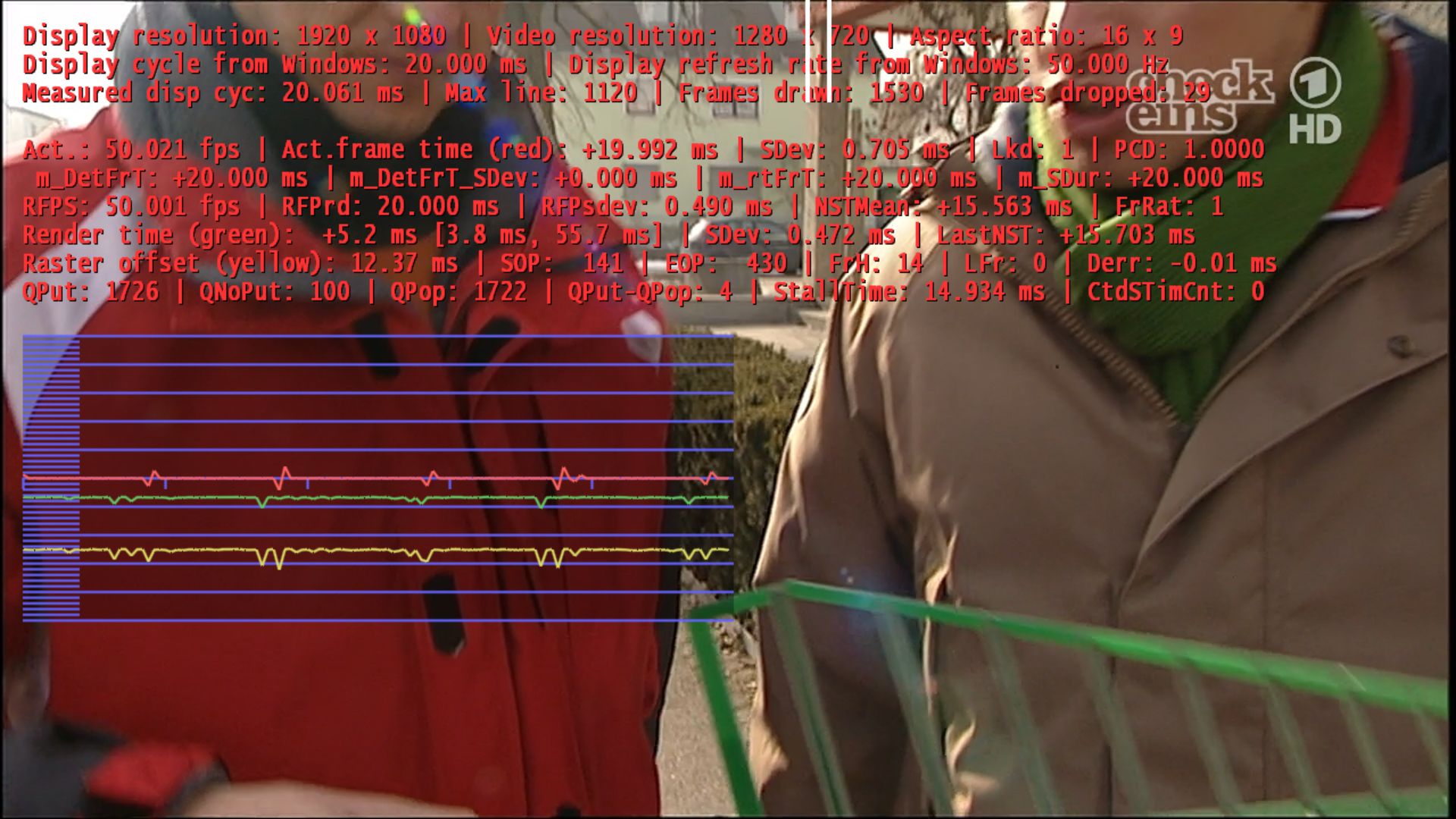
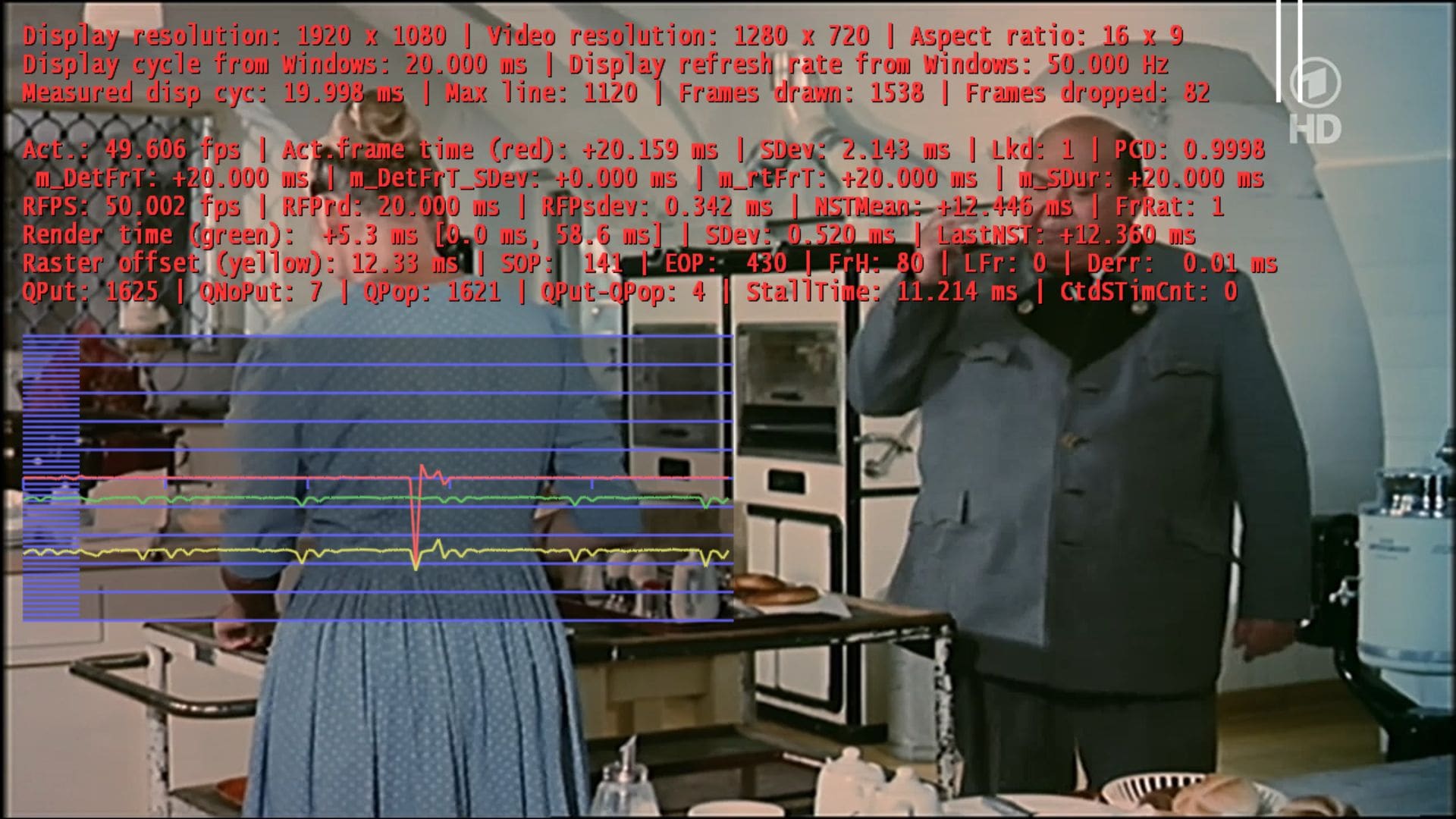
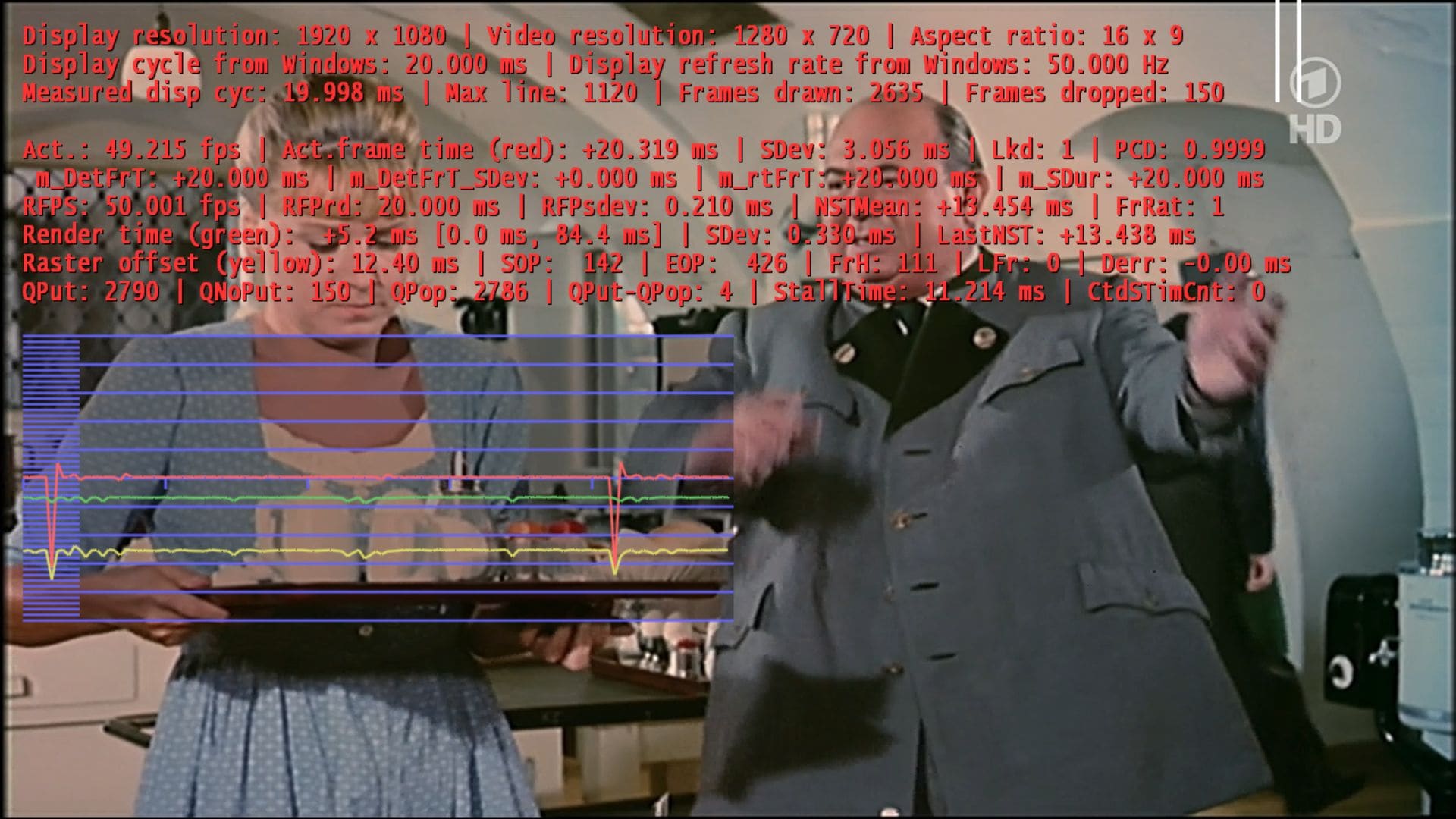
Version 0020 is working well for me for xvid videos without reclock, but I have lot of frame drops on TV with 720p (H.264) or 576i (MPEG2) material at 50Hz. Do you have an idea why?
hirscho
Does this happen with the standard RC4 dll or any of my older dlls ?
Can you attach a screen capture with the render stats on screen please ?
Tony
Hi Tony
Thanks for the support. Regarding your questions: It does not happen with the standard dll, but with older versions of your dll (not sure anymore which version exactly). The longer I watch the more often I got drops.
I have included some screenshots
Oliver

You are using an out of date browser. It may not display this or other websites correctly.
You should upgrade or use an alternative browser.
You should upgrade or use an alternative browser.
MP1 EVR Presenter/dshowhelper community development (34 Viewers)
- Thread starter Owlsroost
- Start date
@tourettes
Is there a chance that someone could look into the stutter problem after the refreshrate change...? I already posted logs in this thread.
EDIT: Never mind - I found a solution for this problem and it runs perfect now!
Hi
Could you link us to your solution ? to see what you do
Thx
You remember that the problem is always solved if you restart a video after a refreshrate change? That is my solution.
Mediaportal can run batchfiles to change the refreshrate with external applications. I made batchfiles for all refreshrates that are important.
So this is how a batchfile looks now on my system. I have attached a ZIP-file which contains the files
sample.mkv, 23 Hz.cmd, sleep.exe.
cd "c:\Program Files\ATI Technologies\ATI.ACE\Core-Static\"
CLI.exe start Load profilename="23 Hz"
sleep 2
cd "C:\Program Files\VideoLAN\VLC
start /MIN vlc "sample.mkv"
So what does the script do?
1) Calls the Catalyst driver to do a refreshrate change.
2) Right after the refreshrate change the system will wait two seconds (Sleep 2).
3) Videolan Client starts minimized to play a tiny video (40 ms without any sound).
With this script and the provided steps Mediaportal does not stutter anymore right after a refreshrate change. I tested it now for a few days and that never happened again.
My findings:
- The sleep command after the refreshrate change is absolutely neccessary. The system needs a little time to refresh itself. The short videoplayback gets the system in synch again. Right after this Mediaportal plays smooth.
- During the refreshrate change the TV needs a few seconds to adjust itself, so the little waiting time the script produces does not hurt at all.
- I tried MediaPlayerClassic instead of VLC in the script but that did not work
What do do:
1) You have to make Profiles within the Catalyst driver for every refresh rate. Those files are saved within the folder "C:\Users\Your_User_Name\AppData\Local\ATI\ACE\Profiles" as xml-files. To make things easier I just saved the same profile under different names: 23 Hz, 24 Hz, 50 Hz, 59 Hz....
2) Edit the XML-Files and search for "RefreshRate". There you can edit and change the refresh rate manually.
3) Install VLC 1.05 (not 1.10 because it can not be start minimized with my script) and if you don't want it to be the main mediaplayer just don't let it set any file associations.
4) Open VLC and go to "Tools-Preferences". Click "Show all settings" at the buttom of the menu. Click "Playlist" and then "Play and exit". With this option enabled VLC will exit automatically right after playing a video.
5) Copy my sample.mkv into the directory "C:\Program Files\VideoLAN\VLC". This is a very short video (22 KB).
6) Copy the Sleep.exe into c:\Windows\System32\
This file was extracted from the official "Windows 2003 Server Resource kit" from Microsoft.
7) Edit the provided "23 Hz.cmd" and change the profile name for every desired refreshrate in the second line. Save the file under "24 Hz.cmd", "50 Hz.cmd", "59 Hz.cmd" and so on.
8) Setup Mediaportal Configuration to point to the batch files for your desired refreshrates.
-----------------------------------------------
This hack works perfect for me. The stutter after a refreshrate change could also happen after playing a 24 fps Movie and switching to LiveTV (23,967 Hz -> 50 Hz). That does not happen again with my hack, it works on everything.
Attachments

Tourettes: do you think new dll will be included in the 1.1 Final?
Tourettes: do you think new dll will be included in the 1.1 Final?
Definitely no. It has not been tested / matured enough. It is not just a simple modification that can be done at the end of release phase.

- Moderator
- #426
Thanks mironicus I will try
I have not made log neither screenshot, but i have when i paused (on myvideo/tvseries/Movpic) the video is freeze but i have audio. I must fast foward for video comes back, but sometimes with shutter, so i stop and restart the video @ the time where i leave it. And no more shutter.
So this evening i'll reproduce it and past log and screenshot
Thanks because on video that i tested, the last dll version 20 works better than original dll
I'm on Win7/ATI5770
I will try I have not made log neither screenshot, but i have when i paused (on myvideo/tvseries/Movpic) the video is freeze but i have audio. I must fast foward for video comes back, but sometimes with shutter, so i stop and restart the video @ the time where i leave it. And no more shutter.
So this evening i'll reproduce it and past log and screenshot
Thanks because on video that i tested, the last dll version 20 works better than original dll
I'm on Win7/ATI5770
- May 14, 2008
- 3,558
- 434
- Home Country
-
 Germany
Re: AW: MP1 EVR Presenter/dshowhelper community development
From Owlsroost, where else? It is currently not targeted for wider audience.
@tourettes
where did you get Owlsroost_acc_sync_v0032.patch from?
From Owlsroost, where else?
It is currently not targeted for wider audience.- May 14, 2008
- 3,558
- 434
- Home Country
-
Germany
AW: MP1 EVR Presenter/dshowhelper community development
ah OK i thought i missed something - thanks and sorry.
ah OK
i thought i missed something - thanks and sorry.- Thread starter
- #430
Re: AW: MP1 EVR Presenter/dshowhelper community development
We're working on something together
Tony
ah OK
We're working on something together
Tony
Users who are viewing this thread
Online now: 34 (members: 0, guests: 34)