Need a photoshop guru (2 Viewers)

diehard2

Retired Team Member
  • Premium Supporter
  • April 22, 2006
    518
    28
    Chicago
    Home Country
    United States of America United States of America
    Hi guys,

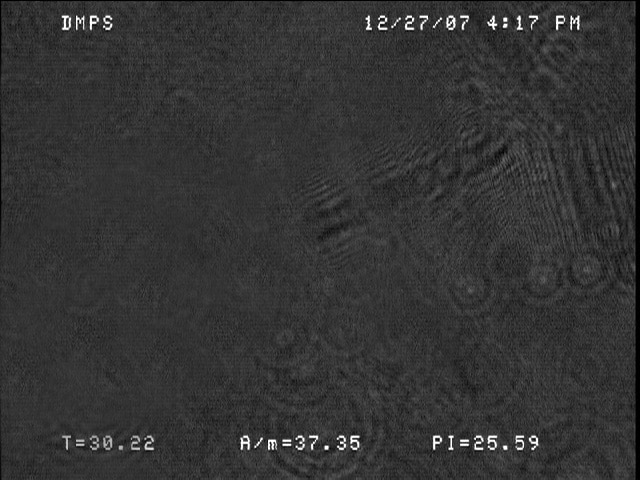
    I have some ringing effects in an image due to a scratch at a very high magnification. If anyone could give me a clue as to how to remove it or at least reduce it without removing too much detail, I would be eternally indebted (and would acknowledge you in the article). Thanks.
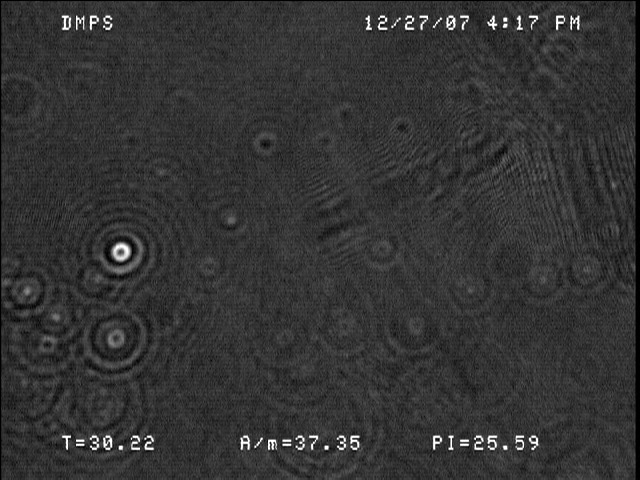
     

    Attachments

    • DMPS25mN30C7.jpg
      DMPS25mN30C7.jpg
      194.9 KB

    ShAddiX

    Portal Member
    June 24, 2007
    32
    2
    Well, I don't know what exactlay you want.
    Do you mean with ringing effect this circles on the left?

    Like already said, I doN#t exactly know what you want, but I gave it a try ;)
    Do you mean something like this?
     

    Attachments

    • DMPS25mN30C7_copy.jpg
      DMPS25mN30C7_copy.jpg
      118.6 KB

    diehard2

    Retired Team Member
  • Premium Supporter
  • April 22, 2006
    518
    28
    Chicago
    Home Country
    United States of America United States of America
    Sorry, for not being more clear. In the upper right hand quadrant, there are some artifacts from a scratch or two on the lens. It looks like it is above the surface. I was wondering if there is any way to remove these. Thanks
     

    The_Stig

    Retired Team Member
  • Premium Supporter
  • April 5, 2005
    2,175
    428
    Erm, diehard...sorry, cannot really see what you need. Maybe you could provide another test-image where the spots you want repaired being marked somehow?
     

    Inker

    Retired Team Member
  • Premium Supporter
  • December 6, 2004
    2,055
    318
    I'm not really a PS guru, but I can give it a shot if for the life of me I could figure out where those artifacts are (maybe mark them - also I have no idea what I'm looking at so I don't know whats supposed to be in there and what not - care to elaborate what the picture actually is?)
     

    diehard2

    Retired Team Member
  • Premium Supporter
  • April 22, 2006
    518
    28
    Chicago
    Home Country
    United States of America United States of America
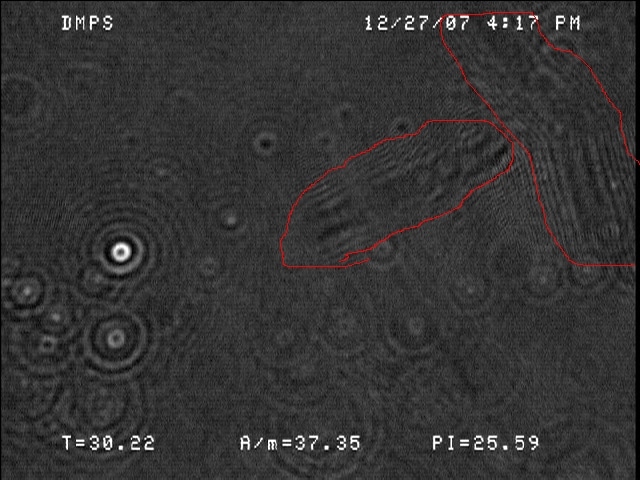
    Sorry, sometimes one loses sight of what they take for granted. i've circled the artifacts from the scratches.
    Thanks for any help.
     

    Attachments

    • DMPS25mN30C7.jpg
      DMPS25mN30C7.jpg
      204.2 KB

    Inker

    Retired Team Member
  • Premium Supporter
  • December 6, 2004
    2,055
    318
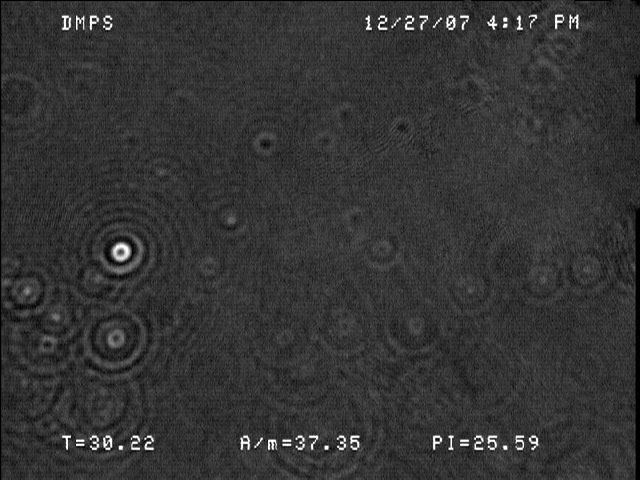
    Well, just a quick try, did you have something like this in mind?

    If this is some sort of data image that needs to be interpreted any form of image manipulation is probably not such a good idea.
     

    Attachments

    • retouch.jpg
      retouch.jpg
      68.2 KB

    diehard2

    Retired Team Member
  • Premium Supporter
  • April 22, 2006
    518
    28
    Chicago
    Home Country
    United States of America United States of America
    Wow, that's pretty good! You even kept most of the detail that was under the scratch. I'll be mentioning in the methods section how a scratch was removed. The pic is for qualitative comparison. The funny thing is that most of the time its not visible, just for a couple of pics. How did you go about doing this? Thanks.
     

    Inker

    Retired Team Member
  • Premium Supporter
  • December 6, 2004
    2,055
    318
    I'll be mentioning in the methods section how a scratch was removed. The pic is for qualitative comparison. The funny thing is that most of the time its not visible, just for a couple of pics.
    I still don't get it, lol.

    How did you go about doing this? Thanks.

    Just a combination of the healing brush/patch tool and the history brush to get some details back.
     
    A

    aarathi

    Guest
    I did not have a lot of knowledge about photoshop. I think that a tool for removing ringing effects in the image. Otherwise you can search the tool in google.
     

    Users who are viewing this thread

    Top Bottom