New Zealand
TV-Server Version: TVE3 Rev 19158
MediaPortal Version: 1.0 RC1
MediaPortal Skin: Blue 2 Wide
Windows Version: XP SP2
CPU Type: AMD Phenom
HDD: WD 1TB
Memory: 4GB
Motherboard: Gigabyte GA-MA78GM-S2H
Video Card: ATI
Video Card Driver:
Sound Card:
Sound Card AC3: Optical
Sound Card Driver:
1. TV Card: Hauppage 4400
1. TV Card Type: DVB-T and DVB-S
1. TV Card Driver:
2. TV Card: Technistat Skystar 2
2. TV Card Type: DVB-S
2. TV Card Driver:
3. TV Card:
3. TV Card Type:
3. TV Card Driver:
4. TV Card:
4. TV Card Type:
4. TV Card Driver:
MPEG2 Video Codec: MPV
MPEG2 Audio Codec: MPA
h.264 Video Codec: CoreAVC
Satelite/CableTV Provider:
HTPC Case:
Cooling:
Power Supply: Corsair 520W
Remote: MCE Remote
TV: Samsung 40' LCD
TV - HTPC Connection: DVI - HDMI
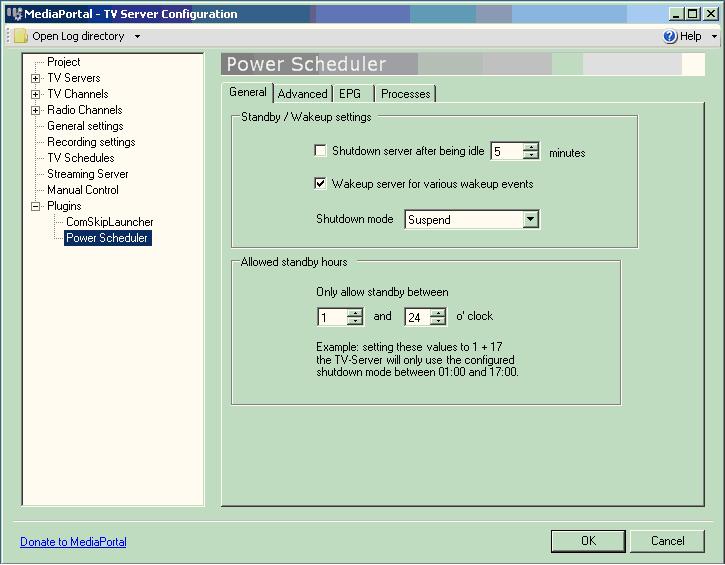
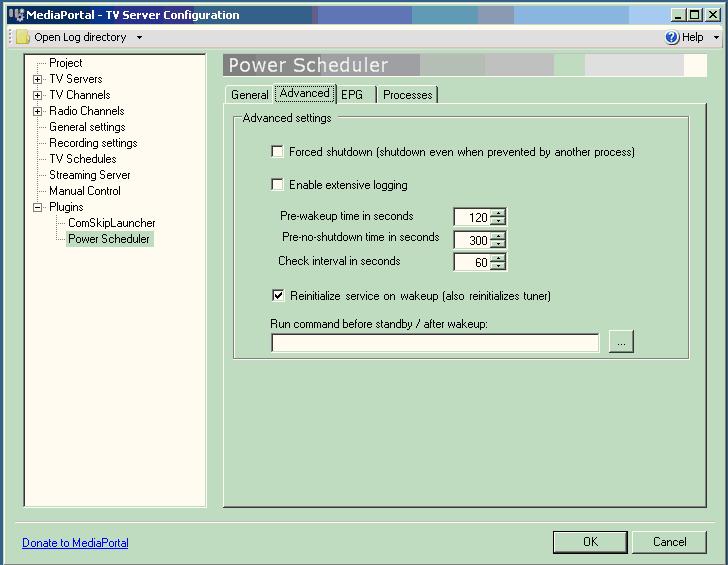
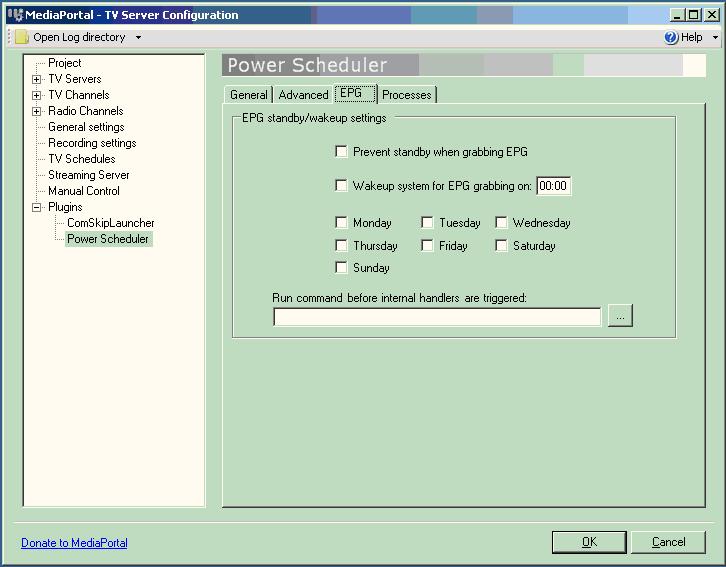
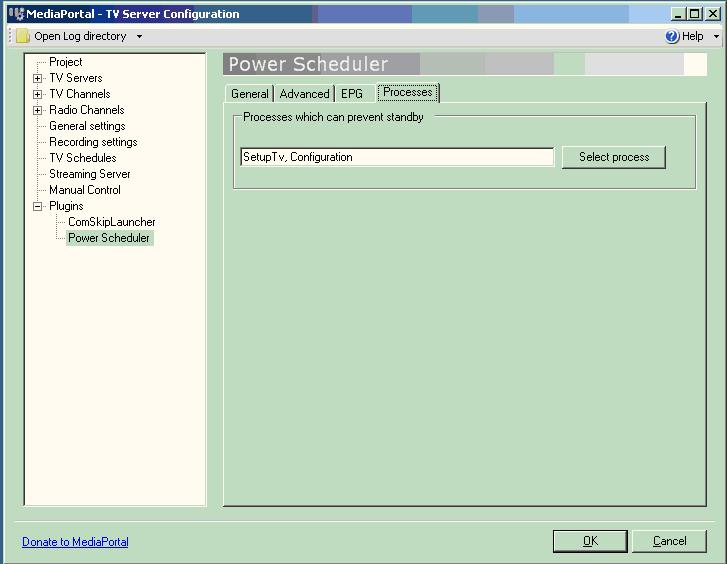
After a recent upgrade from 0.2.3 to 1.0 RC1 build 19158, the machine will no longer enter stanby or hibernate. I have made sure that no recordings were due to start, no EPG grabbing was going on and no clients connected to TV streams. I also have attempted to play around with the allow standby hours to see if that was it, but no matter what I set those numbers to, it will not oblige. If I however stop the TVService, the machine will happily go into standby and resume.
This was working fine in 0.2.3. Any suggestions would be greatly appreciated.
Thanks in advance.
Philster
MediaPortal Version: 1.0 RC1
MediaPortal Skin: Blue 2 Wide
Windows Version: XP SP2
CPU Type: AMD Phenom
HDD: WD 1TB
Memory: 4GB
Motherboard: Gigabyte GA-MA78GM-S2H
Video Card: ATI
Video Card Driver:
Sound Card:
Sound Card AC3: Optical
Sound Card Driver:
1. TV Card: Hauppage 4400
1. TV Card Type: DVB-T and DVB-S
1. TV Card Driver:
2. TV Card: Technistat Skystar 2
2. TV Card Type: DVB-S
2. TV Card Driver:
3. TV Card:
3. TV Card Type:
3. TV Card Driver:
4. TV Card:
4. TV Card Type:
4. TV Card Driver:
MPEG2 Video Codec: MPV
MPEG2 Audio Codec: MPA
h.264 Video Codec: CoreAVC
Satelite/CableTV Provider:
HTPC Case:
Cooling:
Power Supply: Corsair 520W
Remote: MCE Remote
TV: Samsung 40' LCD
TV - HTPC Connection: DVI - HDMI
After a recent upgrade from 0.2.3 to 1.0 RC1 build 19158, the machine will no longer enter stanby or hibernate. I have made sure that no recordings were due to start, no EPG grabbing was going on and no clients connected to TV streams. I also have attempted to play around with the allow standby hours to see if that was it, but no matter what I set those numbers to, it will not oblige. If I however stop the TVService, the machine will happily go into standby and resume.
This was working fine in 0.2.3. Any suggestions would be greatly appreciated.
Thanks in advance.
Philster