Sweden
Hi,
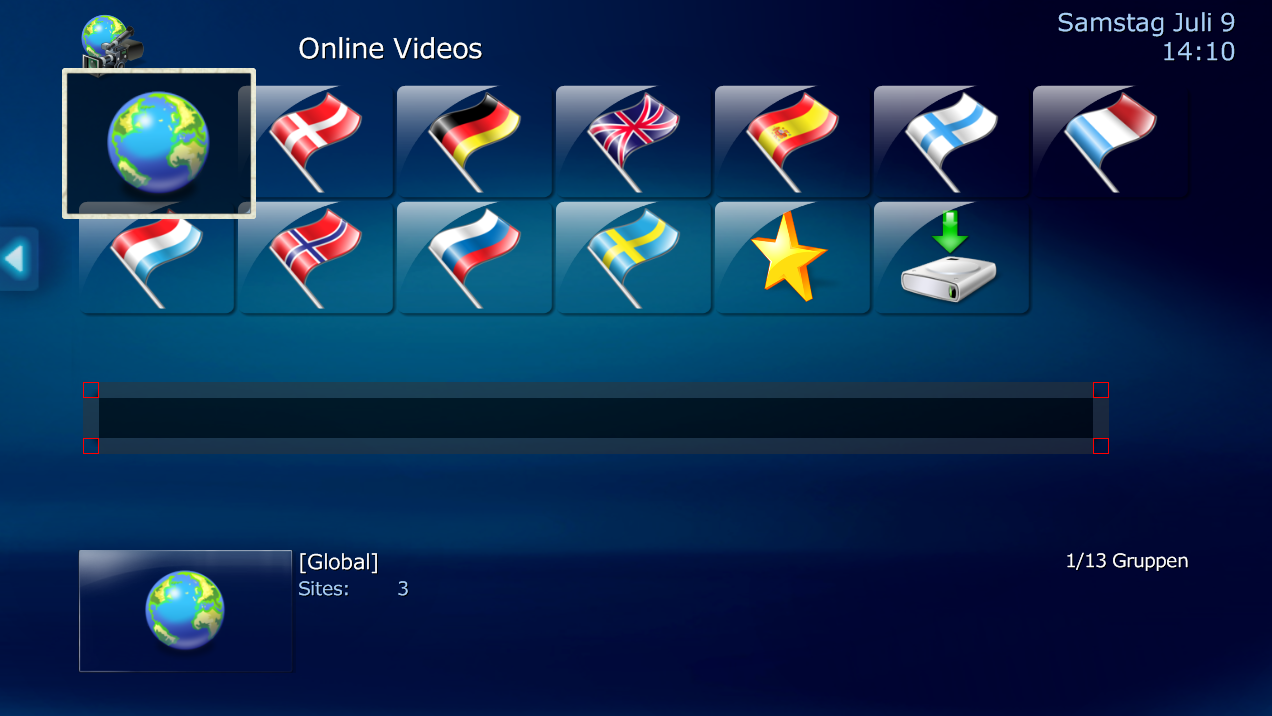
Any known bugs with using <border>? I noticed that in the Alpha version, corners where broken while you where using any form of "diffuse="Thumb_Mask.png", eg the regular borders worked, but the corners where not shown.
Since 1.2b was released, it looks like the same bug now applies everywhere regardless of the use of diffuse. See attached screenshot/images, I see this results everywhere I use <border>.



Please ignore the errors regarding not connecting to the TVService, my TVServer is offline.
MediaPortal Version: 1.2.0.0b
MediaPortal Skin: Essence-1080p
Windows Version: Windows 7 x64
CPU Type: AMD 4850e
HDD: Segate 320GB
Memory: Crosair 4GB XMS PC6400
Motherboard: Gigabyte GA-MA78MG-S2H
Video Card: ATI Radeon 5750 1GB
Video Card Driver: 10.7
Sound Card: Realtek HD-Audio
Sound Card AC3: HDMI out
Sound Card Driver: v2.47
1. TV Card: Terratec Cynergy C PCI HD
1. TV Card Type: DVB-C
1. TV Card Driver:
2. TV Card:
2. TV Card Type:
2. TV Card Driver:
3. TV Card:
3. TV Card Type:
3. TV Card Driver:
4. TV Card:
4. TV Card Type:
4. TV Card Driver:
MPEG2 Video Codec: FFDShow
MPEG2 Audio Codec: FFDShow
h.264 Video Codec: FFDShow DXVA
Satelite/CableTV Provider: ComHem (Sweden)
HTPC Case: Silverstone LC16-MR
Cooling: 5x Noctuna 80mm 10db
Power Supply: Acer 400W
Remote: Logitech Harmony 900
TV: LG 42LY95
TV - HTPC Connection: HDMI trough Onkyo 876
Any known bugs with using <border>? I noticed that in the Alpha version, corners where broken while you where using any form of "diffuse="Thumb_Mask.png", eg the regular borders worked, but the corners where not shown.
Since 1.2b was released, it looks like the same bug now applies everywhere regardless of the use of diffuse. See attached screenshot/images, I see this results everywhere I use <border>.
Code:
	<control>
		<description>RSS.Background</description>
		<type>image</type>
		<posX>130</posX>
		<posY>1010</posY>
		<height>41</height>
		<width>1365</width>
		<texture>image_background.png</texture>
		<border corners="yes" cornerRotate="yes" textureRotate="yes" >16</border>
		<animation effect="Slide" time="325" start="0,300" end="0,0">WindowOpen</animation>
		<animation effect="Slide" time="325" start="0,0" end="0,300">WindowClose</animation>
		<visible>plugin.isenabled(InfoService)</visible>
	</control>
Please ignore the errors regarding not connecting to the TVService, my TVServer is offline.
MediaPortal Version: 1.2.0.0b
MediaPortal Skin: Essence-1080p
Windows Version: Windows 7 x64
CPU Type: AMD 4850e
HDD: Segate 320GB
Memory: Crosair 4GB XMS PC6400
Motherboard: Gigabyte GA-MA78MG-S2H
Video Card: ATI Radeon 5750 1GB
Video Card Driver: 10.7
Sound Card: Realtek HD-Audio
Sound Card AC3: HDMI out
Sound Card Driver: v2.47
1. TV Card: Terratec Cynergy C PCI HD
1. TV Card Type: DVB-C
1. TV Card Driver:
2. TV Card:
2. TV Card Type:
2. TV Card Driver:
3. TV Card:
3. TV Card Type:
3. TV Card Driver:
4. TV Card:
4. TV Card Type:
4. TV Card Driver:
MPEG2 Video Codec: FFDShow
MPEG2 Audio Codec: FFDShow
h.264 Video Codec: FFDShow DXVA
Satelite/CableTV Provider: ComHem (Sweden)
HTPC Case: Silverstone LC16-MR
Cooling: 5x Noctuna 80mm 10db
Power Supply: Acer 400W
Remote: Logitech Harmony 900
TV: LG 42LY95
TV - HTPC Connection: HDMI trough Onkyo 876