
Navigation
Install the app
How to install the app on iOS
Follow along with the video below to see how to install our site as a web app on your home screen.
Note: This feature may not be available in some browsers.
More options
You are using an out of date browser. It may not display this or other websites correctly.
You should upgrade or use an alternative browser.
You should upgrade or use an alternative browser.
Emulators 2 - BETA - 19/08/12 (3 Viewers)
- Thread starter Brownard
- Start date
- Status
- Not open for further replies.

Here you go -> http://i.imgur.com/d8dTJ.png
My killkey is F19 which i send when I press start+select on xbox360 controller. I added the xbox controller driver (see at top) and then just added a new macro for key F19. Hope that helps
My killkey is F19 which i send when I press start+select on xbox360 controller. I added the xbox controller driver (see at top) and then just added a new macro for key F19. Hope that helps
Thanks for this. I've had some good luck editing for my own purposes. If anyone wants to take a look at what I put together for an improvement to coverflow view, edit you Emulators2.facade.xml and replace the coverflow control with this:The file is "skin\StreamedMP\Emulators2.facade.xml"
Find the xml below and change the values I've highlighted for you
<control>
<description>Cover Flow</description>
<type>coverflow</type>
<keepaspectratio>yes</keepaspectratio>
<colordiffuse>90ffffff</colordiffuse>
<dimColor>90ffffff</dimColor>
<id>50</id>
<visible>control.isvisible(50)</visible>
<posX>0</posX>
<posY>240</posY>
<width>1280</width>
<height>720</height>
<onup>10</onup>
<onright>50</onright>
<selectedCard>0</selectedCard>
<cardWidth>250</cardWidth>
<cardHeight>375</cardHeight>
<angle>45</angle>
<sideShift>220</sideShift>
<sideGap>100</sideGap>
<sideDepth>250</sideDepth>
<offsetY>0</offsetY>
<selectedOffsetY>0</selectedOffsetY>
<thumbZoom>no</thumbZoom>
<speed>4</speed>
<backgroundHeight>250</backgroundHeight>
<backgroundWidth>1280</backgroundWidth>
<backgroundX>0</backgroundX>
<backgroundY>470</backgroundY>
<backgroundDiffuse>FF000000</backgroundDiffuse> <background>filmstrip_overlay.png</background>
<showBackground>no</showBackground>
<foregroundHeight>724</foregroundHeight>
<foregroundWidth>1284</foregroundWidth>
<foregroundX>-2</foregroundX>
<foregroundY>-2</foregroundY>
<foregroundDiffuse>FF000000</foregroundDiffuse>
<foreground>-</foreground>
<showForeground>no</showForeground>
<showFrame>no</showFrame>
<frame>-</frame>
<frameFocus>-</frameFocus>
<frameWidth>250</frameWidth>
<frameHeight>375</frameHeight>
<spinSpeed>8</spinSpeed>
<unfocusedAlpha>FF</unfocusedAlpha>
<folderPrefix>[</folderPrefix>
<folderSuffix>]</folderSuffix>
<font1>mediastream14tc</font1>
<font2>mediastream12tc</font2>
<label1>#Emulators2.CurrentItem.title</label1> <label2>#Emulators2.CurrentItem.coverflowlabel</label2>
<textColor>FFFFFFFF</textColor>
<remoteColor>FFFF0000</remoteColor>
<playedColor>FFFFFFFF</playedColor>
<downloadColor>FF00FF00</downloadColor>
<selectedColor>FFFFFFFF</selectedColor>
<shadowAngle>45</shadowAngle>
<shadowDistance>2</shadowDistance>
<shadowColor>FF222222</shadowColor>
<label1YOff>395</label1YOff>
<label2YOff>420</label2YOff>
<pageSize>5</pageSize>
<scrollbarBackground>bar_hor.png</scrollbarBackground> <scrollbarLeft>mouse_left_horizontal.png</scrollbarLeft> <scrollbarRight>mouse_right_horizontal.png</scrollbarRight>
<scrollbarYOff>462</scrollbarYOff>
<showScrollbar>no</showScrollbar>
<cards flipY="yes" diffuse="Thumb_Mask.png" mask="video_poster_square_mask.png" /> <subitems>
<subitem>
<![CDATA[
<controls>
<control>
<description>background</description>
<type>image</type>
<posX>0</posX>
<posY>0</posY>
<width>250</width>
<height>375</height>
<texture flipY="yes" diffuse="Thumb_Mask.png" mask="video_poster_square_mask.png">#Emulators2.CurrentItem.backcoverpath</texture> <keepaspectratio>yes</keepaspectratio>
<valign>bottom</valign>
</control>
</controls>
]]>
</subitem>
</subitems>
</control>
Code:
      <control>
        <description>Cover Flow</description>
        <type>coverflow</type>
        <keepaspectratio>yes</keepaspectratio>
        <colordiffuse>90ffffff</colordiffuse>
        <dimColor>90ffffff</dimColor>
        <id>50</id>
        <visible>control.isvisible(50)</visible>
        <posX>0</posX>
        <posY>100</posY>
        <width>1280</width>
        <height>720</height>
        <onup>10</onup>
        <onright>50</onright>
        <selectedCard>0</selectedCard>
        <cardWidth>375</cardWidth>
        <cardHeight>500</cardHeight>
        <angle>45</angle>
        <sideShift>300</sideShift>
        <sideGap>160</sideGap>
        <sideDepth>350</sideDepth>
        <offsetY>0</offsetY>
        <selectedOffsetY>0</selectedOffsetY>
        <thumbZoom>no</thumbZoom>
        <speed>4</speed>
        <backgroundHeight>250</backgroundHeight>
        <backgroundWidth>1280</backgroundWidth>
        <backgroundX>0</backgroundX>
        <backgroundY>470</backgroundY>
        <backgroundDiffuse>FF000000</backgroundDiffuse>
        <background>filmstrip_overlay.png</background>
        <showBackground>no</showBackground>
        <foregroundHeight>724</foregroundHeight>
        <foregroundWidth>1284</foregroundWidth>
        <foregroundX>-2</foregroundX>
        <foregroundY>-2</foregroundY>
        <foregroundDiffuse>FF000000</foregroundDiffuse>
        <foreground>-</foreground>
        <showForeground>no</showForeground>
        <showFrame>no</showFrame>
        <frame>-</frame>
        <frameFocus>-</frameFocus>
        <frameWidth>375</frameWidth>
        <frameHeight>500</frameHeight>
        <spinSpeed>8</spinSpeed>
        <unfocusedAlpha>FF</unfocusedAlpha>
        <folderPrefix>[</folderPrefix>
        <folderSuffix>]</folderSuffix>
        <font1>mediastream14tc</font1>
        <font2>mediastream12tc</font2>
        <label1>#Emulators2.CurrentItem.title</label1>
        <label2>#Emulators2.CurrentItem.coverflowlabel</label2>
        <textColor>FFFFFFFF</textColor>
        <remoteColor>FFFF0000</remoteColor>
        <playedColor>FFFFFFFF</playedColor>
        <downloadColor>FF00FF00</downloadColor>
        <selectedColor>FFFFFFFF</selectedColor>
        <shadowAngle>45</shadowAngle>
        <shadowDistance>2</shadowDistance>
        <shadowColor>FF222222</shadowColor>
        <label1YOff>600</label1YOff>
        <label2YOff>570</label2YOff>
        <pageSize>5</pageSize>
        <scrollbarBackground>bar_hor.png</scrollbarBackground>
        <scrollbarLeft>mouse_left_horizontal.png</scrollbarLeft>
        <scrollbarRight>mouse_right_horizontal.png</scrollbarRight>
        <scrollbarYOff>462</scrollbarYOff>
        <showScrollbar>no</showScrollbar>
        <cards flipY="yes" diffuse="Thumb_Mask.png"

mask="video_poster_square_mask.png" />
        <subitems>
          <subitem>
            <![CDATA[
              <controls>
                  <control>
                    <description>background</description>
                    <type>image</type>
                    <posX>0</posX>
                    <posY>0</posY>
                    <width>375</width>
                    <height>500</height>
                    <texture flipY="yes" diffuse="Thumb_Mask.png"

mask="video_poster_square_mask.png">#Emulators2.CurrentItem.backcoverpath</texture>
                    <keepaspectratio>yes</keepaspectratio>
                    <valign>bottom</valign>
                  </control>

                </controls>
            ]]>
          </subitem>
        </subitems>
</control>GBA
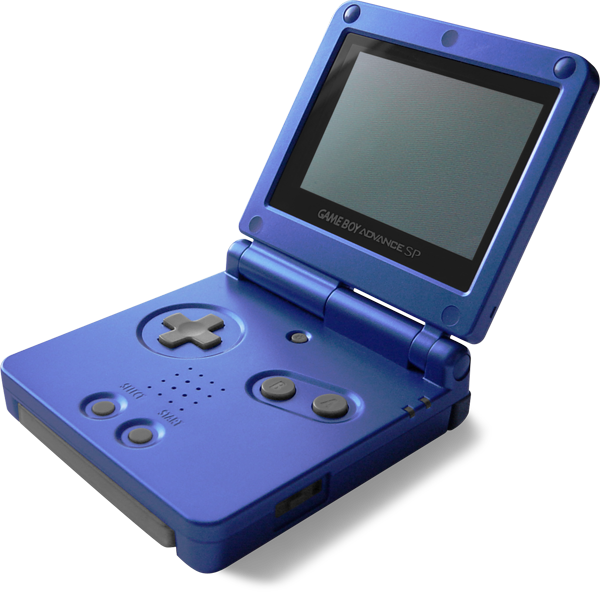
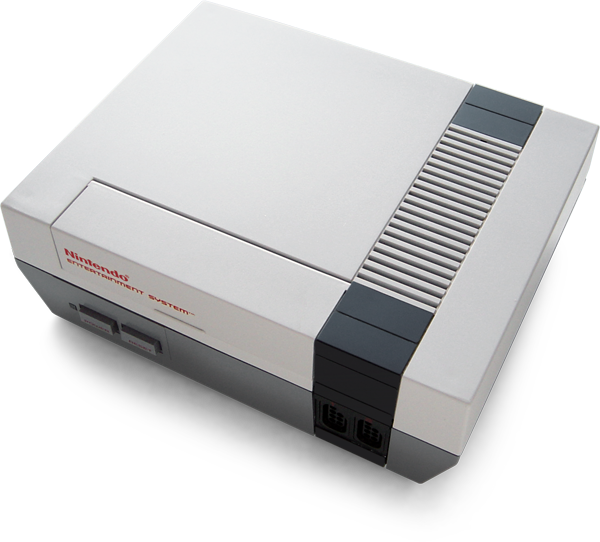

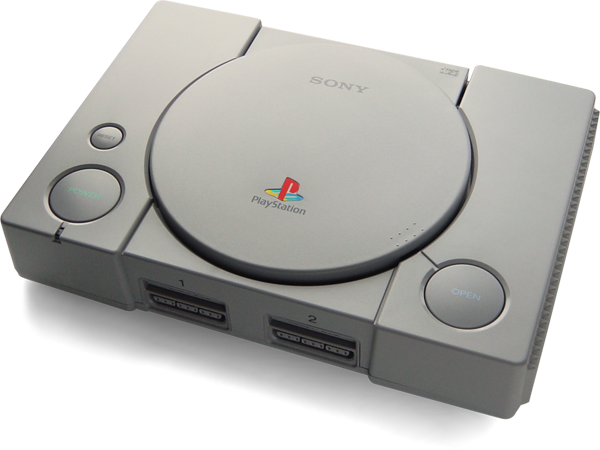
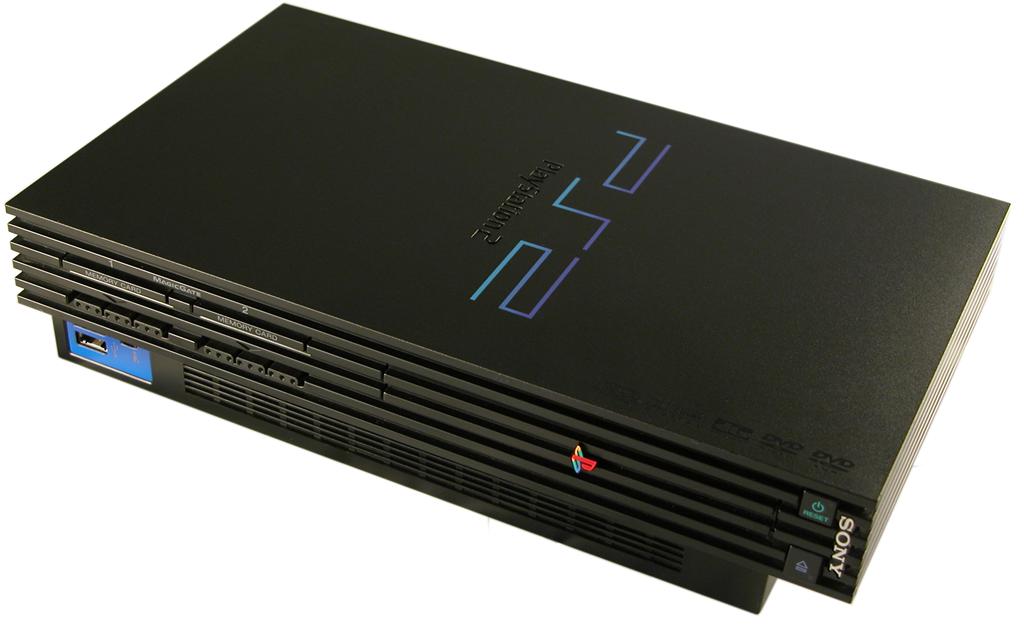
I use list view for my games view and I use the "good" tools to rename roms and goodmerge to save some space. The winrar icon for zipped roms in list view annoyed me so I commented out the "goodmerge image" and "goodmerge favorite" control entries in Emulators2.listview.xml with <!-- -->
Hope that helps.
- March 21, 2007
- 2,301
- 1,886
- Home Country
 United Kingdom
- Thread starter
- Moderator
- #36
Good work, I'll add an option to make the goodmerge icon optional as it's pointless if all your games are zipped  . Eventually I'd like to add separate layouts for emus and games but don't hold your breath just yet .
- April 16, 2007
- 78
- 38
- Home Country
- Australia
Hi,
Installed the plugin yesterday, and after some tweaking I am very happy with it. Pretty awesome software for Alpha!
Previously in MyEmulators, I used BAT files to launch all my games (fusion, zsnes, psx, pcsx2, mame, project64) but they were all in one place under PC games. Seeing as all the work was already done, with regards to the BAT files, I configured all the emulators to use cmd.exe /c, and filtered on *.bat files. Now all my games are viewable by emulator, awesome.
Keep up the good work.
- Status
- Not open for further replies.
Users who are viewing this thread
Online now: 2 (members: 0, guests: 2)