Canada
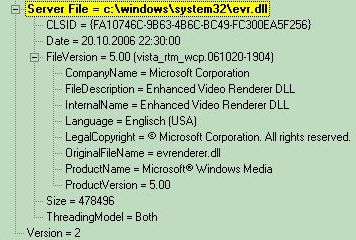
I tried the older evr.dll and still had the washed out screens. Just for kicks I looked in the Mediaportal config XML file and found a label called useEVRenderer and changed the value to yes from no. It appears to have fixed the washed out screens, at least for me. I have not gone back and changed the evr.dll back to the newer one so I don't know if just turning on the useEVRenderer fixes the problem.
You're referring to this entry:
Code:
<entry name="useEVRenderer">no</entry>That gets set to "yes" when you configure MediaPortal to use EVR via MediaPortal Configuration -> DirectShow Filter Control -> Video Renderer Settings. In there you can choose between EVR or VMR9.
If yours was set to "no" in the XML file that means you hadn't set it to EVR in MP Configuration and you were therefore using VMR9. Setting it to "yes" in the XML file ultimately has the same effect as setting MP Configuration to use EVR.
Basically, you went from using VMR9 to EVR.