How to restart PC out of standby with MCE Remote (1 Viewer)

ralphgross

MP Donator
  • Premium Supporter
  • December 3, 2008
    68
    0
    Bonn
    Home Country
    Germany Germany
    Hi guys,

    I can force it into standby with the MCE Remote. In BIOS I enabled almost everything which sounded like wake up whatsoever.

    Now using the same button at the remote will actually wake the system up but it freezes half way with a black background telling me to use F8 for helping it further but doesn't work.

    After that only rebooting helps.

    Any help will be appreciated. I must get it back up with the MCE remote-otherwise this will not be approved by Mrs...for the living room...

    Cheers Ralph

    MediaPortal Version: 1.1.2
    MediaPortal Skin: default
    Windows Version: XP Prof SP3
    CPU Type: AMD Athlon 64 X2 Dual Core 3800+ 2GHz
    HDD: Samsung 500 G passive cooled
    Memory: 2 GByte
    Motherboard: Asus
    Video Card: on board
    Video Card Driver: Pinnacle
    Sound Card: on board
    Sound Card AC3:
    Sound Card Driver:
    1. TV Card: Pinnacle PCTV Dual Sat Pro PCI (4000i)
    1. TV Card Type: DVB-S
    1. TV Card Driver:
    2. TV Card:
    2. TV Card Type:
    2. TV Card Driver:
    3. TV Card:
    3. TV Card Type:
    3. TV Card Driver:
    4. TV Card:
    4. TV Card Type:
    4. TV Card Driver:
    MPEG2 Video Codec:
    MPEG2 Audio Codec:
    h.264 Video Codec:
    Satelite/CableTV Provider: Astra 19.2°E
    HTPC Case: Micro-ATX Tower
    Cooling: 1 noisy fan 80mm
    Power Supply: be quiet
    Remote: pinnacle Type B
    TV: Colani Stassfurt Antik
    TV - HTPC Connection: DVI
     

    Paranoid Delusion

    Moderation Manager
  • Premium Supporter
  • June 13, 2005
    13,052
    2,978
    Cheshire
    Home Country
    United Kingdom United Kingdom
    Enable hibernate under windows power settings, you may have a memory problem, so you will need to change what the sleep button does from standby to hibernate.

    If this works fine, then consider that you may be running system with a memory issue, which could make system unstable.
     

    ralphgross

    MP Donator
  • Premium Supporter
  • December 3, 2008
    68
    0
    Bonn
    Home Country
    Germany Germany
    Thanks so far Paranoid Delusion.
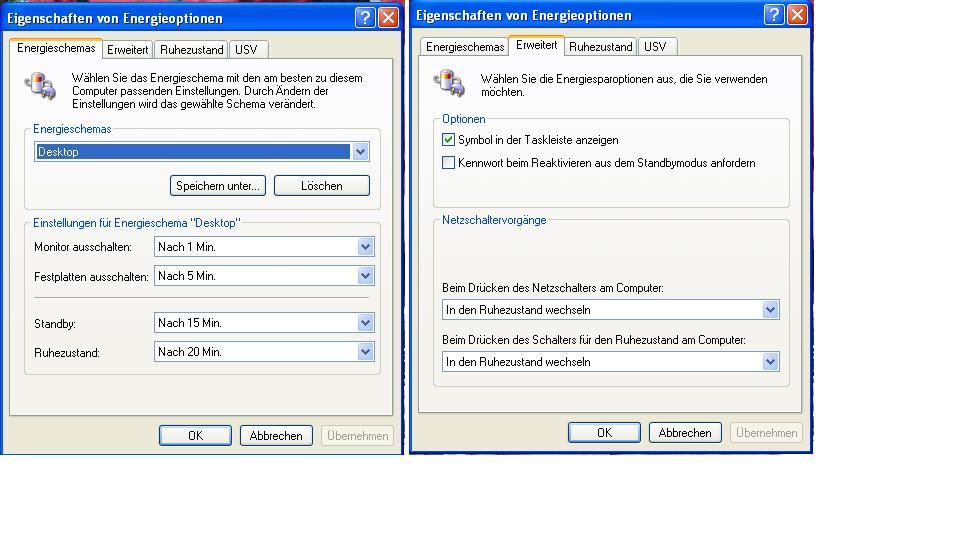
    See my screenshots. Are the settings OK ?
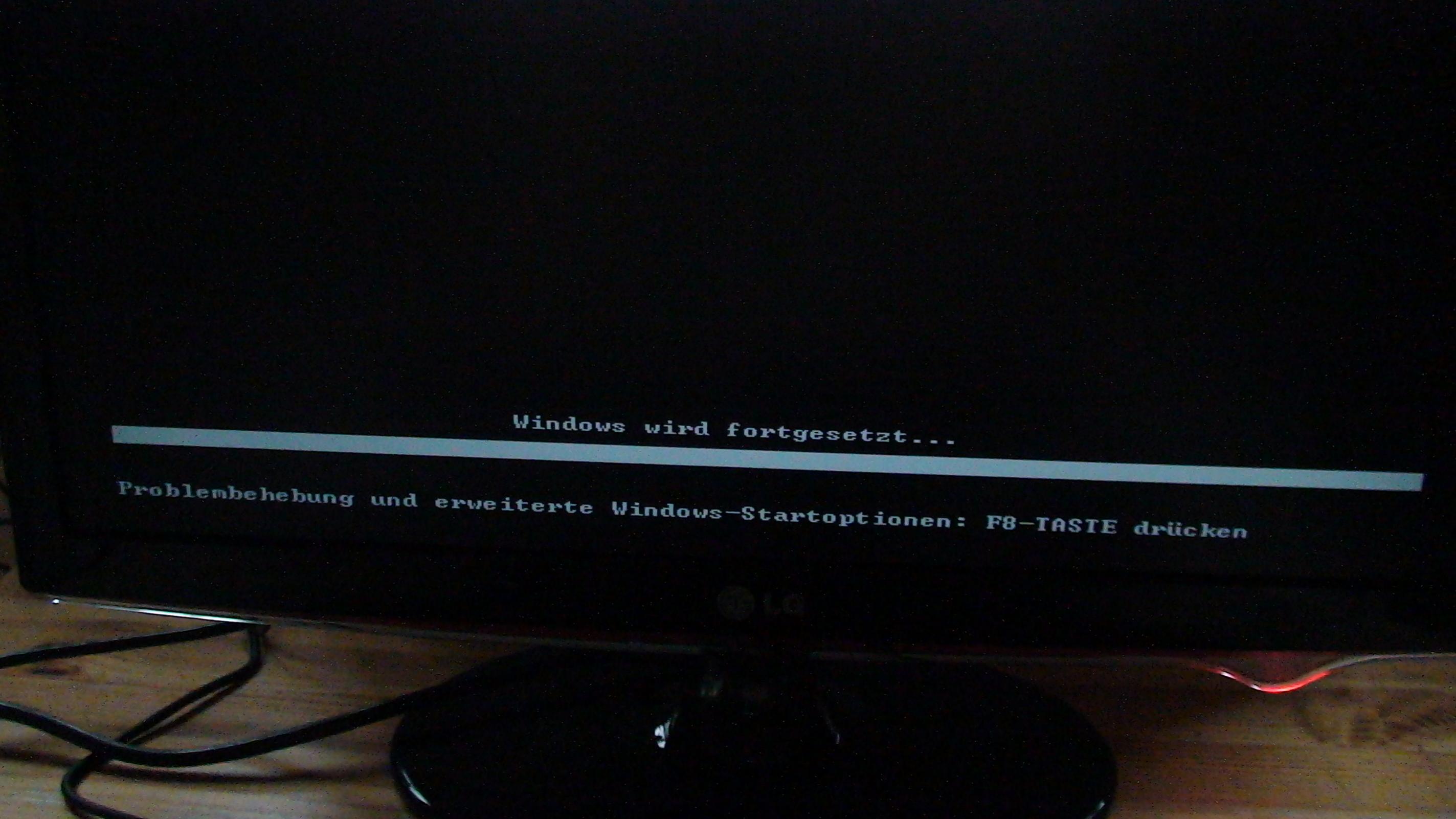
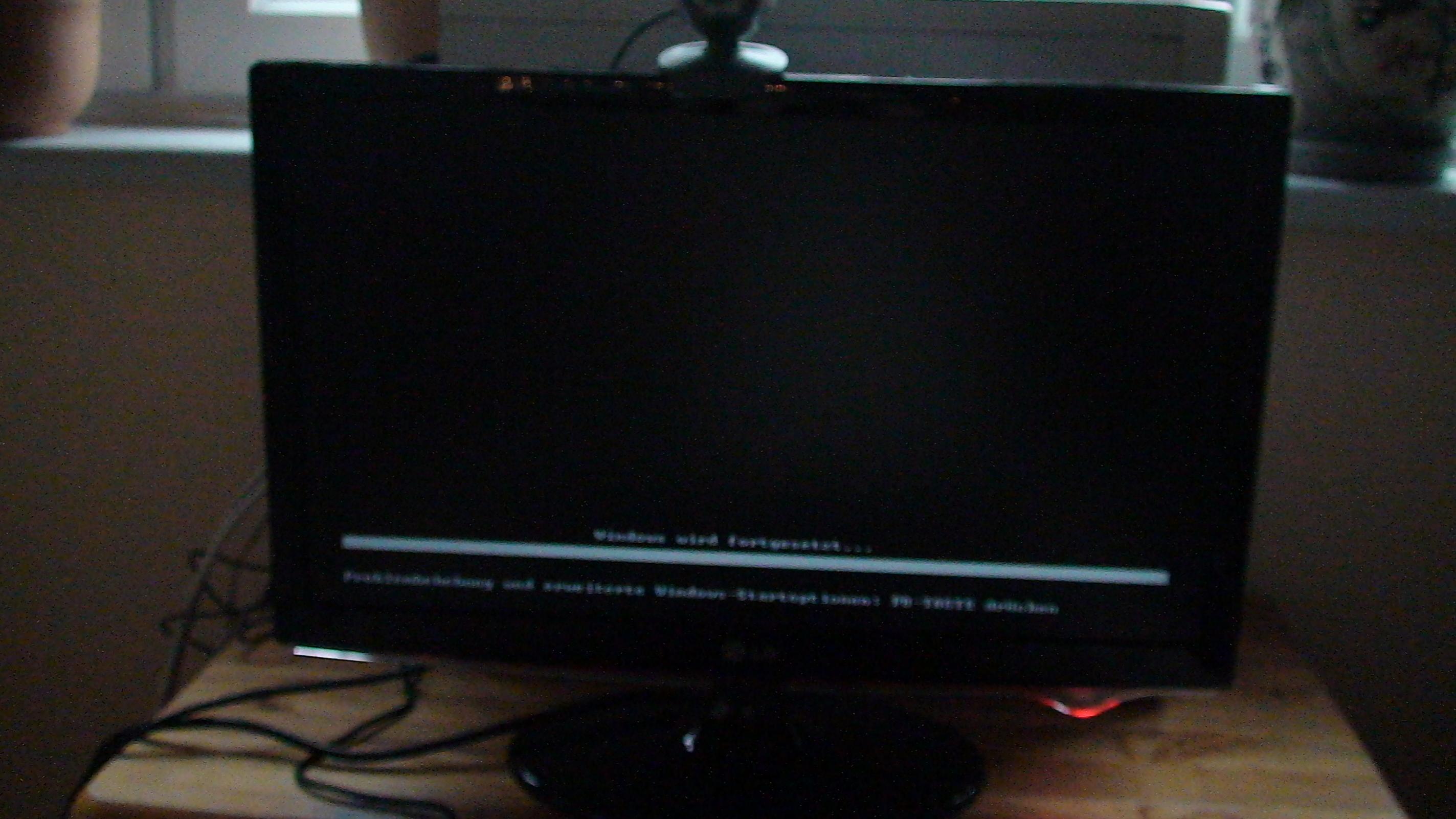
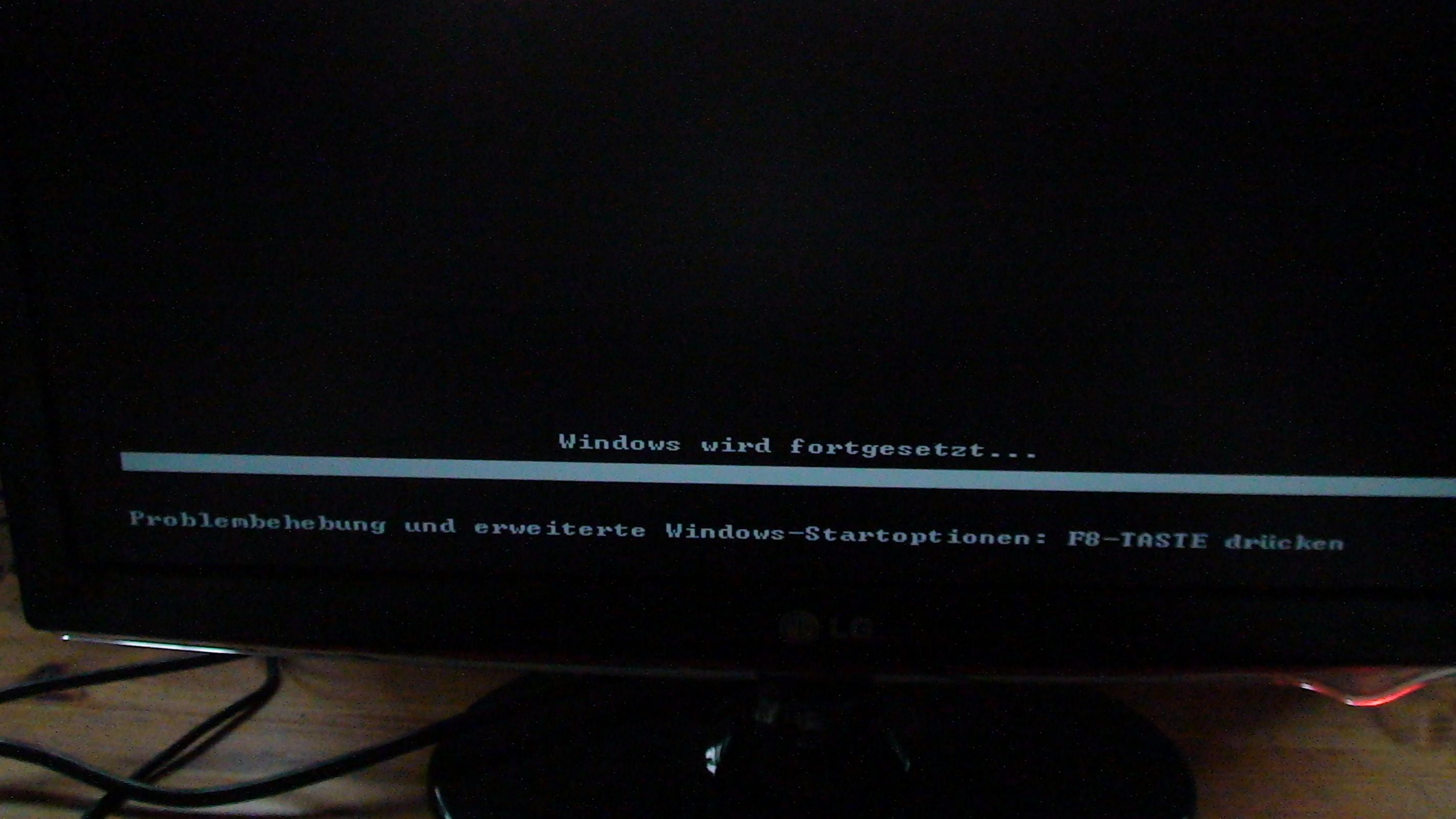
    I tried almost all possible settings with the same result. When I push the button on the MCE remote which I also use to get it into hibernate the PC boots, I see the ASUS screen then it gets black and it says on the screen:
    WINDOS WILL BE CONTINUED
    Problem handling and extended windows start options press F8
    Pressing F8 has no effect even with an non usb keyboard.

    Any hints ? I do not think that the BIOS settings are incorrect since it is reacting properly but not fully successful.

    Cheers Ralph
     

    Attachments

    • 1 energy.JPG
      1 energy.JPG
      79.6 KB
    • 2 energy.JPG
      2 energy.JPG
      39.2 KB

    Paranoid Delusion

    Moderation Manager
  • Premium Supporter
  • June 13, 2005
    13,052
    2,978
    Cheshire
    Home Country
    United Kingdom United Kingdom
    Change Standby to never, also under control panel power button options, you need to specify hibernate.

    ps. are you using the powerscheduler plugin, if so then I suggest you let that put your computer to sleep and disable windows power settings.
     

    ralphgross

    MP Donator
  • Premium Supporter
  • December 3, 2008
    68
    0
    Bonn
    Home Country
    Germany Germany
    I played with all options/ recommendations without success. It seems that MS WIN XP SP3 is the problem.:mad:

    I applied all related win fixes, win is updated, BIOS is updated.

    I don't want to pay for WIN 7 and hope that this will fix it. What would you say. Am I the only one with this bug ???

    When using power scheduler the button to put the PC to hibernate and wake up doesn't work anymore.

    More hints anybody ???

    Thanks in advance.
    Ralph
     

    ralphgross

    MP Donator
  • Premium Supporter
  • December 3, 2008
    68
    0
    Bonn
    Home Country
    Germany Germany
    Hi Paranoid Delusion,

    I hesitate to use this since the system does what it should do except that it gets stuck on its way up when waking up. See the screen I mentioned here:

    I also did unplug all USB devices - no change.

    Ralph
     

    Attachments

    • DSC02477.jpg
      DSC02477.jpg
      272.5 KB
    • DSC02478.jpg
      DSC02478.jpg
      357.1 KB
    • DSC02479.jpg
      DSC02479.jpg
      252.1 KB

    Paranoid Delusion

    Moderation Manager
  • Premium Supporter
  • June 13, 2005
    13,052
    2,978
    Cheshire
    Home Country
    United Kingdom United Kingdom
    Well F8 on mine triggers the boot options for Safe Mode etc, so it looks like a crash to me, recreate then upload using MP debug mode from start menu, use 3rd option to get existing logs.
     

    ralphgross

    MP Donator
  • Premium Supporter
  • December 3, 2008
    68
    0
    Bonn
    Home Country
    Germany Germany
    Hi Paranoid Delusion,

    here are the log files. Hope this helps.

    Besides that I cannot switch between audio to go via HDMI to the monitor with speakers and the backpanel because the ATI CATALYST CONTROL CENTER can not be opened. That drives my crazy as well ...:mad: I cannot use windows features for that in XP...

    Thanks so far,
    Ralph
     

    Paranoid Delusion

    Moderation Manager
  • Premium Supporter
  • June 13, 2005
    13,052
    2,978
    Cheshire
    Home Country
    United Kingdom United Kingdom
    ATI CATALYST CONTROL CENTER can not be opened.

    Now that would really worry me, especially as only thing in eventlog relates to ATI hotkey finished, whatever that means, as i'm a nvidia kind of guy.

    So I would uninstall CCC\drivers after downloading and installing driver sweeper found here, go into safe mode, should be F8, then run driver sweeper, select ati video driver and ccc, let it run, it will then show reboot, select NO, then close driver sweeper and start it again, repeat cleanup, as it can miss files the first run and this just confirms they are all gone.

    Reboot and install your driver of choice.

    Good luck
     

    Users who are viewing this thread

    Top Bottom