Hi
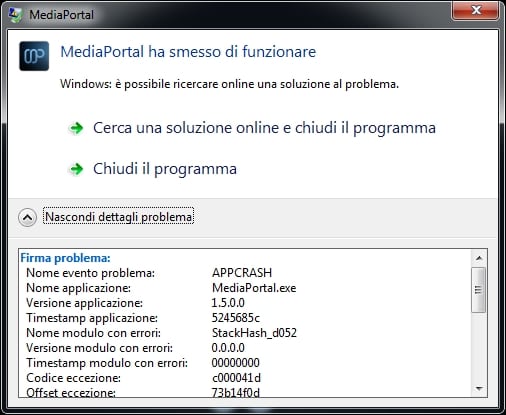
I have for the first time since I started using mediaportal some 5 or maybe 6 years ago or is it longer than that? Encountered a problem that I cant see how to over come. Its appears to only happen when watching a film and one that is an MKV file. It will suddenly pop up with a window that says this program has encountered an error and needs to close. Sometimes the film will continue playing in the background sometimes it wont.
My computer has an I5 3570K, asus p8z77-v lx motherboard, 8gb of ram, amd 5770 graphics card and an intel ssd plus numerous other drives for films, tv series etc...
I have only encountered the problem recently. I thought it was when I upgraded from 1.4 to 1.5 but I have now a fresh install of windows and installed 1.5 with nothing else installed accept the drivers and the same problem occurs. Tonight I spotted 1.6 final was released so I have installed that and its the same.
i put it into debug mode and I have uploaded the logs. I'm really not sure what the problem is and its getting very annoying more so because it happens on a film at random times. Fortunately it doesnt happen when watching live tv or recordred tv or a tv series episode.
I dont think another install of windows & mediaportal will help as i'm sure its not a hardware issue.
If anyone can shed any light I would appreciate it.
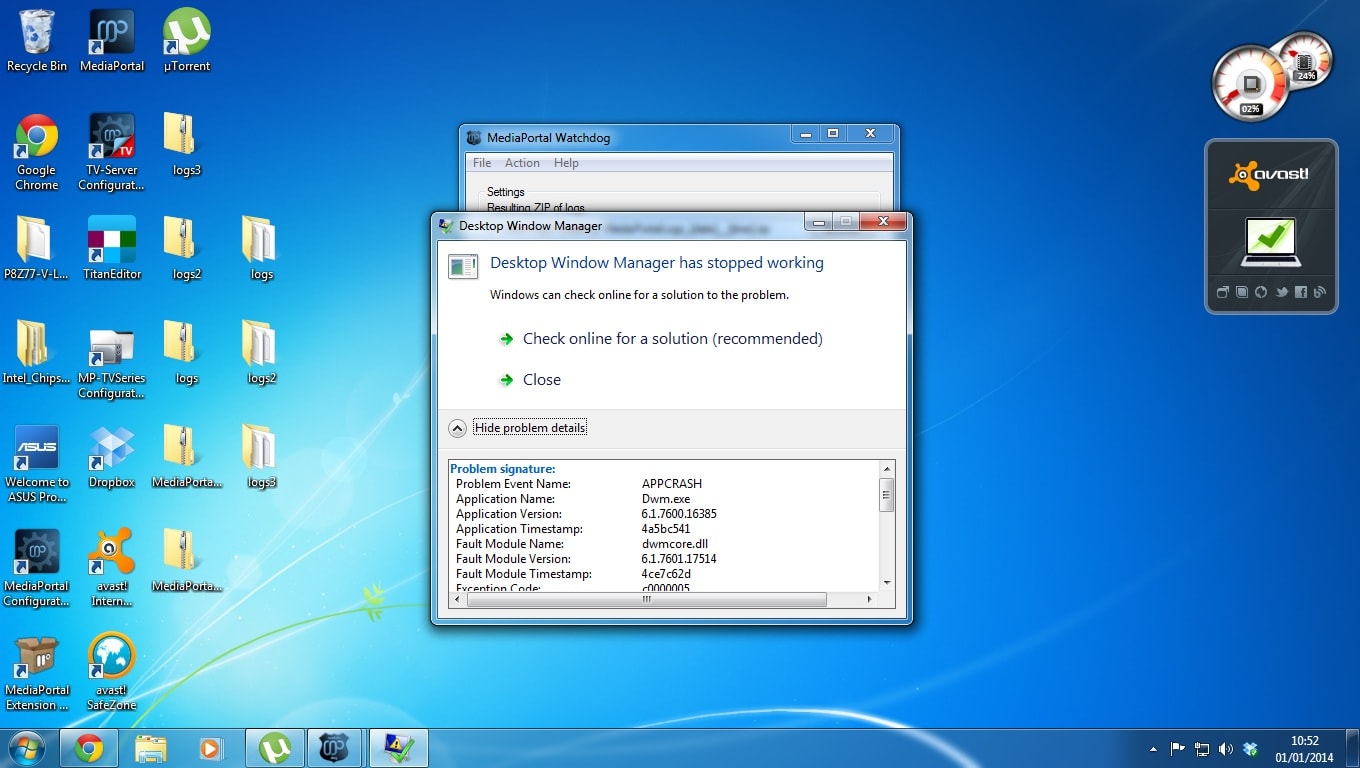
Jonny[DOUBLEPOST=1388537769][/DOUBLEPOST]I also get this but in english I dont know if that helps at all? (see attached pic)
I have for the first time since I started using mediaportal some 5 or maybe 6 years ago or is it longer than that? Encountered a problem that I cant see how to over come. Its appears to only happen when watching a film and one that is an MKV file. It will suddenly pop up with a window that says this program has encountered an error and needs to close. Sometimes the film will continue playing in the background sometimes it wont.
My computer has an I5 3570K, asus p8z77-v lx motherboard, 8gb of ram, amd 5770 graphics card and an intel ssd plus numerous other drives for films, tv series etc...
I have only encountered the problem recently. I thought it was when I upgraded from 1.4 to 1.5 but I have now a fresh install of windows and installed 1.5 with nothing else installed accept the drivers and the same problem occurs. Tonight I spotted 1.6 final was released so I have installed that and its the same.
i put it into debug mode and I have uploaded the logs. I'm really not sure what the problem is and its getting very annoying more so because it happens on a film at random times. Fortunately it doesnt happen when watching live tv or recordred tv or a tv series episode.
I dont think another install of windows & mediaportal will help as i'm sure its not a hardware issue.
If anyone can shed any light I would appreciate it.
Jonny[DOUBLEPOST=1388537769][/DOUBLEPOST]I also get this but in english
I dont know if that helps at all? (see attached pic)Attachments
Last edited:
 New Zealand