Modify blue3wide (1 Viewer)

gusangora

Portal Pro
January 14, 2006
74
4
Melbourne, Australia
Home Country
Australia Australia
Hello,
I am a total noob at programming and have no idea how to create my own skin. I really like the blue3wide skin, as does my family. I have tried to modify blue3wide to change the options at BasicHome, for Moving pictures and TV Series.
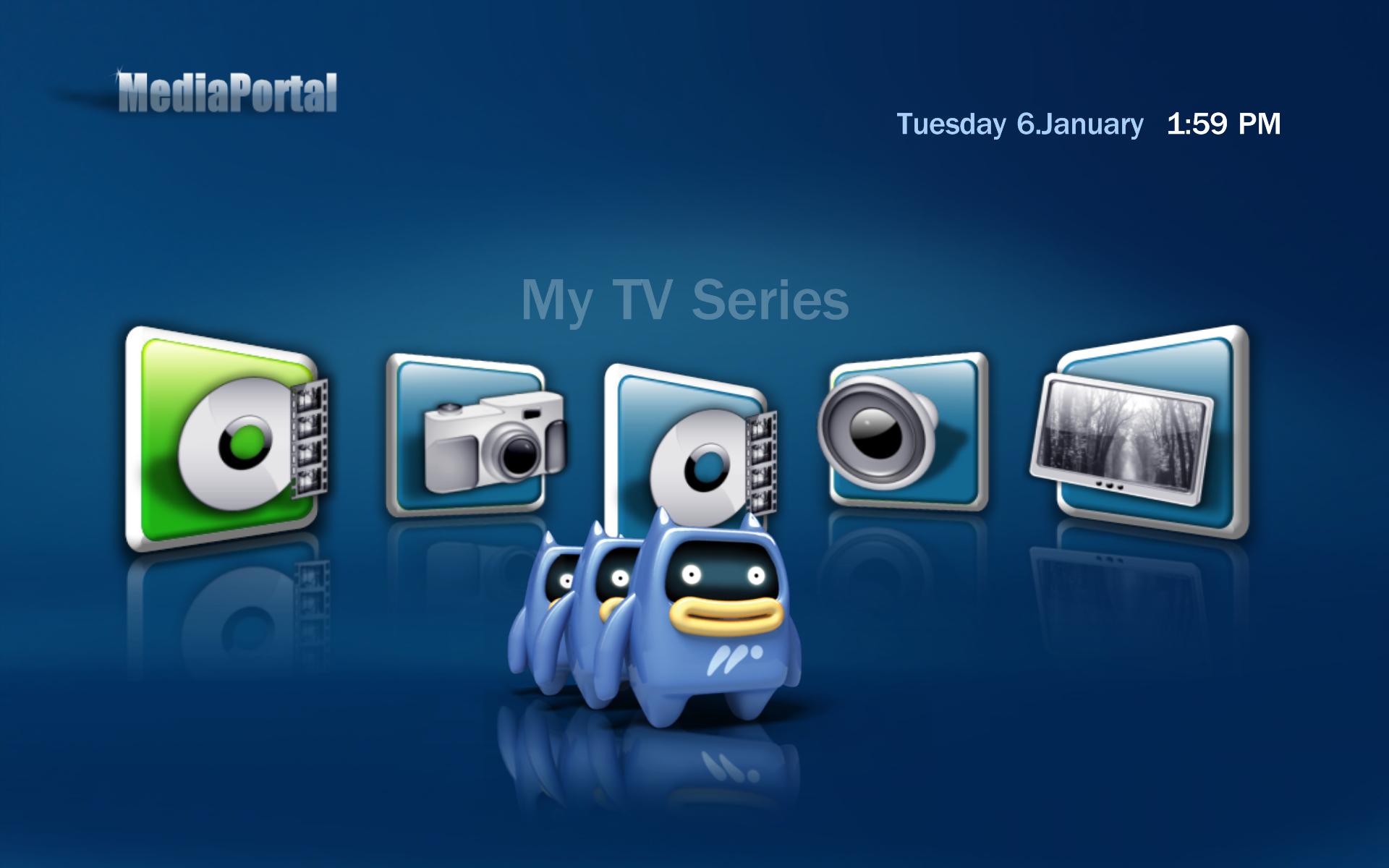
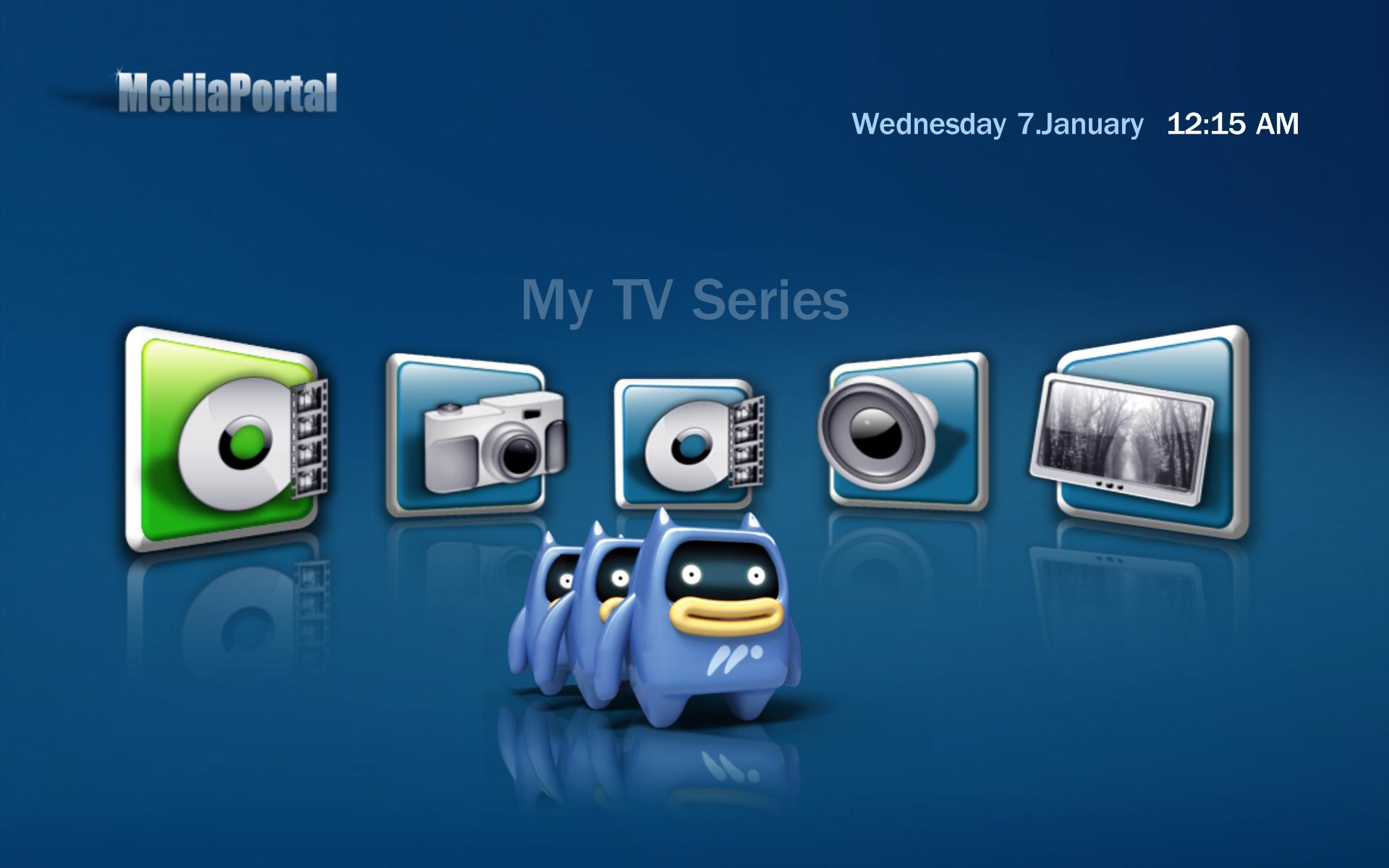
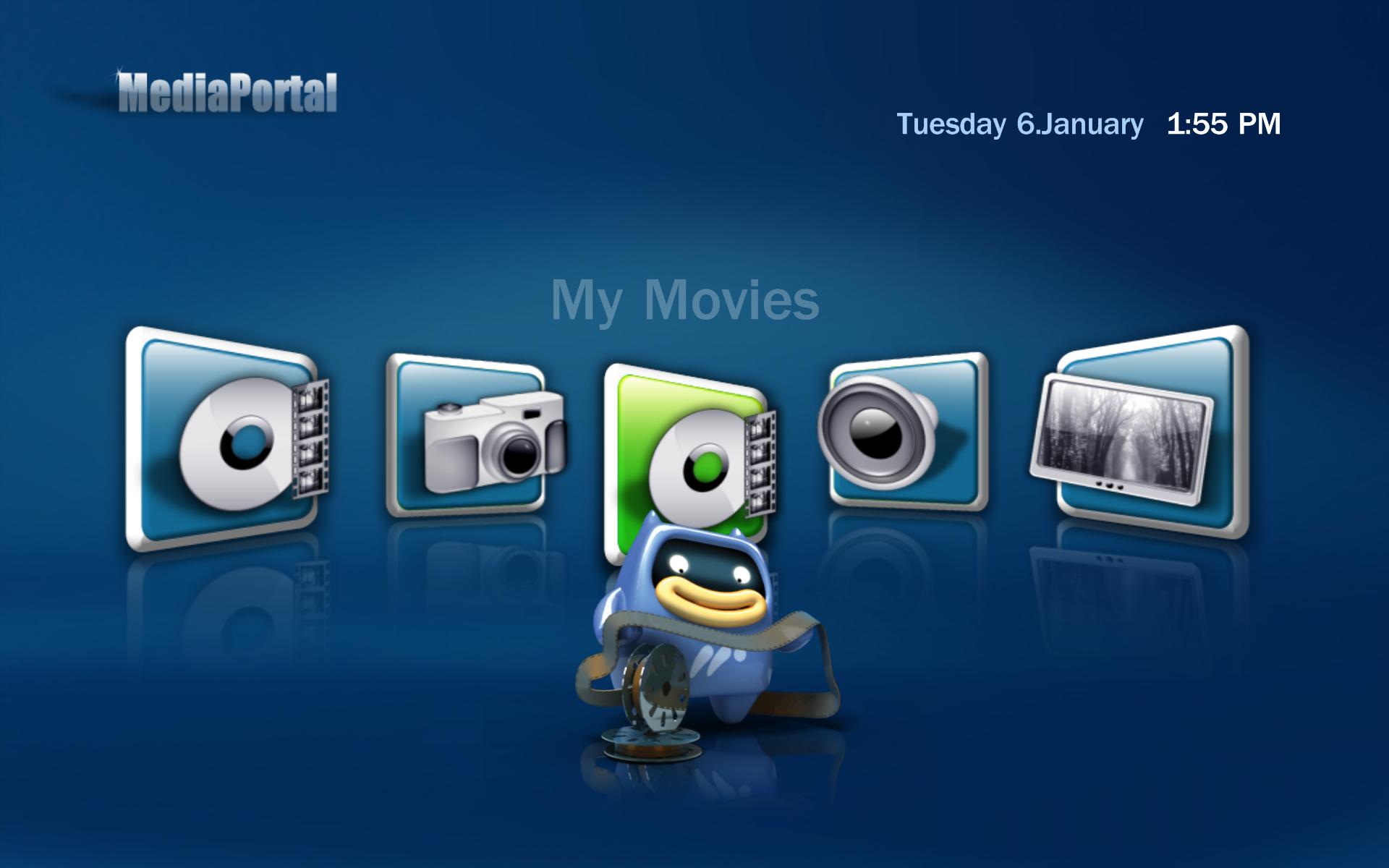
I have replaced 'My Videos' with 'My TV Series' and replaced 'Weather' with 'Moving pictures' (renamed 'My Movies'). The links work well and the hover icons (Mepo) are correct but the framed icon/background is not (either wrong picture, wrong shape or wrong position) - see below. How can I alter the framed icon information?
Ideally, I would like the order changed, so that the basic home screen shows, left to right, My Movies - My TV Series - My TV - My Music - My Pictures.
Steve
 

Attachments

  • MP1.jpg
    MP1.jpg
    110.6 KB
  • MP2.jpg
    MP2.jpg
    112.3 KB
  • BasicHome.xml
    30.6 KB

joz

Portal Pro
March 17, 2008
1,353
306
Home Country
Netherlands Netherlands
How can I alter the framed icon information?
What do you mean by this? I'd say just edit basichome.xml :) The frame and the icon are all the same picture.


Well it doesn't look good of course like this. YOu used the picture that should be in the left in the middle too! The images are like this in media folder (they are not rotated or whatever by MP).
I created one icon myself, for extra menu (see blue3++) and I'll tell you, since I couldn't find any PSD or whatever plain file for the icons I had to abuse one already there (my pictures) to create this button. Will take some time and photoshop skills I guess.

---------

I guess you could abuse the video button with the perspective transform tool that's in photoshop. Just save the file as hover_my_videos2 or whatever (not overwriting original).
 

gusangora

Portal Pro
January 14, 2006
74
4
Melbourne, Australia
Home Country
Australia Australia
Thanks, I didn't realise that the images are kept in the media folder, and that they are already combined icon on frame. Pity, would have been much easier to edit.
This is why I have the image that is supposed to be on the left duplicated in the middle. I don't have photoshop, nor know how to use it.
Thanks anyway.
Steve
 

joz

Portal Pro
March 17, 2008
1,353
306
Home Country
Netherlands Netherlands
try these out, maybe they look good, just did a 5 minute photoshop on them

----------

added PSD for other users that might be interested
 

Attachments

  • Basic_video_focus.png
    Basic_video_focus.png
    52.2 KB
  • Basic_video_nofocus.png
    Basic_video_nofocus.png
    47.8 KB
  • Basic_video.zip
    30.6 KB

noxx2

Portal Pro
September 10, 2007
1,951
40
Home Country
Germany Germany
looks nice.

can you make some icons (hover, focus, nofocus) for myPrograms, please?
i dont have photoshop!

best regards
 

joz

Portal Pro
March 17, 2008
1,353
306
Home Country
Netherlands Netherlands
try out gimp. It's free. Paint.net is a more userfriendly alternative (althoug less powerful)

The one I did was just a quick perspective transform of picture already included with skin. What you're asking is gonna take some time which I don't have, doing skinning for Blue3++ and all.
 

noxx2

Portal Pro
September 10, 2007
1,951
40
Home Country
Germany Germany
joz (or harley if you read this)

perhaps you have a empty template for me (green and blue). i mean the pictures for focus and no focus in the basic home screen.
 

joz

Portal Pro
March 17, 2008
1,353
306
Home Country
Netherlands Netherlands
nope don't have any.

That's why it's so hard to do.... I abused another picture.
 

Users who are viewing this thread

Top Bottom