United States of America
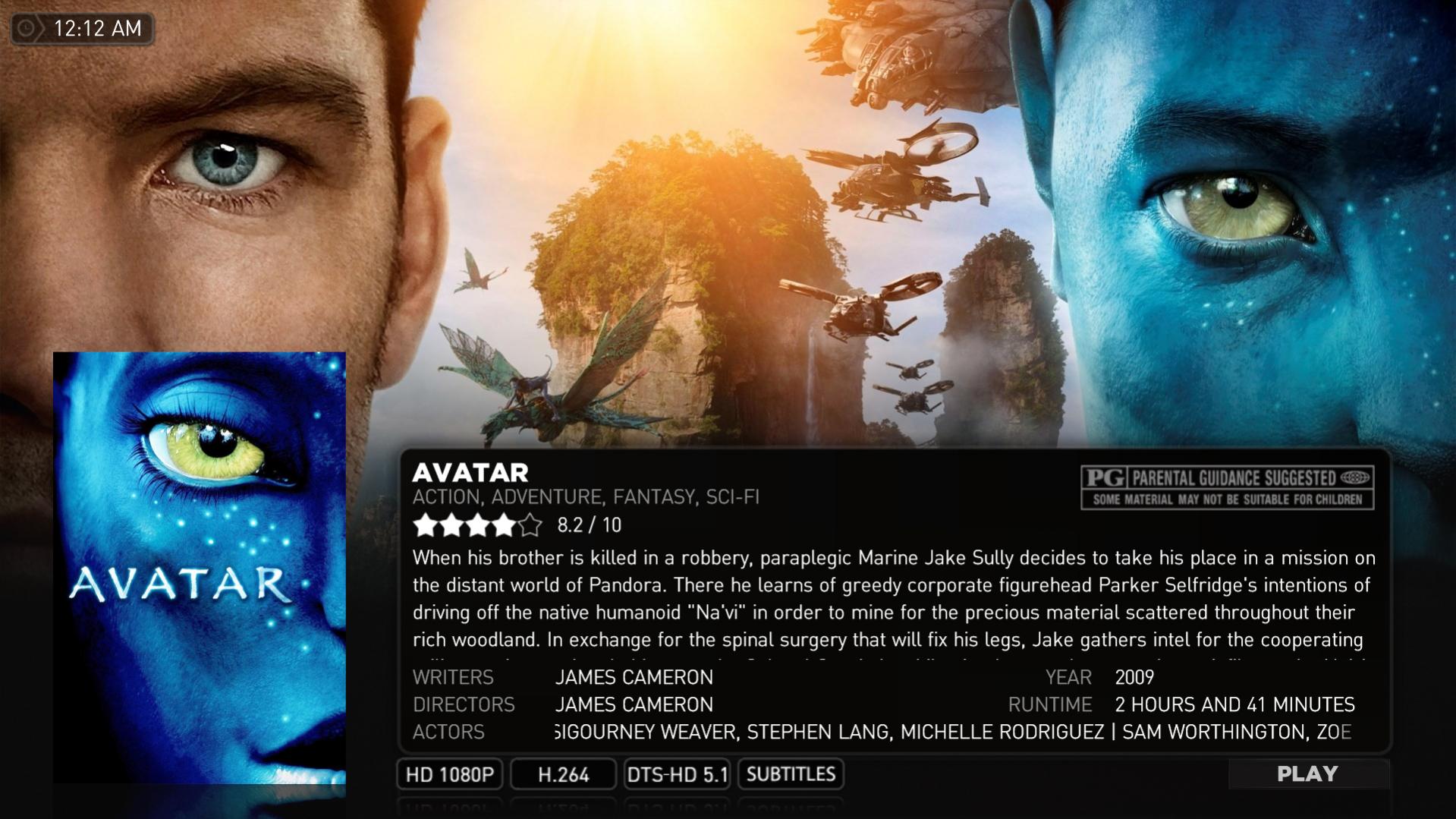
it seems that once you get a large number of movies (hundreds), for whatever reason...the movie poster frame image that overlays the poster when you are viewing a specific movie does not load until a movie is played and either immediately stopped or watched.....this seems to not happen on a setup running a small number of movies (tested on another pc)...it would make a little more sense if it eventually showed up because of processing a large movie database (i'm running an i7 quad core @ 4GHz so system power seems unlikely to be the cause)..but i have left it running for an entire day and it still will not show..but if i then play and immediately stop a movie...there it is........anyone else notice this? i would be totally fine just scrapping the overlay image altogether and those 'watched' eyeballs...but i can't find the locations.......i've looked through 'C:\ProgramData\Team MediaPortal\MediaPortal\skin\StreamedMP\Media' and see what i think is being loaded...and i've temporarily moved them..yet they still appear (after playing and stopping a movie of course)......does anyone know how i can either get the frame to load immediately...OR where this image is located so i can delete it and keep the appearance consistent?
picture of missing frame attached
thanks
picture of missing frame attached
thanks