Netherlands
Calling all MP skinners.
Some-one must have used (or try to use) this before. Please help me.
Thx.
This message relates to: How to - hide a sort button when not focussed
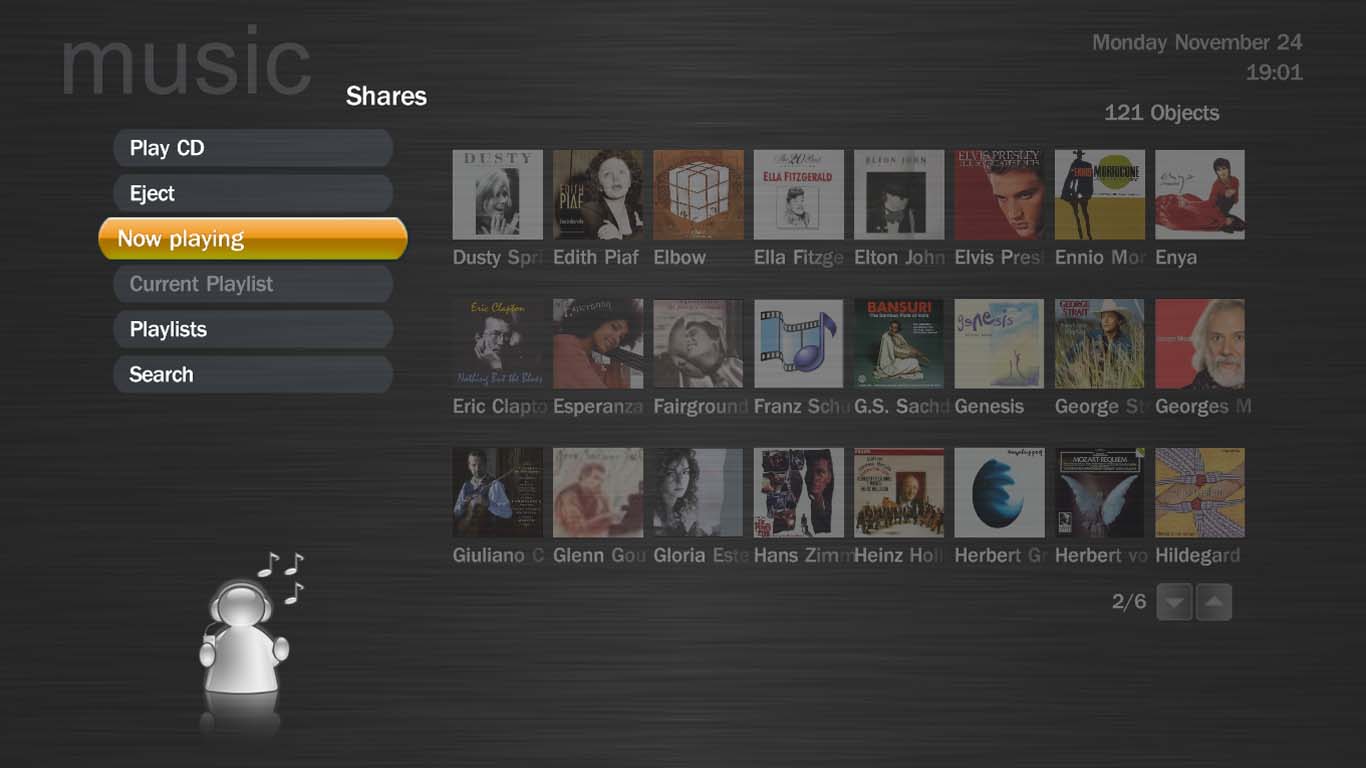
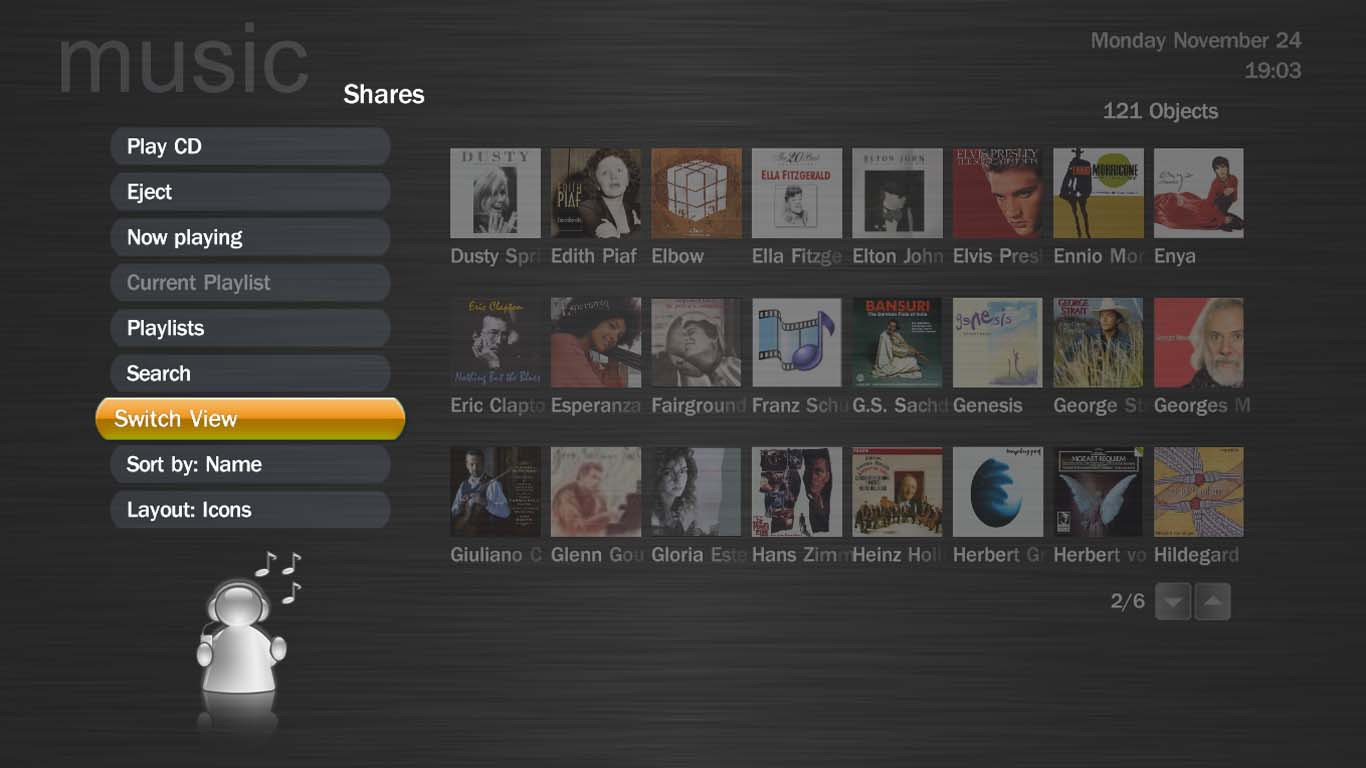
I want to hide part of menu stack and show it only if it becomes focussed. I'm trying to do that by splitting the menu into two groups, one of which is hidden unless focussed. Splitting the menu in two groups works fine and to hide one group unless focussed I found the text below in the wiki:
One thing you will notice, is that when a control is hidden, it can't be focused. This means you can't move to a control and have it automatically become visible (eg even if it had Control.HasFocus(myID) it wouldn't come back on, as MP wouldn't allow navigation to the hidden control). To solve this issue, you can use:
<visible allowhiddenfocus="true">Control.HasFocus(21)</visible>
on a control of <id> 21. This will allow the control to be focusable even when it's hidden. When the user moves to the hidden control, it will automatically unhide itself, due to the Control.HasFocus(21) visibility condition.
That is excactly what I need.
But is does't work, the group is hidden but I can't navigate there, it cannot be focussed, it doesn't become visible.
If I change the Control.HasFocus id to the id of a control that is already visible and I navigate there then the hidden control becomes visible, so that part is working. I have tried it for one control instead of a group and have the same problem.
Does this 'allowhiddenfocus' function work?
VdR
Some-one must have used (or try to use) this before. Please help me.
Thx.
This message relates to: How to - hide a sort button when not focussed
I want to hide part of menu stack and show it only if it becomes focussed. I'm trying to do that by splitting the menu into two groups, one of which is hidden unless focussed. Splitting the menu in two groups works fine and to hide one group unless focussed I found the text below in the wiki:
One thing you will notice, is that when a control is hidden, it can't be focused. This means you can't move to a control and have it automatically become visible (eg even if it had Control.HasFocus(myID) it wouldn't come back on, as MP wouldn't allow navigation to the hidden control). To solve this issue, you can use:
<visible allowhiddenfocus="true">Control.HasFocus(21)</visible>
on a control of <id> 21. This will allow the control to be focusable even when it's hidden. When the user moves to the hidden control, it will automatically unhide itself, due to the Control.HasFocus(21) visibility condition.
That is excactly what I need.
But is does't work, the group is hidden but I can't navigate there, it cannot be focussed, it doesn't become visible.
If I change the Control.HasFocus id to the id of a control that is already visible and I navigate there then the hidden control becomes visible, so that part is working. I have tried it for one control instead of a group and have the same problem.
Does this 'allowhiddenfocus' function work?
VdR