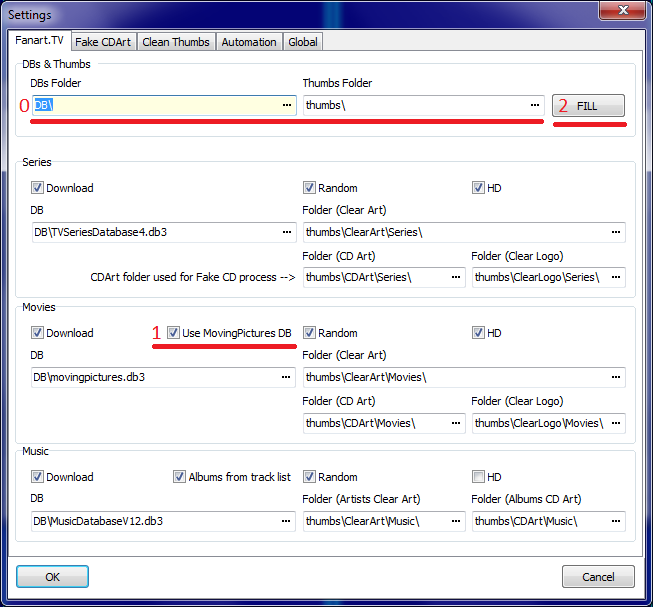
Working now, I had to choose destination directory in settings
Last edited:

Button [FILL] should do it for youWorking now, I had to choose destination directory in settings

Which field is not filled?FILL button doesn't work. Have to do manually. Not sure why.
  04-07-2013 14:51:27.728 - Get fanart.tv URLs for tt1449283 Winnie the Pooh
  04-07-2013 14:51:27.955  no fanart.tv ClearArt picture for tt1449283 Winnie the Pooh
  04-07-2013 14:51:27.962  no fanart.tv CD picture for tt1449283 Winnie the Pooh
  04-07-2013 14:51:27.973 - Fake: Movies mode.
  04-07-2013 14:51:27.973  Fake: Mask - {%nm}*.jpg - {Winnie?the?Pooh}*.jpg
  04-07-2013 14:51:27.973  Random files find: D:\Work\Programming\Delphi\MePoTools\thumbs\MovingPictures\Backdrops\FullSize\*.*
  04-07-2013 14:51:28.011  Fake: Execute D:\Downloads\FakeCD\fakecd.cmd "D:\Work\Programming\Delphi\MePoTools\thumbs\MovingPictures\Backdrops\FullSize\{Winnie.the.Pooh} [575169345].jpg" "D:\Work\Programming\Delphi\MePoTools\thumbs\CDArt\Movies\tt1449283.png" MVM
  04-07-2013 14:51:41.063  Fake: Execution completed successfully.
 Germany
Only kiwijunglist does not work creating FakeCD for moving pictures? Or who?
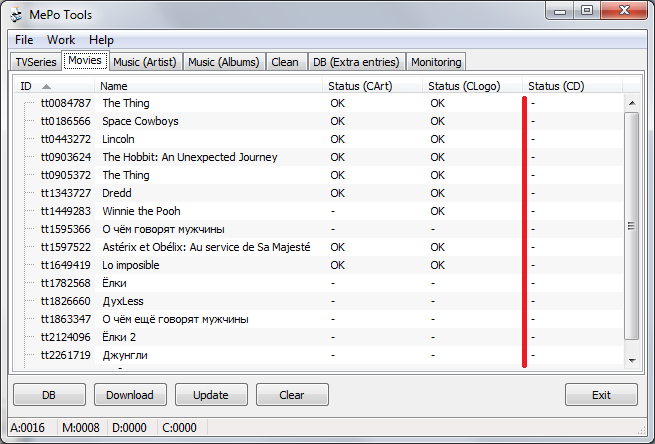
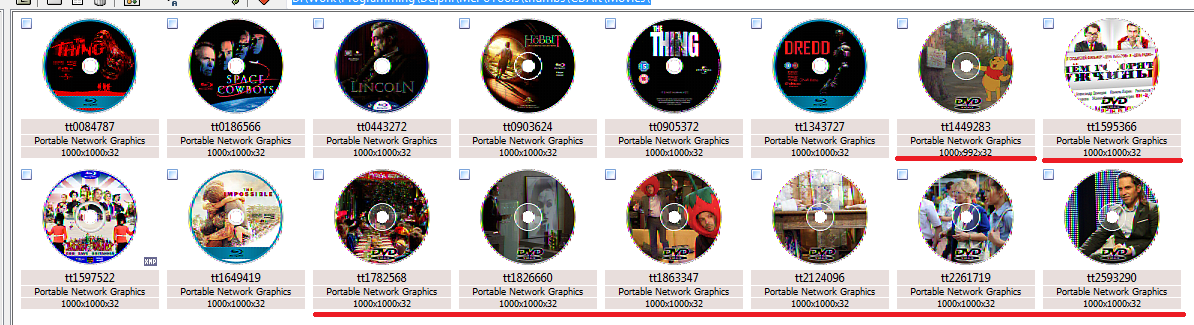
It is interestingNo everything is working EXCEPT MovingPictures Fake CDArt.
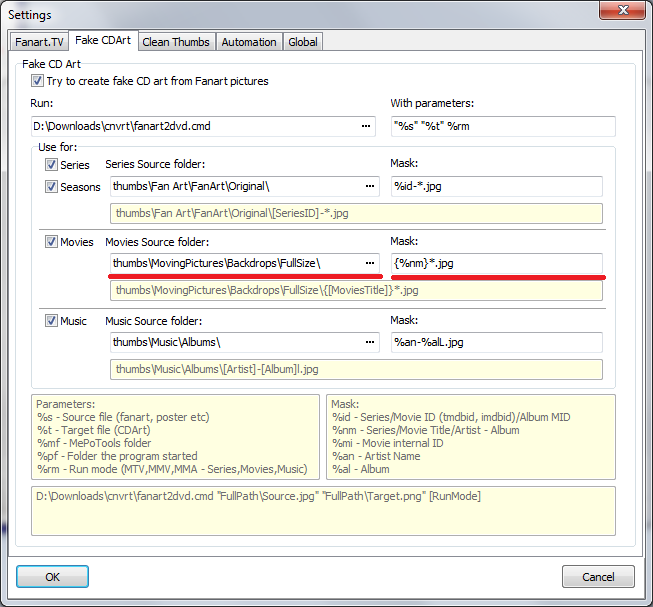
Send me a log file is created MePoTools, in debug mode (just before the start, remove it). And just in case the logs (fakecd.log & log.txt) created by the batch file.[DOUBLEPOST=1372955697][/DOUBLEPOST]Check the settings, as I have in the screenshots, and make sure you have pictures on the way.
Germany
It is interestingNo everything is working EXCEPT MovingPictures Fake CDArt.
Button [FILL] should do it for youHad to insert {%nm}*.jpg, now everything is fine!