TV-Server Version: svn2075
MediaPortal Version: svn2075
MediaPortal Skin: monochrome
Windows Version: xp mce sp3
CPU Type: celeron 2.4
HDD: seagate 80 + WD 160
Memory: 1gb ddr
Motherboard: ga-8ig1000 pro
Video Card: radeon 9200 se
Video Card Driver: 8.252.0.0
Sound Card: soundblaster
Sound Card AC3:
Sound Card Driver: 5.1.260.5512
1. TV Card: hve-1100
1. TV Card Type: dvb-t
1. TV Card Driver: 2.122.2619.0
2. TV Card: dvt2000h
2. TV Card Type: dvb-t
2. TV Card Driver: 4.0.112.3113
3. TV Card:
3. TV Card Type:
3. TV Card Driver:
4. TV Card:
4. TV Card Type:
4. TV Card Driver:
MPEG2 Video Codec: k-lite
MPEG2 Audio Codec: k-lite
h.264 Video Codec: k-lite
Satelite/CableTV Provider:
HTPC Case: silverstone lc20
Cooling: custom
Power Supply:
Remote: imon
TV:
TV - HTPC Connection: s-video
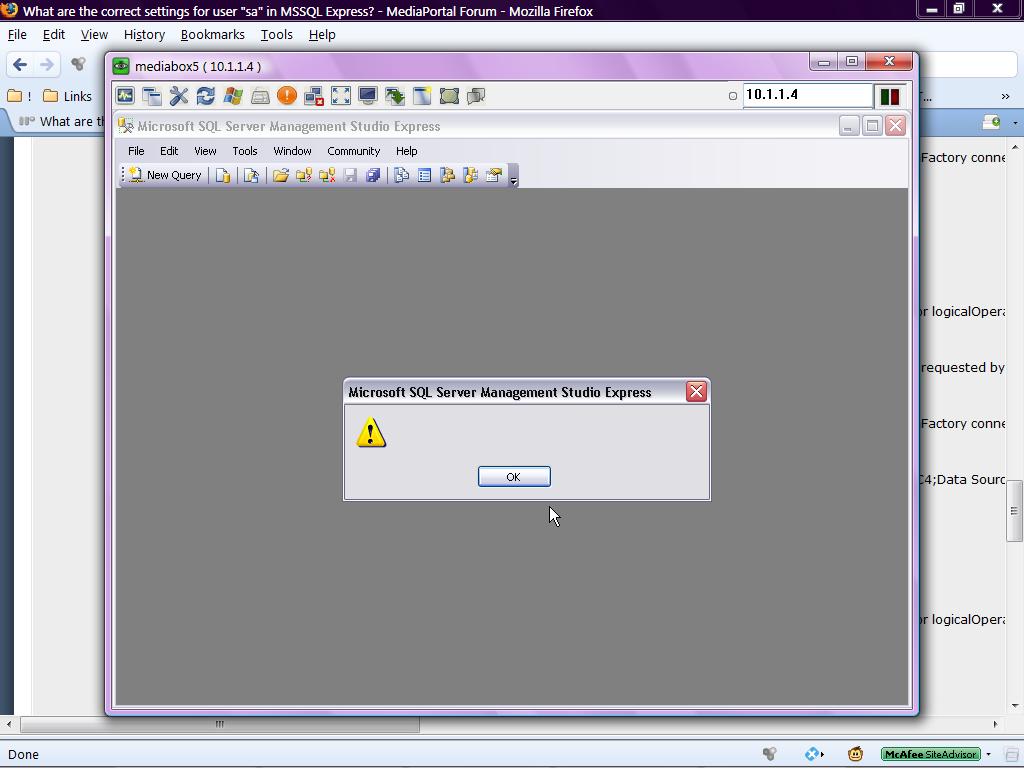
Ive got a recurring error trying to start tv server, with login failling for user "sa". This is from a fresh install of tvserver and mssql express.
I have not changed anything from default settings, and followed the instructions here to do the install
TV-Server/install-SQL-Server - MediaPortal Manual Documentation
Firewall allows connection. (single seat setup). SQL Browser service is running.
---------
MEDIABOX5\SQLEXPRESS\Databases\MpTvDbRC2\Security\Users\
sa is not listed. Is this correct?
---------
MEDIABOX5\SQLEXPRESS\Databases\MpTvDbRC2\Security\Users\dbo
login name - sa
Owned schemas
(none)
Database Role Membership
- db_owner
MEDIABOX5\SQLEXPRESS\Security\Logins\sa
General
- enforce password policy is ticked
- default database = master
Server Roles
- public
- sysadmin
User mapping
:users mapped to this login
- master
- model
- MpTvDbRC2
- msdb
- tempdb
Database role membership
- db_owner
- public
Status
: permission to connect
- grant
:login
- enabled
(login is not "locked out")
-------------
Are there any other elements I should be looking at?
Thanks very much to anyone familiar with MSSQL who can help.
BTW, it would be really useful to have working settings for single-seat & multi-seat installations posted in the documentation for TV server....
MediaPortal Version: svn2075
MediaPortal Skin: monochrome
Windows Version: xp mce sp3
CPU Type: celeron 2.4
HDD: seagate 80 + WD 160
Memory: 1gb ddr
Motherboard: ga-8ig1000 pro
Video Card: radeon 9200 se
Video Card Driver: 8.252.0.0
Sound Card: soundblaster
Sound Card AC3:
Sound Card Driver: 5.1.260.5512
1. TV Card: hve-1100
1. TV Card Type: dvb-t
1. TV Card Driver: 2.122.2619.0
2. TV Card: dvt2000h
2. TV Card Type: dvb-t
2. TV Card Driver: 4.0.112.3113
3. TV Card:
3. TV Card Type:
3. TV Card Driver:
4. TV Card:
4. TV Card Type:
4. TV Card Driver:
MPEG2 Video Codec: k-lite
MPEG2 Audio Codec: k-lite
h.264 Video Codec: k-lite
Satelite/CableTV Provider:
HTPC Case: silverstone lc20
Cooling: custom
Power Supply:
Remote: imon
TV:
TV - HTPC Connection: s-video
Ive got a recurring error trying to start tv server, with login failling for user "sa". This is from a fresh install of tvserver and mssql express.
I have not changed anything from default settings, and followed the instructions here to do the install
TV-Server/install-SQL-Server - MediaPortal Manual Documentation
Firewall allows connection. (single seat setup). SQL Browser service is running.
---------
MEDIABOX5\SQLEXPRESS\Databases\MpTvDbRC2\Security\Users\
sa is not listed. Is this correct?
---------
MEDIABOX5\SQLEXPRESS\Databases\MpTvDbRC2\Security\Users\dbo
login name - sa
Owned schemas
(none)
Database Role Membership
- db_owner
MEDIABOX5\SQLEXPRESS\Security\Logins\sa
General
- enforce password policy is ticked
- default database = master
Server Roles
- public
- sysadmin
User mapping
:users mapped to this login
- master
- model
- MpTvDbRC2
- msdb
- tempdb
Database role membership
- db_owner
- public
Status
: permission to connect
- grant
:login
- enabled
(login is not "locked out")
-------------
Are there any other elements I should be looking at?
Thanks very much to anyone familiar with MSSQL who can help.
BTW, it would be really useful to have working settings for single-seat & multi-seat installations posted in the documentation for TV server....

 Germany