Aeon Wide (1366x768) (18 Viewers)

Pretoriano

Retired Team Member
  • Premium Supporter
  • October 1, 2007
    525
    133
    Roma, Italia
    Home Country
    Romania Romania
    I ask a little help, I added in myvideo the rows below, to use the number of IMDB for view fanart in mymovies but it does not work.

    <description>fanart</description>
    <type>image</type>
    <id>1000</id>
    <posX>0</posX>
    <posY>0</posY>
    <width>1920</width>
    <height>1080</height>
    <colordiffuse>66ffffff</colordiffuse>
    <texture>\FanArt\Video\#imdbnumber.jpg</texture>
    </control>

    Substituting with the title, still works, any advice?

    <control>
    <description>fanart</description>
    <type>image</type>
    <id>1000</id>
    <posX>0</posX>
    <posY>0</posY>
    <width>1366</width>
    <height>768</height>
    <colordiffuse>ffffffff</colordiffuse>
    <texture>\FanArt\Video\#title.png</texture>
    </control>

    Thanks:D

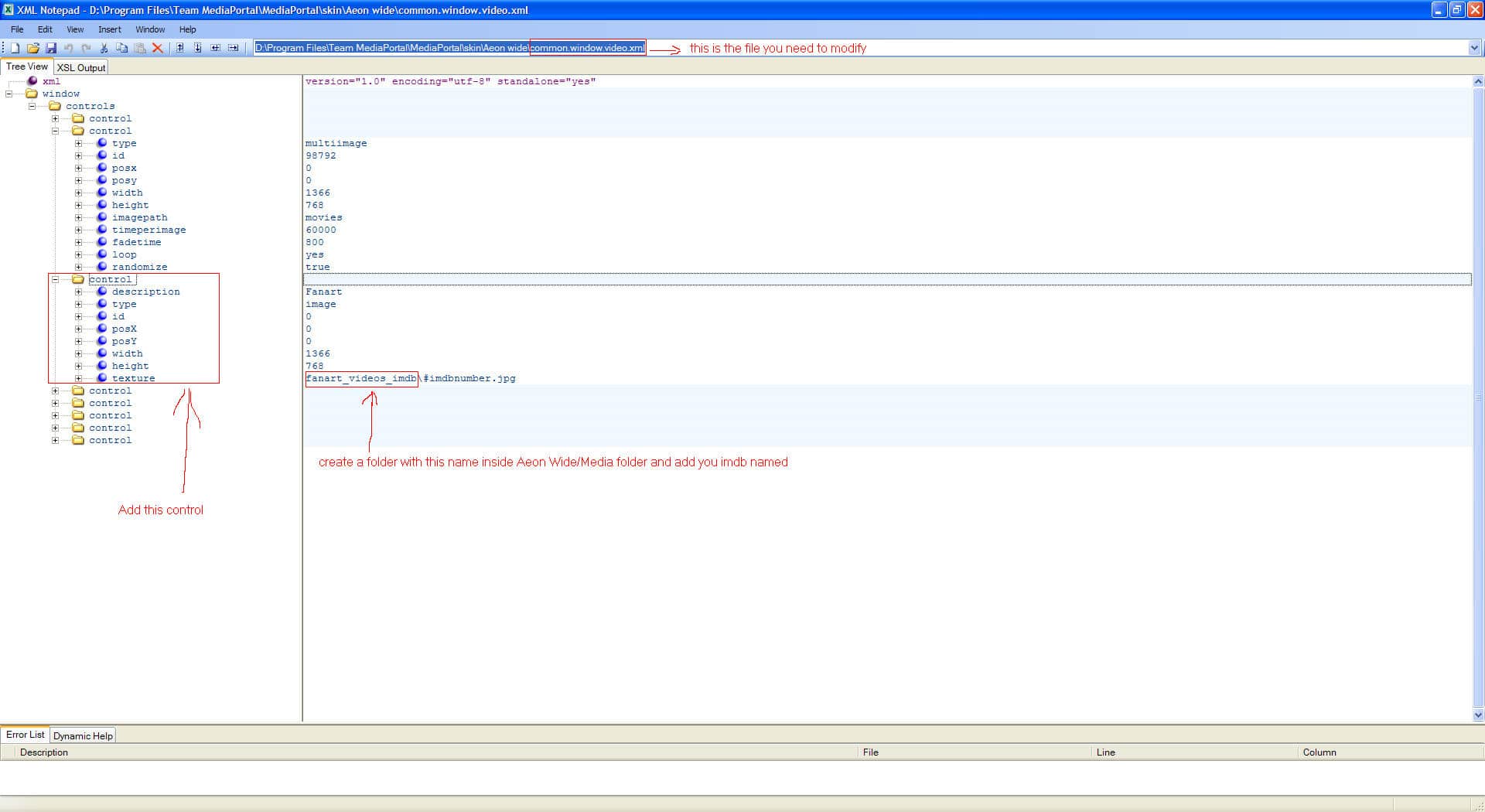
    Hi,if you still want to add your fanart to aeon wide this could help you: see attached screenshot

    BTW,i'm using XML Notepad to modify XMLs.Hope this will help.

    Regards
     

    Attachments

    • Adding imdb fanart to Aeon Wide Skin.jpg
      Adding imdb fanart to Aeon Wide Skin.jpg
      205.1 KB

    Paranoid Delusion

    Moderation Manager
  • Premium Supporter
  • June 13, 2005
    13,052
    2,978
    Cheshire
    Home Country
    United Kingdom United Kingdom
    Updated Aeon Wide Version to version 1.1

    This now has all current files in svn, no modified looks are included at the moment.

    Setting up a Aeon Wide Mods thread, where i can put any relevant posts, so they are a bit easier to find :), this will be done in the next 24hrs children willing.
     

    dA.oOZe

    Portal Pro
    February 8, 2007
    85
    2
    Home Country
    Germany Germany
    Has this ever worked for you on Aeon wide skin?
    I have installed ForTheRecord on on saturday for the first time, never used it before but fallen in love with it within minutes :D

    But to answer your question: No, I did never get it to work with Aeon skin :(

    I'll put together the logfiles you requested within the next few days. Not much time atm.
     

    Felias

    Portal Pro
    August 28, 2008
    54
    0
    Home Country
    Germany Germany
    Updated Aeon Wide Version to version 1.1

    This now has all current files in svn, no modified looks are included at the moment.

    Setting up a Aeon Wide Mods thread, where i can put any relevant posts, so they are a bit easier to find :), this will be done in the next 24hrs children willing.

    Oh my! Can't wait to get home today :)

    Thanks already for your effort.
     

    emphatic

    Design Group
  • Team MediaPortal
  • August 25, 2006
    3,758
    1,250
    Alingsås
    Home Country
    Sweden Sweden
    Does the new version include proper screens for Moving Pictures? I've tried the mattsk88 screens, but only the list view has the AEON look. If you go into detail view, the layout looks like the plugins defult skin. Or is it just me?

    Also, does anyone know what to change in the Moving Pictures xml to NOT have the backdrops show in the list view? It would be great imho if you only get the backdrop in detail view.

    Emph

    Just downloaded and started 1.1. Gives me a "skin outdated" on startup. MP is at latest SVN.

    Emph
     

    donkarlos

    Portal Pro
    June 5, 2005
    234
    13
    Wiesloch
    Home Country
    Germany Germany
    donkarlos

    Space use wise is very good, too many options in menu, but i take it thats your preference, and switching menu from left to right, definately could not get used to that :(

    If the menu was as original on left, would be a great addition :), and my preference over what exists atm.

    Also red recording dot does not need "rec" next to icon.

    You did ask for opinions :D

    it's a pitty, that you cannot get used to it. To me this went quickly. :))
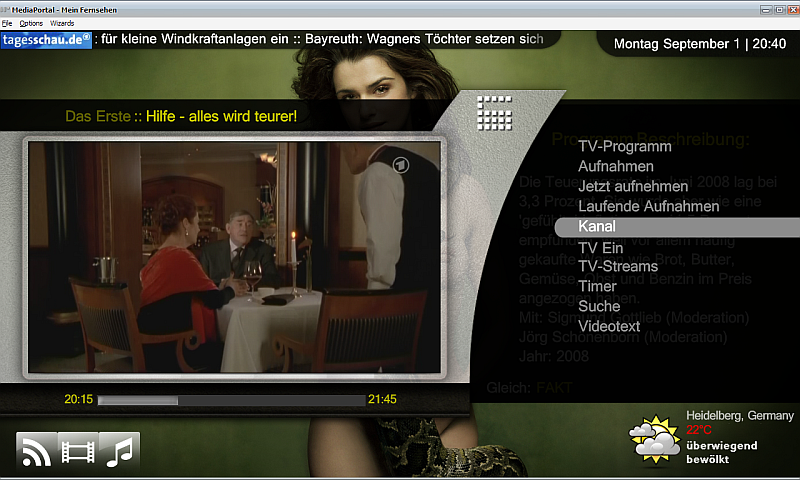
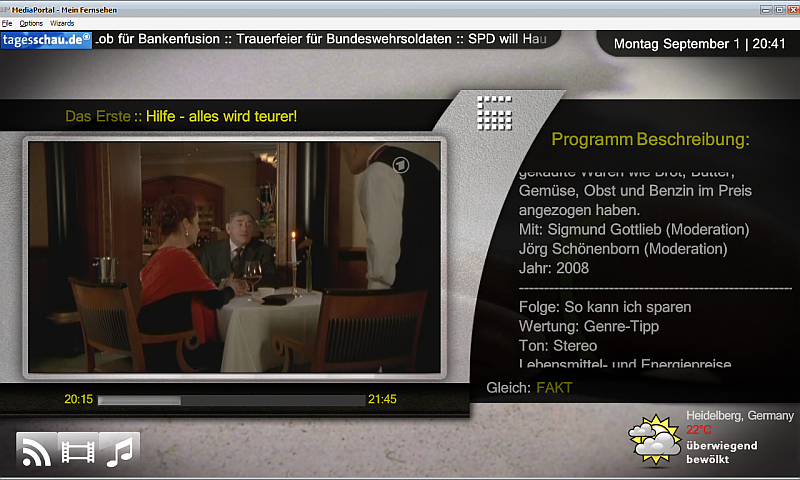
    When the menu is on the left side, the "sliding menu" and the TV take overlapp and take away the focus from each other. Also, it tarts to flicker strongly. ( eye-cancer )
    The TV Screen was meant to be for the older people. A big TV, big EPG, big font, a fast switchover to music etc. ;-))
    I changed the version a little bit and compiled it into the forum gain.
    greeting

    Don
     

    Attachments

    • menu.png
      menu.png
      439.7 KB
    • epg.png
      epg.png
      478.2 KB

    Buffo

    Portal Member
    September 17, 2006
    26
    0
    56
    First I want to thank for this great skin :)

    Since a few versions - I don't know exactly with which my problem occured first and I had deleted the old versions already - my basic home screen is blank, no picture in background and no text in the menu bar. If I press cursor up all media is there again but if I move the mouse all media disappears. Any idea what is my problem? I would be very lucky if someone has a solution ;)

    I use Win XP Pro SP3 with MediaPortal 1.0RC2.

    Regards,
    Buffo
     

    jof

    MP Donator
  • Premium Supporter
  • December 10, 2007
    417
    14
    Home Country
    Austria Austria
    First I want to thank for this great skin :)

    Since a few versions - I don't know exactly with which my problem occured first and I had deleted the old versions already - my basic home screen is blank, no picture in background and no text in the menu bar. If I press cursor up all media is there again but if I move the mouse all media disappears. Any idea what is my problem? I would be very lucky if someone has a solution ;)

    I use Win XP Pro SP3 with MediaPortal 1.0RC2.

    Regards,
    Buffo

    I have exact the same issue.
     

    Users who are viewing this thread

    Top Bottom