United States of America
Hey guys, I want to start by saying that I just discovered MediaPortal last night after years of hunting for a program that would play my s-video input in a zoom mode (for letterboxed movies). I have to say I love it!!
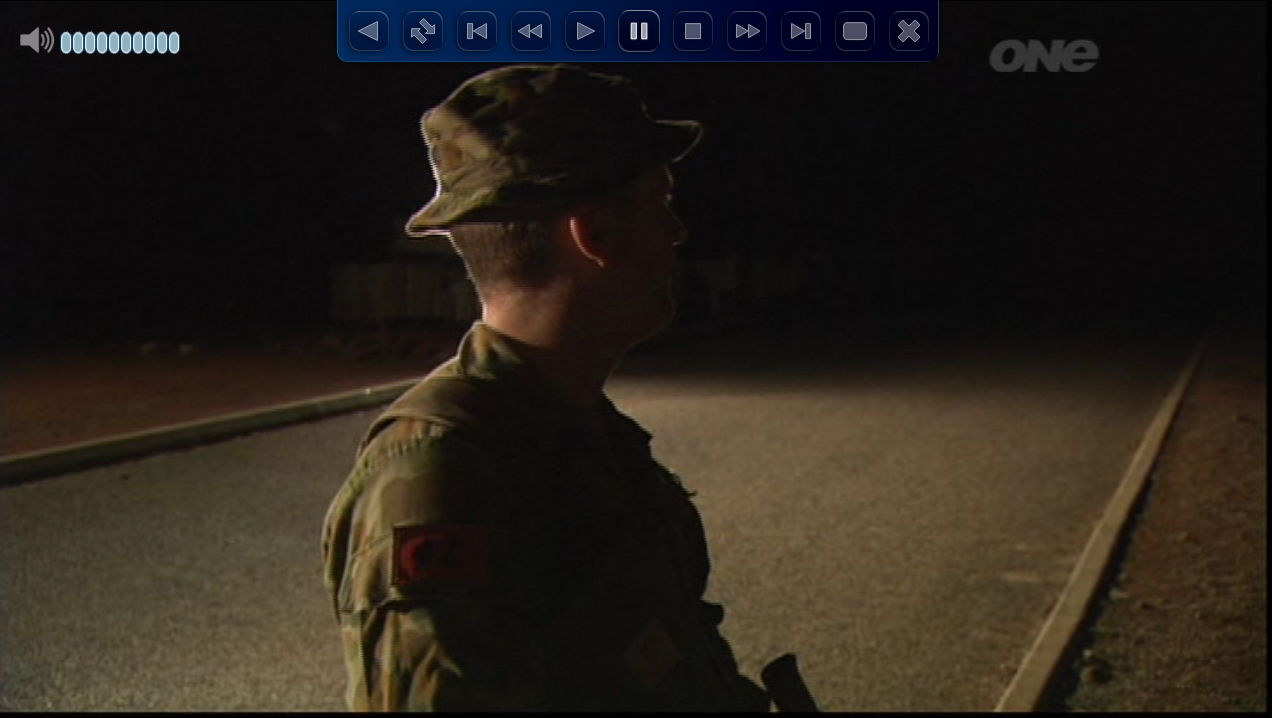
I have a question though.. Every time I turn the volume up or down I get this pop-up along the bottom of the screen that says "Group:All Channels." Is there any way to keep this from happening? I watch movies at night when people in the house are sleeping so I am constantly on the remote changing volume between low and high (for loud and quiet scenes). This pop-up takes the bottom inch and a half of the screen. Here's a picture in case you don't know what I'm talking about:

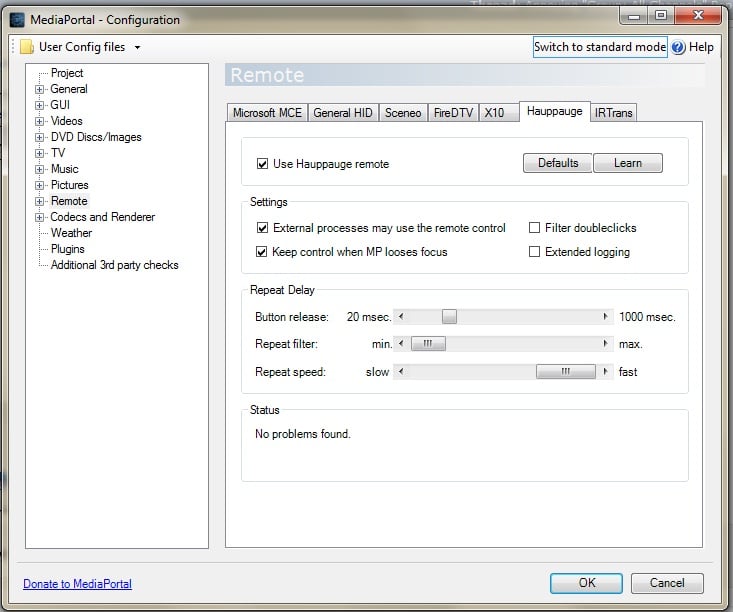
I have already disabled using a remote with MP (because of the input lag) and disabled displaying the OS volume level. So I don't even know why MP can recognize when I'm using the remote. I've also tried disabling the "All Channels" group but it did nothing. It seems to me that the volume should be totally system-dependent with nothing to do with MP right now. But I still get this pop-up every time I press the volume buttons on my remote. I only use MP for my s-video channel; is there any way to make this channel in no group? That way there would be nothing to come up? Or change the background color of the pop-up from blue to see-through so I don't see a whole box, just the words?
Any ideas or help would be appreciated!
I have a question though.. Every time I turn the volume up or down I get this pop-up along the bottom of the screen that says "Group:All Channels." Is there any way to keep this from happening? I watch movies at night when people in the house are sleeping so I am constantly on the remote changing volume between low and high (for loud and quiet scenes). This pop-up takes the bottom inch and a half of the screen. Here's a picture in case you don't know what I'm talking about:
I have already disabled using a remote with MP (because of the input lag) and disabled displaying the OS volume level. So I don't even know why MP can recognize when I'm using the remote. I've also tried disabling the "All Channels" group but it did nothing. It seems to me that the volume should be totally system-dependent with nothing to do with MP right now. But I still get this pop-up every time I press the volume buttons on my remote. I only use MP for my s-video channel; is there any way to make this channel in no group? That way there would be nothing to come up? Or change the background color of the pop-up from blue to see-through so I don't see a whole box, just the words?
Any ideas or help would be appreciated!