MediaPortal Version: 1.2.0 RC
MediaPortal Skin: blue 3 wide
Windows Version: Windows XP SP3
CPU Type: AMD Athlon X2 4850e, 2x 2.50GHz, boxed
HDD: Samsung SpinPoint F1 640GB, 16MB Cache, SATA II
Memory: 4 GB DDR2 PC2-6400U CL5 (DDR2-800)
Motherboard: Gigabyte GA-MA78GM-S2H (rev.1.0)
Video Card: ATI Radeon 3200 HD
Video Card Driver: ATI CCC 9.5
Sound Card: onboard
Sound Card AC3: optical out SPDIF
Sound Card Driver:
1. TV Card: TerraTec Cinergy S2 CI
1. TV Card Type: DVB-S2
1. TV Card Driver:
2. TV Card:
2. TV Card Type:
2. TV Card Driver:
3. TV Card:
3. TV Card Type:
3. TV Card Driver:
4. TV Card:
4. TV Card Type:
4. TV Card Driver:
MPEG2 Video Codec: ffdshow
MPEG2 Audio Codec: ffdshow
h.264 Video Codec: ffdshow DXVA
Satelite/CableTV Provider: Astra 19.2°E
HTPC Case: Antec Fusion Remote
Cooling: CPU Cooling Fan (boxed), Case fan
Power Supply:
Remote: Logitech Harmony 525
TV: Panasonic TH-42PZ85EA, 24p, 100Hz
TV - HTPC Connection: HDMI
Hi,
I have an issue with fotos and their rotation.
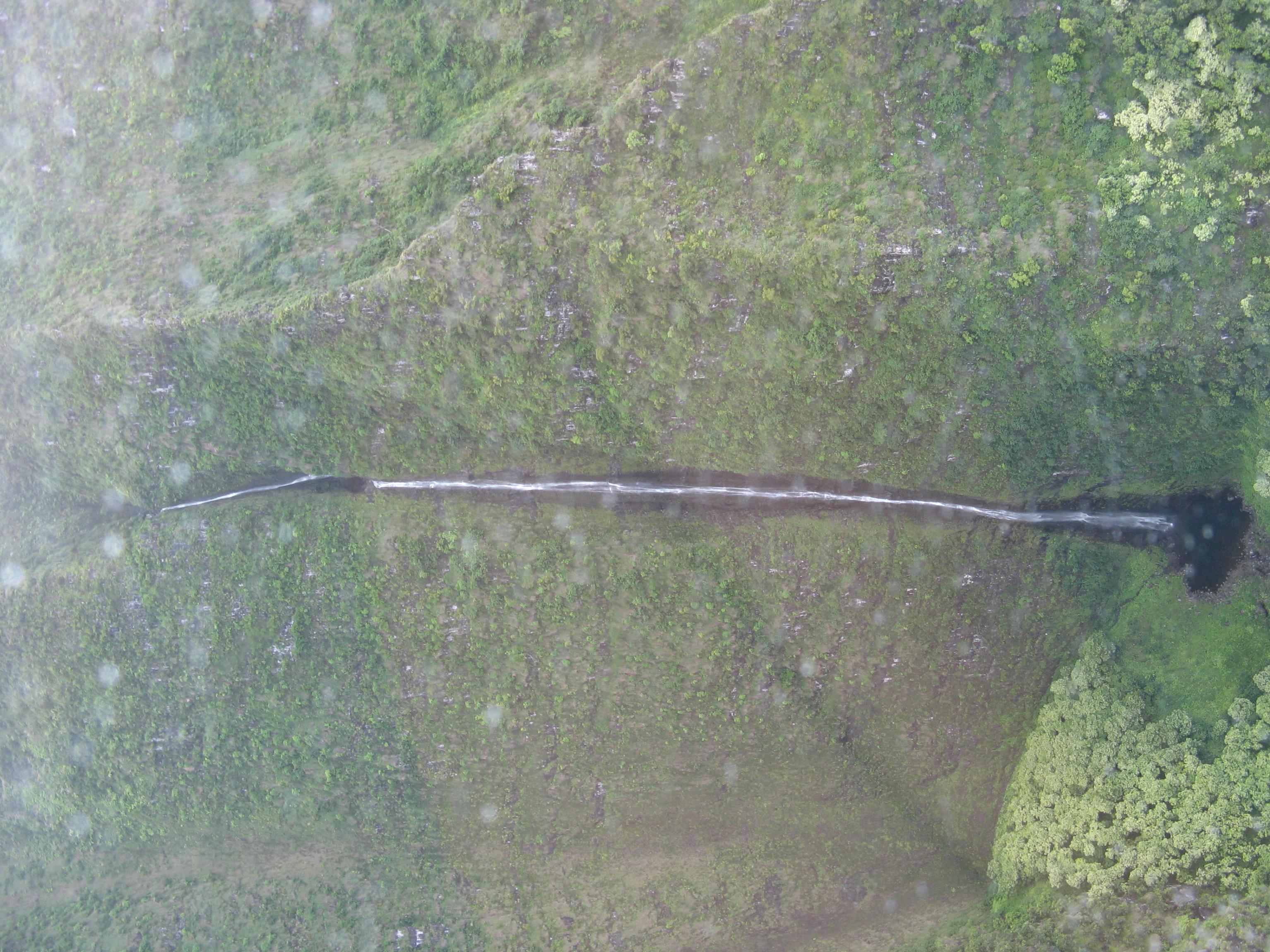
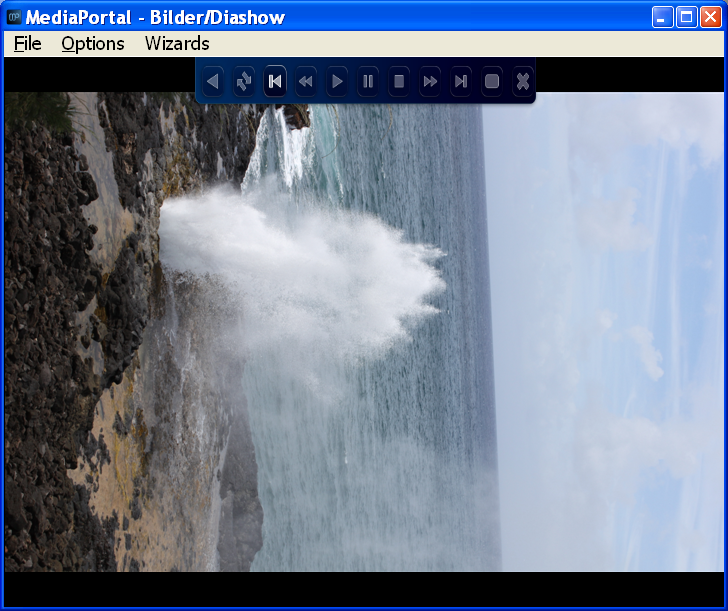
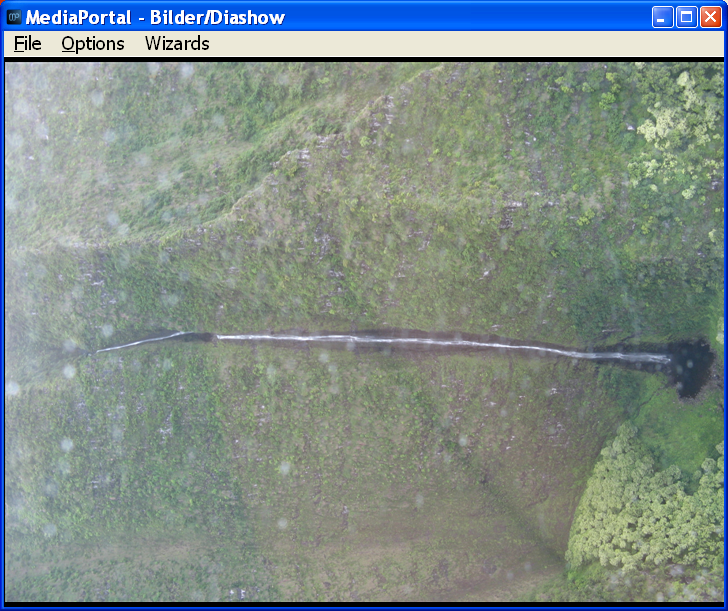
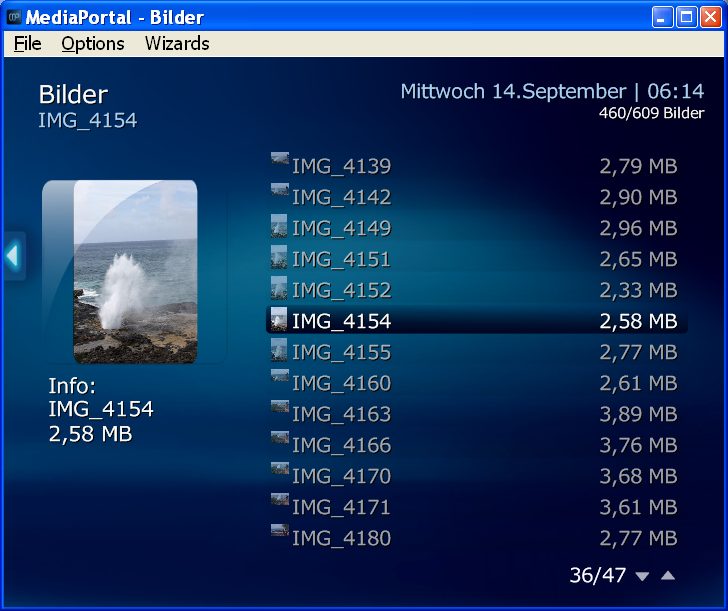
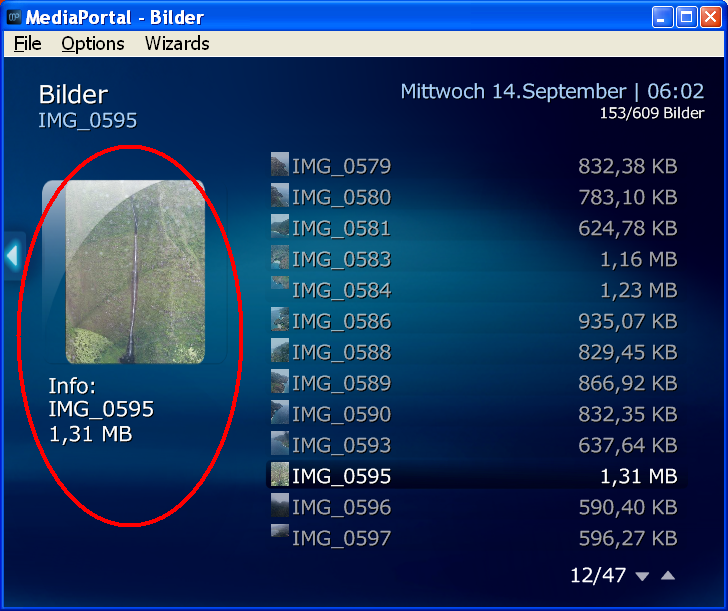
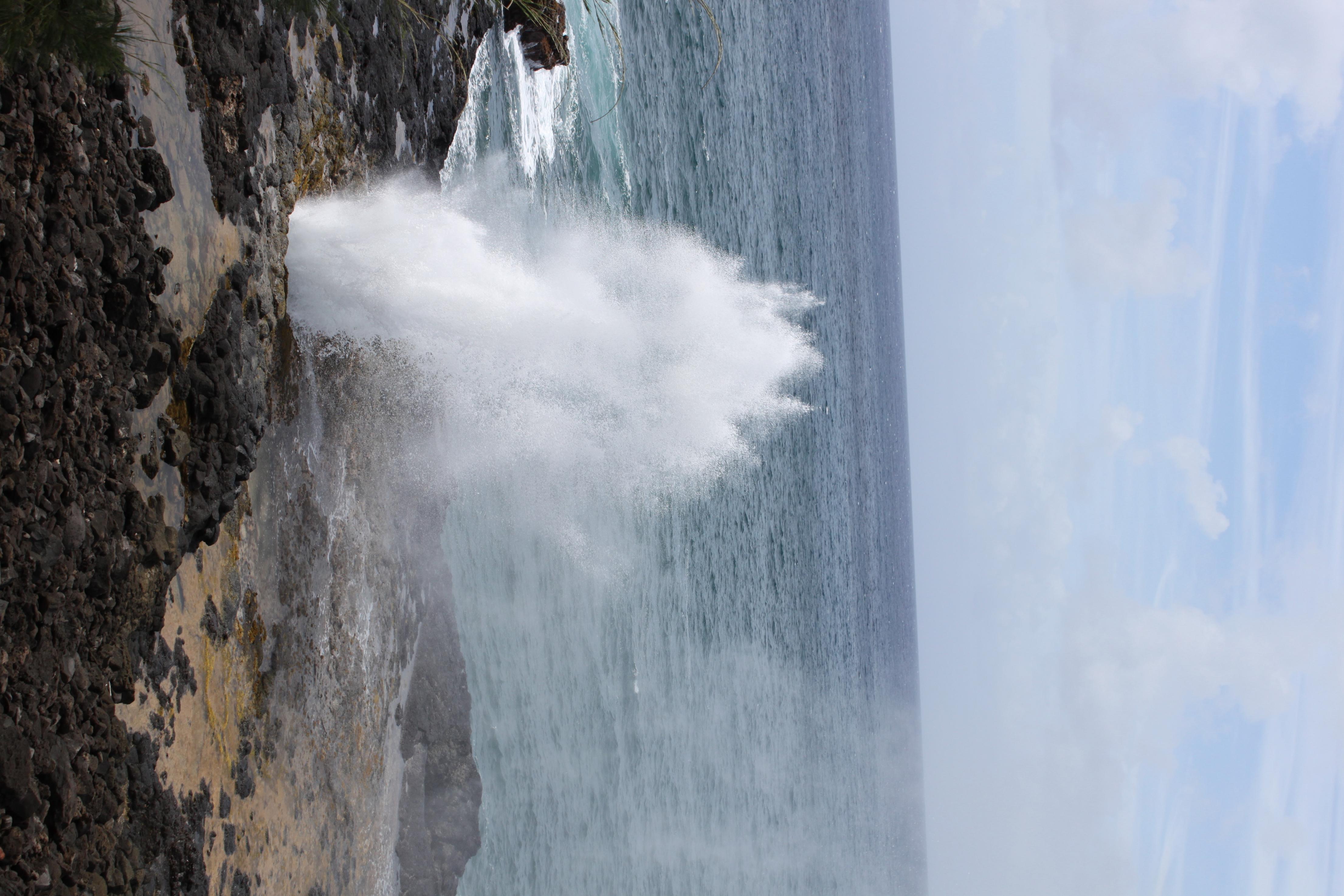
Even though they are correctly rotated in preview of Mediaportal's Pictures, they do not show correctly rotated when I select them to show full screen.
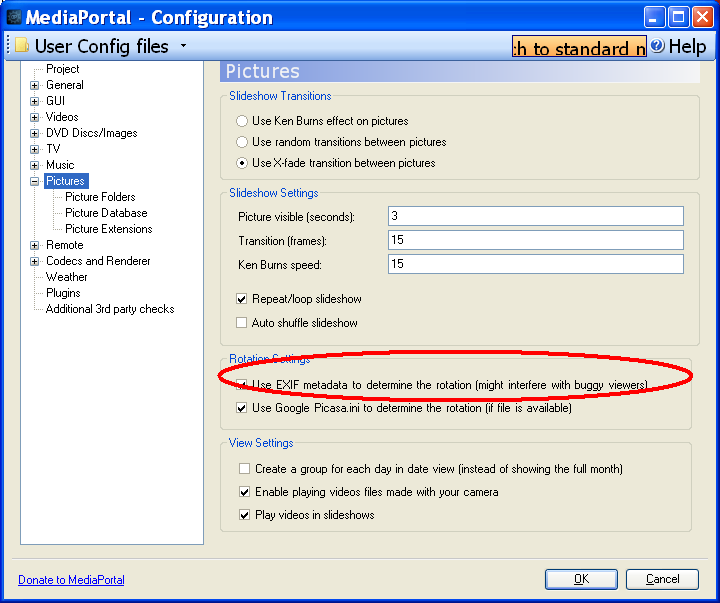
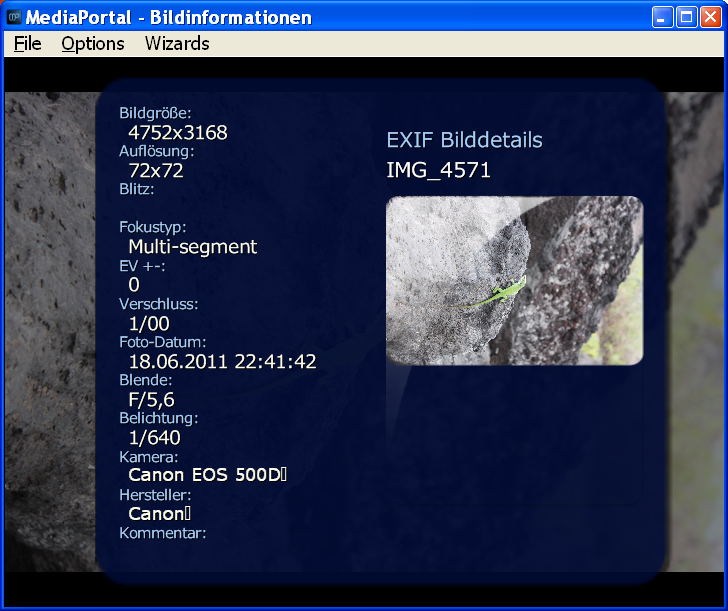
I have tried to turn on and off the Mediaportal Configuration for Pictures - "use EXIF information ..." but no effect.
The pictures are taken with a CANON EOS 500D and show properly within XnView.
Do you have an idea what else I can try to show it correctly?
MediaPortal Skin: blue 3 wide
Windows Version: Windows XP SP3
CPU Type: AMD Athlon X2 4850e, 2x 2.50GHz, boxed
HDD: Samsung SpinPoint F1 640GB, 16MB Cache, SATA II
Memory: 4 GB DDR2 PC2-6400U CL5 (DDR2-800)
Motherboard: Gigabyte GA-MA78GM-S2H (rev.1.0)
Video Card: ATI Radeon 3200 HD
Video Card Driver: ATI CCC 9.5
Sound Card: onboard
Sound Card AC3: optical out SPDIF
Sound Card Driver:
1. TV Card: TerraTec Cinergy S2 CI
1. TV Card Type: DVB-S2
1. TV Card Driver:
2. TV Card:
2. TV Card Type:
2. TV Card Driver:
3. TV Card:
3. TV Card Type:
3. TV Card Driver:
4. TV Card:
4. TV Card Type:
4. TV Card Driver:
MPEG2 Video Codec: ffdshow
MPEG2 Audio Codec: ffdshow
h.264 Video Codec: ffdshow DXVA
Satelite/CableTV Provider: Astra 19.2°E
HTPC Case: Antec Fusion Remote
Cooling: CPU Cooling Fan (boxed), Case fan
Power Supply:
Remote: Logitech Harmony 525
TV: Panasonic TH-42PZ85EA, 24p, 100Hz
TV - HTPC Connection: HDMI
Hi,
I have an issue with fotos and their rotation.
Even though they are correctly rotated in preview of Mediaportal's Pictures, they do not show correctly rotated when I select them to show full screen.
I have tried to turn on and off the Mediaportal Configuration for Pictures - "use EXIF information ..." but no effect.
The pictures are taken with a CANON EOS 500D and show properly within XnView.
Do you have an idea what else I can try to show it correctly?

 United Kingdom