Maya Bug Reports & issues (8 Viewers)

Status
Not open for further replies.

wonkyd

Retired Team Member
  • Premium Supporter
  • August 29, 2007
    791
    177
    Home Country
    United Kingdom United Kingdom
    Re: AW: Re: Maya Bug Reports & issues

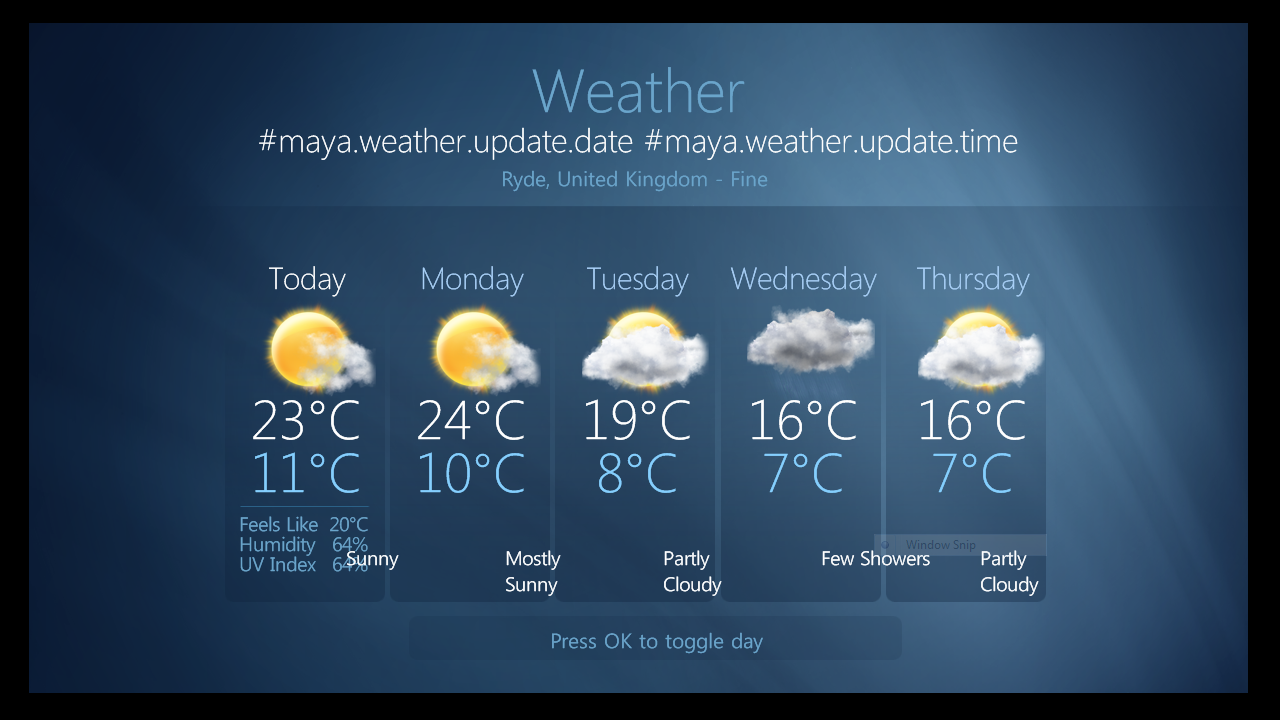
    The weather section looks a little messed up here, text overlapping etc. Will post a screenshot if you need it.

    yes, please post a screenshot...

    Here you go. I deleted the cache and the maya folder before I installed the newest download. Using MP RC3

    Oh, ignore the window snip ghosted on there, that's just the windows snip tool I used for the screenshot :)
     

    Attachments

    • Weather.PNG
      Weather.PNG
      729 KB

    ncoH

    Retired Team Member
  • Premium Supporter
  • January 27, 2007
    925
    1,569
    Hannover
    Home Country
    Germany Germany
    AW: Re: AW: Re: Maya Bug Reports & issues

    The weather section looks a little messed up here, text overlapping etc. Will post a screenshot if you need it.

    yes, please post a screenshot...

    Here you go. I deleted the cache and the maya folder before I installed the newest download. Using MP RC3

    Oh, ignore the window snip ghosted on there, that's just the windows snip tool I used for the screenshot:)

    ok, thanks. I`ll fix it...
     

    Nemulate

    Portal Pro
    December 29, 2005
    607
    9
    IOW
    Home Country
    England England
    Re: AW: Re: Maya Bug Reports & issues

    Is there any reason why I don't get the weather description as above, in fact I get no description at all? Especially as my weather should be identical as I live in Sandown about 5 miles from the place above!

    I think someone else mentioned it already but wouldn't it be a good idea to have the menu on music 'now playing' as a hidden menu on the left? I think it spoils the look of the screen especially if you use fanart.
     

    Lbr_Lion

    Extension Designer
    July 19, 2008
    243
    372
    Home Country
    Netherlands Netherlands
    Hi,

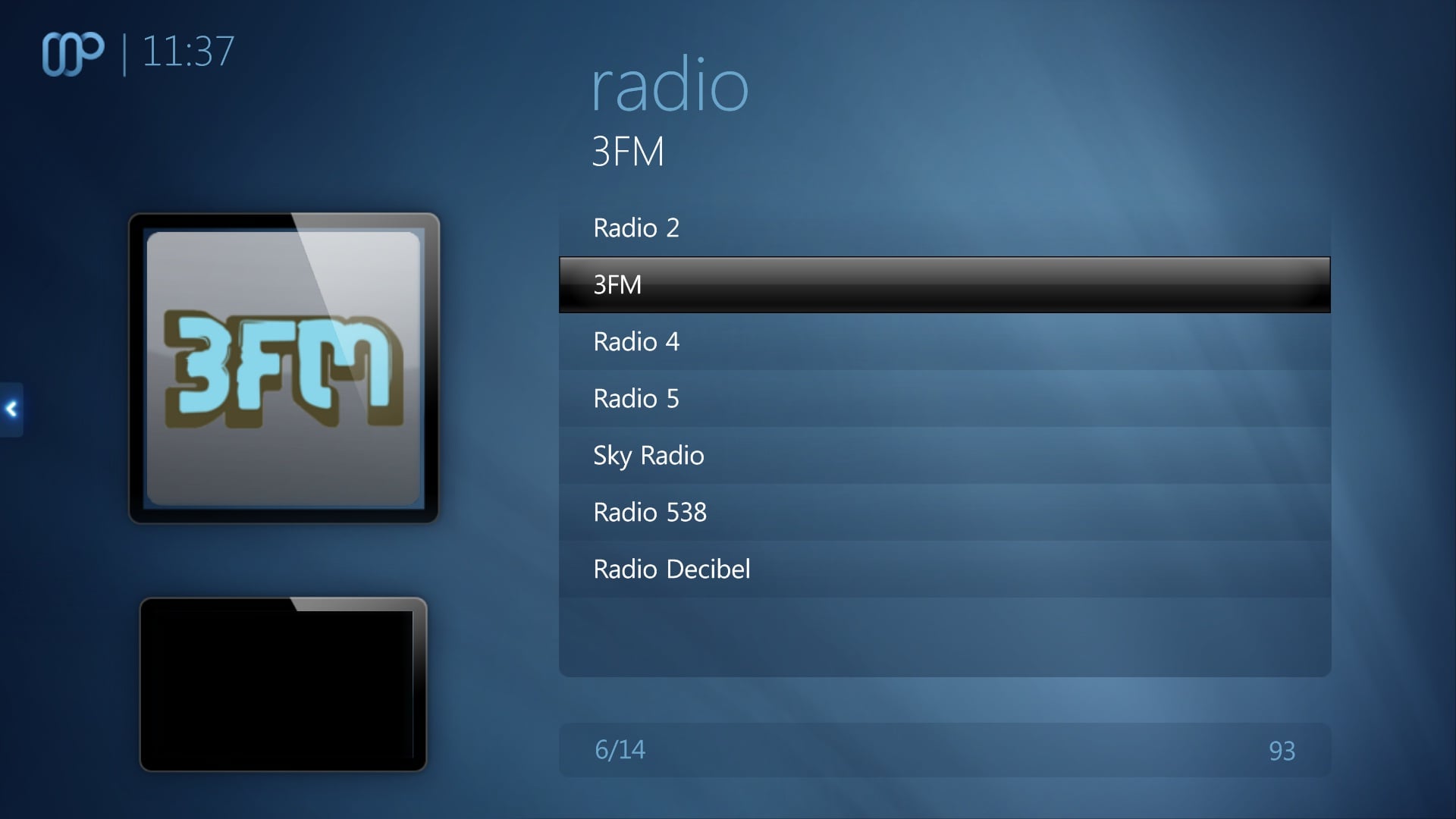
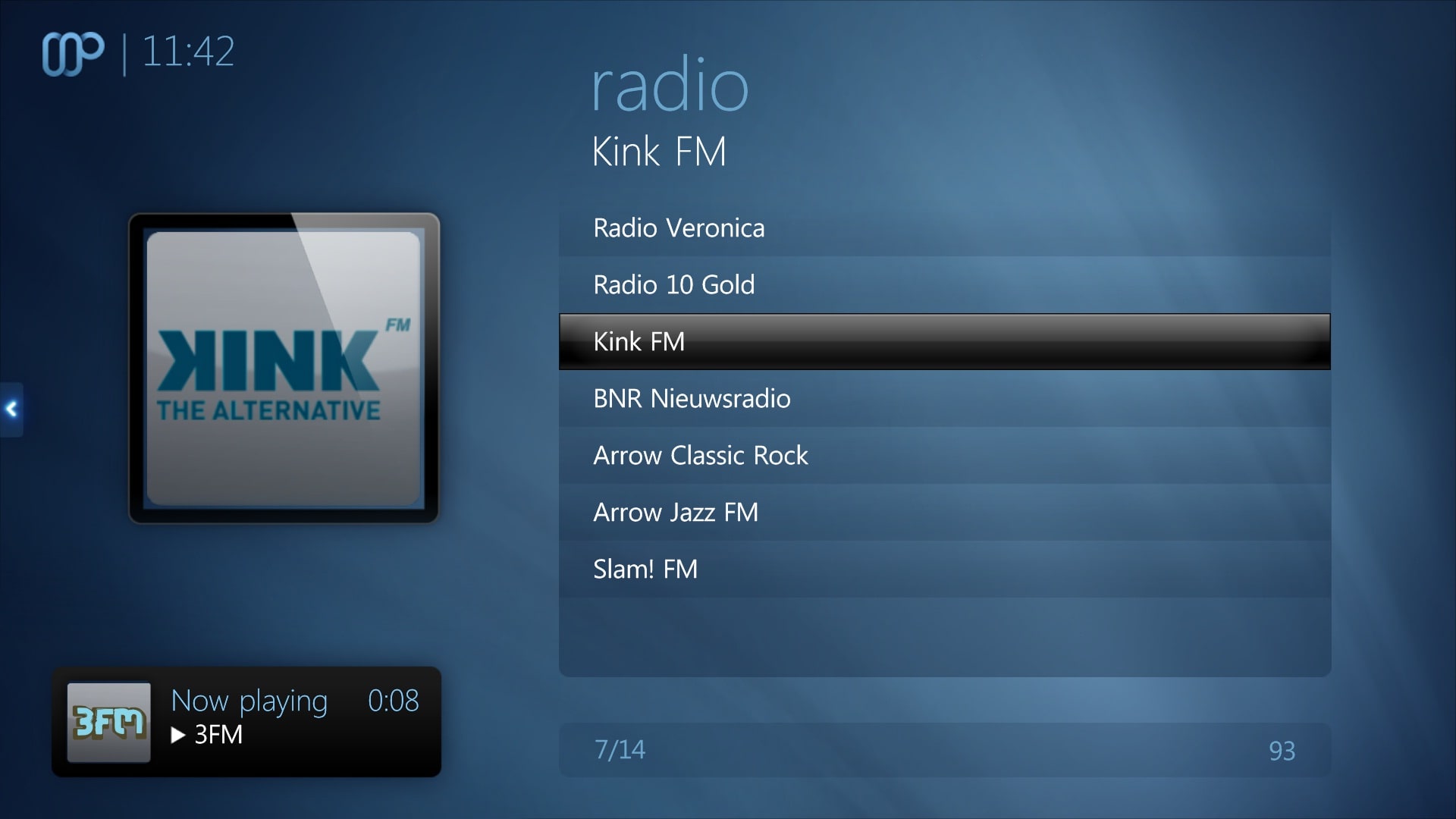
    I noticed that when radio is playing, the common overlay of the video screen is displayed instead of audio.

    I checked the common overlay-files and did update the xml-files.

    With the attached common.overlay and common.home overlay, radio is now displayed as audio overlay instead of video overlay.

    I will be grateful when you can add this update to the skin:).

    Cheers,
     

    Attachments

    • Common Overlay Radio.jpg
      Common Overlay Radio.jpg
      206.6 KB
    • Common Overlay Radio_New.jpg
      Common Overlay Radio_New.jpg
      233.9 KB
    • Common Overlay.zip
      2.9 KB

    jameson_uk

    Retired Team Member
  • Premium Supporter
  • January 27, 2005
    7,257
    2,533
    Birmingham
    Home Country
    United Kingdom United Kingdom
    Just a reminder about the arrow keys not doing the same thing across all listviews

    https://forum.team-mediaportal.com/...riginal-thread-68747/index105.html#post617919

    Just realised that in music there is no difference between icon list and big icon list anyway? but when using list layout it scrolls correctly. If you use big icon list layout when you get to the bottom down goes to menu instead of the start of the list
     

    jameson_uk

    Retired Team Member
  • Premium Supporter
  • January 27, 2005
    7,257
    2,533
    Birmingham
    Home Country
    United Kingdom United Kingdom
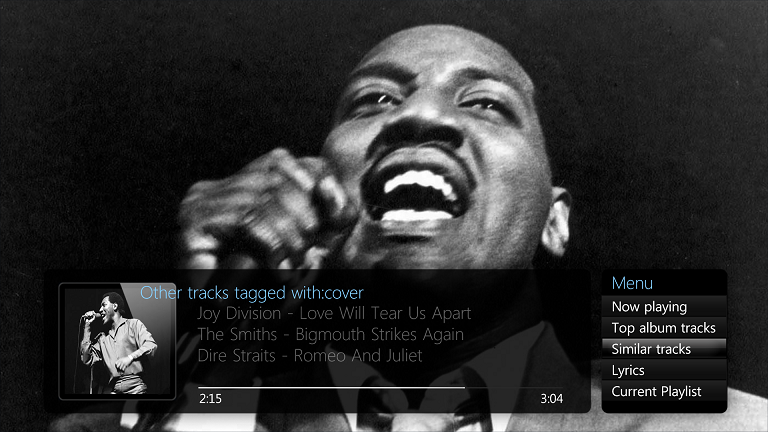
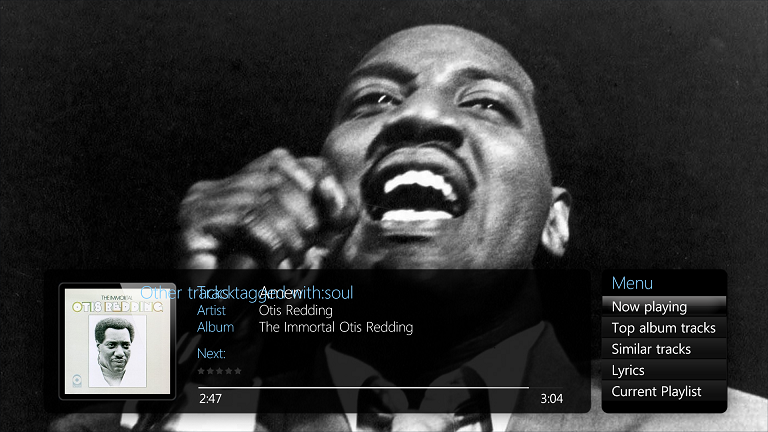
    Now playing is nearly right but not quite :) Just a couple of litte things

    Now you don't get the tracks tagged with error but it goes straight to top album tracks with the details highlighted. Is it possibly to get straight to now playing with the menu highlighted?

    When you do scroll to now playing you normally get the "tracks tagged with:" label showing underneath but scrolling left or right seems to clear this.

    If you go left from similar tracks the "Other Tracks Tagged With:" label dissappears (this is the one place it should show...)

    This "Other Tracks Tagged With:" label is overlapping the album art

    If you go left from lyrics when there are none the left section jumps to the similar tracks details. If you go left from current playlist the left section appears to jump to lyrics.
     

    Attachments

    • 12-26-20.png
      12-26-20.png
      320.9 KB
    • 12-26-53.png
      12-26-53.png
      334.6 KB

    jameson_uk

    Retired Team Member
  • Premium Supporter
  • January 27, 2005
    7,257
    2,533
    Birmingham
    Home Country
    United Kingdom United Kingdom
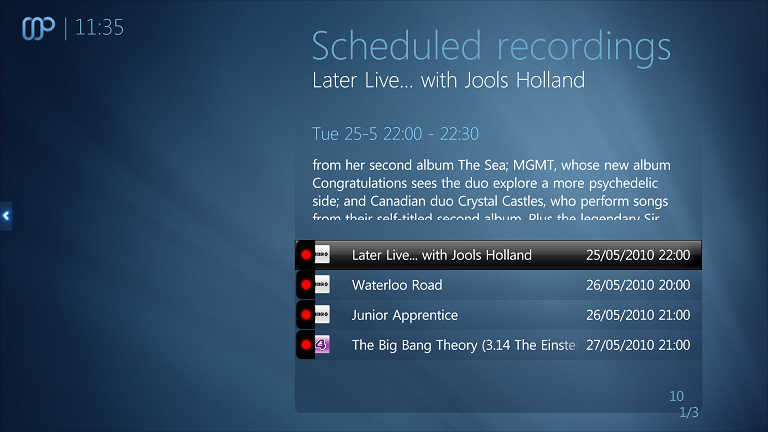
    One more tiny thing is the recording icons are no longer aligned in scheduled TV listview
     

    Attachments

    • 11-35-17.png
      11-35-17.png
      450.4 KB

    1stdead

    Portal Pro
    February 1, 2008
    1,089
    139
    Copenhagen
    Home Country
    Denmark Denmark
    Now playing is nearly right but not quite :) Just a couple of litte things

    Now you don't get the tracks tagged with error but it goes straight to top album tracks with the details highlighted. Is it possibly to get straight to now playing with the menu highlighted?

    When you do scroll to now playing you normally get the "tracks tagged with:" label showing underneath but scrolling left or right seems to clear this.

    If you go left from similar tracks the "Other Tracks Tagged With:" label dissappears (this is the one place it should show...)

    This "Other Tracks Tagged With:" label is overlapping the album art

    If you go left from lyrics when there are none the left section jumps to the similar tracks details. If you go left from current playlist the left section appears to jump to lyrics.

    I've fixed all those execpt going to now playing. I'll send the mayateam a patch later. :D (currently i don't know why as it should be working)


    Edit: i think that it is a Mediaportal bug. Waiting for someone to confirm.

    Patch: https://forum.team-mediaportal.com/maya-520/maya-feature-requests-82289/index2.html#post620929
     
    Status
    Not open for further replies.

    Users who are viewing this thread

    Top Bottom