Maya Bug Reports & issues (1 Viewer)

Status
Not open for further replies.

elliottmc

Retired Team Member
  • Premium Supporter
  • August 7, 2005
    14,927
    6,061
    Cardiff, UK
    Home Country
    United Kingdom United Kingdom
    Hi,

    When I do a TV search, the programs do not show channel logos. However, logos show fine elsewhere (e.g. in the EPG) so I think this is either by design or a bug!

    Can anyone confirm that the logos should show and do not?

    Mark

    Bump.

     

    ncoH

    Retired Team Member
  • Premium Supporter
  • January 27, 2007
    925
    1,569
    Hannover
    Home Country
    Germany Germany
    AW: Re: Maya Bug Reports & issues

    Hi,

    When I do a TV search, the programs do not show channel logos. However, logos show fine elsewhere (e.g. in the EPG) so I think this is either by design or a bug!

    Can anyone confirm that the logos should show and do not?

    Mark

    Bump.

    confirmed. I`ll look at it.
     

    dlarge500

    Extension Designer
  • Premium Supporter
  • May 21, 2009
    1,491
    400
    46
    NRW
    Home Country
    Germany Germany
    AW: Maya Bug Reports & issues

    i have found a bug in movingpictures.fanart.xml if you loaded the fanart_list_bg.png

    <control>
    <description>fanart list background</description>
    <type>image</type>
    <id>1</id>
    <posX>449</posX>
    <posY>0</posY>
    <width>507</width>
    <height>768</height>
    <texture>fanart_list_bg.png</texture>
    <visible>[facadeview.list+Control.IsVisible(50)] + string.contains(#maya.fanart.TVSeries,yes)</visible>
    <animation effect="fade" time="1">WindowClose</animation>
    <animation effect="fade" time="250">WindowOpen</animation>
    </control>

    change in :

    <control>
    <description>fanart list background</description>
    <type>image</type>
    <id>1</id>
    <posX>449</posX>
    <posY>0</posY>
    <width>507</width>
    <height>768</height>
    <texture>fanart_list_bg.png</texture>
    <visible>[facadeview.list+Control.IsVisible(50)] + string.contains(#maya.fanart.MovingPictures,yes)</visible>
    <animation effect="fade" time="1">WindowClose</animation>
    <animation effect="fade" time="250">WindowOpen</animation>
    </control>
     

    dlarge500

    Extension Designer
  • Premium Supporter
  • May 21, 2009
    1,491
    400
    46
    NRW
    Home Country
    Germany Germany
    AW: Maya Bug Reports & issues

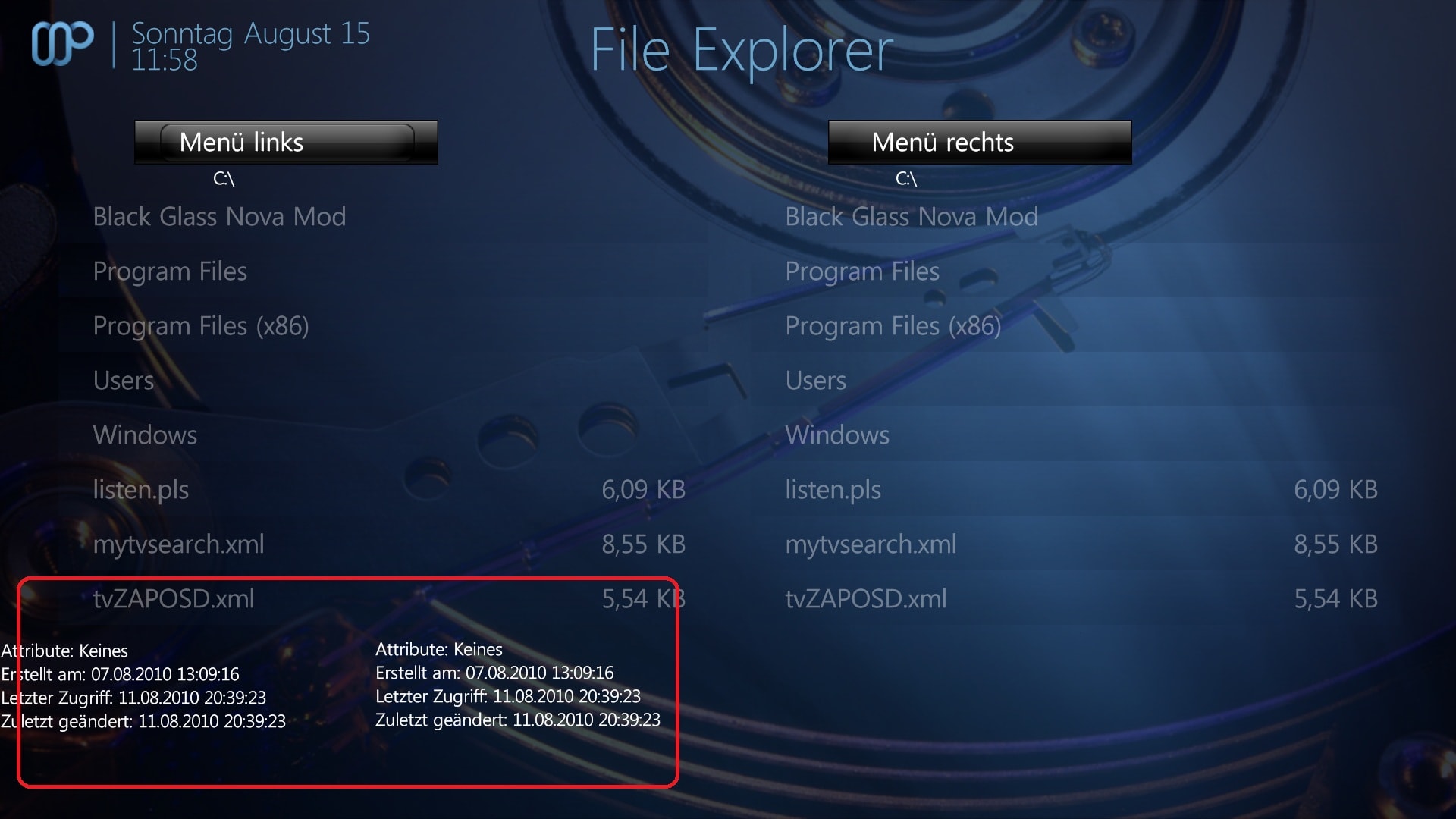
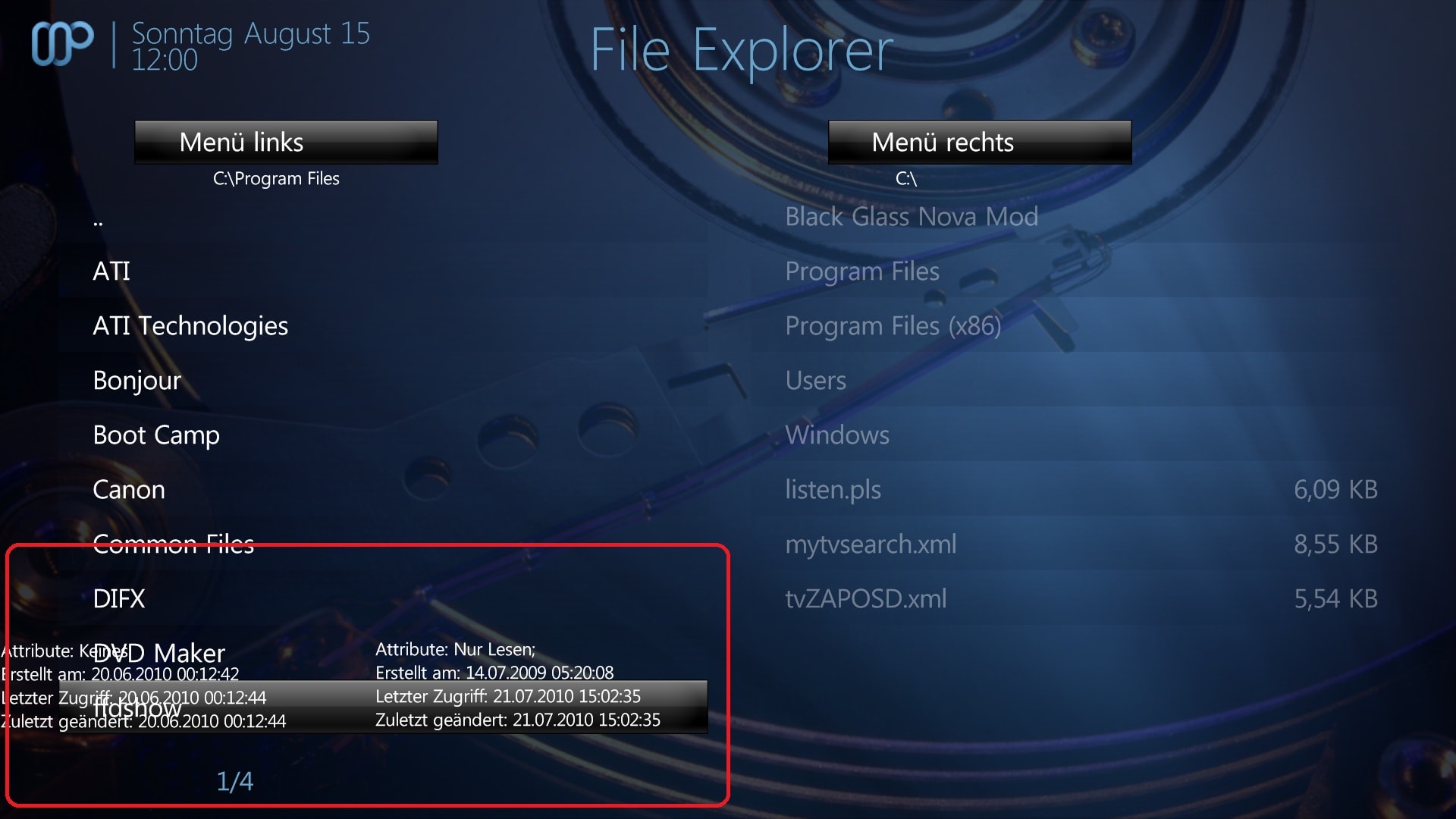
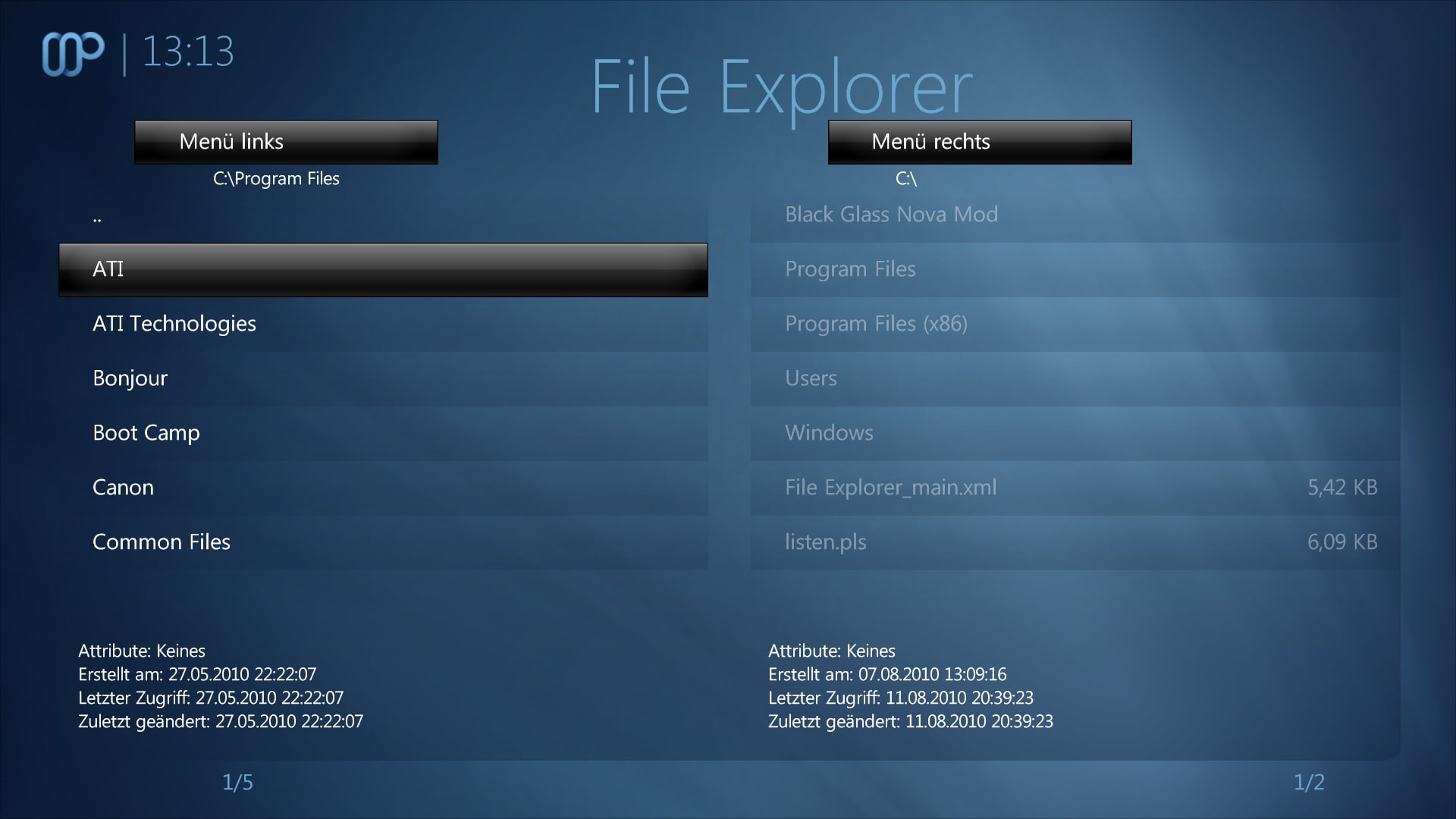
    I found a overlapping Bug in File Browser.
    Lettering and which are not in their correct place.

    P.S. I have added a working Solution and i have added the listcontrol_bg.png for better looks. Show Screen 3.:)
     

    Attachments

    • 1.jpg
      1.jpg
      309.3 KB
    • 2.jpg
      2.jpg
      314.6 KB
    • 3.jpg
      3.jpg
      242.1 KB
    • File Explorer_main.xml
      5.4 KB

    dlarge500

    Extension Designer
  • Premium Supporter
  • May 21, 2009
    1,491
    400
    46
    NRW
    Home Country
    Germany Germany
    AW: Maya Bug Reports & issues

    small issue in music now playing.
     

    Attachments

    • 1.jpg
      1.jpg
      401 KB

    dlarge500

    Extension Designer
  • Premium Supporter
  • May 21, 2009
    1,491
    400
    46
    NRW
    Home Country
    Germany Germany
    AW: Maya Bug Reports & issues

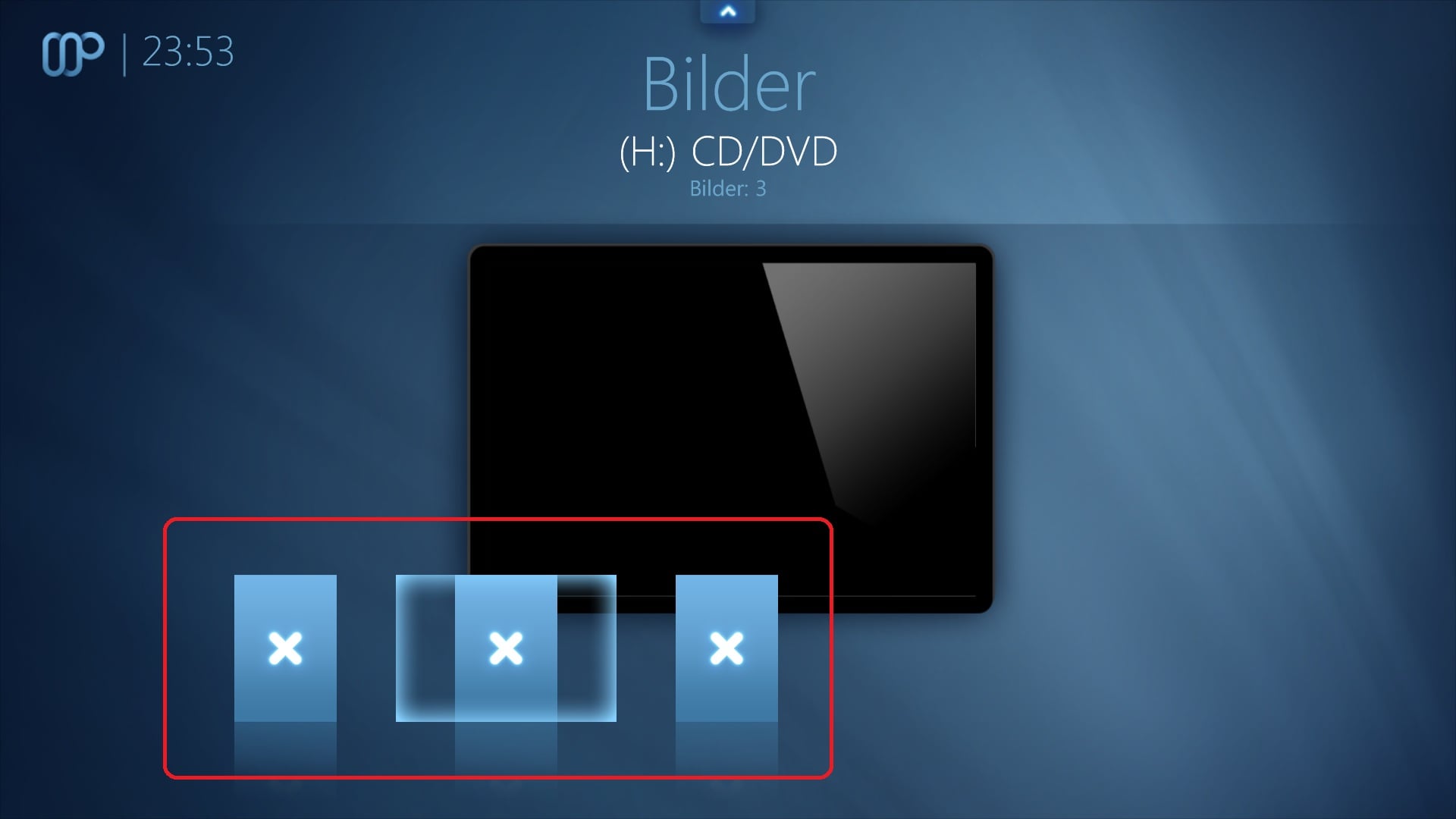
    i found issues in Maya:

    - overlapping in MyPictures in Covermode - Screen 1
    - missing myextensions2info.xml, myextensions2settings.xml files for MpeI Plugin.
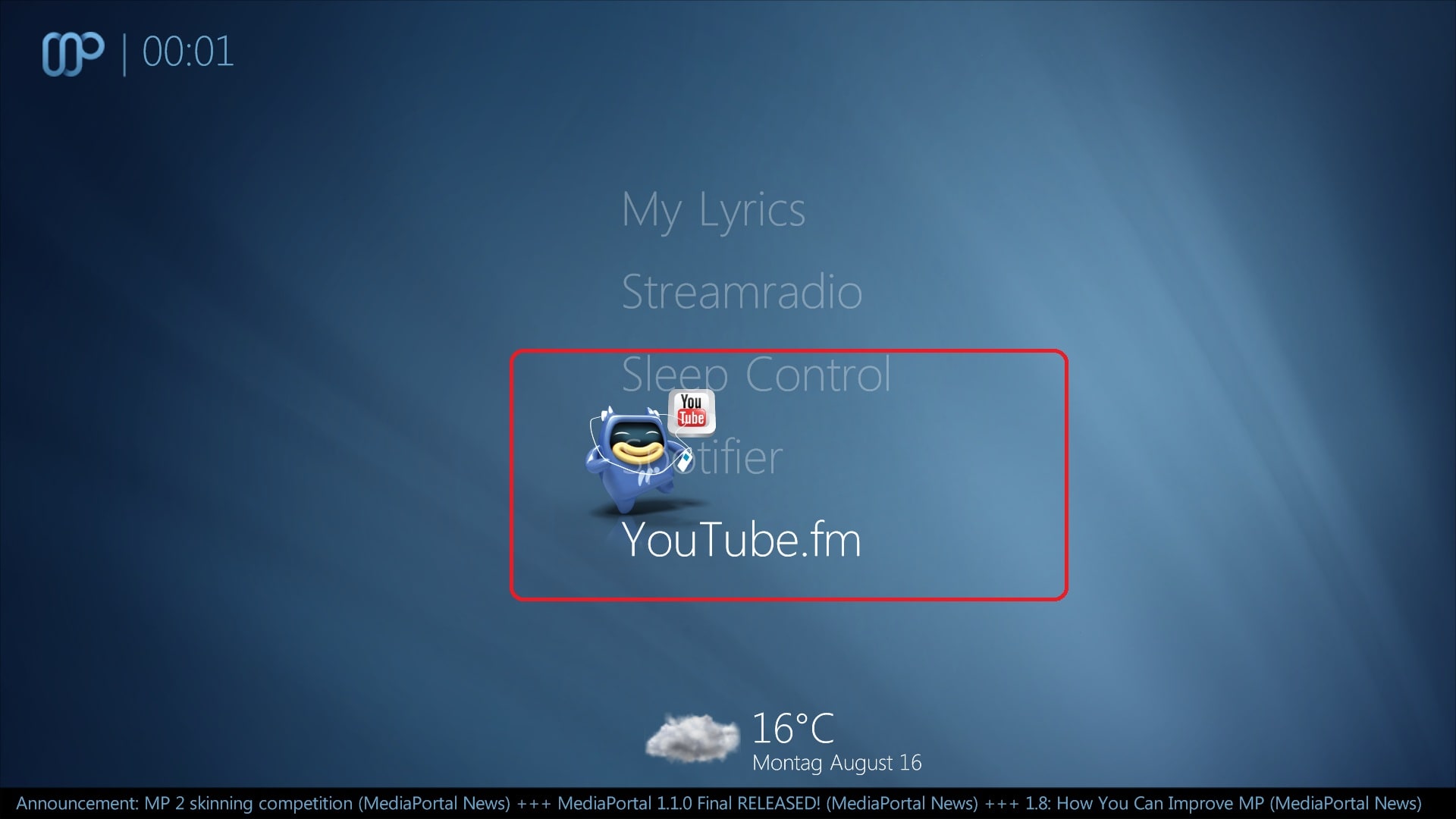
    - unused hover-youtubefm.png in HomeMenu in youtube fm.xml - Screen 2
    <define>#header.hover:hover_youtubefm.png</define>

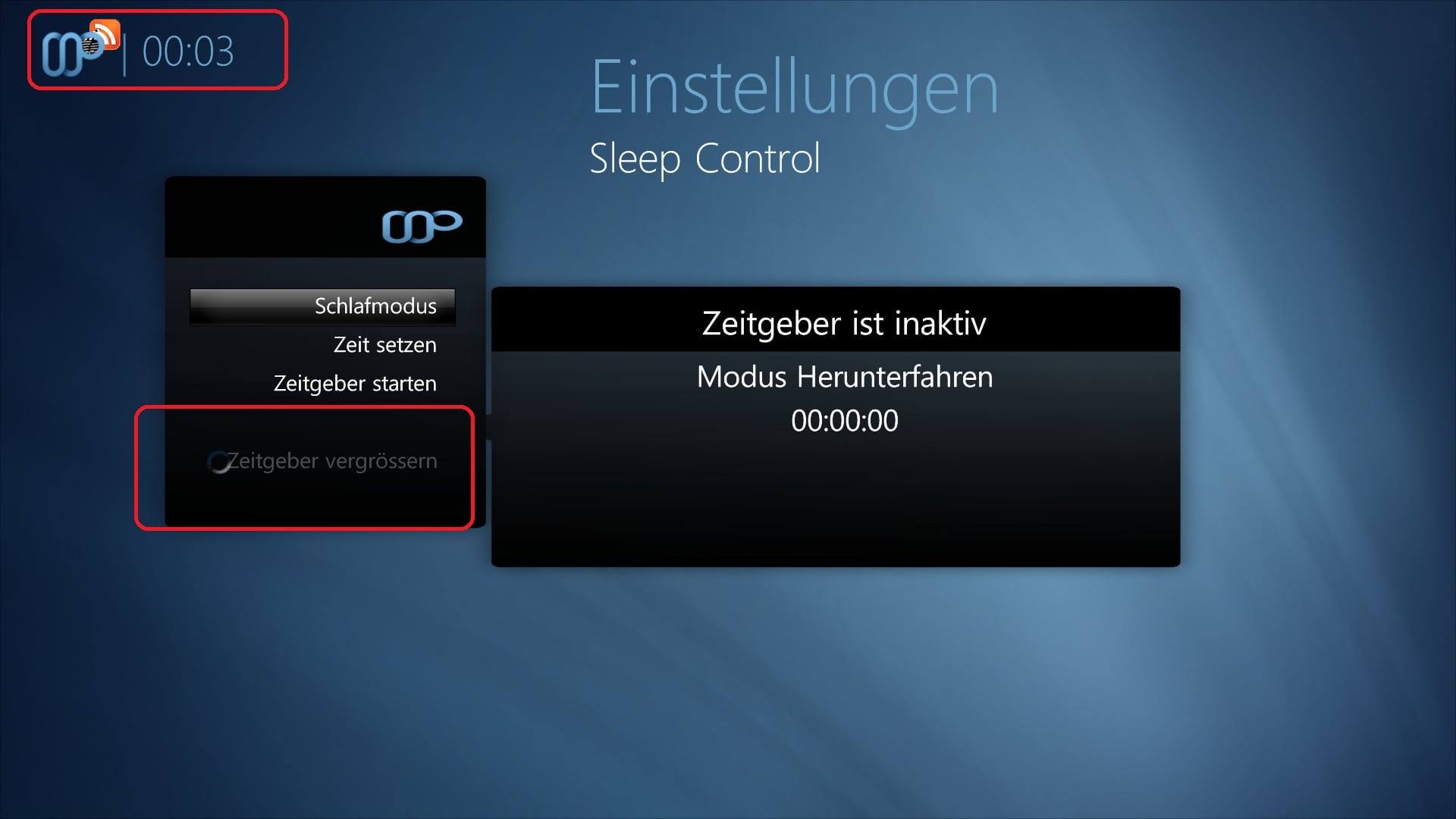
    - Description for Togglebutton to big - Screen 3
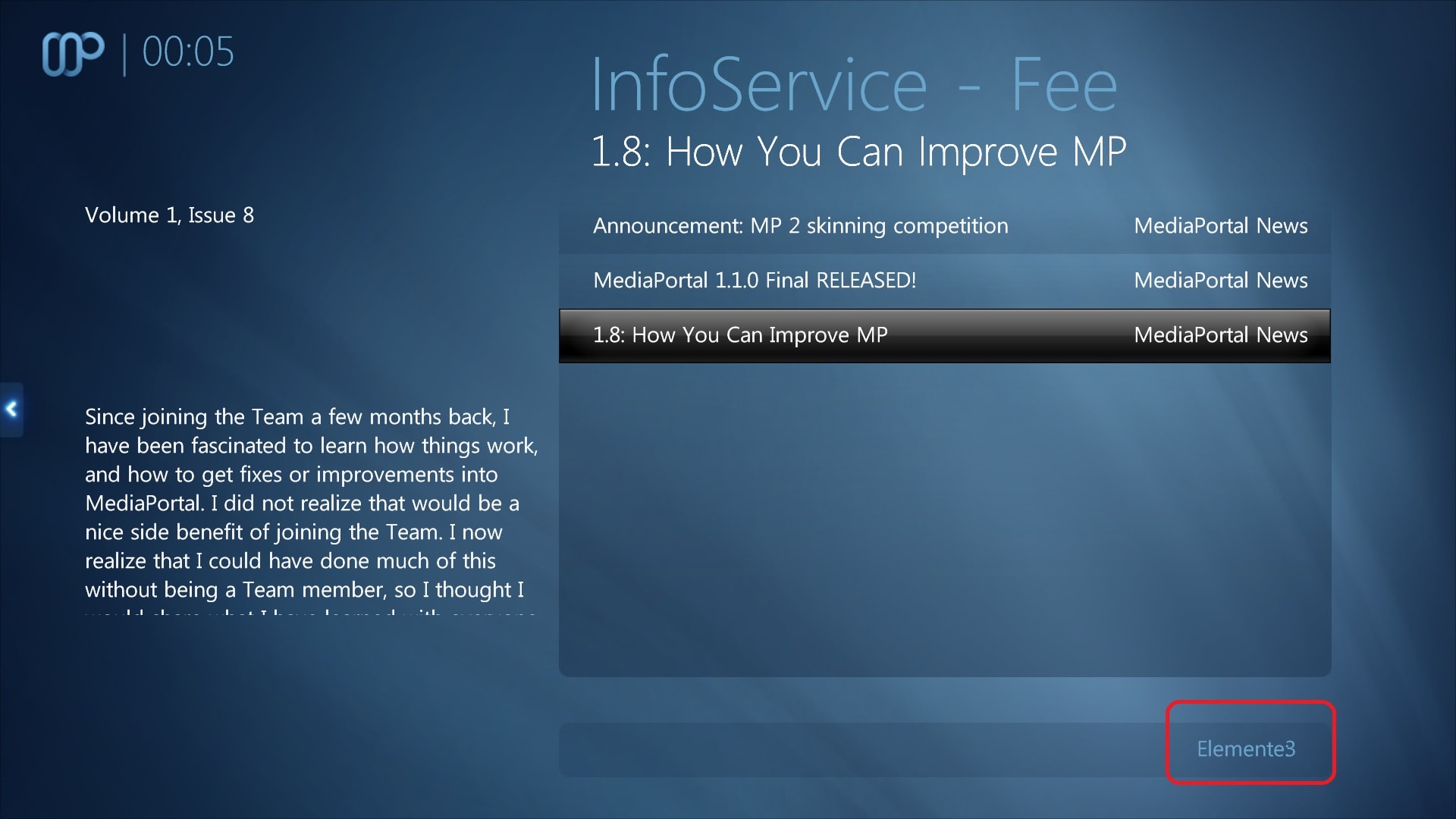
    - you have import the common.settings.xml with the Header Logo. Can you find a better place for this or delete this Logo? - Screen 4
    <control>
    <description>Header Logo</description>
    <type>image</type>
    <id>1</id>
    <posX>106</posX>
    <posY>25</posY>
    <texture>#header.image</texture>
    <animation effect="fade" time="250">WindowOpen</animation>
    <animation effect="fade" time="250">WindowClose</animation>
    </control>
    - missplaced Itemtype in Infoservice.feeds - Screen 4
     

    Attachments

    • 1.jpg
      1.jpg
      159.7 KB
    • 2.jpg
      2.jpg
      207.6 KB
    • 3.jpg
      3.jpg
      197.7 KB
    • 4.jpg
      4.jpg
      282.2 KB

    Maxx Power

    Portal Member
    February 12, 2010
    31
    20
    I still have a problem with the TV OSD and Info when time is in 12hr format. Is there any chance this can be looked at, each time I download the latest SVN I have to remember to modify the files to accomodate for this.:D

    +1
    This seems to mess up every screen that has the time on it...
     

    1stdead

    Portal Pro
    February 1, 2008
    1,089
    139
    Copenhagen
    Home Country
    Denmark Denmark
    Re: AW: Maya Bug Reports & issues

    small issue in music now playing.
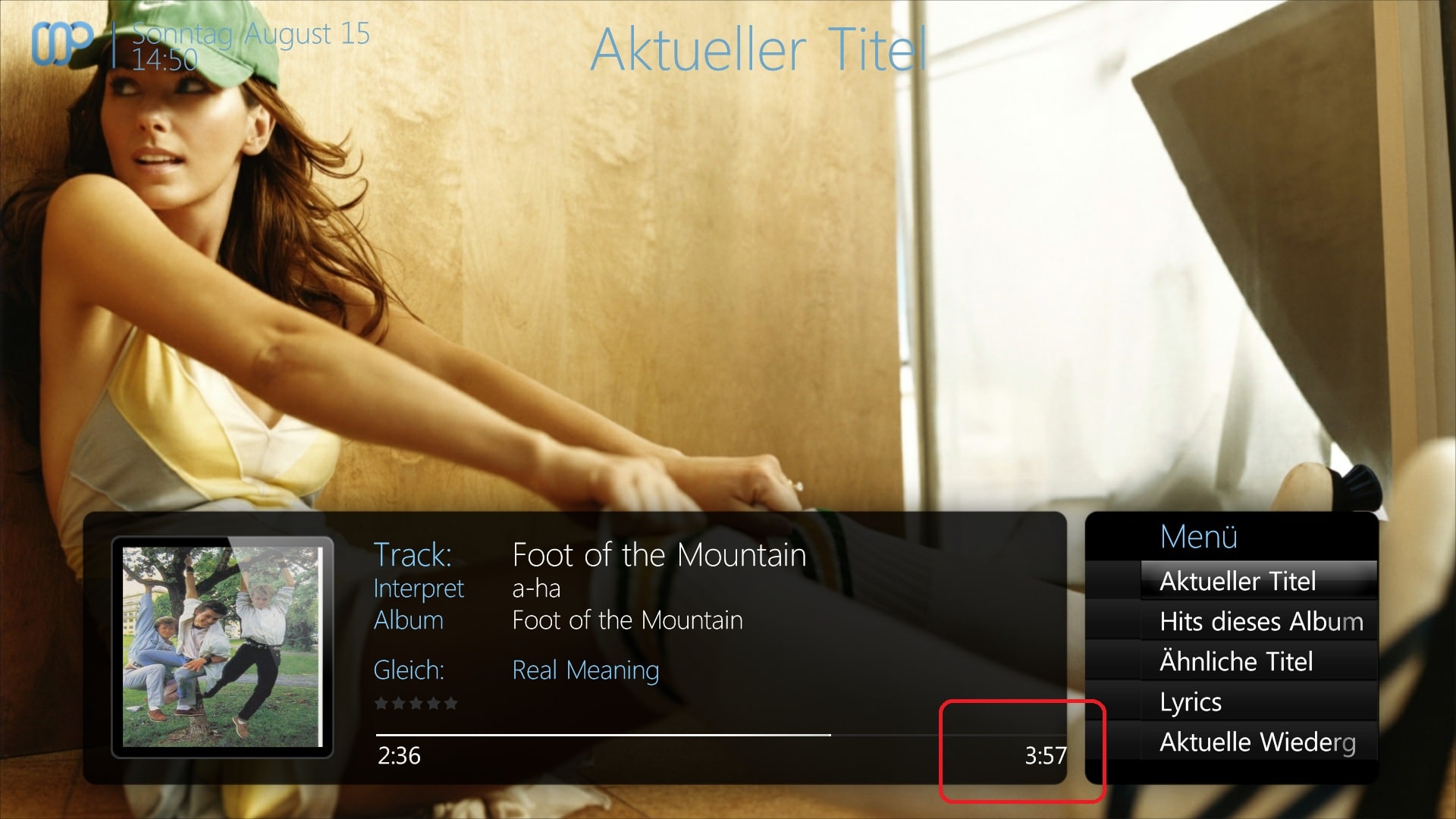
    I'm quite interested in this one. Menu doesn't look right either.. Are you using svn? If so please clear the maya cache and the skin directory and make another checkout.


    For fileexplorer some changes are coming. But will fix those you found :D

    Will have a look on the other bugs you pointed out as well :)
     

    dlarge500

    Extension Designer
  • Premium Supporter
  • May 21, 2009
    1,491
    400
    46
    NRW
    Home Country
    Germany Germany
    AW: Maya Bug Reports & issues

    hehe,no this changes is from me, i mean the Progressbar and Time and the right ActionMenu.:D
     
    Status
    Not open for further replies.

    Users who are viewing this thread

    Top Bottom