Maya Bug Reports & issues (6 Viewers)

Status
Not open for further replies.

ncoH

Retired Team Member
  • Premium Supporter
  • January 27, 2007
    925
    1,569
    Hannover
    Home Country
    Germany Germany
    AW: Maya Bug Reports & issues

    :D for reply.
    "Spiele(games)" is not a PlugIn. It's just the name of the mainmenu-item with windowID=0. What's wrong with it?

    ah...now i understand. I tried it here and i don`t have the issue. Please delete all entries within the plugin, save it and re-create your menu. That should solve it.
     

    morpheus_xx

    Retired Team Member
  • Team MediaPortal
  • March 24, 2007
    12,070
    7,459
    Home Country
    Germany Germany
    AW: Maya Bug Reports & issues

    You have only one main menu entry. The plugin and our basichome menu needs at least three main entries...

    if it is so easy, I can change it ;) but did I read this anywhere as requirement?

    Also I didn't had MovingPictures installed and enabled before, when I deleted the plugin the MayaBasicHome plugin couldn't start because of missing dll references? Is this really required to force plugins to be installed when chosing the skin?

    But anyway, :D very much for this great skin!


    Small plugin support request: Can you please build a simple screen for https://forum.team-mediaportal.com/mediaportal-plugins-47/my-daily-comics-plugin-20389/ ? I use a copied Blue3Wide file, but I would like to have real support :)
     

    dlarge500

    Extension Designer
  • Premium Supporter
  • May 21, 2009
    1,491
    400
    46
    NRW
    Home Country
    Germany Germany
    AW: Maya Bug Reports & issues

    if you use the newest version of Maya? Normaly in the new installer will install the Moving Pictures.dll automatically.
    otherwise we have to wait on nico because he created the installer.

    I will work on the next Days for more supportet Plugins.:D
     

    morpheus_xx

    Retired Team Member
  • Team MediaPortal
  • March 24, 2007
    12,070
    7,459
    Home Country
    Germany Germany
    AW: Maya Bug Reports & issues

    Normaly in the new installer will install the Moving Pictures.dll automatically.
    this is exactly what I mean: if I don't want this plugin and delete it from folder, also maya plugin is not able to run because of missing dependency (but now I have it enabled again, so it's not critical)

    I will work on the next Days for more supportet Plugins.:D
    very appreciated :)
     

    dlarge500

    Extension Designer
  • Premium Supporter
  • May 21, 2009
    1,491
    400
    46
    NRW
    Home Country
    Germany Germany
    AW: Maya Bug Reports & issues

    the Moving Pictures.dll is needed for the Recently Added.xml in the basichome menu.

    The problem also exists in other skins, when there is a solution is changed in the Maya.
     

    ncoH

    Retired Team Member
  • Premium Supporter
  • January 27, 2007
    925
    1,569
    Hannover
    Home Country
    Germany Germany
    AW: Maya Bug Reports & issues

    You have only one main menu entry. The plugin and our basichome menu needs at least three main entries...

    if it is so easy, I can change it ;) but did I read this anywhere as requirement?

    Also I didn't had MovingPictures installed and enabled before, when I deleted the plugin the MayaBasicHome plugin couldn't start because of missing dll references? Is this really required to force plugins to be installed when chosing the skin?

    There is a solution for it. I must implement it. I hope i can do this later today...
     

    polarie

    Retired Team Member
  • Premium Supporter
  • November 20, 2006
    1,250
    153
    53
    Hasloh (near Hamburg)
    Home Country
    Germany Germany
    AW: Maya Bug Reports & issues

    this is not the code he will.:)

    he wants every Day from the Forecast the correct Background image from that day Weather. I understood him wrong too.

    i just found a (DIRTY) solution for my "wish":

    <control>
    <description>Alternate BG</description>
    <type>image</type>
    <id>21</id>
    <width>1366</width>
    <height>768</height>
    <texture>weather/backgrounds/#infoservice.weather.today.img.big.filenamewithoutext.jpg</texture>
    <visible>!Control.IsVisible(1000)+!Control.IsVisible(1200)+!Control.IsVisible(31)</visible>
    </control>

    change the ID from 1 - to 21
    than the background wil be the original MePo B3/B3W weather-forecast icons (stretched and ugly)
    take all the background PNGS from

    C:\Dokumente und Einstellungen\All Users\Anwendungsdaten\Team MediaPortal\MediaPortal\skin\Maya\Media\weather\backgrounds

    and transform them from JPG into PNG (important same name as the JPG'S had)
    copy all the PNG's into the :

    C:\Programme\Team MediaPortal\MediaPortal\weather\64x64
    C:\Programme\Team MediaPortal\MediaPortal\weather\128x128

    (carefull - big file size all files together - about 50 MB's)

    then clear cache - and now @ every singel day of the five day forecast -
    a BackGround picture is shown - like the weather will be the comming day the forecast say :D

    have fun
     

    dlarge500

    Extension Designer
  • Premium Supporter
  • May 21, 2009
    1,491
    400
    46
    NRW
    Home Country
    Germany Germany
    AW: Maya Bug Reports & issues

    Normaly in the new installer will install the Moving Pictures.dll automatically.
    this is exactly what I mean: if I don't want this plugin and delete it from folder, also maya plugin is not able to run because of missing dependency (but now I have it enabled again, so it's not critical)

    I will work on the next Days for more supportet Plugins.:D
    very appreciated :)

    Hi,

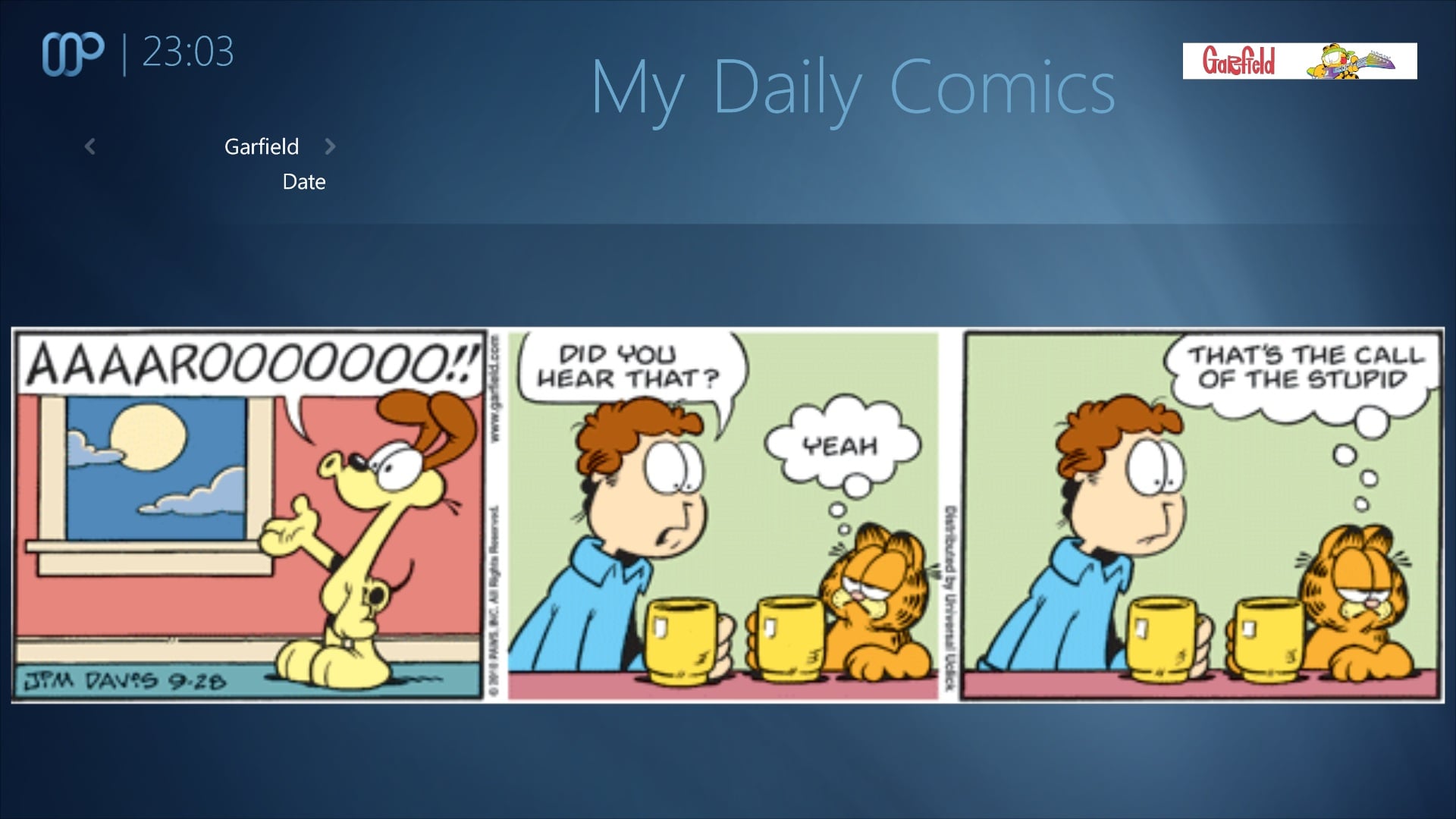
    I have added Support for the MyDailyComics plugin to newest svn.

    have fun!!!:D
     

    Attachments

    • Daily Comics.jpg
      Daily Comics.jpg
      326.3 KB
    • MyDailyComics.xml
      4 KB

    elliottmc

    Retired Team Member
  • Premium Supporter
  • August 7, 2005
    14,927
    6,061
    Cardiff, UK
    Home Country
    United Kingdom United Kingdom
    I seem that in SVN revision 481 you have changed the togglebuttons to selectbuttons in TV search.

    I appreciate that this makes it consistent with Blue3, and of course that it is your skin and your choice, but I wondered if you might reconsider. I have always thought that it was poor design in Blue3wide that in order to switch the view to 'title' you had to click on a button that said 'view by genres'. If anything, the titles of the buttons should be swapped over to reflect what happens when you press them, but overall I think that the togglebuttons were much more intuitive (maybe they should be 'View by' rather than 'Search by' though).

    Bump again.

    Sorry, but it is still not clear to me whether this change is to be reverted. It doesn't matter much to me as I have reverted it on my personal system (and it works fine - nothing breaks as a result) but I genuinely believe that the old style of displaying this information was more intuitive (and I can hopefully update B3(W) accordingly).

    Best wishes,

    Mark

    And bump again.

    Sorry if you have responded to this without quoting it, but to me it is not clear whether you have responded.

    Once again, I don't understand the reason for this change. It was good clear UI design, and now it makes no sense.

    Mark
     

    dlarge500

    Extension Designer
  • Premium Supporter
  • May 21, 2009
    1,491
    400
    46
    NRW
    Home Country
    Germany Germany
    AW: Re: Maya Bug Reports & issues

    I seem that in SVN revision 481 you have changed the togglebuttons to selectbuttons in TV search.

    I appreciate that this makes it consistent with Blue3, and of course that it is your skin and your choice, but I wondered if you might reconsider. I have always thought that it was poor design in Blue3wide that in order to switch the view to 'title' you had to click on a button that said 'view by genres'. If anything, the titles of the buttons should be swapped over to reflect what happens when you press them, but overall I think that the togglebuttons were much more intuitive (maybe they should be 'View by' rather than 'Search by' though).

    Bump again.

    Sorry, but it is still not clear to me whether this change is to be reverted. It doesn't matter much to me as I have reverted it on my personal system (and it works fine - nothing breaks as a result) but I genuinely believe that the old style of displaying this information was more intuitive (and I can hopefully update B3(W) accordingly).

    Best wishes,

    Mark

    And bump again.

    Sorry if you have responded to this without quoting it, but to me it is not clear whether you have responded.

    Once again, I don't understand the reason for this change. It was good clear UI design, and now it makes no sense.

    Mark

    I can not tell you the reason, I program, only what the they tell me. Please talk to joostzilla it because it is our graphic designer and determines how it should look like. These Changes I accidentally made independently and had to undo it, sorry.
     
    Status
    Not open for further replies.

    Users who are viewing this thread

    Top Bottom