mediaportal local works remote not (2 Viewers)

boskwo

Portal Member
November 1, 2011
9
0
yes, it is
 

Attachments

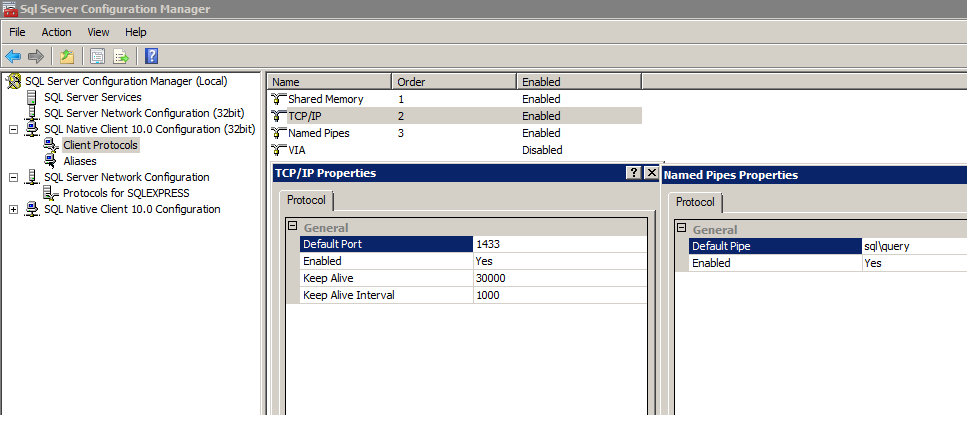
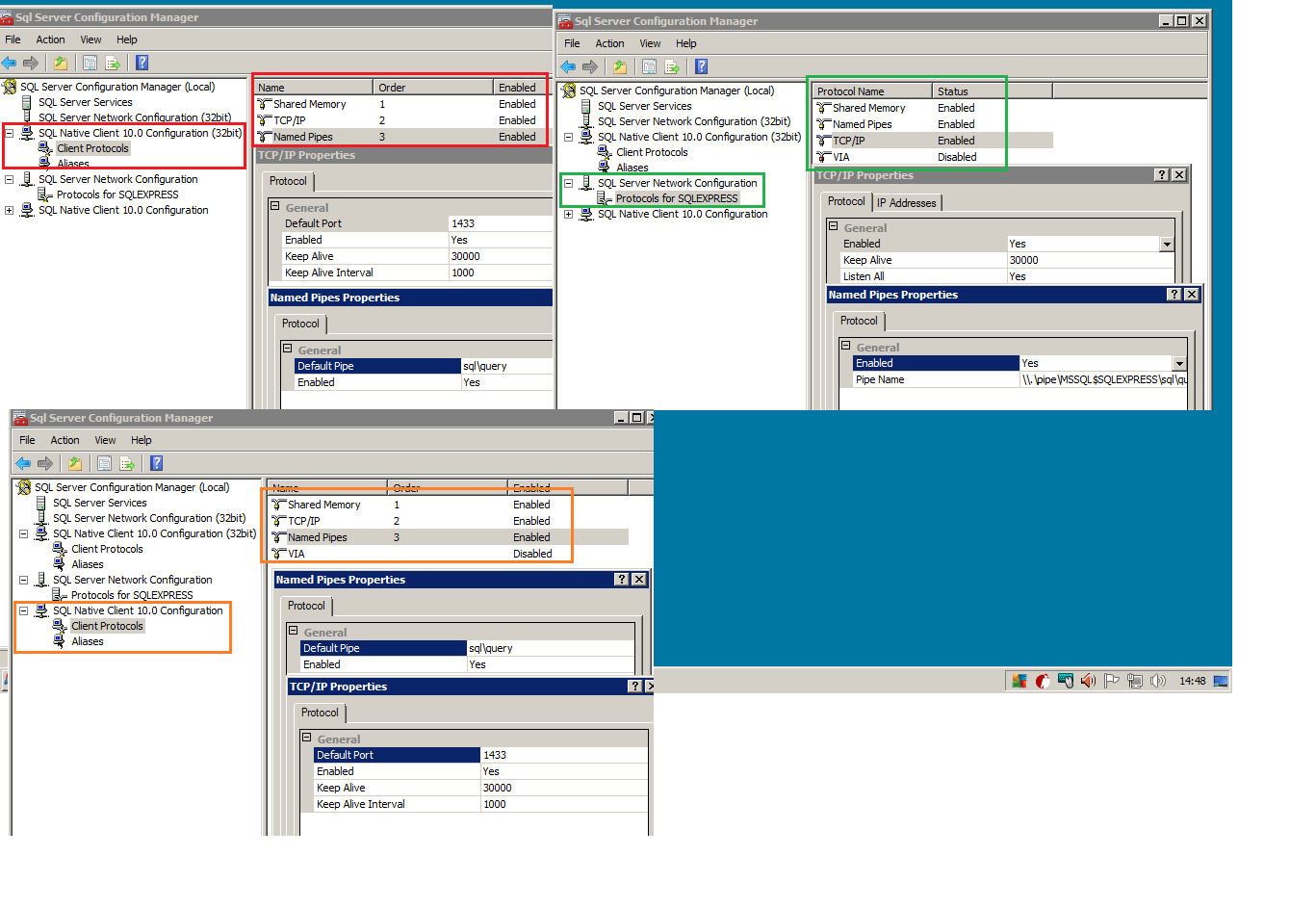
  • Untitled2.png
    Untitled2.png
    28.4 KB

mm1352000

Retired Team Member
  • Premium Supporter
  • September 1, 2008
    21,544
    8,236
    Home Country
    New Zealand New Zealand
    Hi boskwo

    Not ignored at all. What can one say though if we don't have an answer? :)
    If I were you I would try to connect to the SQL Server from the client with other software to eliminate MP configuration as a problem.

    mm
     

    boskwo

    Portal Member
    November 1, 2011
    9
    0
    SQL browser is set up automatically to start...
    I will make more research today and post the results...
     

    johns11

    Portal Pro
    February 7, 2007
    112
    38
    Auckland
    Home Country
    New Zealand New Zealand
    I had the same problem after installing SQL Server 2008 on my Win 7 64 bit server and client. I followed the instructions and installed SQL Server by running the script described here:
    SQL Server 2008 - MediaPortal Wiki

    After many hours of frustration (client server works fine by not any stanalone clients) I found that the SQL Server Browser service needs to be changed to "Log On AS" "NT AUTHORITY\NetworkService".

    This setting can be changed in the SQL Server Configuration Manager by Selecting SQL Server Services, double clicking the "SQL Browser Service" in the right hand window, and then changing the "Build in Account" to "Network Service"

    Hope this helps someone, I know it will help me next time I need to do a reinstall :)
     

    Users who are viewing this thread

    Top Bottom