
You are using an out of date browser. It may not display this or other websites correctly.
You should upgrade or use an alternative browser.
You should upgrade or use an alternative browser.
MediaStream by pilehave - upd. 22/08/09 (1 Viewer)
- Thread starter pilehave
- Start date


- July 22, 2007
- 55
- 19
- Home Country
-
 Spain
Spain
Hi
I have made a new design for My films plugin. Take a look.
https://forum.team-mediaportal.com/streamedmp-301/streamed-mp-community-mods-bug-fixes-49484/index6.html#post351814[URL="https://forum.team-mediaportal.com/streamedmp-301/streamed-mp-community-mods-bug-fixes-49484/index6.html#post351814"]https://forum.team-mediaportal.com/streamedmp-301/streamed-mp-community-mods-bug-fixes-49484/index6.html#post351814[/URL]
I have made a new design for My films plugin. Take a look.
https://forum.team-mediaportal.com/streamedmp-301/streamed-mp-community-mods-bug-fixes-49484/index6.html#post351814[URL="https://forum.team-mediaportal.com/streamedmp-301/streamed-mp-community-mods-bug-fixes-49484/index6.html#post351814"]https://forum.team-mediaportal.com/streamedmp-301/streamed-mp-community-mods-bug-fixes-49484/index6.html#post351814[/URL]
Attachments


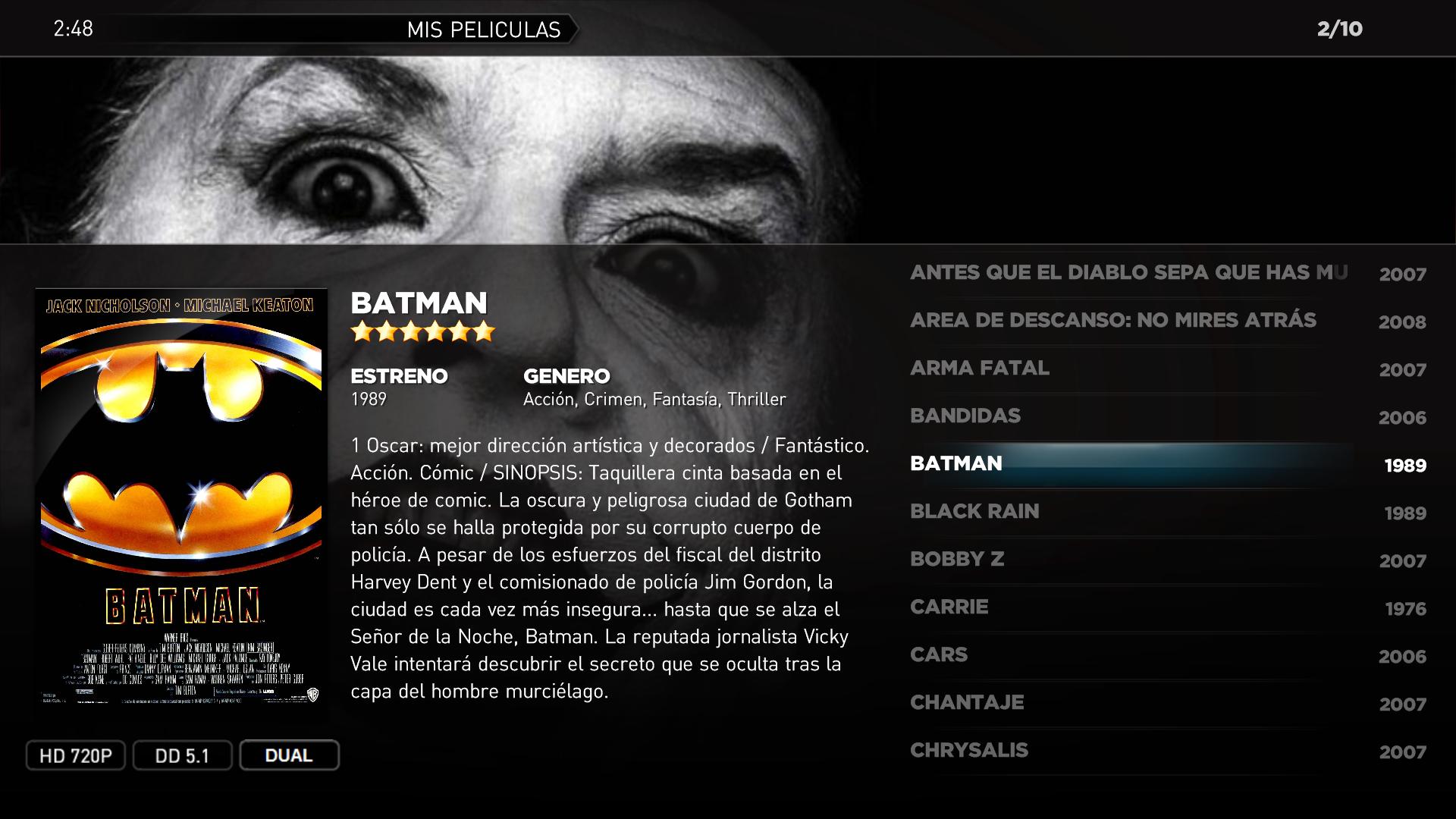
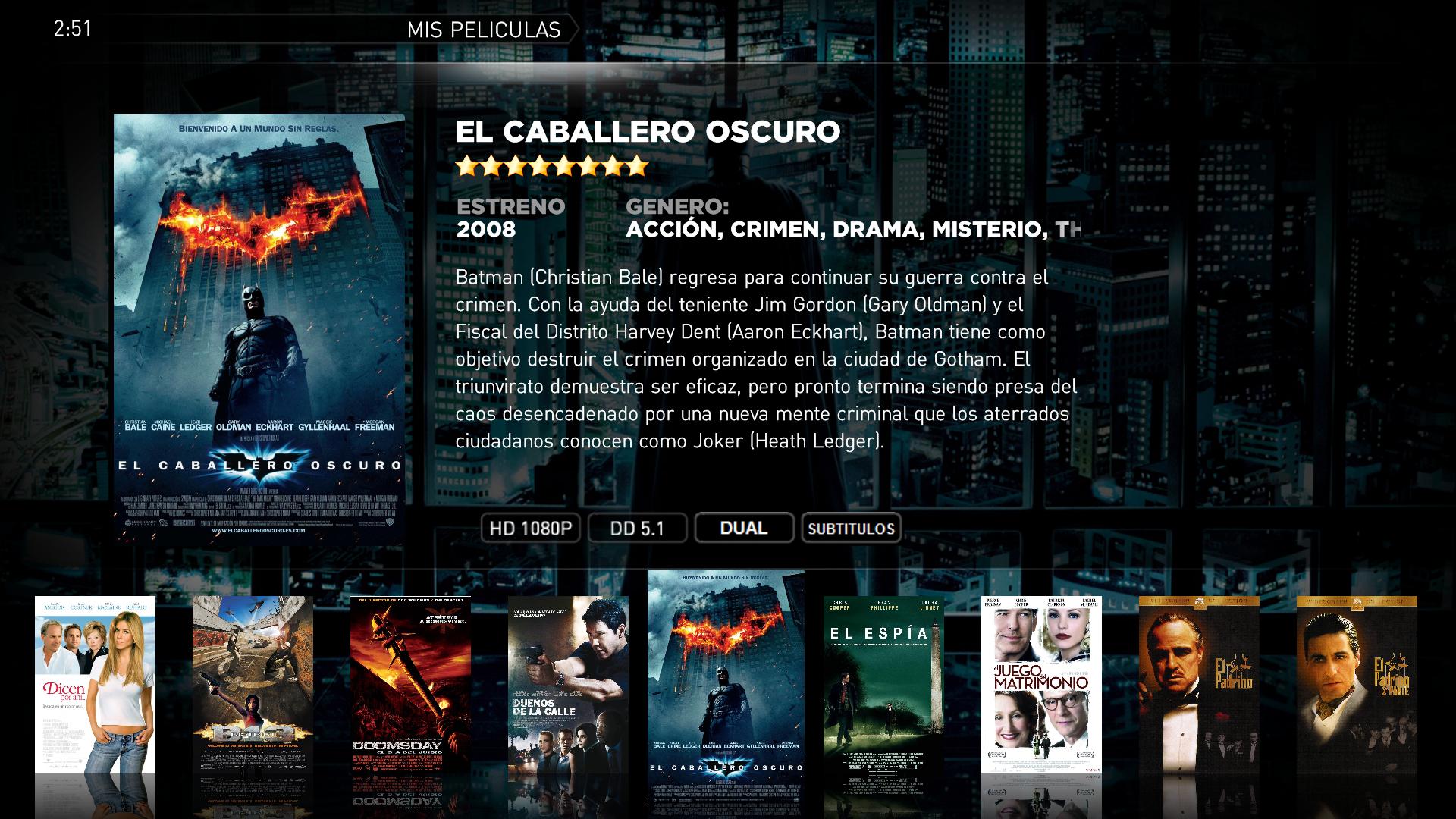

Sorry if this has already been answered in this thread, or elsewhere, but I've looked through for quite a while and haven't found the answer.
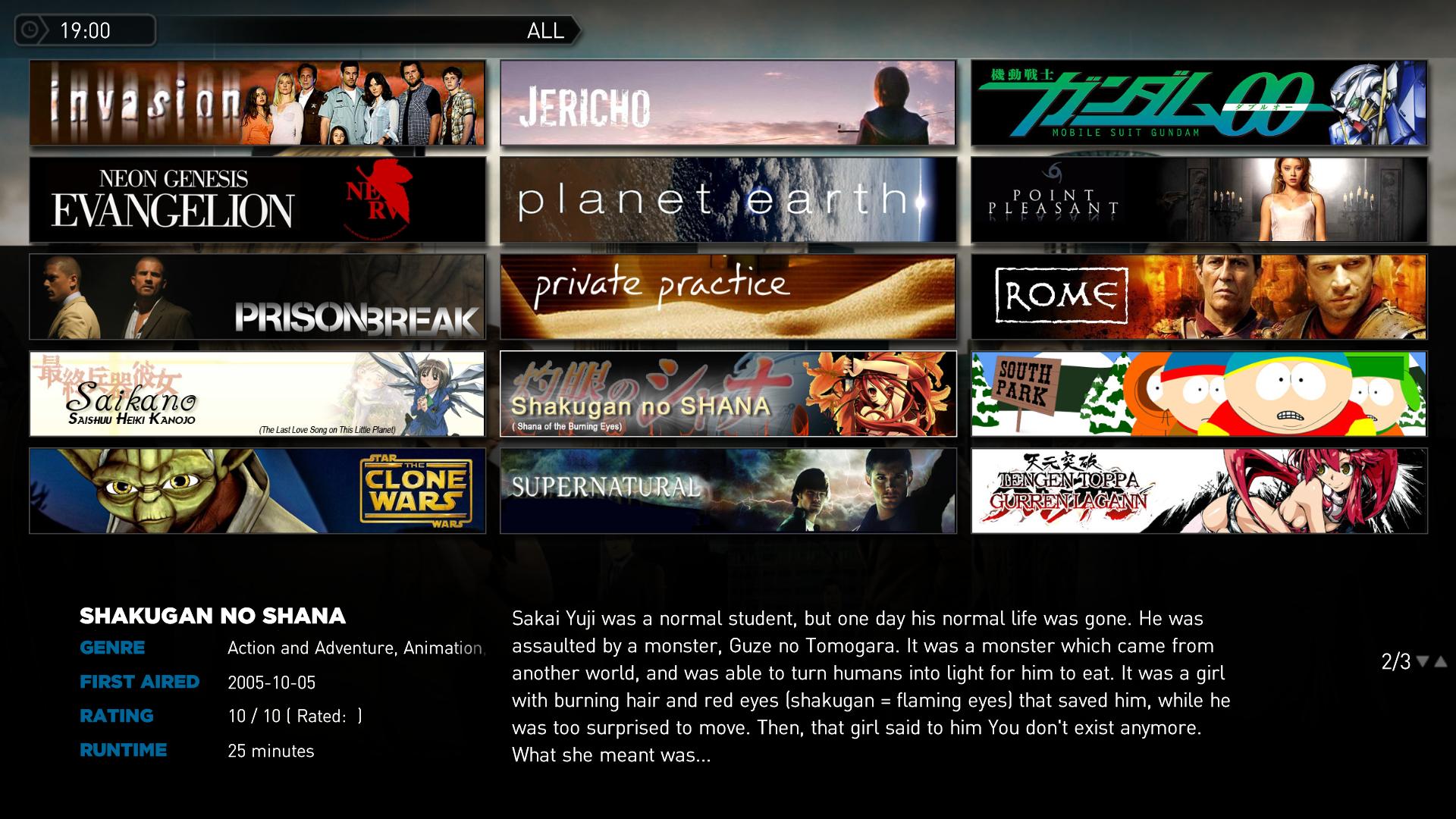
In TV-series, is it possible somehow to have the banners extend to the top of the screen? i.e - I just have a 3x3 grid of banners with some wasted space at the top, while it would be nice to have a 5x3 or even 6x3 grid to fill the available space.
Try this one:
Attachments

- December 4, 2007
- 1,047
- 123
- 46
- Home Country
-
Spain
Try with those files...
Perfect.
Another request:
Would it be possible to have the arrows for changing page also in the filmstrip view?
Thanks
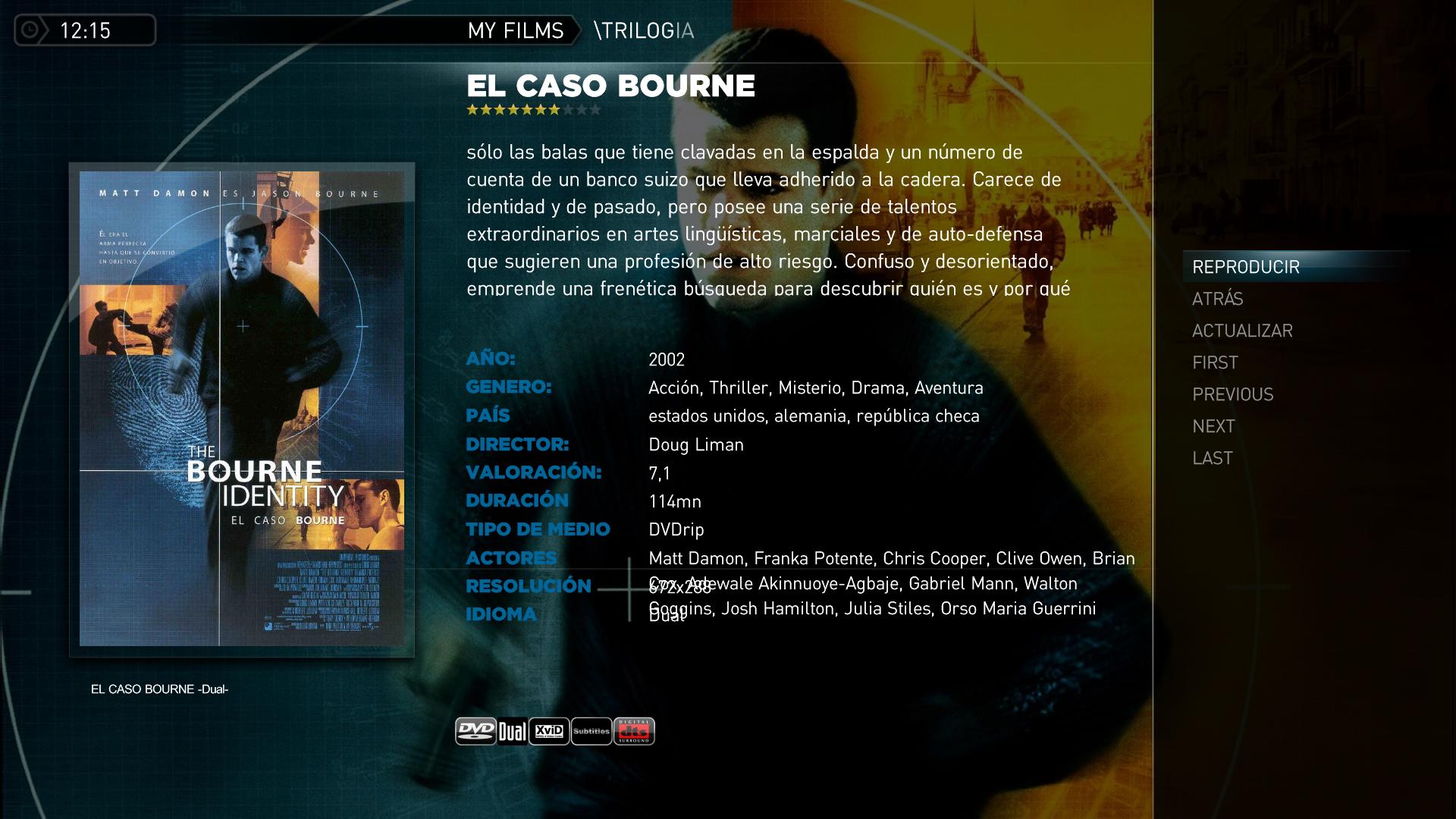
Edit: i have found this bug with the detailed screen, look the actors field in the attached screen
The problem of overlap in the detailed screen is still present. I think that it could be fixed placing the actors field below the detailed supplementary informations fields
Attachments

- January 2, 2006
- 1,484
- 114
Try with this one.Perfect.
Another request:
Would it be possible to have the arrows for changing page also in the filmstrip view?
Thanks
Edit: i have found this bug with the detailed screen, look the actors field in the attached screen
The problem of overlap in the detailed screen is still present. I think that it could be fixed placing the actors field below the detailed supplementary informations fields
Attachments
- October 13, 2008
- 22
- 0
- Home Country
-
New Zealand
- Moderator
- #427
Pilehave: What item (in which .xml)do I edit to extend the height of the movie list down to the red line in the attached screenshot? As it is now, it's one step short of being *nearly enough* aligned with the poster and the GENRE label. Or is that the intention but affected by me adjusting the resolution for TV overscan thus not having enough height/skin gets automatically cropped? Anyway, I just think this would look better. Perhaps move the list up 2-3 pixels as well.

Emph
Emph

- Thread starter
- Moderator
- #429
Pilehave: What item (in which .xml)do I edit to extend the height of the movie list down to the red line in the attached screenshot? As it is now, it's one step short of being *nearly enough* aligned with the poster and the GENRE label. Or is that the intention but affected by me adjusting the resolution for TV overscan thus not having enough height/skin gets automatically cropped? Anyway, I just think this would look better. Perhaps move the list up 2-3 pixels as well.
Emph
It's not intentional, but the list has the same height as other lists in the default plugins and supported plugins. You have to edit MesFilms.common.facade.xml and insert a height in this part of the XML:
Code:
		<control>
			<description>listcontrol</description>
			<type>listcontrol</type>
			<id>1026</id>
			<onleft>1026</onleft>
			<onright>6</onright>
			<unfocusedAlpha>100</unfocusedAlpha>
		</control>
The height (which is set in references.xml) is 400 px, so if you want one more item, I would try with around 450 or so...
- Moderator
- #430
It's not intentional, but the list has the same height as other lists in the default plugins and supported plugins. You have to edit MesFilms.common.facade.xml and insert a height in this part of the XML:
Code:<control> <description>listcontrol</description> <type>listcontrol</type> <id>1026</id> <onleft>1026</onleft> <onright>6</onright> <unfocusedAlpha>100</unfocusedAlpha> </control>
The height (which is set in references.xml) is 400 px, so if you want one more item, I would try with around 450 or so...
Eh... You don't confuse my screenshot with the ones above because of the Kung Fu Panda, are you? I'm gonna set the height in movingpictures.common.facade.xml, right?
Different plugin. Emph
Users who are viewing this thread
Online now: 2 (members: 0, guests: 2)