MP freezes/crashes when scrolling movie list. (1 Viewer)

2thor

Portal Pro
November 1, 2009
57
1
Home Country
Denmark Denmark
Just installed Streamed MP including Moving Pictures. Added around 400 movies located on more usb discs.

Unfortunatly PM freezes when scrolling listed movies and after a while it returns to home screen. When trying to enter Moving Pictures again, I get and endless "pupup" window saying "loading GUI".

Same result when using blue3 wide skin.

The version included with Streamed MP seems not to be the latest, but I cant find information how to uninstall/update installed version?

MP is latest version on vista.

Thanks for any help!

Thor
 

LRFalk01

Portal Pro
August 27, 2007
257
92
40
Home Country
United States of America United States of America
The first thing I would do is to switch to the Blue3Wide skin, and see if this issue still occurs.
 

2thor

Portal Pro
November 1, 2009
57
1
Home Country
Denmark Denmark
Thanks, but same issue with blue3wide (as think did mention:)).

Did try more times again, usually its frozen when scroll to movie number 5 or more in the movie list. After some seconds frozen, it returns to home screen.

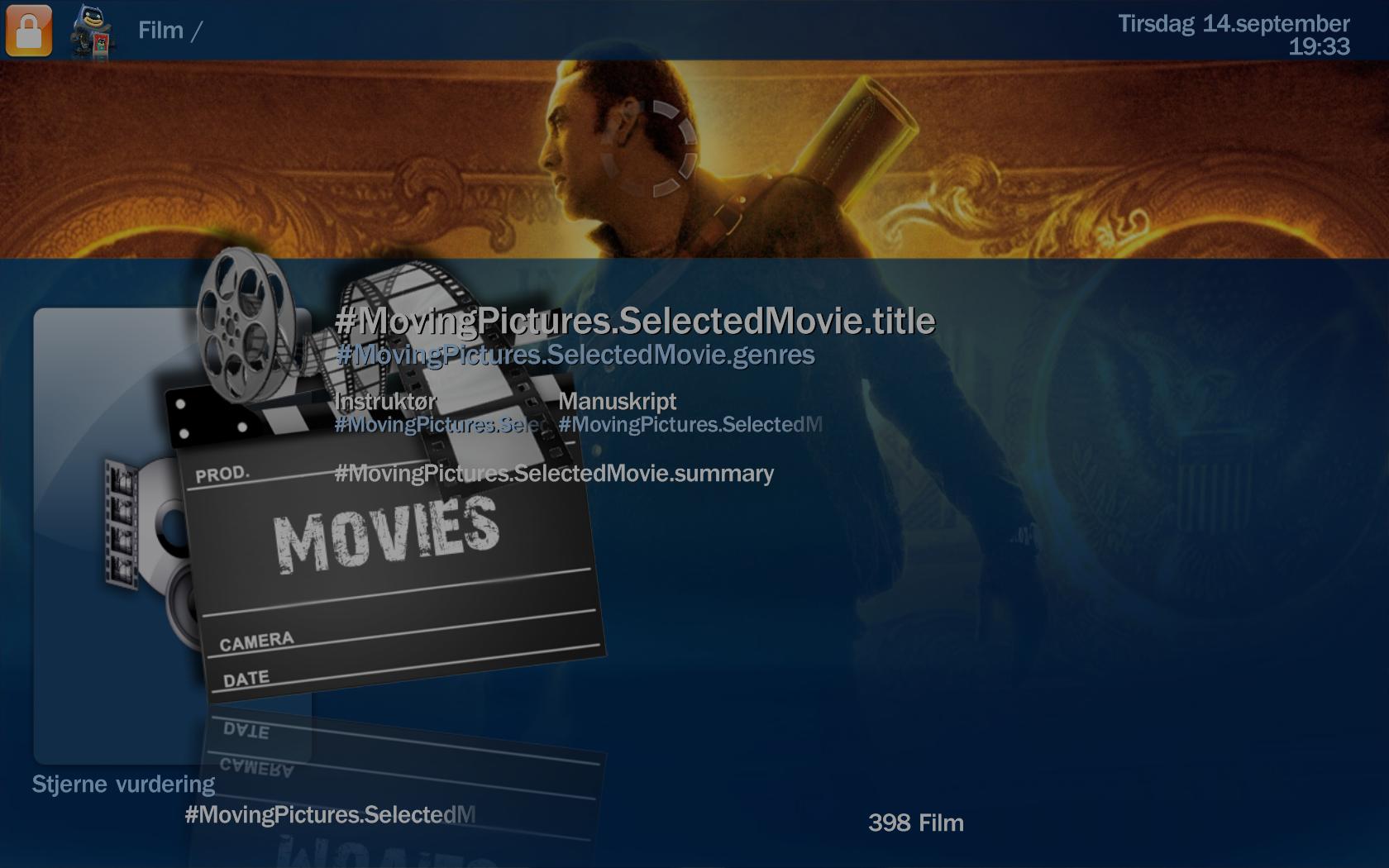
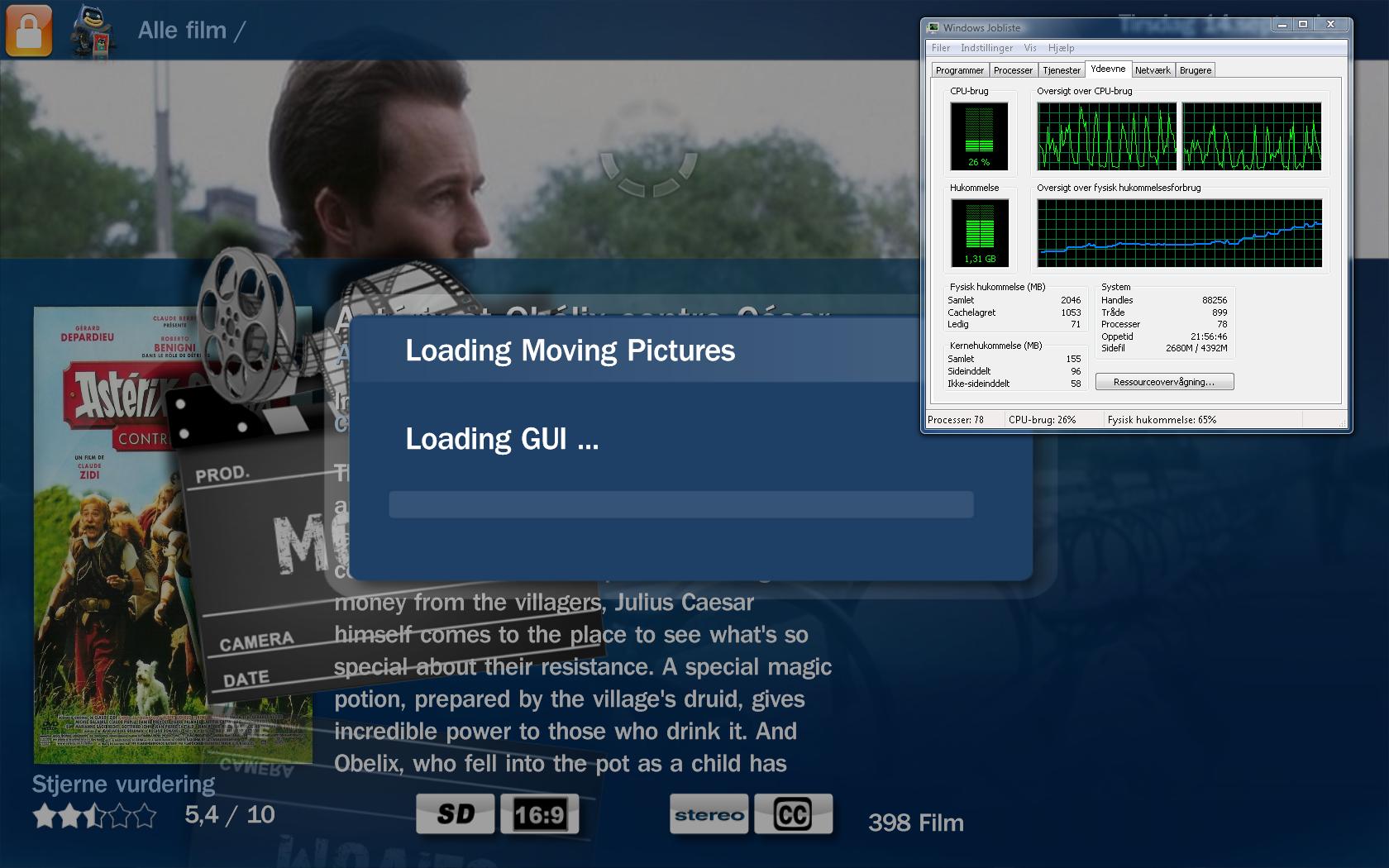
When re-entering Moving Pictures, it can be frosen as pic MP.jpg, and after a while returning to as pic mp3.jpg, and memory usage rises from around 0.8 to 1.6 GB.

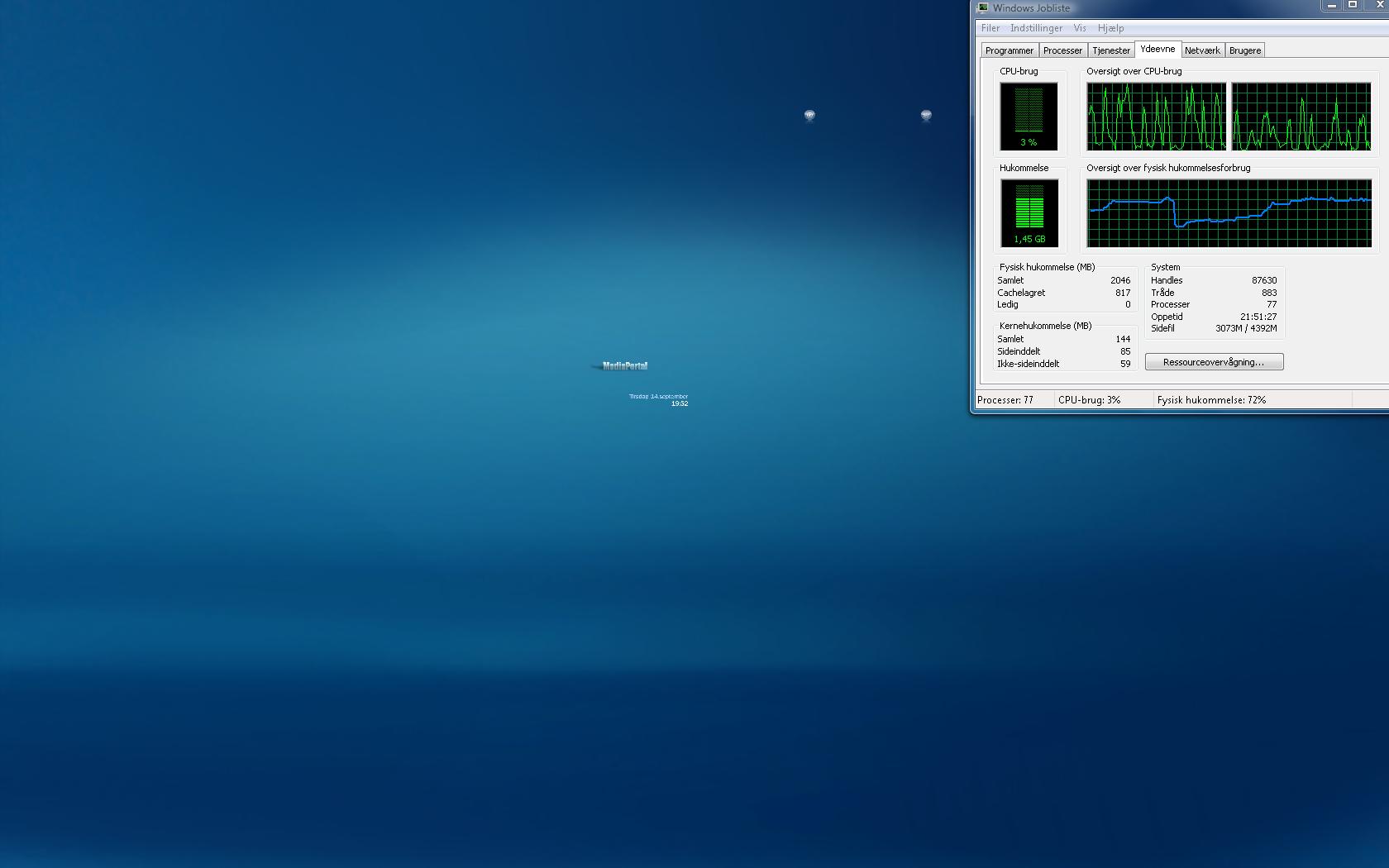
Sometimes re-entering will result in as pic mp4.jpg, where it stays( intil MP killed in task manager).

Thor.
 

Attachments

  • MP.jpg
    MP.jpg
    135.1 KB
  • mp3.jpg
    mp3.jpg
    94.6 KB
  • mp4.jpg
    mp4.jpg
    193.9 KB

LRFalk01

Portal Pro
August 27, 2007
257
92
40
Home Country
United States of America United States of America
Dang it, you're right . . . Sorry. (Reading is hard.) According to the errors in your log, it looks like this may be somehow memory\permissions related. Did you use the executable to install MovPics, or did you do it the hard way?
 

2thor

Portal Pro
November 1, 2009
57
1
Home Country
Denmark Denmark
Dang it, you're right . . . Sorry. (Reading is hard.) According to the errors in your log, it looks like this may be somehow memory\permissions related. Did you use the executable to install MovPics, or did you do it the hard way?
Nice to be right sometimes ;) ... and sure you dont need to be sorry!

I am not aware of the hard installation way ... so must have been the executable ( did install it as a part of StreamedMP skin "package").

Not sure I understand about memory-permission relation, but it seems as if its more worse when I go from watcing tv to entering MovingPictures.
Then its usually frozen after scrolling a few movies on the list.

Maybe a lucky punch, but actually I was able to scroll the full list one time when entering MovingPictures as first "job"
after opening MP.

As mentioned the version included in the StreamedMP package is not the latest, and I would like to test the latest,
but havent been able to find any "best way uninstall/upgrade" info?
 

2thor

Portal Pro
November 1, 2009
57
1
Home Country
Denmark Denmark
2thor, you can either apply the StreamedMP update which includes the latest movingpics 1.0.7 or you can install the full movingpics package from:

Downloads - moving-pictures - Project Hosting on Google Code
Thanks Damien,

Did install the "installer version" from your link, on top of the old version (wasn't sure if this would be ok), and did update my video driver as well.
Now it seems as if all my problems are gone :)!

Thanks for your advice and for a great plugin!

Thor.
 

agent_utah

New Member
August 5, 2008
2
0
Home Country
Israel Israel
Hi,
Sorry to raise this thread from the dead, but I'm experiencing the same issue.
Browsing through the movie library when using StreamedMP skin causes MP GUI to crash, the process is still running and I have to terminate it manually.
I switched to X-factor and when I browse through the movie library of moving pictures the GUI hangs. I exit to the main menu and get back in to moving pictures I get the popup window saying "loading GUI".

Switching to Blue3wide skin solves the problem and I can browse through the movingpictures library without issues.

I'm using Win 7 32 bit
MP 1.1.0
movingpictures 1.0.8
Latest StreamedMP version
Latest X-factor version

I tried downgrading to movingpictures 1.0.7 but it didn't help so I upgraded again to 1.0.8.

I installed movingpictures using the executable file.

Attached is the entire content of the log library.

Thank you for the assistance.
 

mastyman

MP Donator
  • Premium Supporter
  • June 1, 2010
    364
    68
    Auckland
    Home Country
    New Zealand New Zealand
    can i ask do you have a video playing at the same time as browsing the movie list? i.e the video is minimised to a small preview box while you browse?

    this situation always created a deadlock for me with moving pictures, so i stop any video before browsing
     

    agent_utah

    New Member
    August 5, 2008
    2
    0
    Home Country
    Israel Israel
    Hi mastyman,
    I don't have a video playing while browsing.
    I load MP and go directly to the movingpictures menu and then get this behavior.
    As I stated, it doesn't happen when I use blue3wide.
     

    Users who are viewing this thread

    Top Bottom