MP1 EVR Presenter/dshowhelper community development (5 Viewers)

Owlsroost

Retired Team Member
  • Premium Supporter
  • October 28, 2008
    5,539
    5,038
    Cambridge
    Home Country
    United Kingdom United Kingdom
    Re: AW: MP1 EVR Presenter/dshowhelper community development

    OK folks - new dshowhelper version v0065 attached for anyone who feels like trying it out :)

    This version has a few experimental changes to the NextSampleTime/frame drop/frame stall logic so all feedback welcome !

    Tony

    Note: If you are using the MP AudioRenderer you must use the modified version from this post - https://forum.team-mediaportal.com/707555-post675.html - otherwise MP crash...
     

    Jelmo

    Portal Pro
    September 8, 2007
    711
    55
    Home Country
    Germany Germany
    AW: Re: AW: MP1 EVR Presenter/dshowhelper community development

    Yesterday i tried Tesla 263.06 --- and WOW what an improvment. I use now this driver + v55. And i love it.
    Thanks Tony for your suggestion to use this driver. You are right --- its working out of the box ind fixxes the most problems
    that i had before with the original GForce Driver.

    Could you please tell me little bit more detail about what exact problems you were facing, solved with tesla drivers? We don't have exact same hard (you GT430, me GT240), but may be it will help also.

    @all... during my tests (100% livetv HD), I found that there are one and only channel that I can see how refresh rate goes down to cero for some miliseconds, then it goes back to 50 hz... (red line doing spikes down to cero)... I can see only as stuttering, as this effect repeats 4 or 5 times in a second, then it stops for some seconds, then it happens again. Other channels in same transponder don't do this... other channels in same Tv platform don't do this... What could it be the cause?

    Sorry for "hijacking" the post... This may be has nothing to do with dshowhelper (I tried stock 1.1.2, stock 1.2alpha, v45 and from v55 to v60, same behaviour).

    Thanks all.

    Normaly my system is powerfull enought to play 1080i stuff. But during Live TV with 1080i i got spikes in the red line --- but sporadicly. So i never found out what caused this problem. Refresh rate changed to 30Hz instead of constant 50Hz. Then HDTV wasn´t useable. Also Skip or Stop doesn´t help. So for me Clean Install of MePo 1.2 / W7 x64 / SAF 5.0 dosn´t work for HDTV. Sometimes i could watch 30min without any problem ... sometimes not 5min without heavy problems. Yesterday i installed the tesla driver ---- so i watched SKY HD Sport without any noticeable stuttering. I will test it the next day´s but for quick it was an improvement.
     

    peque

    Moderator - Spanish Forums
  • Premium Supporter
  • August 4, 2007
    861
    99
    Home Country
    Spain Spain
    So you see exactly what I've described for that only channel... That's good. So I'll try also Tesla and report back.

    Owlsroost, thank you so much for keep it up... :) I'll try also v65.
     

    Helios61

    Retired Team Member
  • Premium Supporter
  • January 30, 2008
    4,586
    875
    64
    NRW
    Home Country
    Germany Germany
    AW: Re: AW: MP1 EVR Presenter/dshowhelper community development

    OK folks - new dshowhelper version v0065 attached for anyone who feels like trying it out :)

    This version has a few experimental changes to the NextSampleTime/frame drop/frame stall logic so all feedback welcome !

    Tony

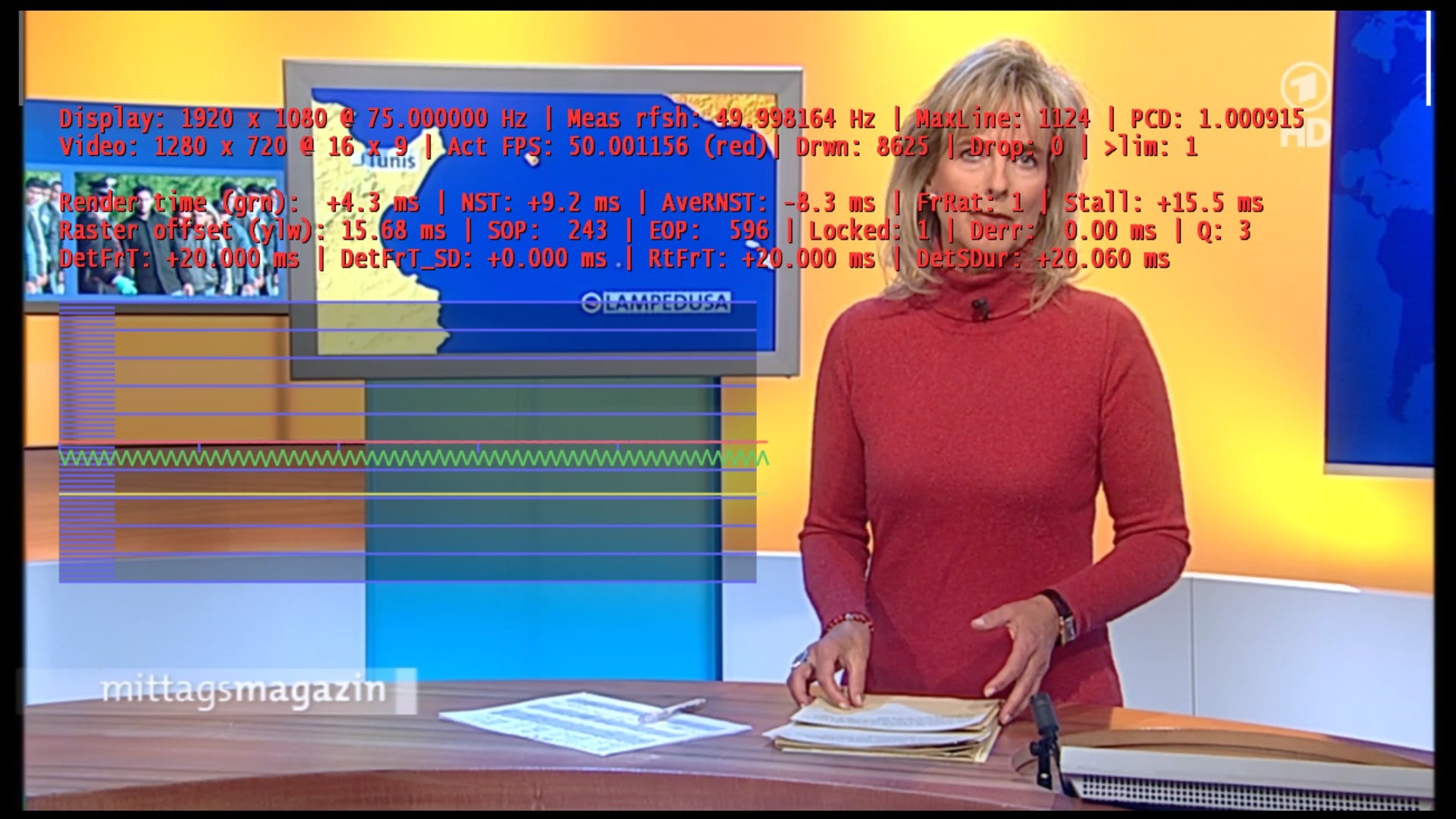
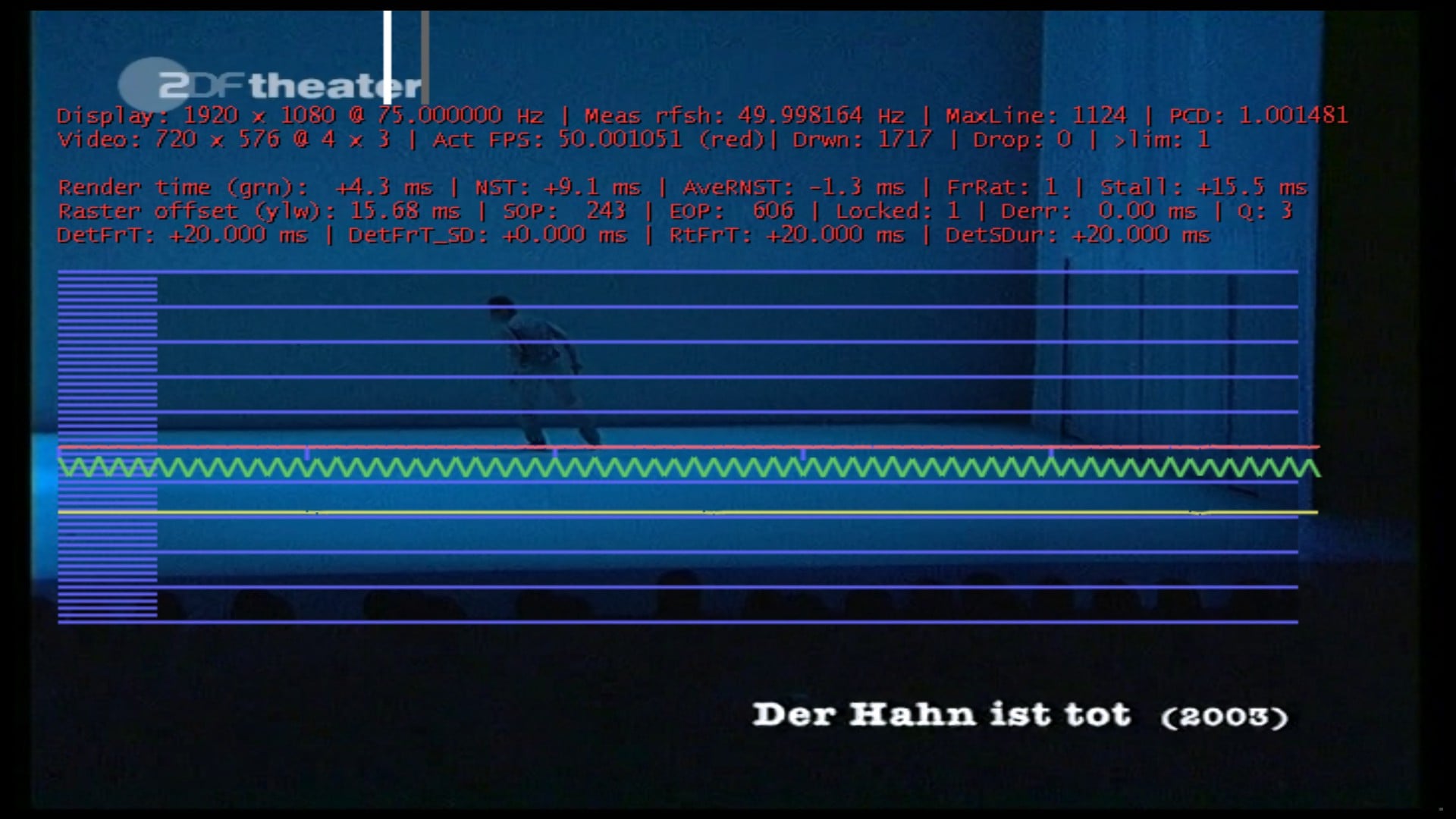
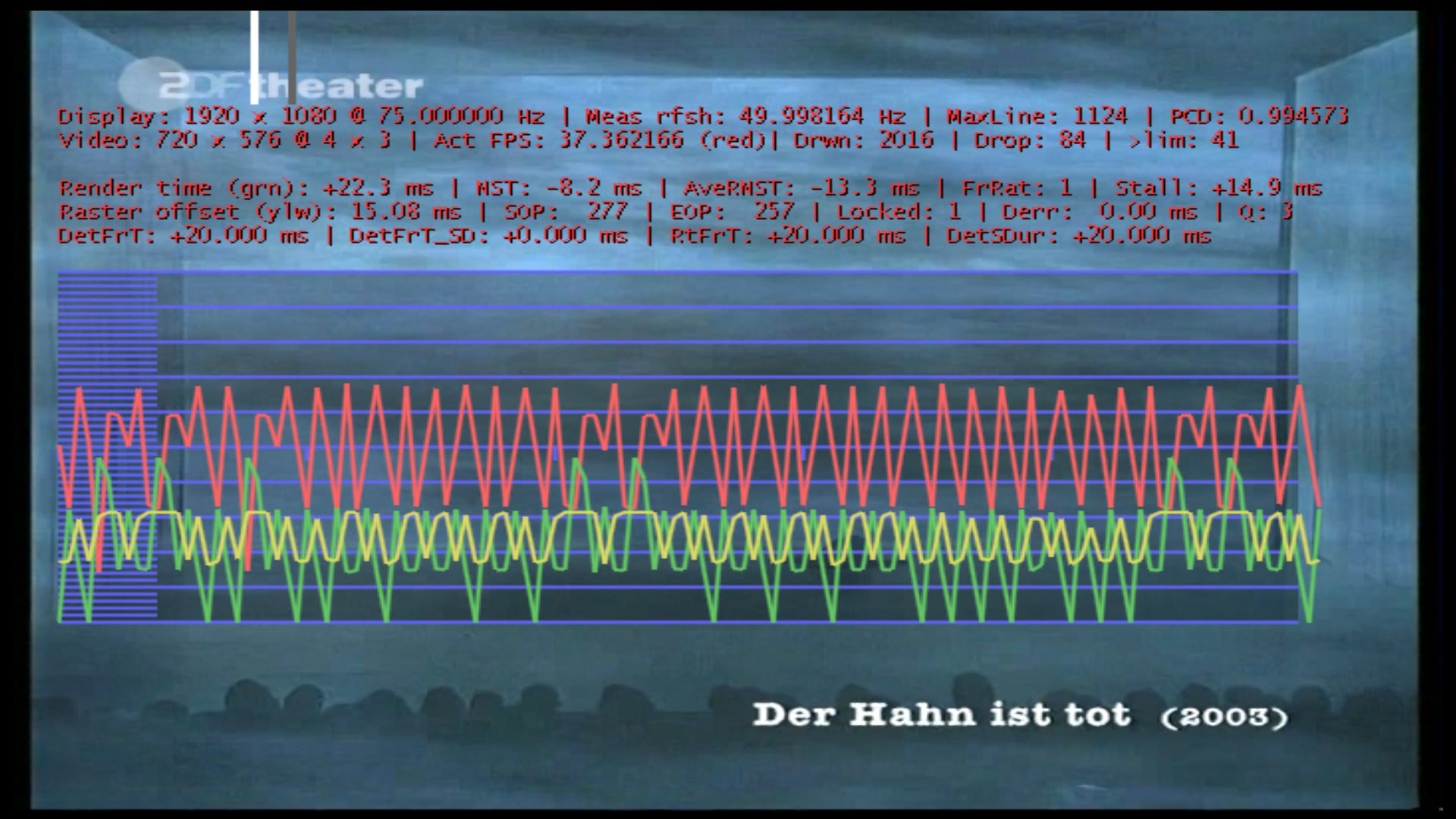
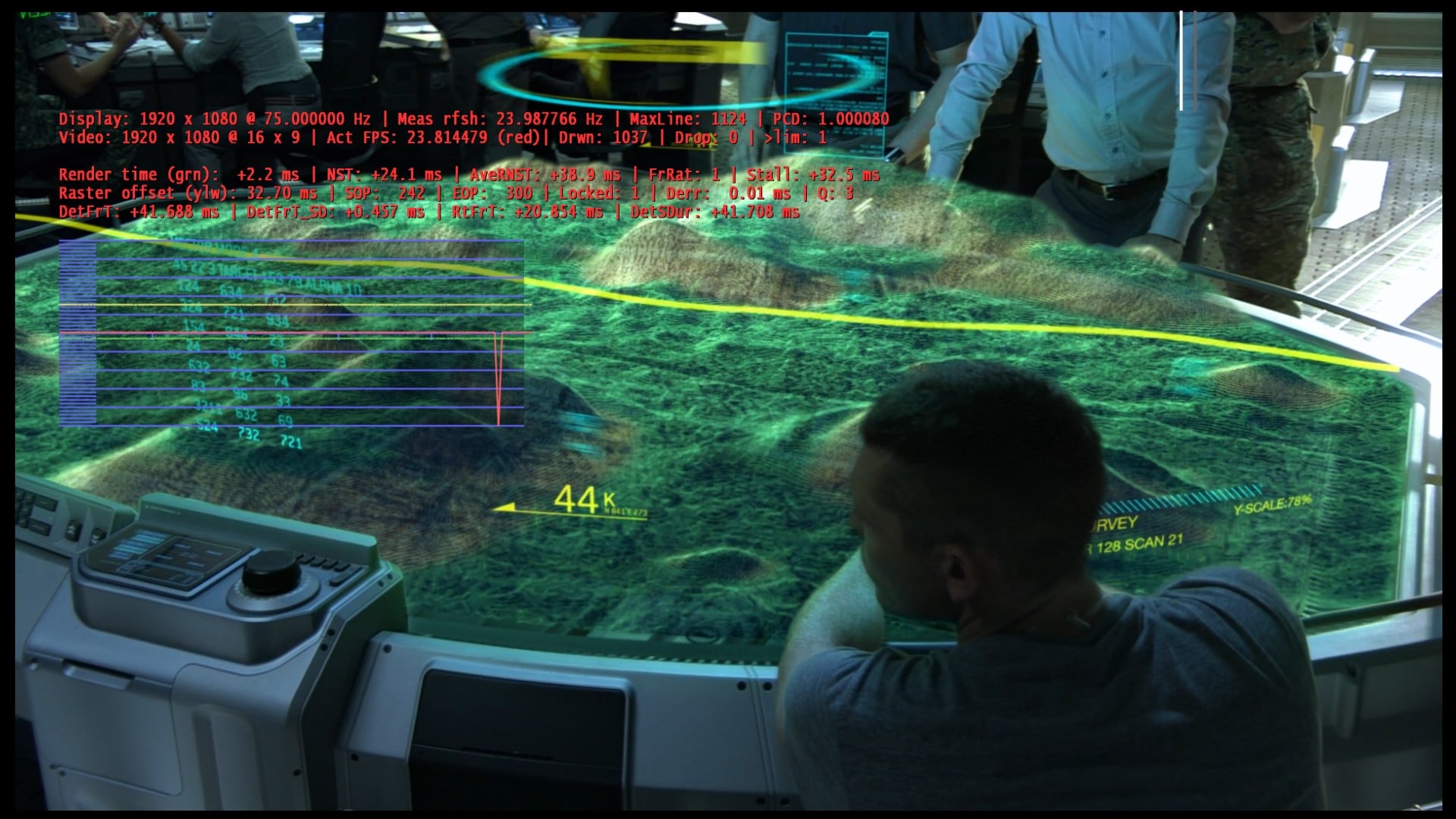
    First of all a big :D for your effort! I have mad some quick tests wit version v0065, but it doesn't work for me. Stuttering and dropped frames! Please take a look at the screenshots:

    HDTV 720p
    attachment.php


    HDTV 1080i
    attachment.php


    SDTV
    attachment.php


    MKV HD 1080p
    attachment.php


    It is odd, that i get "heavy stuttering" at the moment, when i take the screenshots with Corel Capture! Taking the screenshots by pressing F11 is no problem!
    All these issues are with v0065!

    I have found another issue (with v0065 and previous versions) with NTSC, also described in the german forum -> Link:
    76494d1296663498-refreshratechanger-frage-bild012.jpg

    There are a lot (nearly all) of dropped frames, but no stuttering!

    Best regards and thanks again,

    Helios
     

    Attachments

    • Bild062.jpg
      Bild062.jpg
      350.5 KB
    • Bild063.jpg
      Bild063.jpg
      302.5 KB
    • Bild064.jpg
      Bild064.jpg
      349.3 KB
    • Bild065.jpg
      Bild065.jpg
      423.1 KB
    • Bild066.jpg
      Bild066.jpg
      252.4 KB
    • Bild061.jpg
      Bild061.jpg
      303.7 KB

    tourettes

    Retired Team Member
  • Premium Supporter
  • January 7, 2005
    17,301
    4,800
    It is odd, that i get "heavy stuttering" at the moment, when i take the screenshots with Corel Capture! Taking the screenshots by pressing F11 is no problem!

    Nothing that can be done (or even should be done). Corel Capture does who knows what - while MP does internally capture the D3D content. Also it is not really an issue when screen capture causes dropped frames, it is not the normal use case.

    There are a lot (nearly all) of dropped frames, but no stuttering!

    Only half of the frames are dropped (drawn frames counter wont increase when the a frame is dropped). Reason why this is happening is that 75 hz is not a good combo for NTSC material.
     

    Helios61

    Retired Team Member
  • Premium Supporter
  • January 30, 2008
    4,586
    875
    64
    NRW
    Home Country
    Germany Germany
    AW: Re: MP1 EVR Presenter/dshowhelper community development

    There are a lot (nearly all) of dropped frames, but no stuttering!

    Only half of the frames are dropped (drawn frames counter wont increase when the a frame is dropped). Reason why this is happening is that 75 hz is not a good combo for NTSC material.

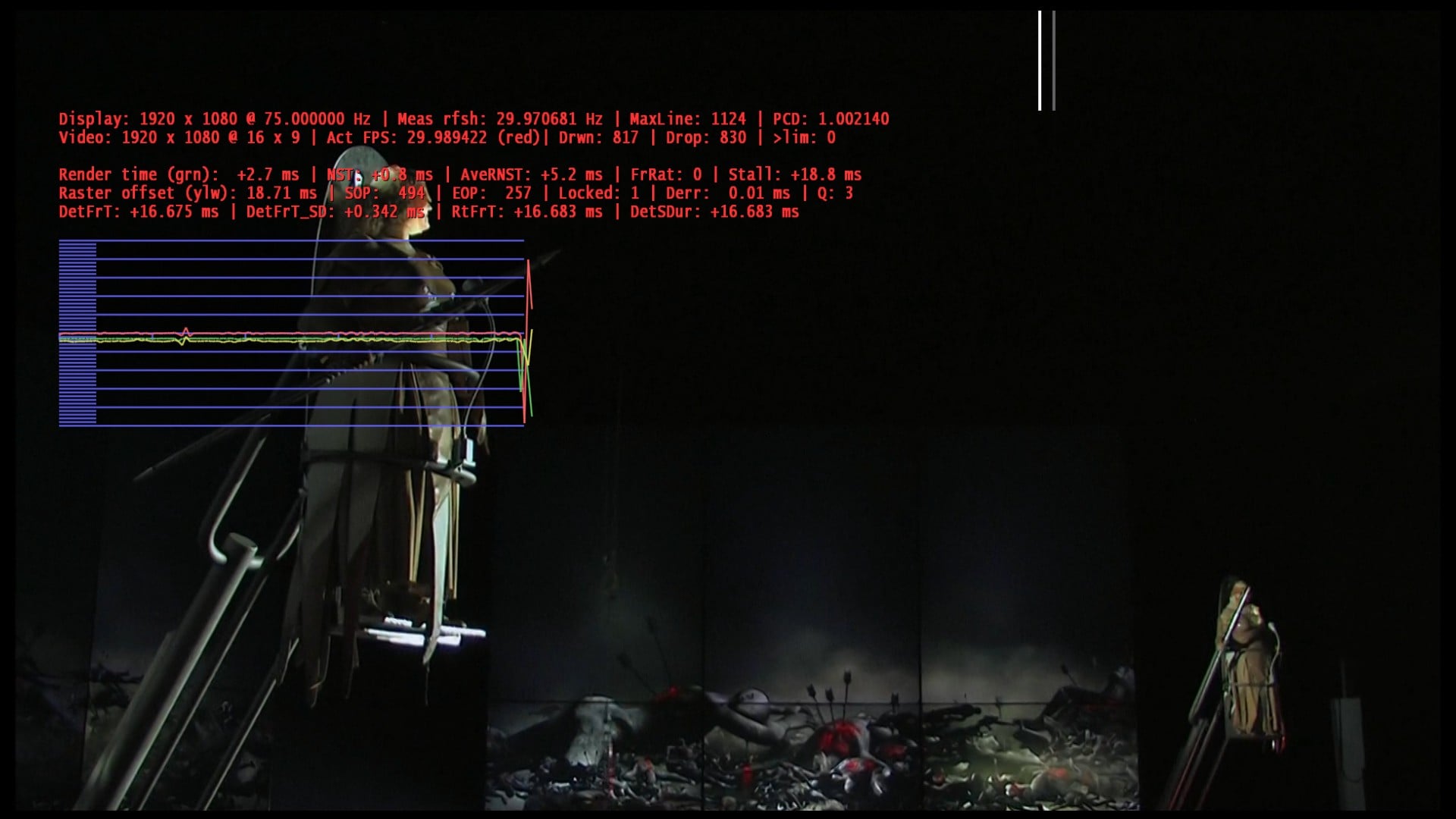
    meas rfsh: 29.970528 HZ and TV does switch to 30 HZ fine! 75 HZ is the primary Display!
     

    Owlsroost

    Retired Team Member
  • Premium Supporter
  • October 28, 2008
    5,539
    5,038
    Cambridge
    Home Country
    United Kingdom United Kingdom
    Hi Helios,

    The NTSC problem is because you have the display refresh set to 29.97Hz but the video is actually 29.97Hz interlaced (or the decoder + deinterlacer think it is) - the EVR presenter is receiving frames with a duration of 16.683ms (the RtFrT value in the stats) which is a 59.94Hz rate i.e. de-interlaced 29.97Hz video. This forces half the 'frames' to be dropped.

    If you switch to 59.94Hz display it should be OK....
     

    tourettes

    Retired Team Member
  • Premium Supporter
  • January 7, 2005
    17,301
    4,800
    Hi Helios,

    The NTSC problem is because you have the display refresh set to 29.97Hz but the video is actually 29.97Hz interlaced (or the decoder + deinterlacer think it is) - the EVR presenter is receiving frames with a duration of 16.683ms (the RtFrT value in the stats) which is a 59.94Hz rate i.e. de-interlaced 29.97Hz video. This forces half the 'frames' to be dropped.

    If you switch to 59.94Hz display it should be OK....

    AERO uses most likely alwayst the primary displays v-sync to target the refreshing on secondary display (it would be much more complex to handle fps per display basis - just think about windows that are visible on multiple displays).
     

    peque

    Moderator - Spanish Forums
  • Premium Supporter
  • August 4, 2007
    861
    99
    Home Country
    Spain Spain
    Ok... Tried v65 just in case... but as I said, my main problem now is that for some livetv HD channels refreshrate goes down to 30 hz and up againt to 50 hz (some spikes here and there in red line) that causes "stutter-like" effect, and dshowhelper has nothing to do with this.

    Jelmo, I've tried tesla 263.05 driver... same behaviour. I would say worse in my case, so I have now this refresh-rate inestability on some more channels than before. I'll role back to an old nvidia driver, that I don't remember to have seen this, and if I've got same problem, then I'll have to search a bit more what's my problem... :( If anyone (tourettes... :p ) could help me identify what could be the cause of this refresh-rate up and downs... ¿?

    Thanks all.
     

    edterbak

    Portal Pro
    March 4, 2008
    2,114
    1,176
    Home Country
    Netherlands Netherlands
    Hi Owlsroost,

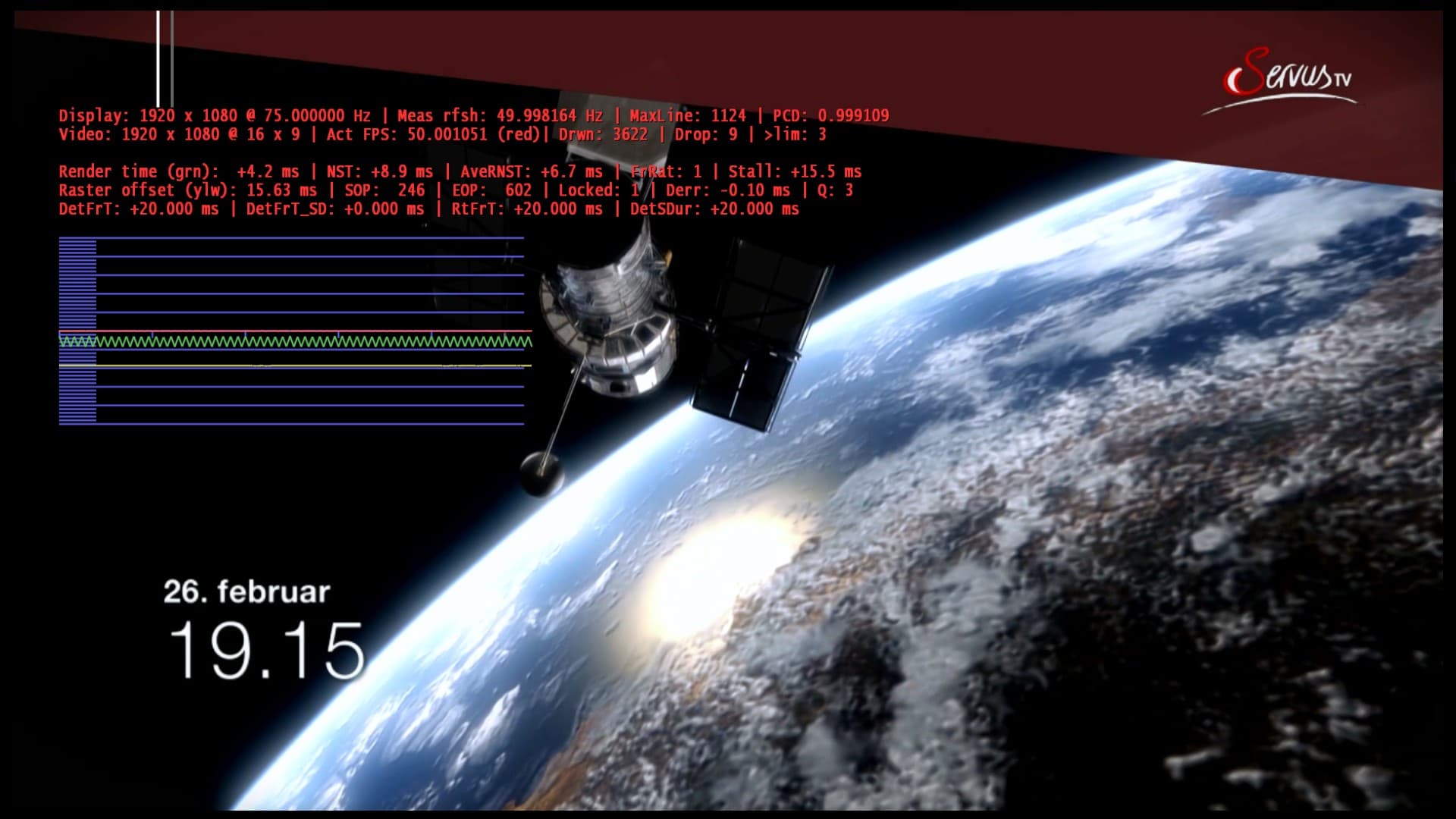
    I tried V65 for you. It is working Perfectly! All lines are flat as hell. Very good results for me icw an ATI card (5670) No dropped frames and very very few late ones.
    Only issue I see is lipsync is off. The image is coming quicker than the sound. Mostly 175ms. For HDTV it is less.

    I will use this version for the upcoming week to see what I bump into further.
     

    Users who are viewing this thread

    Top Bottom