MP1 EVR Presenter/dshowhelper community development (59 Viewers)

C

CypherMK

Guest
Ok here are my logs. V67

I played a file from the serie dexter. It played for 27 minutes, and I got 291 dropped frames. Repeat was 8.

Hope it helps.
 

Owlsroost

Retired Team Member
  • Premium Supporter
  • October 28, 2008
    5,539
    5,038
    Cambridge
    Home Country
    United Kingdom United Kingdom
    Ok here are my logs. V67

    I played a file from the serie dexter. It played for 27 minutes, and I got 291 dropped frames. Repeat was 8.

    Hope it helps.

    There seems to be some sort of performance issue (or a problem with the movie file itself) - there's whole blocks of this sort of problem in the evr.log:

    25-02-2011 09:04:29.876 [f1c]Scheduling sample from the past (2051.94 ms, last call to NotifyWorker: 0.03 ms, Queue: 3)
    25-02-2011 09:08:25.707 [f1c]Scheduling sample from the past (5900.83 ms, last call to NotifyWorker: 0.03 ms, Queue: 1)

    This means it's seeing video samples (decoded frames) with timestamps more than 2 or 5.9 seconds behind the render 'clock', so it has to discard lots of frames to bring things back into line - this is where most of the frames are dropped.

    Have you got some background process running that's stealing CPU time, or could installing Win 7 SP1 have changed some setting somewhere ?

    Tony
     

    tourettes

    Retired Team Member
  • Premium Supporter
  • January 7, 2005
    17,301
    4,800
    2011-02-25 08:56:01.447000 [Info.][MPMain(1)]: DirectShowUtils: First try to insert new audio renderer ArcSoft Audio Renderer

    Also try the default directshow audio renderer. We have no clue what those 3rd party audio renderers are doing and they shouldn't be used when testing the video playback quality.
     
    C

    CypherMK

    Guest
    2011-02-25 08:56:01.447000 [Info.][MPMain(1)]: DirectShowUtils: First try to insert new audio renderer ArcSoft Audio Renderer

    Also try the default directshow audio renderer. We have no clue what those 3rd party audio renderers are doing and they shouldn't be used when testing the video playback quality.

    Ok. I will try that.
     
    C

    CypherMK

    Guest
    ok. New logs. Default sound device. v67

    7 frames dropped at the start and 20 more during 28 minutes of playback of the same dexter episode.

    (I also tried the arcsoft audio renderer and got the same results)

    Edit: Oh yeah, I found a little application which put my CPU at 100% the last time I posted the logs. That's why I got so many skipped frames.
     

    cecet23

    MP Donator
  • Premium Supporter
  • March 18, 2009
    137
    16
    Perugia
    Home Country
    Italy Italy
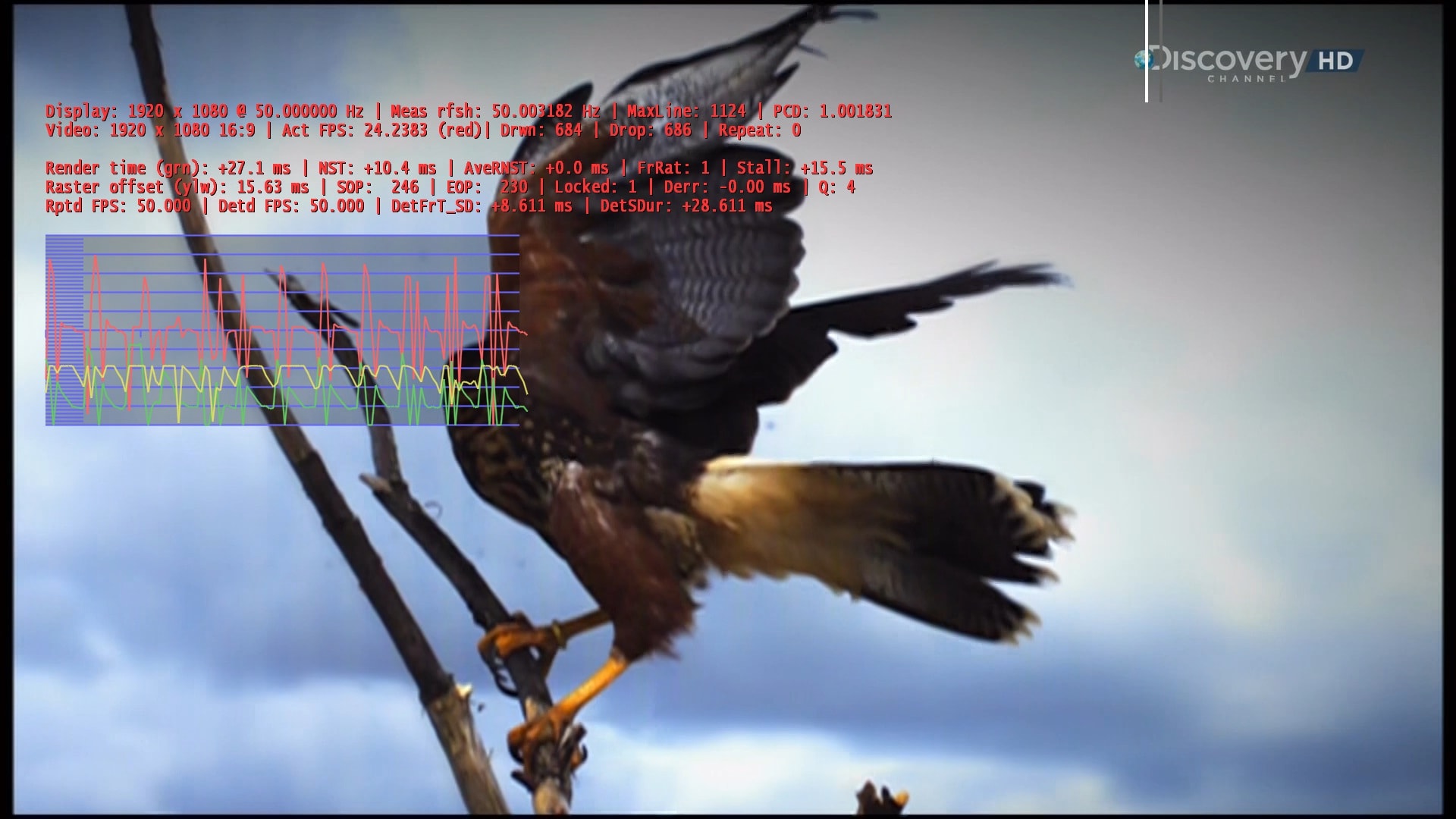
    Hi Tony..

    a lot of frames drop for me again.. The only thing that i did after a film was restart mp, then lot of stutter on live tv..
     

    Attachments

    • Immagine.jpg
      Immagine.jpg
      385.6 KB

    Owlsroost

    Retired Team Member
  • Premium Supporter
  • October 28, 2008
    5,539
    5,038
    Cambridge
    Home Country
    United Kingdom United Kingdom
    Hi Tony,

    Is it possible (quick/easy) to add a line for video/audio decoder used? Could help with debugging and easy recognition within MP

    I've added a list of filters in the graph to the render stats display (in the next version) ;)

    cecet23 - I've no idea why it's dropping so many frames sometimes - does it happen with all TV channels ? Do you have multiple displays connected ? Can you post full logs next time it happens please ?

    CypherMK - does v0055a (attached to first post in thread) work OK ?

    Tony
     

    Users who are viewing this thread

    Top Bottom