- Moderator
- #91


 Germany
Denmark
Germany
Denmark
As much as I can see it comes from the Plugin PowerScheduler.
Code:2011-01-31 05:34:45.851400 [ERROR][MPMain(1)]: Exception :System.NullReferenceException: Objektreferencen er ikke indstillet til en forekomst af et objekt. ved MediaPortal.Plugins.Process.PowerScheduler.WndProc(Message& msg) ved MediaPortal.Plugins.Process.PowerSchedulerClientPlugin.WndProc(Message& msg) ved MediaPortal.GUI.Library.PluginManager.WndProc(Message& msg) ved MediaPortalApp.WndProc(Message& msg)
Later there are coming MPD2 failures to, but I think this could be because of the PS issue you have.
It's just a hint, but have you tried to run MP without PowerScheduler? Maybe these two Plugins won't run together at the time.

Hello,
First of all: great stuff, I've been looking a long time for a plugin like this
I have one problem (not caused by the plugin, but by windows I think).
I've been looking for a way to disable auto-detection of displays connected through HDMI in Win7 but did not find any.
My HTPC is connected to a 7" touchscreen and a TV (last one connected through HDMI). Everytime I shut the TV down, the PC rearranges everything on the desktop, programs stop running --> I want to avoid this and let the pc believe that both displays run all the time.
Anyone any ideas?
Greetings,
Sam
@Wondermusic
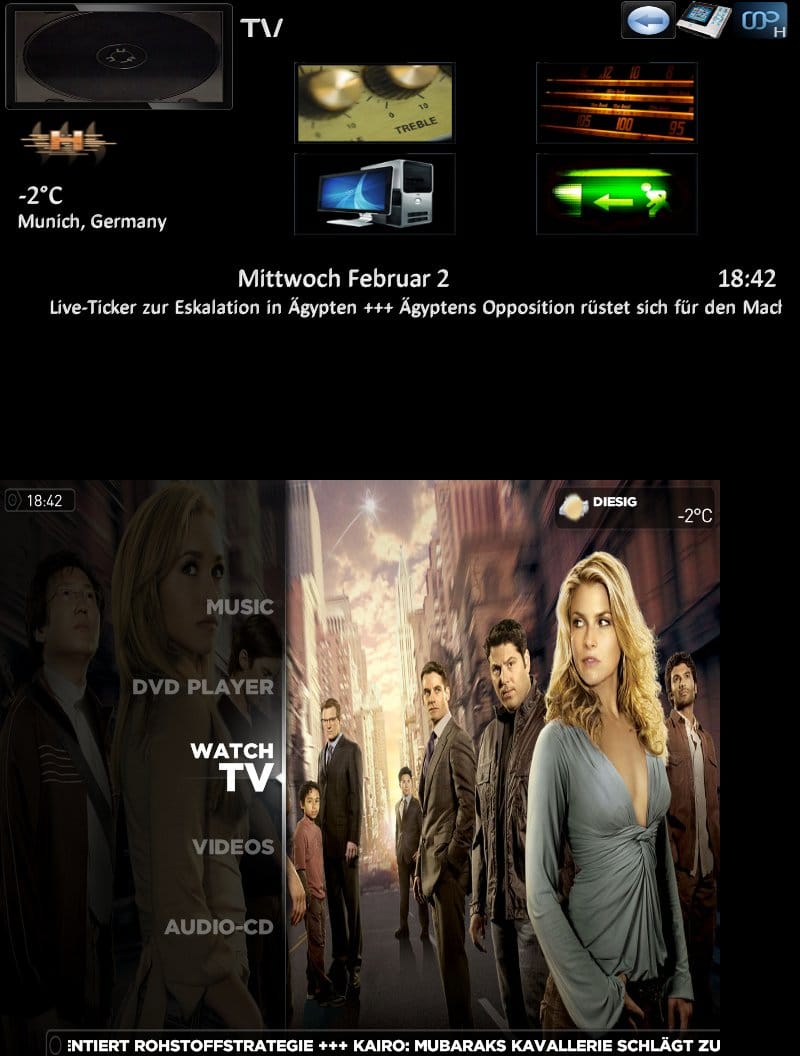
I tried this in PureVisionHD folder (hope it was made for it) and the width seems to fit but the height needs to be lot larger.
See screenshot
I hope you have not that much effort on customizing arround on this...
Greets,
Katharsis
Germany
@Wondermusic
Sorry for the stupid question but can you tell me where i have to put the file exactly? I only found .png files in my PureVisionHD folder not .jpg under C:\ProgramData\TeamMediaPortal\MediaPortal\MPDisplay2\Skin\PureVisionHD
Thx so far...
Greets,
Katharsis