MyWorldMap plugin v2.1.0.1 Beta 21/06/2013 (2 Viewers)

Nephilim

Extension Developer
February 8, 2007
805
499
Home Country
Italy Italy
Original text:

"Hi!
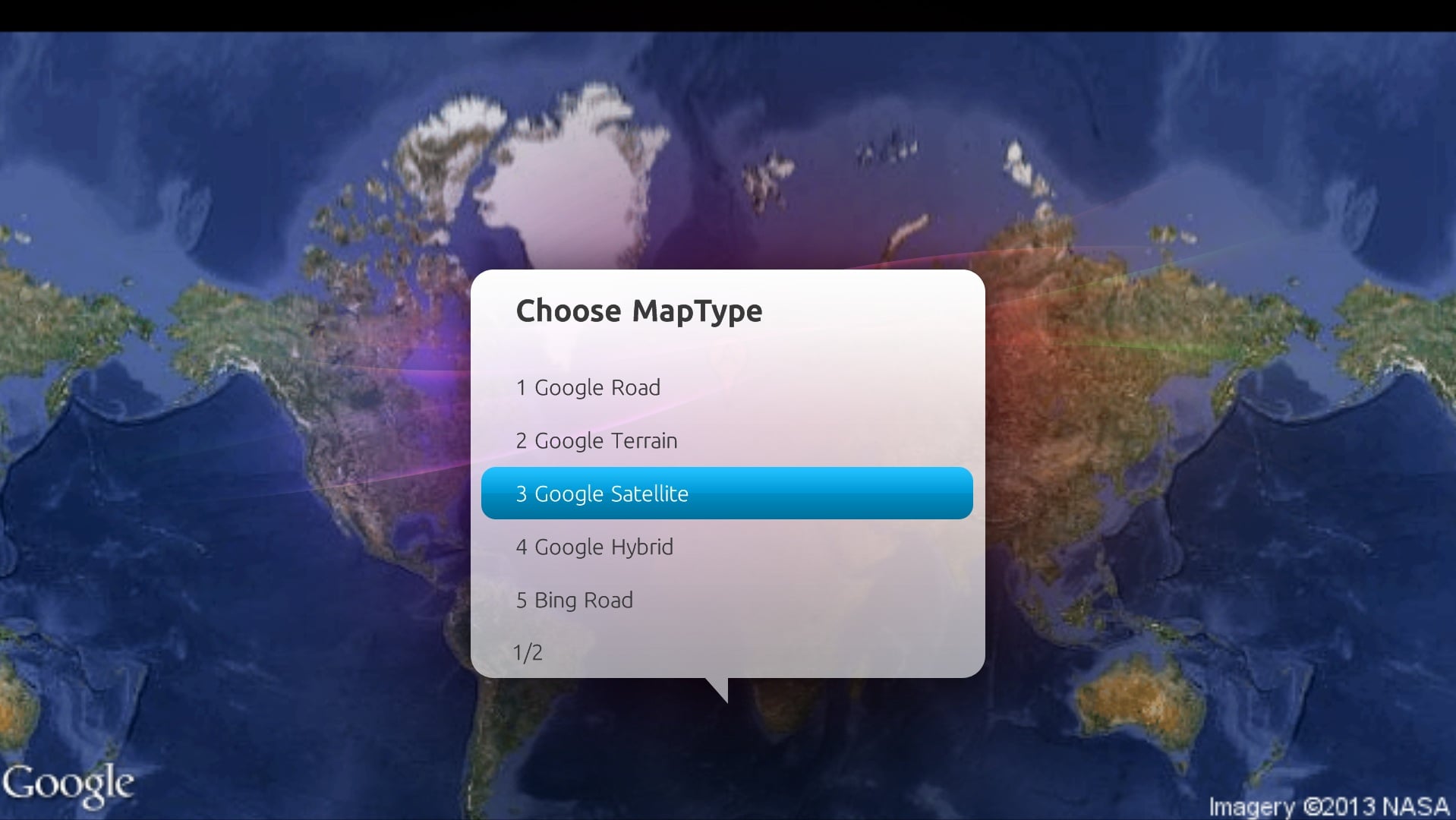
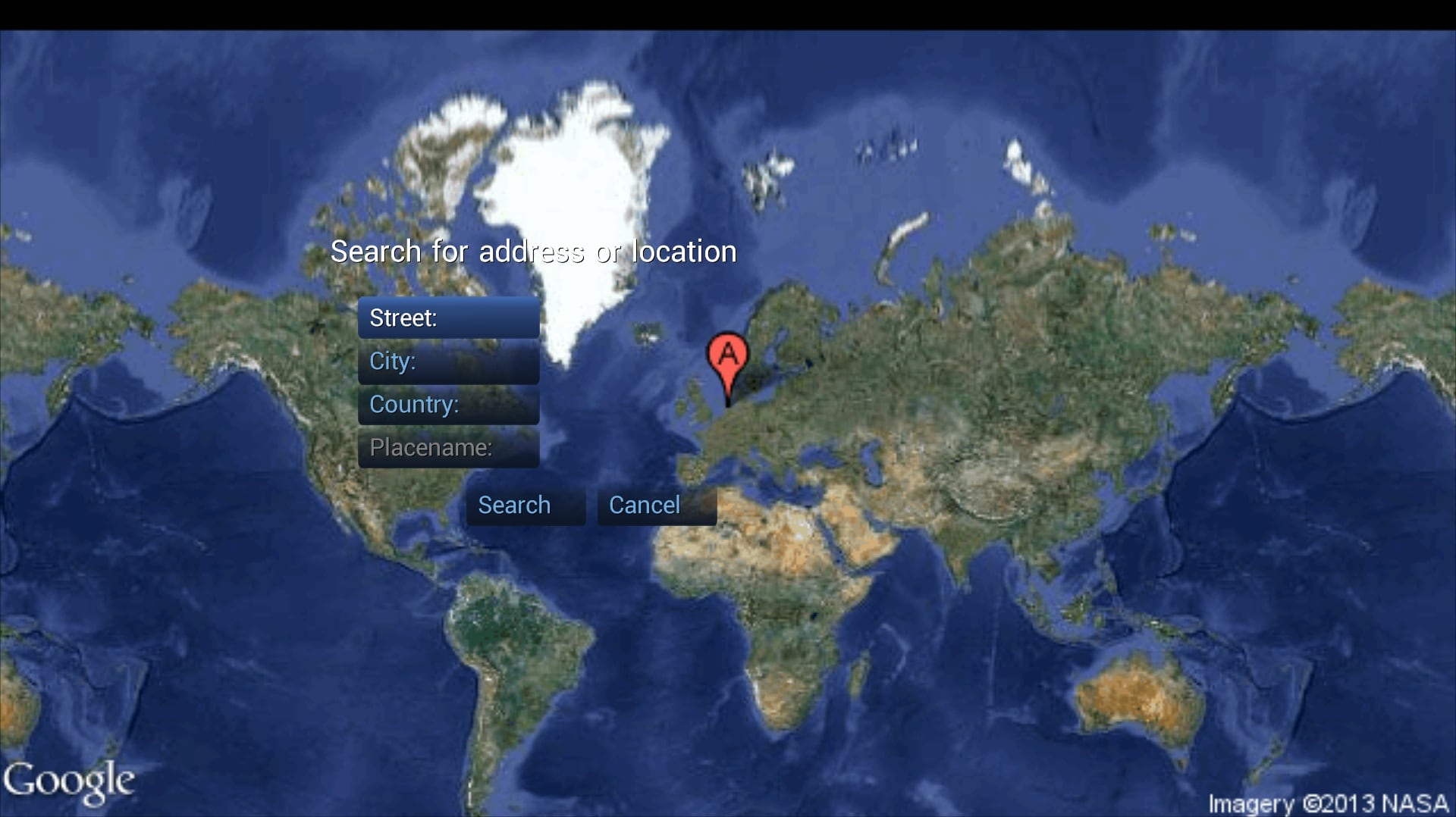
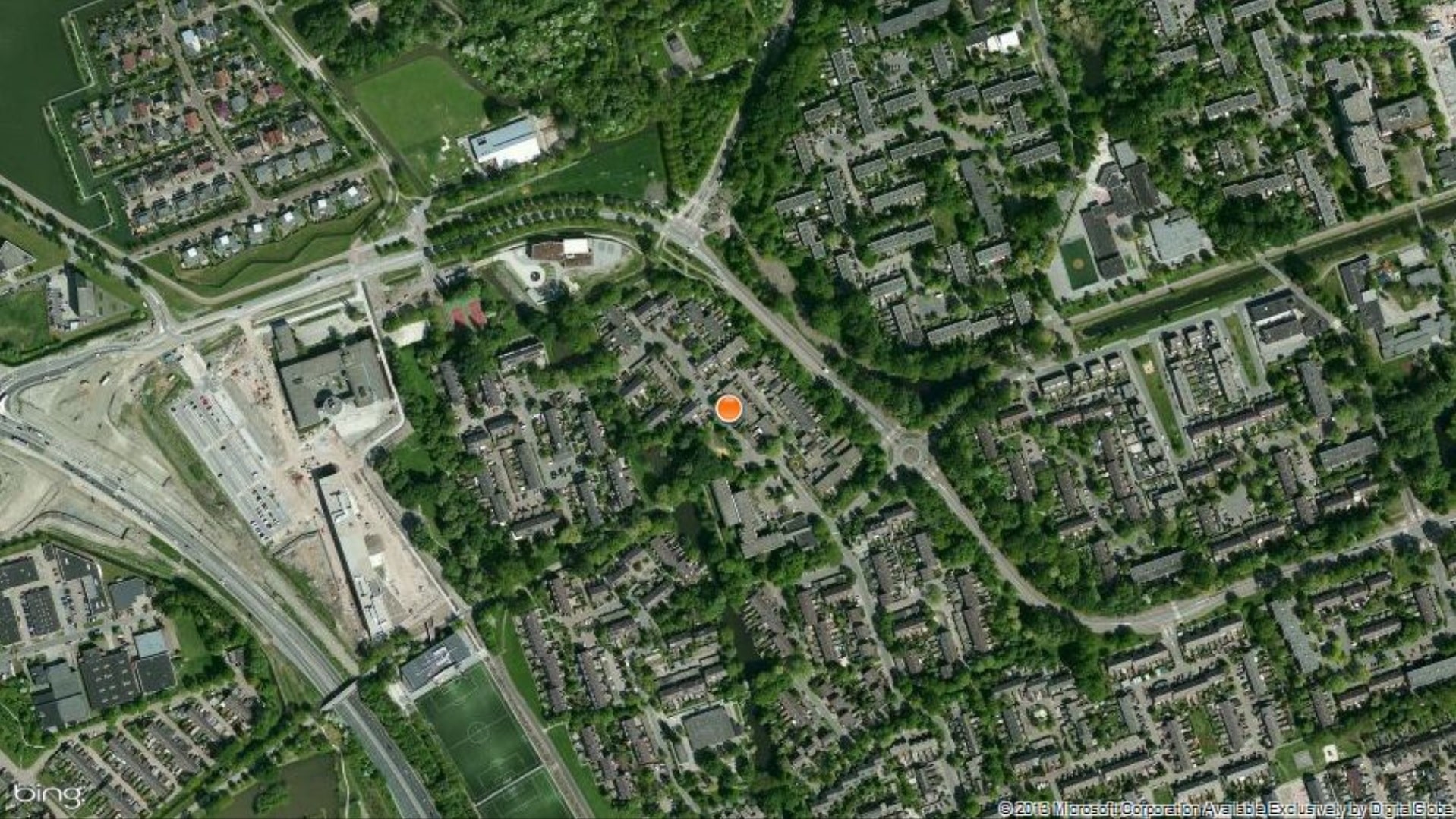
I started reworking this plugin to introduce the use of Google and Bing maps API.
First alpha attached. Only Google is implemented.
Please report all issues you find.
:D
Simone"


Latest version of this plugin (v2.1.0.2 Beta) is developed by @Nephilim.

Skin support:

-Titan
-Default
-Default Wide
-aMPed

Language support: de, en, fr, it, no

Changelog:

v2.1.0.2 Beta: Compatible with MP 1.6.0.
v2.1.0.1 Beta: Compatible with MP 1.4.0, better image quality in Google maps.
v2.0.0.9 Beta: Compatible with MP 1.3.0, added Titan skinsupport.
v2.0.0.7 Rc: small fixes and tweaks.
v2.0.0.6 Beta: should be feature complete :)

Installation:

Mediaportal Extension Installer
 

Attachments
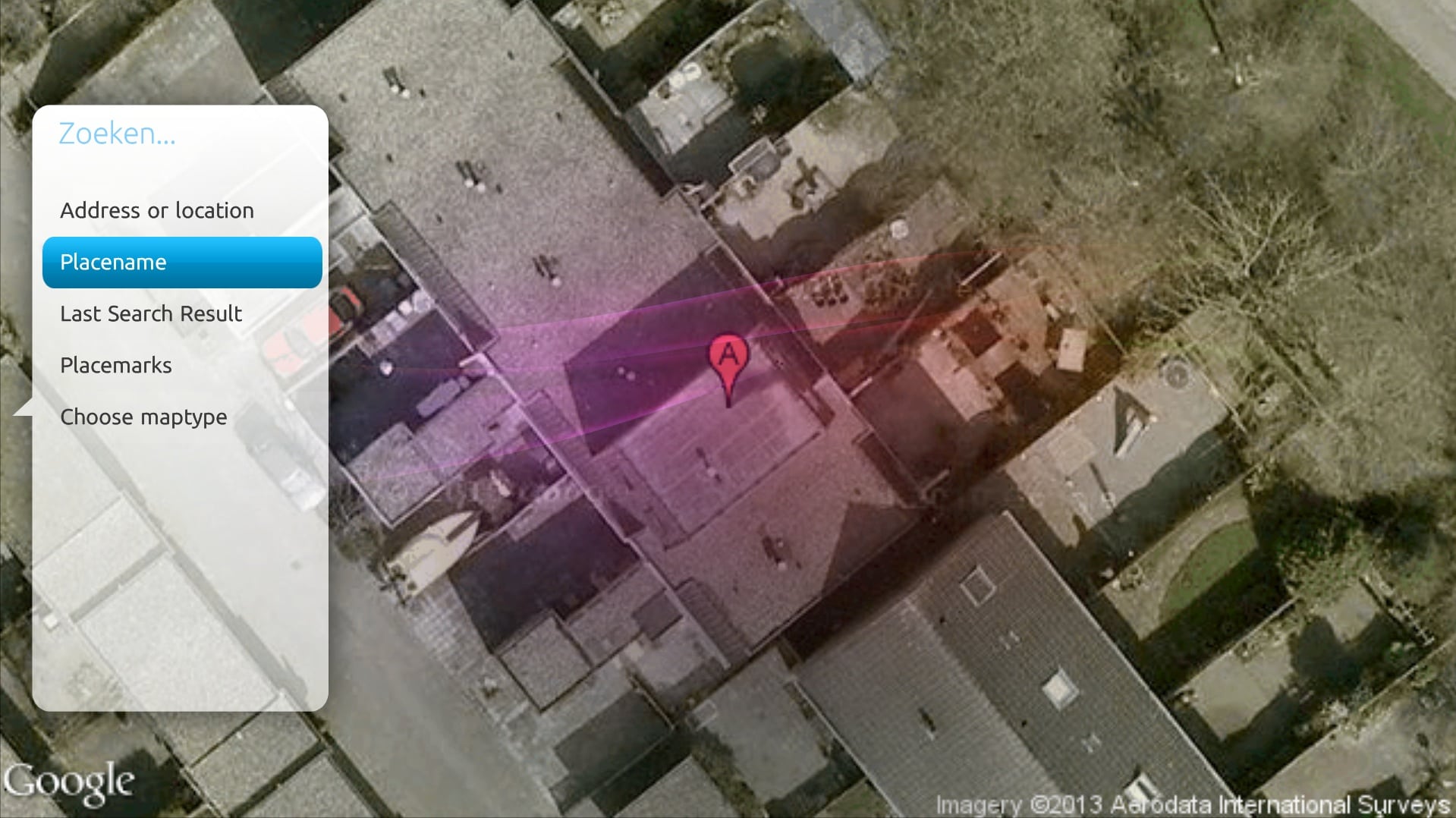
  • ww 1.jpg
    ww 1.jpg
    477.3 KB
  • ww 2.jpg
    ww 2.jpg
    309.3 KB
  • ww 3.jpg
    ww 3.jpg
    374 KB
  • ww 4.jpg
    ww 4.jpg
    776.2 KB
Last edited:

chemelli

Retired Team Member
  • Premium Supporter
  • September 28, 2006
    6,159
    2,264
    52
    Milano, Italy
    Home Country
    Italy Italy
    Re: MyWorldMap plugin V 2.0 alpha (07-05-2010)

    First post updated:

    • removed a debug message that "spam" your log too quickly
    • built installer

    Simone
     

    Harmani

    MP Donator
  • Premium Supporter
  • October 13, 2008
    97
    5
    Home Country
    Netherlands Netherlands
    Re: MyWorldMap plugin V 2.0 alpha (07-05-2010)

    Great work! I'll be testing soon!

    :D
     

    Dadeo

    Docs Group Manager
  • Premium Supporter
  • November 26, 2006
    5,340
    3,321
    Himalayas, India
    Home Country
    Canada Canada
    Re: MyWorldMap plugin V 2.0 alpha (07-05-2010)

    Hey Chemelli, thanks for picking up this great plugin. I am just testing it using MP 1.1.0 RC2 (Rev 25696)

    First impression - WOW! So much faster and better than before. What skin files are you using? The installer did not ask about installing any skin file.
    So I tried the Blue3/wide skin files for the RC3 version of the plugn. Blue 3 only displayed a blank screen or the background and then returned to menu.

    Blue3/wide displayed like the attached screenshot. But once I accessed a map by doing a search, the display, zoom, navigation and the onscreen keyboard were excellent. I also tested in aMPed using my skin files for RC3 version and got the same results.

    When I access the Menu via F9 the Options Button and the Switch to... button did not do anything for me. Are they supposed to? Is that just a skin file issue?

    I did try installing with the previous RC3 version still installed but then I got the old version. So I think you have to uninstall it first?

    I would be happy if the name remained WorldMap and I never had to see the word "MY' ever again! However, I can understand you wish to have a new name for the new version to avoid confusion. And I know you can choose the My or not in the GUI so I am just being picky :p

    That's all I found so far. Awesome job!
     

    Attachments

    • Worldmap.jpg
      Worldmap.jpg
      14.6 KB

    chemelli

    Retired Team Member
  • Premium Supporter
  • September 28, 2006
    6,159
    2,264
    52
    Milano, Italy
    Home Country
    Italy Italy
    Re: MyWorldMap plugin V 2.0 alpha (07-05-2010)

    First impression - WOW! So much faster and better than before. What skin files are you using? The installer did not ask about installing any skin file.
    So I tried the Blue3/wide skin files for the RC3 version of the plugn. Blue 3 only displayed a blank screen or the background and then returned to menu.

    Installer doesn't ask for skin files, because they are not included. For now you can resuse the old ones.

    Blue3/wide displayed like the attached screenshot. But once I accessed a map by doing a search, the display, zoom, navigation and the onscreen keyboard were excellent. I also tested in aMPed using my skin files for RC3 version and got the same results.

    Unfortunately that corrupted screen is due to a slow internet connection. In your situation, 7secs is not enought.
    It now need to download a full image instead of 4/8/16tiles. I still need to figure out how to add a "downloading map" message in between to make experience better...

    When I access the Menu via F9 the Options Button and the Switch to... button did not do anything for me. Are they supposed to? Is that just a skin file issue?

    Options are database related iirc, and this is no more in use with V2 because both Google and Bing deny caching in their license explicitly.

    I did try installing with the previous RC3 version still installed but then I got the old version. So I think you have to uninstall it first?

    I selected "Always overwrite" for the dll and language files, so you should get the new one even if a old is installed. Maybe a small issue with MPEI installer.

    I would be happy if the name remained WorldMap and I never had to see the word "MY' ever again! However, I can understand you wish to have a new name for the new version to avoid confusion. And I know you can choose the My or not in the GUI so I am just being picky :p

    Will do :)

    That's all I found so far. Awesome job!

    :D

    Simone
     

    chemelli

    Retired Team Member
  • Premium Supporter
  • September 28, 2006
    6,159
    2,264
    52
    Milano, Italy
    Home Country
    Italy Italy
    Re: MyWorldMap plugin V 2.0 alpha (08-05-2010)

    First post updated.

    Changes:

    • Added a timeout for downloads in config . Corresponding log line: "2010-05-08 13:38:06.517171 [Debug][MPMain(1)]: [MyWorldMap]: Http timeout = 5s.
    • Removed skin control 12 ( Switch to...) as there is only one zoom type defined in the apis.
    • Removed skin control 8 as API's license denies caching.

    Still no updated skin files.

    Simone
     

    SilentException

    Retired Team Member
  • Premium Supporter
  • October 27, 2008
    2,617
    1,130
    Rijeka, Croatia
    Home Country
    Croatia Croatia
    Re: MyWorldMap plugin V 2.0 alpha (08-05-2010)

    So much faster :O

    OpenStreetMap looks cool, it would be nice to add after Bing..

    I just have a small issue about left-right-up-down keys jumping too much in the map, IE it's not that easy to zoom in on the part of the map you want..

    Also, it would be nice to be able to jump with the mouse, so that mouse click would center the map on the place you clicked, double click would zoom in on that part.. Of course, right click would then zoom out :)

    Just my two cents :)

    Thank you big time for this!

    As for updated skin files, as long as you don't add any controls, for the alpha state, you don't have to worry about those..
     

    Dadeo

    Docs Group Manager
  • Premium Supporter
  • November 26, 2006
    5,340
    3,321
    Himalayas, India
    Home Country
    Canada Canada
    Re: MyWorldMap plugin V 2.0 alpha (08-05-2010)

    I selected "Always overwrite" for the dll and language files, so you should get the new one even if a old is installed. Maybe a small issue with MPEI installer.
    OK, but I think the problem is that the previous version used GUIWorldmap.dll and 2.0 uses MyWorldmap.dll so overwrite won't work for RC3 and previous versions. GUIWorldmap.dll still exists in plugins\windows and in MediaPortal.xml. The MapTileCache.db in Cache still exists (that was from RC3?) Since we want to keep the RC3 Blue3/wide skin files for now, I guess manual deletion of RC3 is the best option?

    When I tried uninstalling version v2.0.0.1 using MPEI it did not remove Worldmap.dll although it does remove Worldmap.dll.config. It did not update MediaPortal.xml. Not a big deal at this stage, just letting you know :p

    I installed version v2.0.0.1. Now Worldmap opens nicely to the last map I viewed. Nice :)

    I removed the buttons id 8 and 12 from MyWorldmapMenu.xml. Previously, the options for "Last Search Result" and "stored Placemarks" were greyed out if you had not saved any yet. But once you remove buttons 8 and 12, they are no longer greyed out. And if you select them you just get a blank dialog with a title (i.e. "Search Results". Also, when you remove the buttons you get an error message in error.log:

    [ERROR][MPMain(1)]: OnMessage exception: System.NullReferenceException: Object reference not set to an instance of an object.
    at MyWorldmap.WorldmapMenu.OnPageLoad()
    at MediaPortal.GUI.Library.GUIWindow.OnMessage(GUIMessage message)
    So it looks like something in the plugin is still looking for those buttons :) That message is a skinner's nightmare as it never tells you enough to solve the problem and you can get it for many types of skin errors. In this case, it is easy since all I changed was the removal of those two buttons 8 and 12.

    Normally in MP when you use the Info key or F9 it is a toggle - when you press it once you get the context menu, press it again and back to the map. But in Worldmap you have to press Esc / Back to exit the menu. So if it is slow to respond, impatient users (like me ;)) press it again, and it ends up exiting the plugin. :( I think this was always the behaviour.
     

    chemelli

    Retired Team Member
  • Premium Supporter
  • September 28, 2006
    6,159
    2,264
    52
    Milano, Italy
    Home Country
    Italy Italy
    Re: MyWorldMap plugin V 2.0 alpha (08-05-2010)

    Dadeo,

    thank you for your feedback.

    About the skin files: I played a bit with those from Black Glass and fixed them (wow my first skinning :p).
    Issue you describe is because of those properties:

    Code:
          <onup>6</onup>
          <ondown>10</ondown>

    Attached what should be the fixed skin files for Blue3Wide. Didn't get time to test them, as I'm in the middle of Bing API interface writing.

    Installer still needs to be propoerly done. Just a side note: RC5 is already "MyWorldMap.dll" this is why I was mistaken.

    Simone
     

    Attachments

    • MyWorldmapMenu.xml
      30.6 KB

    Users who are viewing this thread

    Top Bottom