No channels on software encoding card (1 Viewer)

jjv360

Portal Member
December 20, 2008
6
0
Home Country
South Africa South Africa
Hi, my tv card (Philips SAA7134 chipset) comes up in the list of TV cards, but when i click Scan for Tv Channels it takes a few seconds, and no channels are found. I heard somewhere that some programs have trouble with software encoding cards. Is there any way I can get this card to work?
Thanx! :D

TV-Server Version: 1.0 RC4
MediaPortal Version: 1.0 RC4
MediaPortal Skin: Blue3
Windows Version: Windows XP - Service Pack 3
CPU Type: Intel Dual Core 1.8GHz
HDD: 500Gb & 80Gb
Memory: 1Gb - Transcend
Motherboard: Foxconn 45CM-S
Video Card: NVidia GeForce 7300 SE/7200 GS
Video Card Driver: 178.24
Sound Card: Realtek HD Audio
Sound Card AC3: no AC3
Sound Card Driver: 5.10.0.5397
1. TV Card: iSonic? - Philips SAA7134 Chipset
1. TV Card Type: analog
1. TV Card Driver: 2, 3, 0, 9 ?
2. TV Card:
2. TV Card Type:
2. TV Card Driver:
3. TV Card:
3. TV Card Type:
3. TV Card Driver:
4. TV Card:
4. TV Card Type:
4. TV Card Driver:
MPEG2 Video Codec: InterVideo Video Encoder
MPEG2 Audio Codec: not sure
h.264 Video Codec:
Satelite/CableTV Provider:
HTPC Case:
Cooling:
Power Supply: 450Watts
Remote:
TV:
TV - HTPC Connection:
 

jjv360

Portal Member
December 20, 2008
6
0
Home Country
South Africa South Africa
Thanx, but i tried that, nothing changed. I can watch TV in WinDVR, but TV-Server still doesnt find any channels. The log says something about not finding an audio device, maby thats the problem? my tv card uses a wire from Line Out on the card to the Line In on my sound card. Also there's no TV Audio filters in GraphEdit. :confused:


Code:
2008-12-23 14:01:32.968750 [9]: analog: Problem can't find analog tv tuner
2008-12-23 14:01:32.984375 [9]: analog:  Tune:tv: Freq:0 Channel:48 Country:South Africa Tuner:Antenna Video:Tuner
2008-12-23 14:01:32.984375 [9]: analog: build graph
2008-12-23 14:01:32.984375 [9]: analog: AddTvTunerFilter OEM 7130AA TVTuner
2008-12-23 14:01:33.000000 [9]: analog: AddCrossBarFilter try:OEM 7130AA Crossbar 0
2008-12-23 14:01:33.000000 [9]: analog:  PinDest:name:0: Video Tuner In [6/1] Direction:Input Connected:False
2008-12-23 14:01:33.000000 [9]: analog:  pinSource 0:name:Analog Video [6/1] Direction:Output Connected:False
2008-12-23 14:01:33.000000 [9]: analog:  pins connected
2008-12-23 14:01:33.000000 [9]: analog: AddCrossBarFilter succeeded
[COLOR="Red"]2008-12-23 14:01:33.000000 [9]: analog: AddTvAudioFilter no tv audio devices found[/COLOR]
2008-12-23 14:01:33.000000 [9]: analog:Dispose()
2008-12-23 14:01:33.000000 [9]: tvcard:FreeAllSubChannels:
2008-12-23 14:01:33.000000 [9]: analog:All filters removed
2008-12-23 14:01:33.000000 [9]: analog: dispose completed
 

rekenaar

Retired Team Member
  • Premium Supporter
  • December 17, 2006
    4,421
    805
    Home Country
    South Africa South Africa
    Hi

    Can you perhaps give a few screen shots similar to these page in the manual in order for everyone to better understand your configuration. Also see these pages and please give feedback.

    Also, can you get the tuner channel number in windvr? Reason I ask, you can also try to manually create channel for now. Just to try and help.
     

    jjv360

    Portal Member
    December 20, 2008
    6
    0
    Home Country
    South Africa South Africa
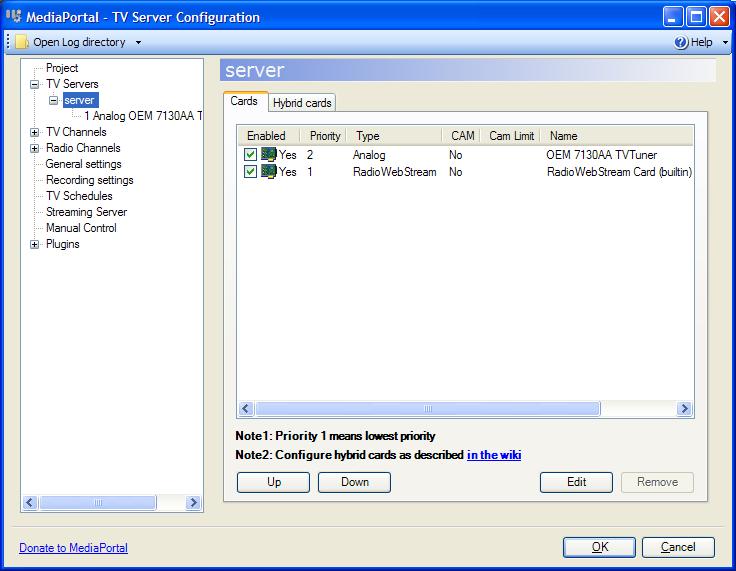
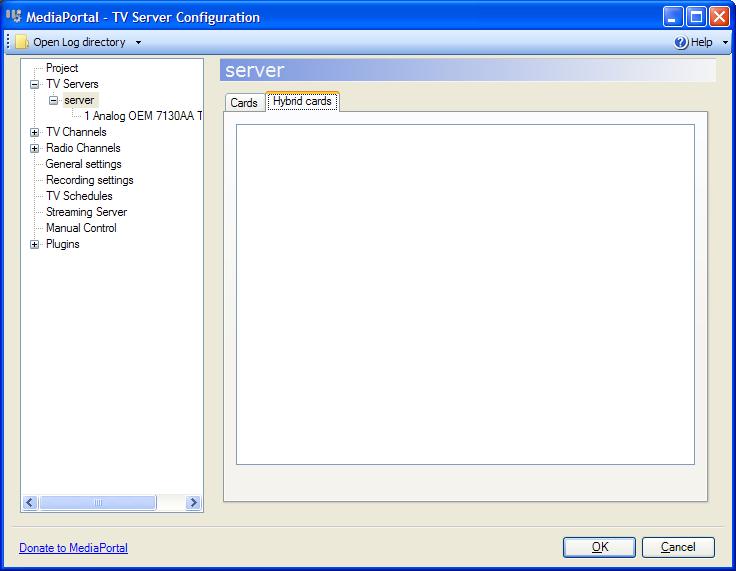
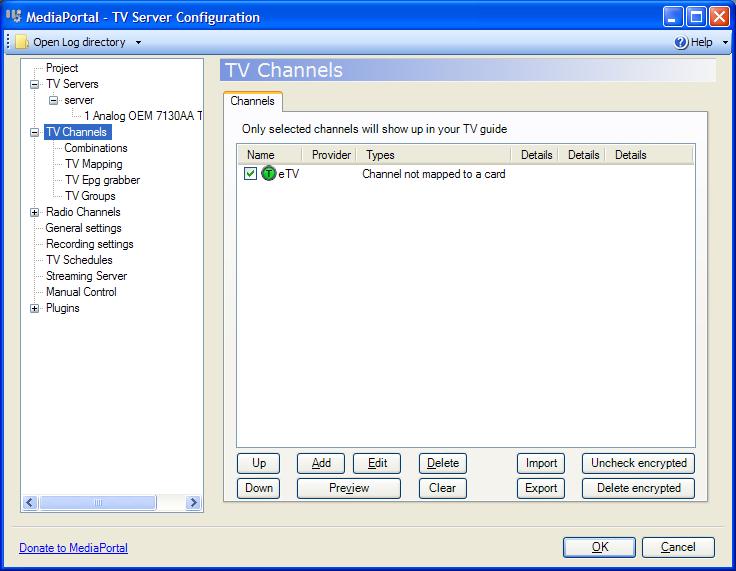
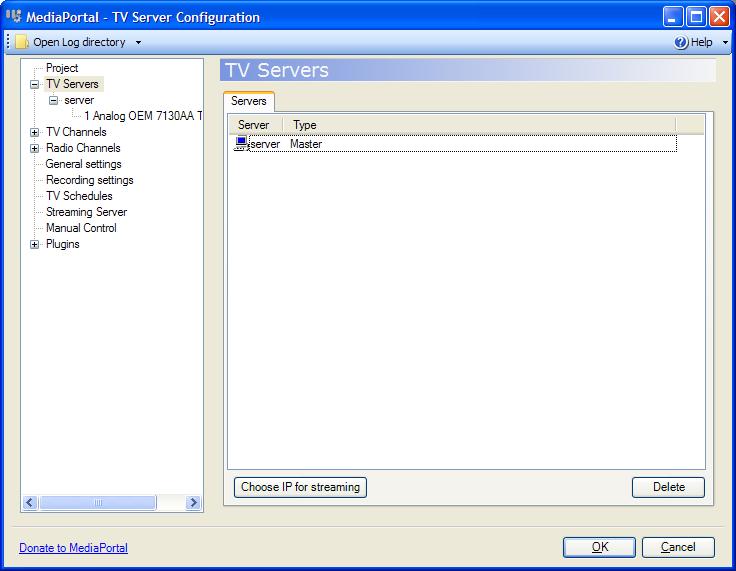
    Thanx for replying rekenaar. I attatched screenshots of the windows on the first link. On the page in the second link there were no channels. I tried to add one by clicking on the Add button and filling in the details on the Analog tab, but it says Channel not mapped to a card.

    I also took a screenshot of the TV Card's page.


    For the tuner channel number in windvr i'm not sure what you mean so I took a screenshot of the Channels page. :)

    :D agen!
     

    Attachments

    • Cards.JPG
      Cards.JPG
      56.5 KB
    • Hybrid Cards.JPG
      Hybrid Cards.JPG
      42.4 KB
    • TV Channels.JPG
      TV Channels.JPG
      57.2 KB
    • TV Servers.JPG
      TV Servers.JPG
      48.4 KB

    rekenaar

    Retired Team Member
  • Premium Supporter
  • December 17, 2006
    4,421
    805
    Home Country
    South Africa South Africa
    Try to add a channel.
    In General, give it a name.
    In Analog, fill in the Channel as 45,
    Leave Frequency,
    Select SA as Country,
    Select Tuner as Source
    OK

    Now EXPAND TV Channels in left panel,
    then map the chanel to your card.

    Back to channels, try and preview.
     

    jjv360

    Portal Member
    December 20, 2008
    6
    0
    Home Country
    South Africa South Africa
    :( I did that, but when i clicked Preview a message box came up and said "Preview failed:UnknownError"
     

    rekenaar

    Retired Team Member
  • Premium Supporter
  • December 17, 2006
    4,421
    805
    Home Country
    South Africa South Africa
    I am quite sure that a software-encoding card should work if TVServer picks it up. Downside will be high CPU. Maybe you can attach full logs. Maybe some expert canpick up something from there.
     

    jjv360

    Portal Member
    December 20, 2008
    6
    0
    Home Country
    South Africa South Africa
    ok, thanx for helping rekenaar. I attatched the logs in the log folder.
     

    rekenaar

    Retired Team Member
  • Premium Supporter
  • December 17, 2006
    4,421
    805
    Home Country
    South Africa South Africa
    My next step would be to closely follow the Software requirements part in the manual.

    "How do I find out if I have one of these encoders installed?" If you're unsure whether or not you have one of the supported encoders installed, you can use GraphEdit to find out. Start GraphEdit, choose "Graph" and then "Insert Filters" (or use CTRL-F). Next, open up "Video Compressors" from the tree and a list of installed encoders should appear. Just look through this list if one of the encoders mentioned above is in that list.
     

    Users who are viewing this thread

    Top Bottom