MediaPortal Version: 1.2.0. Beta
MediaPortal Skin: StreamedMP
Windows Version: Windows 7 Professional 64-bit
CPU Type: AMD Athlon(tm) II X2 250 Processor (2 CPUs), ~3.0GHz
HDD: various Seagate & WD = 4 TB
Memory: 4GB RAM
Motherboard: GA-MA785GT-UD3H
Video Card: ATI Radeon HD 4200
Video Card Driver: 8.791.0.0
Sound Card: Realtek Digital Output (Realtek High Definition Audio)
Sound Card AC3:
Sound Card Driver: 6.00.0001.6066
MPEG2 Video Codec: Cyberlink Video Decoder (PDVD11)
MPEG2 Audio Codec: LAV Audio Decoder
h.264 Video Codec: CoreAVC Video Decoder
HTPC Case: Thermaltake Soprano
Power Supply: Thermaltake 430W
Remote: Microsoft MCE
TV: Sony 40" LED TV
TV - HTPC Connection: HDMI, SPDIF
IIRC I was having this same problem before I went to BETA so this may not be specific to this version...
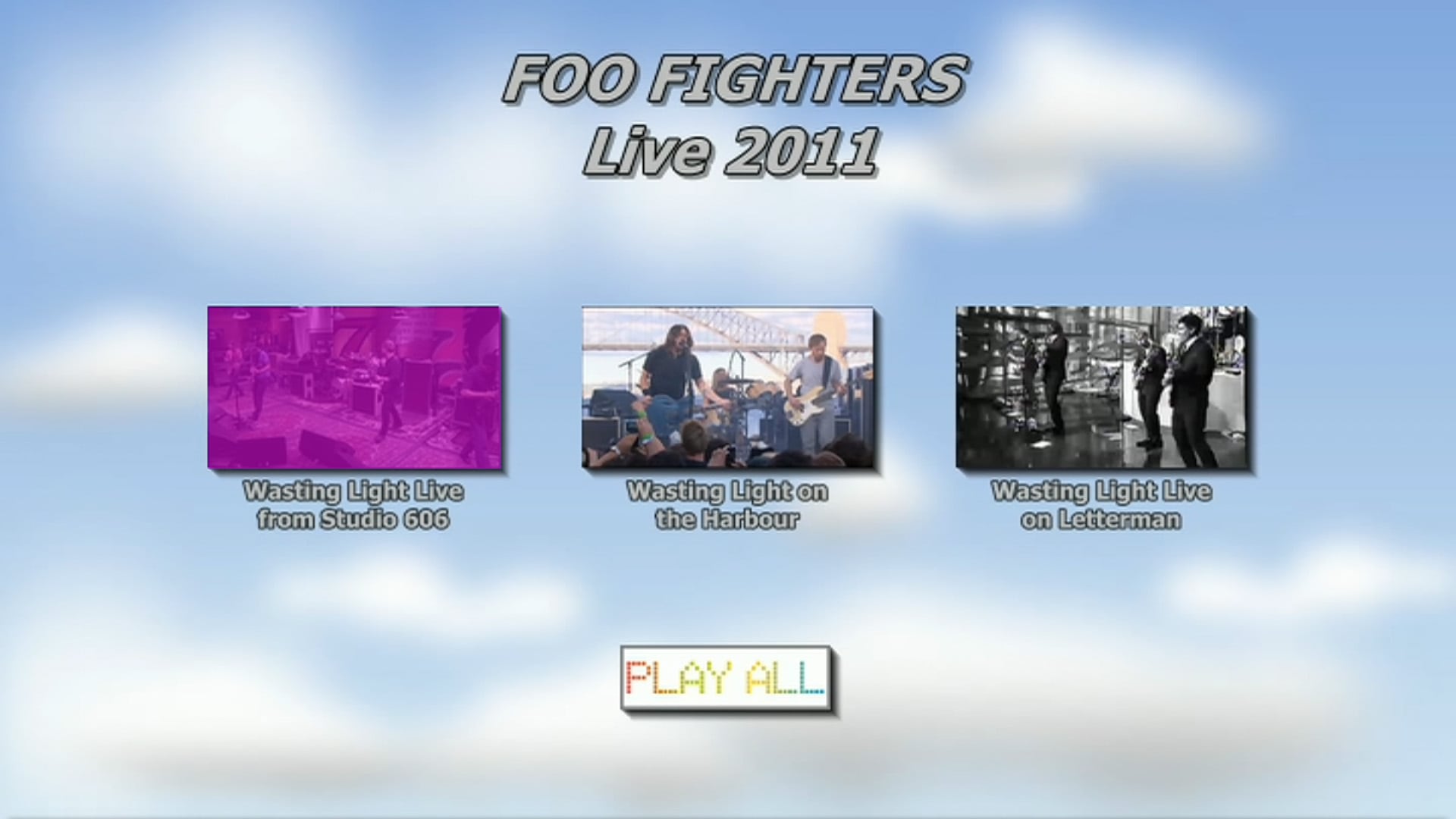
When I load a DVD Disc or folder (from the hard drive) the menu highlights/selection does not appear. I can blindly scroll through options and hope I hit the right one but there is no visual indicator to let me know what menu item I have selected. See screenshots (attached) for what it looks like if I use TotalMedia as my external player and what MP shows.
FYI, I want to use the default DVD navigator as using an external one makes watching the discs I have ripped to my hard drive harder.
MediaPortal Skin: StreamedMP
Windows Version: Windows 7 Professional 64-bit
CPU Type: AMD Athlon(tm) II X2 250 Processor (2 CPUs), ~3.0GHz
HDD: various Seagate & WD = 4 TB
Memory: 4GB RAM
Motherboard: GA-MA785GT-UD3H
Video Card: ATI Radeon HD 4200
Video Card Driver: 8.791.0.0
Sound Card: Realtek Digital Output (Realtek High Definition Audio)
Sound Card AC3:
Sound Card Driver: 6.00.0001.6066
MPEG2 Video Codec: Cyberlink Video Decoder (PDVD11)
MPEG2 Audio Codec: LAV Audio Decoder
h.264 Video Codec: CoreAVC Video Decoder
HTPC Case: Thermaltake Soprano
Power Supply: Thermaltake 430W
Remote: Microsoft MCE
TV: Sony 40" LED TV
TV - HTPC Connection: HDMI, SPDIF
IIRC I was having this same problem before I went to BETA so this may not be specific to this version...
When I load a DVD Disc or folder (from the hard drive) the menu highlights/selection does not appear. I can blindly scroll through options and hope I hit the right one but there is no visual indicator to let me know what menu item I have selected. See screenshots (attached) for what it looks like if I use TotalMedia as my external player and what MP shows.
FYI, I want to use the default DVD navigator as using an external one makes watching the discs I have ripped to my hard drive harder.