Odd "Random" Studdering (1 Viewer)

solas989

MP Donator
  • Premium Supporter
  • January 17, 2009
    95
    9
    Ohio
    Home Country
    United States of America United States of America
    I need help narrowing down why MP "randomly" studders, or what causes it. I am losing my mind....more so.

    Attached are my logs before a system restart (.bak) and after the system restart (.log). In the .bak, I was watching TV without issue ending at 2012-05-11 19:44:49.673158 - this was via TV Series plugin. Then the wife starts to watch TV at 2012-05-11 20:32:56.579280 and it is ALL choppy and studdering - this was via Recorded TV. Once i restarted the machine, I was able to view the same file without issue. Some days I never get an issue, some days it is more than once.

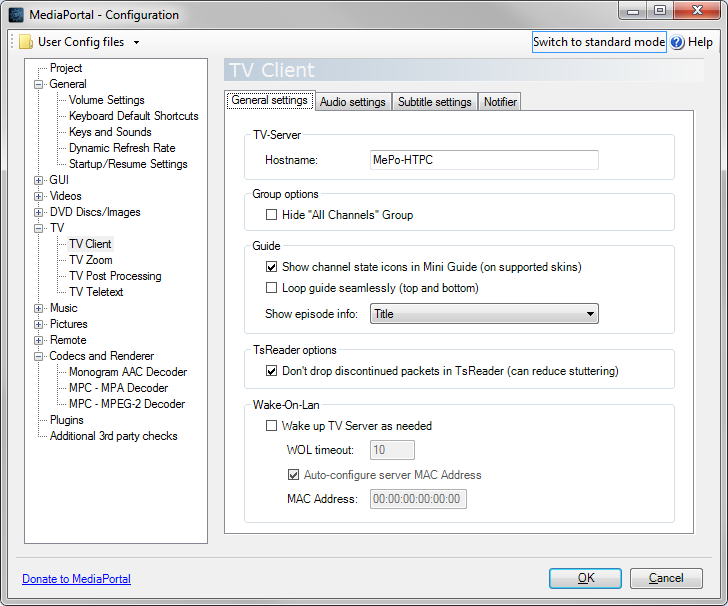
    I have attached any files that may or may not be relevant. I have not started in debug mode when the studdering occurs. If you think that will be of assistance I will do that next time it starts to studder (shut down MP and start in debug mode)

    In this case, it happened when I was recording HDTV on the same HDD. However, i have done this without studder when recording 4 shows (2 tuners per HDD) and watching a recording.

    Edit: When studdering happens it is with TV and Recordings

    The database is MySQL with no db issues.
    TV Service and Process are set as High priority.
    HDD do not report hw failure via SMART.
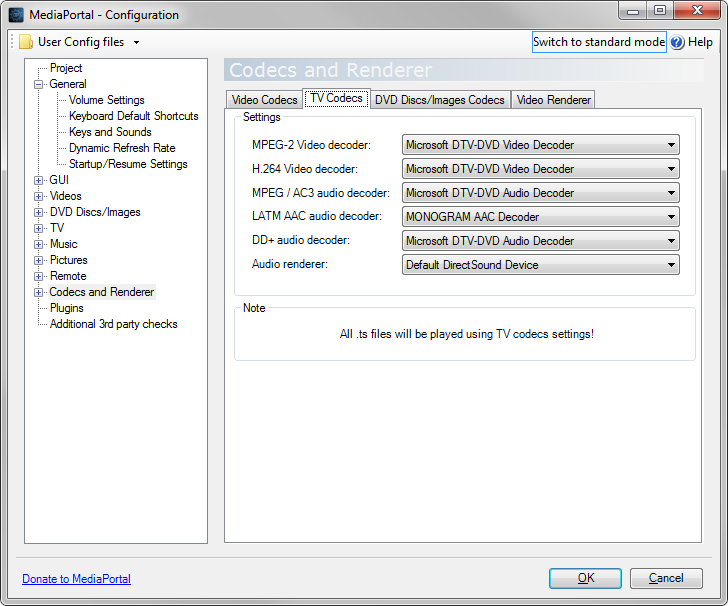
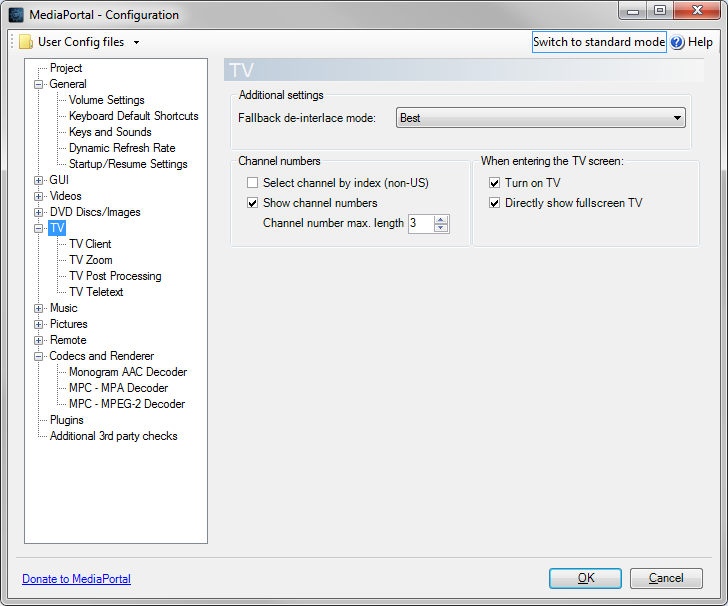
    I do not use Refresh Rate Changer and have no Post Processing.
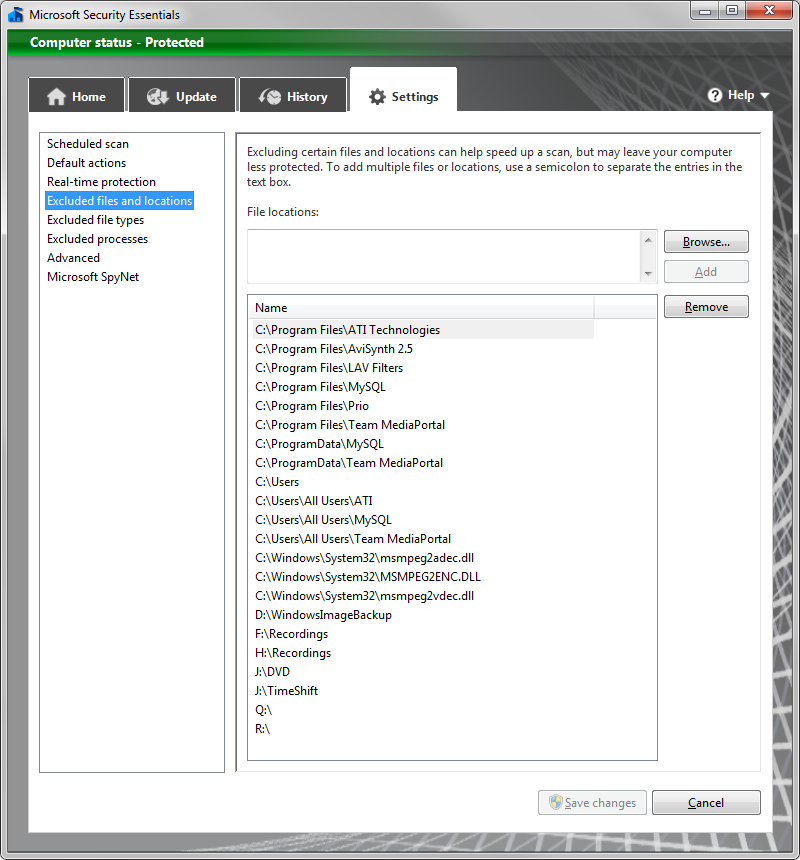
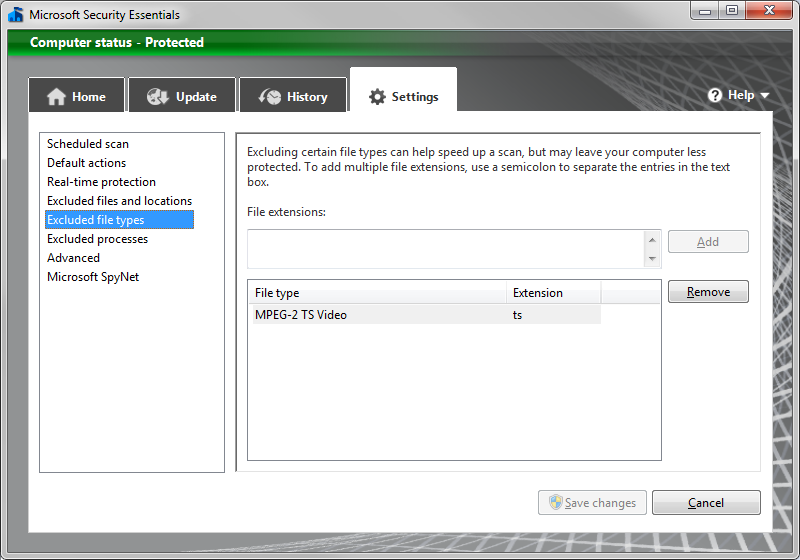
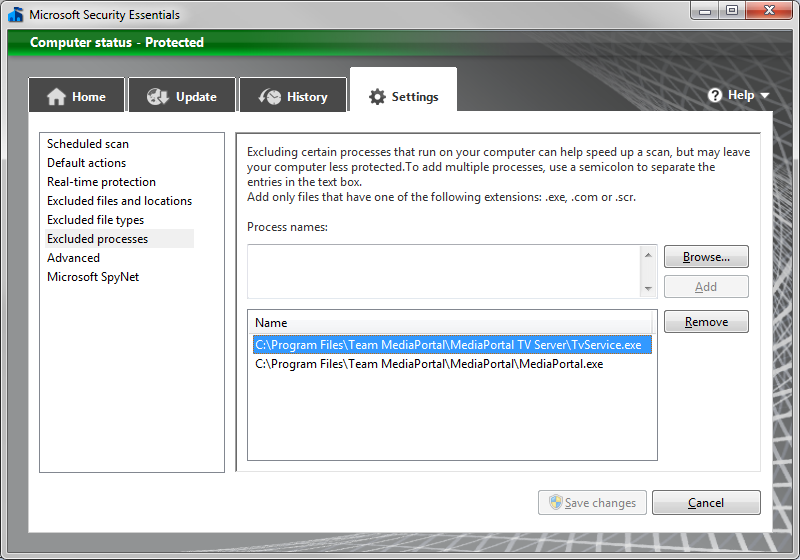
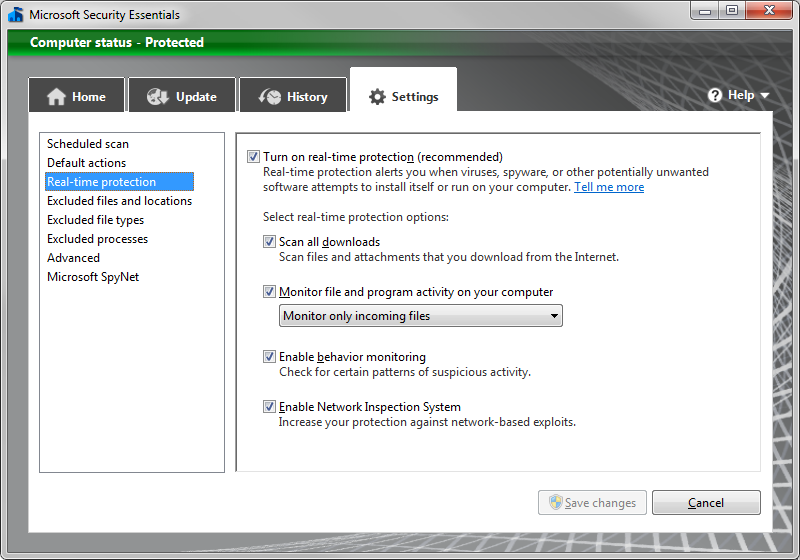
    I use MS Security Essentials and have attempted to exempt all files from it.
    My system specs are up to date
    The HDD are defragged weekly
    Windows updates are turned on
    Windows Backup is turned on
    Other non window programs that are running at time of studdering are (these also run when no studdering occurs)
    Event Ghost
    DVD Fab Passkey
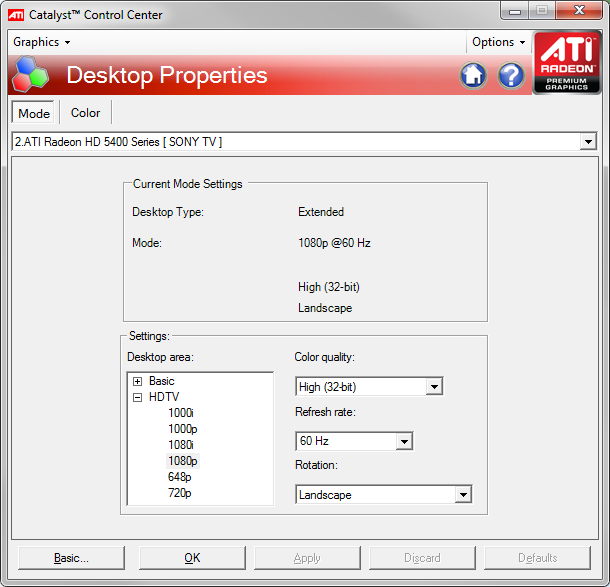
    CCC/ MOM
    MySQL
    Speedfan

    A restart ALWAYS fixes the issue.

    The computer is restarted daily in the morning at 6:30AM.

    If I need to provide any more info, I will.

    Thank you to any ideas as to what this could possibly be!

    Solas
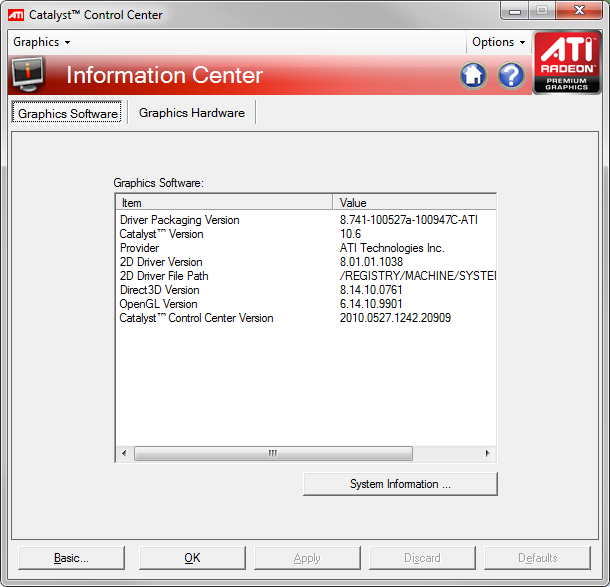
     

    Attachments

    • CCC.png
      CCC.png
      68.7 KB
    • CCC2.png
      CCC2.png
      68.2 KB
    • MSSE1.png
      MSSE1.png
      143.3 KB
    • MSSE2.png
      MSSE2.png
      109 KB
    • MSSE3.png
      MSSE3.png
      111.9 KB
    • MSSE4.png
      MSSE4.png
      113.8 KB
    • MPConfig1.png
      MPConfig1.png
      48.4 KB
    • MPConfig2.png
      MPConfig2.png
      43.5 KB
    • MPConfig3.png
      MPConfig3.png
      48.9 KB
    • MediaPortal.bak
      709.7 KB
    • Configuration.bak
      20.8 KB
    • error.bak
      137.3 KB
    • MP-TVSeries.bak
      157.6 KB
    • StreamedMPConfig.bak
      16.7 KB

    cunnox

    Portal Member
    October 3, 2009
    47
    3
    Home Country
    Australia Australia
    For me it was my HDDs spinning up. Window's seems to spin up idled disks when ever it sees fit, if playing a .ts file, live or recorded TV, I would get suttering when this happend. To test for this and to fix this if this is your problem try this little programme: NoSleepHD
    This will run in the system tray and write to selected hard drives every X minutes thus stopping them from spinning down.
     

    solas989

    MP Donator
  • Premium Supporter
  • January 17, 2009
    95
    9
    Ohio
    Home Country
    United States of America United States of America
    Interesting thought. My HHDs were set to spin down at 120 minutes so I dont think it was that, since it was within 1 hour of having smooth playback. However, I will monitor the HDDs as to rule early spin down out. I have adjusted the Balanced power setting to never turn off HDDs just in case. I need to keep balanced to use the AMD Cool n Quiet option...but that makes me wonder if the Balanced option part could be the culprit?
     

    cunnox

    Portal Member
    October 3, 2009
    47
    3
    Home Country
    Australia Australia
    Therein lies the rub. Should have mentioned this above. So called 'green' drives utterly ignore windows settings and spin down as quickly as 8 sec's in some cases. Unfortunately in my case all 4 of my drives are 'green'. A quick search suggests some of your drives are also 'green'.
    I am surprised more users don't seem to mention this problem though.
     

    solas989

    MP Donator
  • Premium Supporter
  • January 17, 2009
    95
    9
    Ohio
    Home Country
    United States of America United States of America
    Interesting idea - I would have never thought to go down that path. Next time I get the studdering, I will access all my drives and make sure they are spinnging at full green speed.

    do you know if there is a setting I can view on the drives, even if Read Only that will tell me the drive spin down?
     

    cunnox

    Portal Member
    October 3, 2009
    47
    3
    Home Country
    Australia Australia
    I think I used 'hdparm' but in the end the information is either incomplete or unreliable. I used trial and error, and finally discovered all my drives spin down after short timeouts. If your room is quiet enough you can hear a drive spin up, this is how I discovered the problem in the first place. many a time the GUI would stall or browsing files in explorer would become unresponsive and sure enough there was the whinning of a drive spinning back up. I've sinced learned that windows in fact freezes when waiting for a drive to spin up which for a real time device like an HTPC seems to be a fatal flaw.
     

    solas989

    MP Donator
  • Premium Supporter
  • January 17, 2009
    95
    9
    Ohio
    Home Country
    United States of America United States of America
    I have confirmed it is not the HDDs spinning up or down and I have attached debug logs for anyone that may have additional insight because I am certainly at a loss!

    Again a restart fixes all issues and I can watch tv and recordsings without issue for many hours straight!

    Edit: I did check the frame loss and I was loosing many frames per secoond...where as if I restart it, there is zero frame loss.

    Edit2: VLC Player does not show signs of studdering or fame loss.
     

    solas989

    MP Donator
  • Premium Supporter
  • January 17, 2009
    95
    9
    Ohio
    Home Country
    United States of America United States of America
    OK here is another twist to my issue...

    I shut down MP and brought up MP in debug mode to do the logs. Then I opened IE on the same machine to make my post. MP in debug mode displayed the same issues, studdering and frame loss.

    Then I opened up MP and let it go to the start screen. At this time I opened VLC to play a file to make sure there is no frameloss.
    I closed IE and VLC and the frame loss was gone. No restart, no closing of other programs, no service restart...
    I am confused.......
     

    gezortenplotz

    Portal Member
    January 4, 2012
    7
    0
    Germany
    Home Country
    Germany Germany
    please, just test setting the tv-server process to idle and (more important) close speedfan (my studdering was gone after closing speedfan).
     

    Users who are viewing this thread

    Top Bottom