pixelview PV-BT878P+FM - RadioProblem (3 Viewers)

Dumich

Portal Member
February 12, 2011
11
0
45
Hello

I have pixelview PV-BT878P+FM - TV FM Tuner
TV Tuner is shown as - Analog Connexant TVTuner

there is "Scan For radio channels" button.
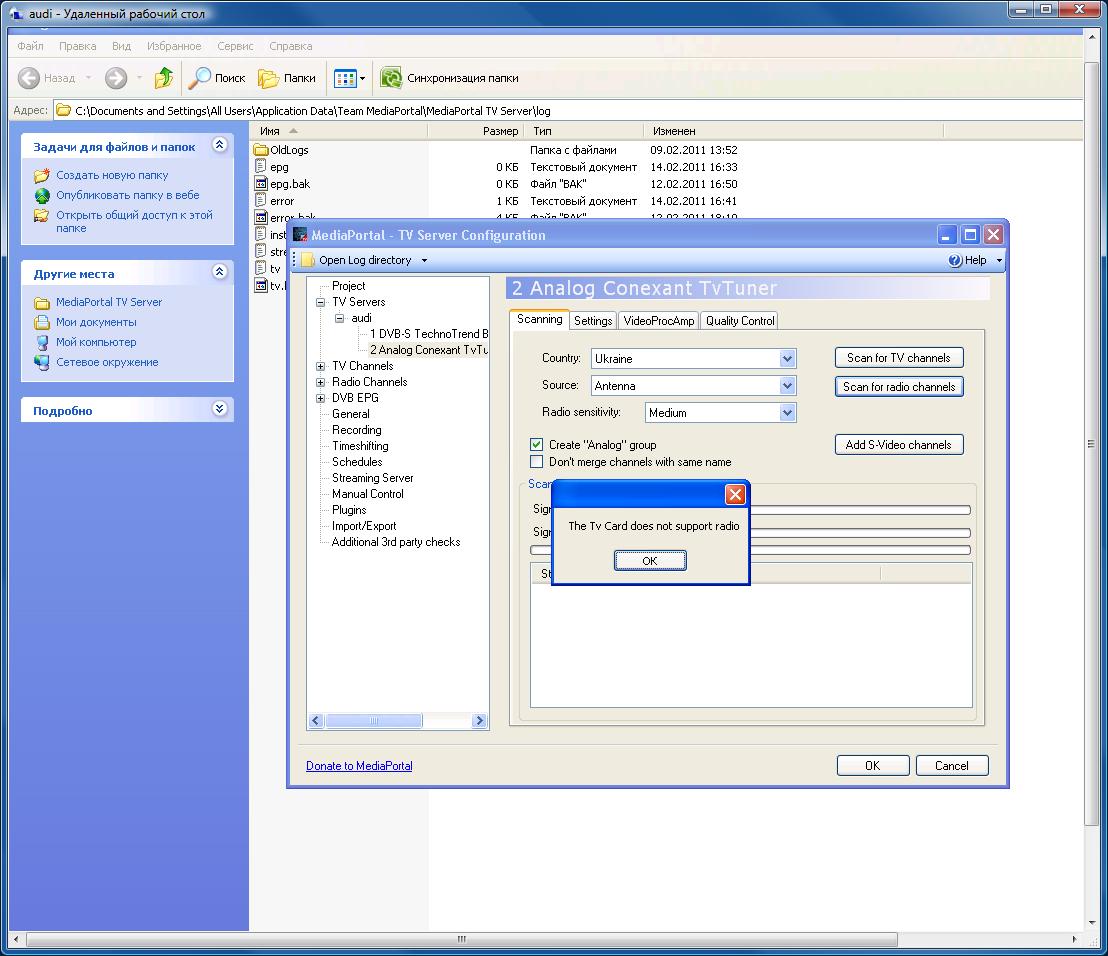
when i press it i recieve - The TV Card does not support radio :(

With original PexelView software works well
Can you help me with this issue.

Thanks ahead!
 

mm1352000

Retired Team Member
  • Premium Supporter
  • September 1, 2008
    21,544
    8,236
    Home Country
    New Zealand New Zealand
    Hi

    Can you please post your TV Server logs. There is a link in my signature showing how to do that...
     

    Dumich

    Portal Member
    February 12, 2011
    11
    0
    45
    Hello mm1352000

    thank you for your answer.
    As I understood corectly i shoud run MediaPortal Debug Mode.

    But I experience the problem in TV Server Configuration, before starting of Media Portal.

    screenshot and log directory(C:\Documents and Settings\All Users\Application Data\Team MediaPortal\MediaPortal TV Server\log) attached.

    Can You specify what else i must provide you to fix this issu?

    Thank You
     

    Attachments

    • mediaportal.jpg
      mediaportal.jpg
      148.5 KB

    mm1352000

    Retired Team Member
  • Premium Supporter
  • September 1, 2008
    21,544
    8,236
    Home Country
    New Zealand New Zealand
    Hi again

    You've provided enough information - using TV Server and MediaPortal configuration also add entries to the logs. :)

    The logs seem to show that you are trying to use the Pixelview software at the same time as you're trying to use MediaPortal/TV Server configuration. That won't work - you can only use the tuner with one program at a time. Please close the Pixelview software and then try to scan for radio channels again. If that makes no difference, restart your computer and try scanning for radio channels in TV Server *without* starting the Pixelview software. If that still makes no difference, please post logs again.
     

    mm1352000

    Retired Team Member
  • Premium Supporter
  • September 1, 2008
    21,544
    8,236
    Home Country
    New Zealand New Zealand
    Hi again

    The latest logs show:

    Code:
    2011-02-14 18:00:35.871539 [(6)]: analog: AddTvCaptureFilter try:Conexant Capture 1
    2011-02-14 18:00:35.887303 [(6)]: device in use
    2011-02-14 18:00:35.887303 [(6)]:   moniker   :System.__ComObject 
    2011-02-14 18:00:35.903067 [(6)]:   name      :Conexant Capture 
    2011-02-14 18:00:35.903067 [(6)]:   devicepath:@device:pnp:\\?\pci#ven_109e&dev_036e&subsys_00000000&rev_11#4&72acdaa&0&3020#{65e8773d-8f56-11d0-a3b9-00a0c9223196}\global

    This means some application still seems to be using the tuner.
    - Did you restart the computer after uninstalling the Pixelview software?
    - Are you sure there is no other software that is using the tuner?

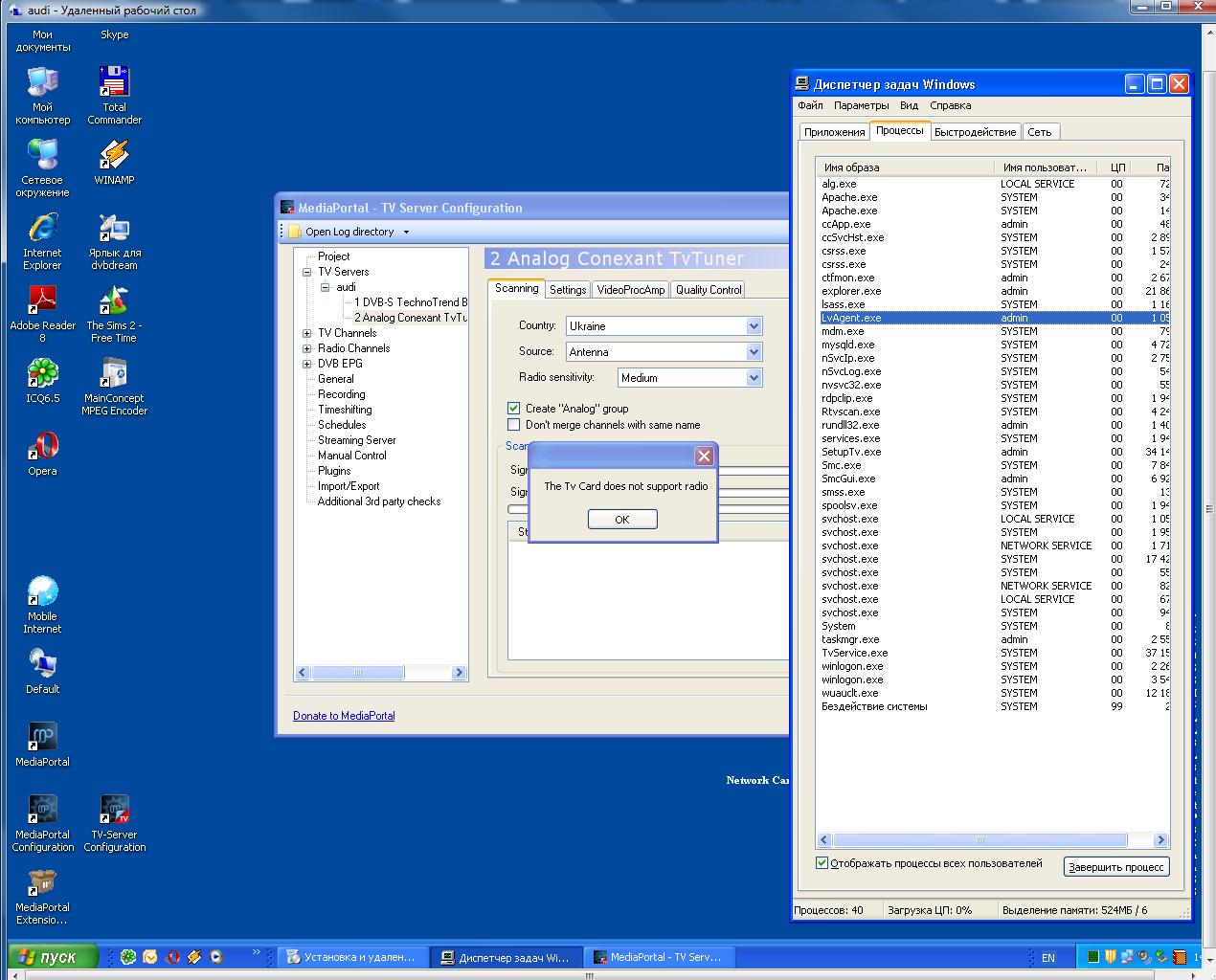
    Please open task manager (using control + alt + delete) and post a screenshot of all the processes that are running...
     

    Dumich

    Portal Member
    February 12, 2011
    11
    0
    45
    Hello
    of course i restarted PC after unninstall :)
    Here is Task Manager Screen.
     

    Attachments

    • task Manager.jpg
      task Manager.jpg
      191.8 KB
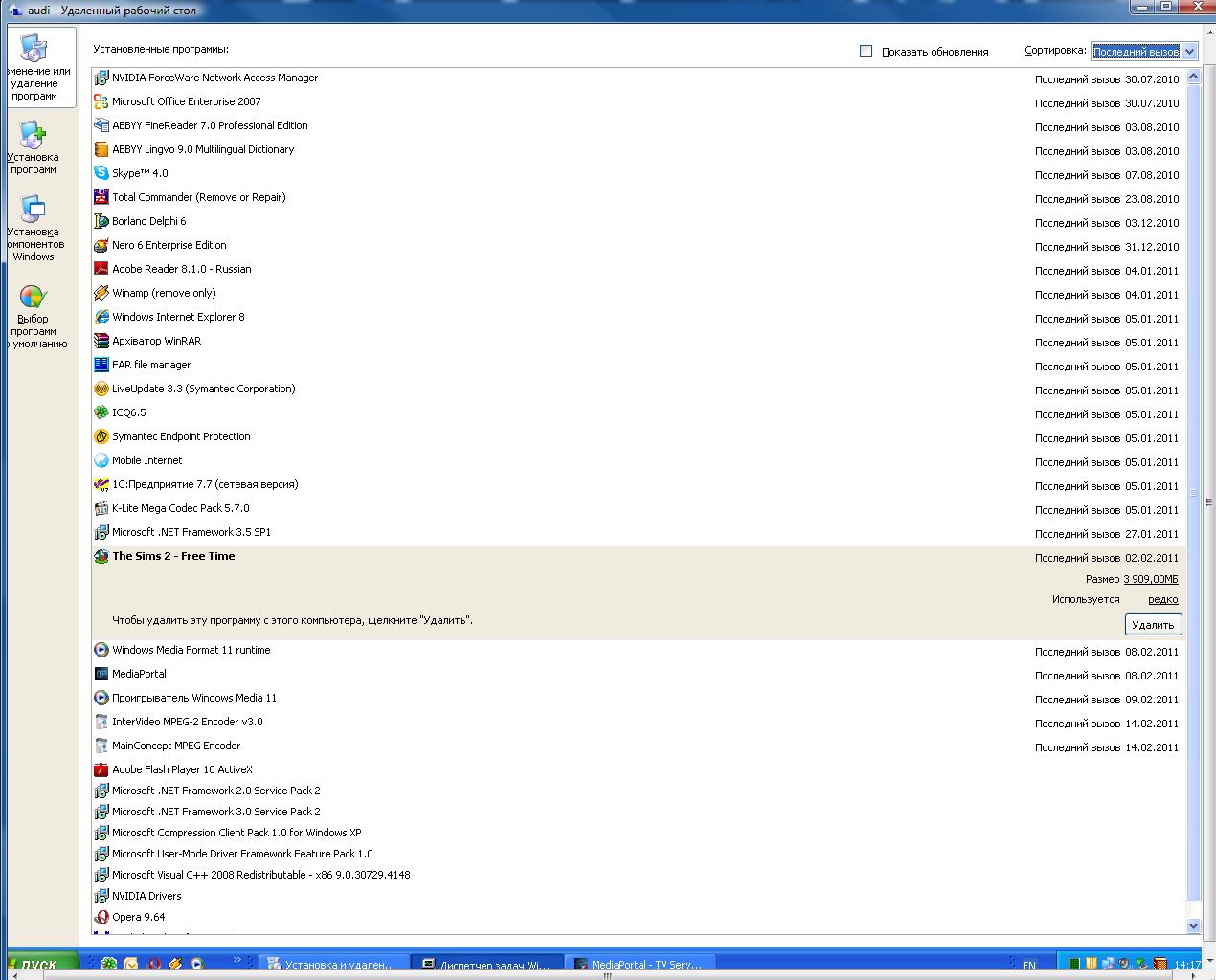
    • installed programs.jpg
      installed programs.jpg
      150.5 KB

    mm1352000

    Retired Team Member
  • Premium Supporter
  • September 1, 2008
    21,544
    8,236
    Home Country
    New Zealand New Zealand
    Hi again

    of course i restarted PC after unninstall :)
    Maybe a dumb question, but I had to check. ;)

    Another few dumb questions:
    - Does scanning for TV channels work?
    - Does your tuner *require* the audio output to be connected to the sound card for you to hear anything? MediaPortal does not support tuners like that. Optional connections are okay...

    Two things for you to try...
    First, please can you do the following:
    1. Download GraphStudio from here.
    2. Run GraphStudio (install not required).
    3. Click "Graph"->"Insert Filter...".
    4. Select "WDM Streaming Capture Devices" in first field, and ensure "All Filters" is selected in the second field.
    5. Double click on each entry in the list.
    6. Select "WDM Streaming Crossbar Devices" in first field, and ensure "All Filters" is selected in the second field.
    7. Double click on each entry in the list.
    8. Close the "Filters" window.
    9. Take a screenshot that shows all the filters and post it here.

    Second:
    1. Stop TV Server.
    2. Take a backup of the TVLibrary.dll in your TV Server install folder.
    3. Download and extract the TVLibrary.dll attached to this post into your TV Server install folder.
    4. Delete all the files in "C:\Documents and Settings\All Users\Application Data\Team MediaPortal\MediaPortal TV Server\log".
    5. Start TV Server.
    6. Attempt to scan for FM radio channels again.
    7. Attempt to scan for TV channels.
    8. Zip up all the files in "C:\Documents and Settings\All Users\Application Data\Team MediaPortal\MediaPortal TV Server\log" and post them here.

    I'm sorry to ask you to do so much work, but hopefully this will allow us to get it working.

    :D
     

    Attachments

    • TVLibrary[1.1.2_pixelview_bt878].zip
      151.3 KB

    Dumich

    Portal Member
    February 12, 2011
    11
    0
    45
    - Does scanning for TV channels work? - Yes, IT works!
    - Does your tuner *require* the audio output to be connected to the sound card for you to hear anything? MediaPortal does not support tuners like that. Optional connections are okay... - Yes You are right! it has audio output that must be connected to Line In of Sound Card.

    continue with next steps? or start to search other TV + FM Tuner?

    Thank You
     

    mm1352000

    Retired Team Member
  • Premium Supporter
  • September 1, 2008
    21,544
    8,236
    Home Country
    New Zealand New Zealand
    That is strange - the TV tuner works but the FM tuner doesn't?!?

    Yes, please continue with the other steps...
     

    Users who are viewing this thread

    Top Bottom