
You are using an out of date browser. It may not display this or other websites correctly.
You should upgrade or use an alternative browser.
You should upgrade or use an alternative browser.
[Approved] Shadow text (new feature) (1 Viewer)
- Thread starter ajp8164
- Start date

 Germany


- Thread starter
- #12
I just added the patch to SVN, even if it changes the old behavior of DrawShadowText, which is used in e.g. GUISlideShow
MisterD
Thanks! The previous implementation of drawing shadow text was pretty bad; it was more like "bloom text" or bold text in that it simply wrote the target text n*n times based on the shadow offset positions. I think this new implementation is much improved... and, if anyone complains I'll be happy to incorporate the previous implementation for use with GUISlideShow.
Thanks again!

Awesome! Can't wait to use this since we currently use, inefficiently, double controls for shadows throughout aMPed! Thousand thanks for this one!
Awesome! Can't wait to use this since we currently use, inefficiently, double controls for shadows throughout aMPed! Thousand thanks for this one!
No need to have user comments on the patches section, unless it is test results.
Yup, thought of that after I posted, sorry! Maybe add a note to this thread like the General Development thread has (no feature requests or comments please), but at least now it is clear!

- Thread starter
- #17
EDIT2: I have developed a patch to fix this behavior. I have posted it here but it is a combined patch file that includes other changes that have already been incorporated into svn. This patch file should not be incorporated into svn at this time. I will not post an official/clean patch until we have a new baseline released (it's just getting too messy to keep up with all the changes); I'll post a new thread in this forum. Essentially my patch moves the calls to MergeAlpha() calls into the DrawText() and DrawTextWidth().
EDIT: never mind - I see what you mean. I'll make some changes to fix this. Thanks for pointing it out! -Andy
Please be more specific. Also, please post a skin file that exhibits the behavior you are talking about.
Thanks!
-Andy
EDIT: never mind - I see what you mean. I'll make some changes to fix this. Thanks for pointing it out! -Andy
Please be more specific. Also, please post a skin file that exhibits the behavior you are talking about.
Thanks!
-Andy
After some tests, I notice that controls with fade animation fade out the controls without shadow.
Thanks
Attachments

- Moderator
- #18
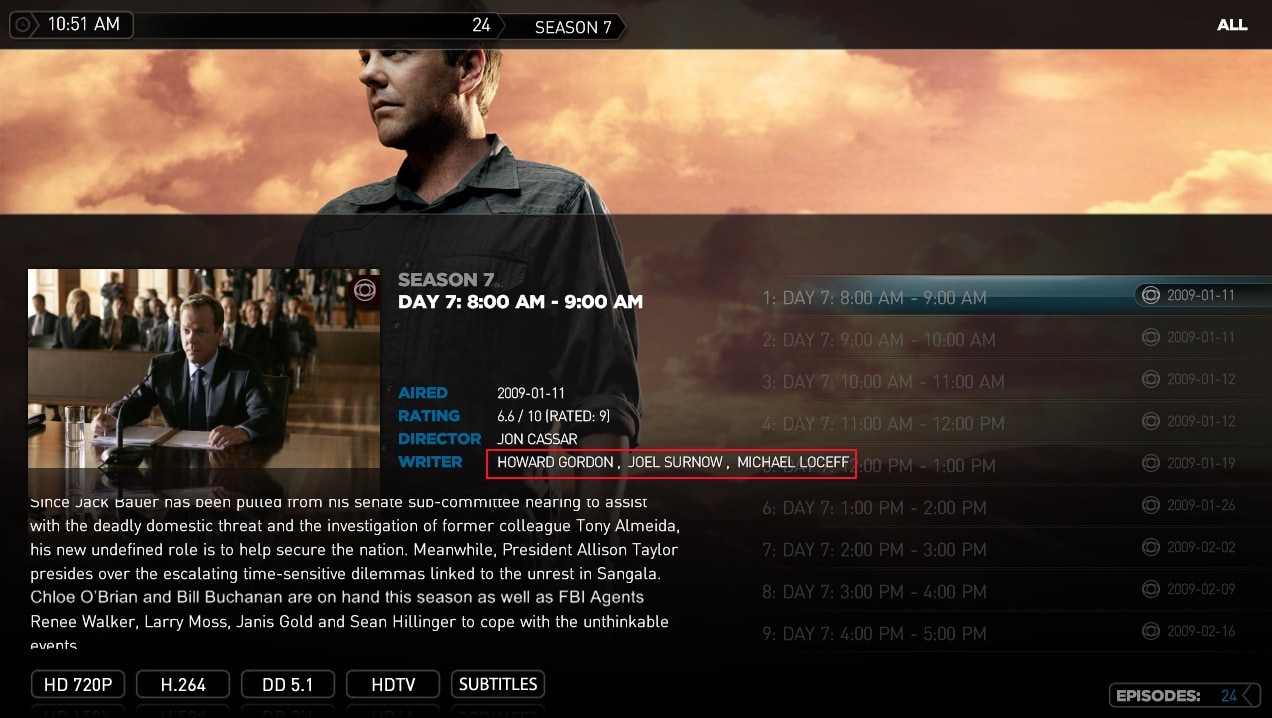
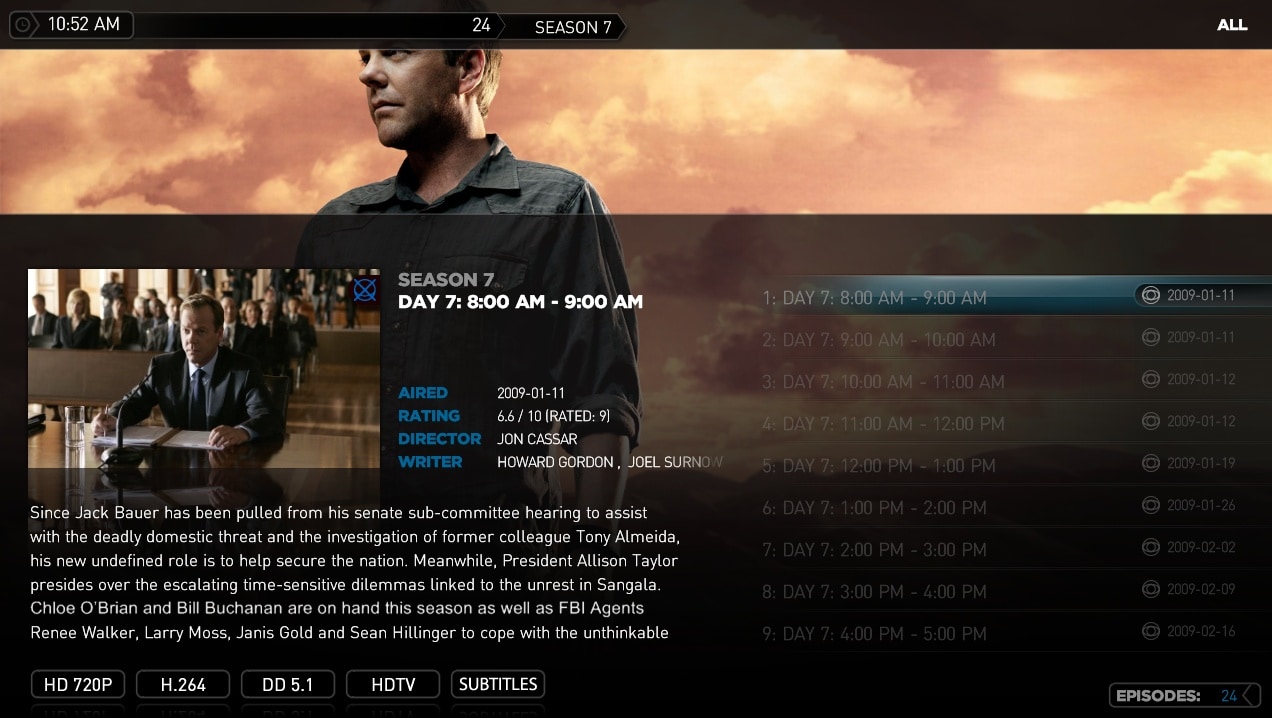
I noticed that when using shadows the <width> property is ignored. See attached pictures for illustration.
In references.xml I have:
In the plugin XML:
If I comment out the shadows the width property is used.
In references.xml I have:
Code:
<style Name="smallTitle">
    <id>0</id>
    <width>220</width>
    <font>mediastream9c</font>
    <textcolor>ffffffff</textcolor>
    <shadowAngle>45</shadowAngle>
    <shadowDistance>2</shadowDistance>
    <shadowColor>ff222222</shadowColor>
</style>
In the plugin XML:
Code:
<control Style="smallTitle">
      <id>10005</id>
      <label>#TVSeries.Episode.InfoPanelLine5Value</label>
      <type>label</type>
      <posX>500</posX>
      <posY>454</posY>
      <visible>Control.IsVisible(1239)+facadeview.list+Control.HasText(10005)</visible>
</control>
If I comment out the shadows the width property is used.
Attachments
- Thread starter
- #19
ltfearme,
Thanks for using the shadow feature! I hope you are finding it useful. I believe I have a patch for you. I won't develop or post a formal patch until svn gets caught up (I have lots of changes to post and it's starting to get hard to track all of them ;-) In the mean time make the following changes and rebuild - let me know if this solves the problems:
(changes are bold)
In mediaportal\core\gui\font.cs:
In mediaportal\core\gui\GUILabelControl.cs:
In mediaportal\core\SubtitleReader\SubTitles.cs:
In mediaportal\core\gui\GUICheckMarkControl.cs:
In mediaportal\core\gui\GUIToggleButtonControl.cs:
In mediaportal\WindowsPlugins\GUIPictures\GUISlideShow.cs:
Thanks for using the shadow feature! I hope you are finding it useful. I believe I have a patch for you. I won't develop or post a formal patch until svn gets caught up (I have lots of changes to post and it's starting to get hard to track all of them ;-) In the mean time make the following changes and rebuild - let me know if this solves the problems:
(changes are bold)
In mediaportal\core\gui\font.cs:
Code:
    public void DrawShadowText(float fOriginX, float fOriginY, long dwColor,
                               string strText,
                               GUIControl.Alignment alignment,
                               [B]int fWidth,[/B]
                               int iShadowAngle,
                               int iShadowDistance,
                               long dwShadowColor)
    {
      // Draw the shadow
      float fShadowX = (float)Math.Round((double)iShadowDistance * Math.Cos(ConvertDegreesToRadians((double)iShadowAngle)));
      float fShadowY = (float)Math.Round((double)iShadowDistance * Math.Sin(ConvertDegreesToRadians((double)iShadowAngle)));
      DrawText(fOriginX + fShadowX, fOriginY + fShadowY, dwShadowColor, strText, alignment, [B]fWidth[/B]);

      // Draw the text
      DrawText(fOriginX, fOriginY, dwColor, strText, alignment, [B]fWidth[/B]);
    }
Code:
    public void DrawText(float xpos, float ypos, long color, string label, GUIControl.Alignment alignment, int width)
    {
      uint c = (uint)color;
      c = GUIGraphicsContext.MergeAlpha(c);

      if (Shadow)
        {
          uint sc = (uint)_shadowColor;
          sc = GUIGraphicsContext.MergeAlpha(sc);

            _font.DrawShadowText(xpos, ypos, c, label, alignment, [B]width,[/B] _shadowAngle, _shadowDistance, sc);
        }
        else
        {
            _font.DrawText(xpos, ypos, c, label, alignment, width);
        }
    }
Code:
    public void Render(double dTime)
    {
      int lTime = (int) (1000.0d*dTime);
      foreach (Line line in m_subs)
      {
        if (lTime >= line.StartTime && lTime <= line.EndTime)
        {
          if (m_font != null)
          {
            try
            {
              float fw = 0, fh = 0;
              m_font.GetTextExtent(line.Text, ref fw, ref fh);
              int iposx = (GUIGraphicsContext.OverScanWidth - (int) fw)/2;
              int iposy = (GUIGraphicsContext.Subtitles - (int) fh);
              m_font.DrawShadowText((float) iposx, (float) iposy, m_iColor, line.Text, GUIControl.Alignment.ALIGN_LEFT,
                                    [B](int)fw,[/B] m_iShadow, m_iShadow, 0xff000000);
            }
Code:
          if (Focus)
          {
            if (_shadow)
            {
              _font.DrawShadowText((float) dwTextPosX, (float) _positionY, _textColor, _label, Alignment.ALIGN_LEFT, [B]-1,[/B] 5,
                                   5, 0xff000000);
            }
            else
            {
              _font.DrawText((float) dwTextPosX, (float) _positionY, _textColor, _label, Alignment.ALIGN_LEFT, -1);
            }
          }
            // Draw non-focused text and shadow
          else
          {
            if (_shadow)
            {
              _font.DrawShadowText((float) dwTextPosX, (float) _positionY, _disabledColor, _label, Alignment.ALIGN_LEFT, [B]-1,[/B]
                                   5, 5, 0xff000000);
            }
Code:
        uint c = (uint) color;
        c = GUIGraphicsContext.MergeAlpha(c);
        if (_shadow)
        {
          _font.DrawShadowText(x, (float)_textOffsetY + _positionY, c, _label, _textAlignment, [B]-1,[/B] _shadowAngle, _shadowDistance, _shadowColor);
        }
        else
        {
          _font.DrawText(x, (float)_textOffsetY + _positionY, c, _label, _textAlignment, -1);
        }
      }
      base.Render(timePassed);
Code:
      GUIFont pFont = GUIFontManager.GetFont("font13");
      if (pFont != null)
      {
        string szText = GUILocalizeStrings.Get(112);
        pFont.DrawShadowText(500.0f, 60.0f, 0xffffffff, szText, GUIControl.Alignment.ALIGN_LEFT, [B]-1,[/B] 2, 2, 0xff000000);
      }
return true;Users who are viewing this thread
Online now: 2 (members: 0, guests: 2)