United Kingdom
MediaPortal Version: 1.2
MediaPortal Skin: Maya
Windows Version: Windows 7 Home Premium Service Pack 1
CPU Type: Intel i3-2120 3.3GHz
HDD: Kingston SSD 120GB
Memory: 4.0GB unknown type
Motherboard: ASRock H67M
Video Card: Blackgold DVB-T2 BGT3620
Video Card Driver: Unknown - as installation disk
Sound Card:
Sound Card AC3:
Sound Card Driver:
1. TV Card:
1. TV Card Type: DVB-T2
1. TV Card Driver:
2. TV Card:
2. TV Card Type:
2. TV Card Driver:
3. TV Card:
3. TV Card Type:
3. TV Card Driver:
4. TV Card:
4. TV Card Type:
4. TV Card Driver:
MPEG2 Video Codec:
MPEG2 Audio Codec:
h.264 Video Codec:
Satelite/CableTV Provider:
HTPC Case:
Cooling:
Power Supply:
Remote:
TV:
TV - HTPC Connection:
I have had a good search for the answer to this, so apologies if I have missed it.
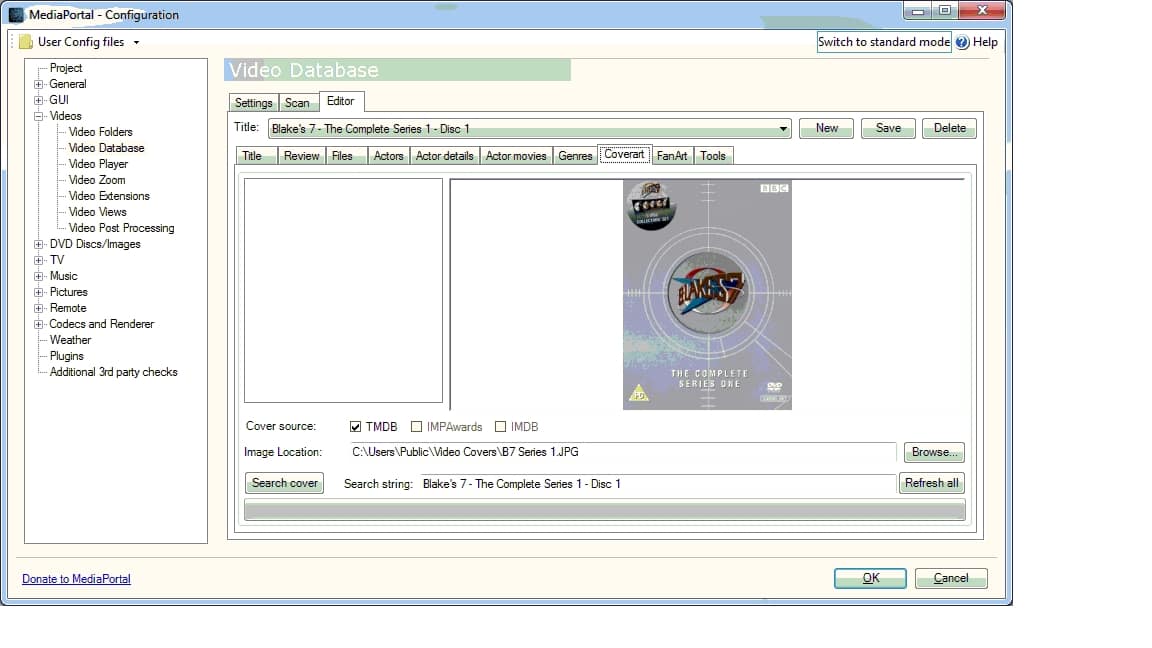
I am manually pointing my video database at coverart, and most entries are working, but for some reason I can't work out some don't and my coverart doesn't appear despite being stored in the database.
I am wondering if it is something to do with the error "The file list suggests that this movie is not on disc and thus the label will not be shown. Store it anyway?"
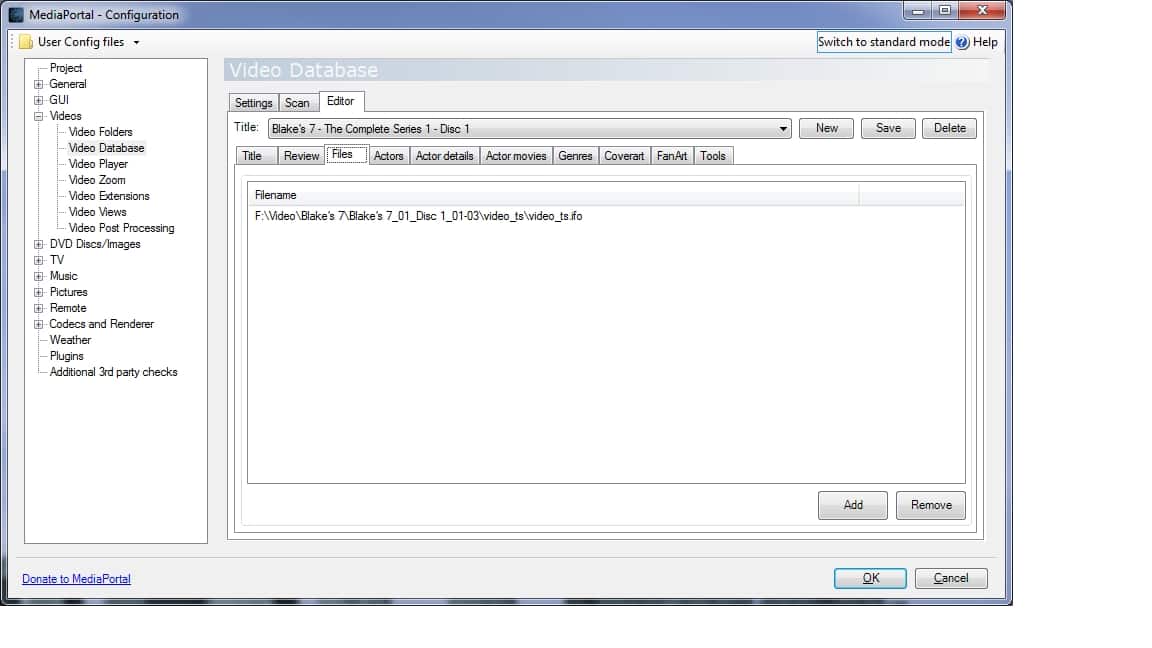
An example path for a failed record is: "F:\Video\Blake's 7\Blake's 7_01_Disc 1_01-03\video_ts\video_ts.ifo"
I was also wondering if it is to do with illegal characters or file path length. I hope not, because this will be VERY difficult to alter.
Thanks for any light you can shed on this.
MediaPortal Skin: Maya
Windows Version: Windows 7 Home Premium Service Pack 1
CPU Type: Intel i3-2120 3.3GHz
HDD: Kingston SSD 120GB
Memory: 4.0GB unknown type
Motherboard: ASRock H67M
Video Card: Blackgold DVB-T2 BGT3620
Video Card Driver: Unknown - as installation disk
Sound Card:
Sound Card AC3:
Sound Card Driver:
1. TV Card:
1. TV Card Type: DVB-T2
1. TV Card Driver:
2. TV Card:
2. TV Card Type:
2. TV Card Driver:
3. TV Card:
3. TV Card Type:
3. TV Card Driver:
4. TV Card:
4. TV Card Type:
4. TV Card Driver:
MPEG2 Video Codec:
MPEG2 Audio Codec:
h.264 Video Codec:
Satelite/CableTV Provider:
HTPC Case:
Cooling:
Power Supply:
Remote:
TV:
TV - HTPC Connection:
I have had a good search for the answer to this, so apologies if I have missed it.
I am manually pointing my video database at coverart, and most entries are working, but for some reason I can't work out some don't and my coverart doesn't appear despite being stored in the database.
I am wondering if it is something to do with the error "The file list suggests that this movie is not on disc and thus the label will not be shown. Store it anyway?"
An example path for a failed record is: "F:\Video\Blake's 7\Blake's 7_01_Disc 1_01-03\video_ts\video_ts.ifo"
I was also wondering if it is to do with illegal characters or file path length. I hope not, because this will be VERY difficult to alter.
Thanks for any light you can shed on this.