Aeon Wide (1366x768) (1 Viewer)

jburnette

Portal Pro
August 24, 2006
758
116
Kentucky
Home Country
United States of America United States of America
could someone point me to the best file to change the font color of the files (ie in movies and music)... White is really a strain to see on the gray background.

I am fairly new to skinning, and have checked out the skinning section in the wiki. However I am not sure if I will need to tweak alot of the xmls, or just one.

sorry for my noobness.. I read through the billion pages and didn't see much on this particular issue, on that it has been brought up.

Thank again for everyone working on this skin... By far the best that I have used.

Open up fonts.xml and change the color of "font12". That will globally change the color of any control using that font. You'll also probably need to delete your skin's cache folder for this to take effect. The cache folder is in the same place as the logs - just a different subfolder (programdata\team mediaportal or documents and settings\all users\application data\team mediaportal).
 

zack84a

Portal Member
September 17, 2007
30
0
42
could someone point me to the best file to change the font color of the files (ie in movies and music)... White is really a strain to see on the gray background.

I am fairly new to skinning, and have checked out the skinning section in the wiki. However I am not sure if I will need to tweak alot of the xmls, or just one.

sorry for my noobness.. I read through the billion pages and didn't see much on this particular issue, on that it has been brought up.

Thank again for everyone working on this skin... By far the best that I have used.

Open up fonts.xml and change the color of "font12". That will globally change the color of any control using that font. You'll also probably need to delete your skin's cache folder for this to take effect. The cache folder is in the same place as the logs - just a different subfolder (programdata\team mediaportal or documents and settings\all users\application data\team mediaportal).

Thanks for the help...

Alrighty, so I tweaked the fonts.xml like so...

Code:
<font>
  <name>font12</name> 
  <filename>Bell Gothic Bold BT</filename> 
  <height>12</height> 
  <start>0</start> 
  <end>1536</end> 
  <bold>yes</bold> 
  <textcolor>#ff0000</textcolor> 
  </font>

deleted cache folder... and am seeing no changes.... still white font for movie listing.

I did try the code with and without the # sign...

For my future knowledge, which xml is actually used for say the movies skin... is it myvideos.xml or the common facade... Might help me in the future to look at these to see what font it is calling. Figuring out what xml is what for what is kinda daunting...
 

Psycho Reptile

Retired Team Member
  • Premium Supporter
  • April 19, 2006
    1,316
    787
    Cambridge, England
    Home Country
    United Kingdom United Kingdom
    Play with these in the listcontrol in references.xml:

    <shadedColor>20ffffff</shadedColor>
    <selectedColor>FFF8BC70</selectedColor>
    <playedColor>ffa0d0ff</playedColor>
    <textcolor>ffffffff</textcolor>
    <textcolor2>ffffffff</textcolor2>
    <textcolor3>ffffffff</textcolor3>
    <colordiffuse>ffffffff</colordiffuse>
    <remoteColor>ffFFA075</remoteColor>
    <downloadColor>ff80ff80</downloadColor>

    or add them to the list control in common.facade.music and common.facade.video for a more targeted colour change ;)
     

    JakeyMouse

    Portal Member
    April 15, 2008
    43
    32
    Home Country
    England England
    Strange things happen within the home --> RSS details setup.

    1) Choosing the feed you want doesn't have any effect (what stands on the first line in the RSS.txt file will be taken!?)
    2) Changing the number of news items and pressing OK results in a fault. Exiting out of the config and going back in the home config generates always in a fault. (in dutch, sorry...)

    Is this a common problem and what to do about it?

    Something else, maybe somebody can post a hole bunch of pictures showing the progress of the various sections of this skin.

    There is a new version of the plugin in General Improvements.
     

    wicked453

    Portal Member
    July 29, 2008
    7
    0
    Remove TV, DVD and Plugins from Homescreen?

    Is there any way to remove the TV, DVD and Plugins buttons from the basic homescreen? I've been tryin' to change the basichome.xml file but it doesn't work. If anyone can help me with this I would appreciate it!

    Thanks!
     

    trevor

    Portal Pro
    October 17, 2006
    1,601
    952
    Chelmsford
    Home Country
    United Kingdom United Kingdom
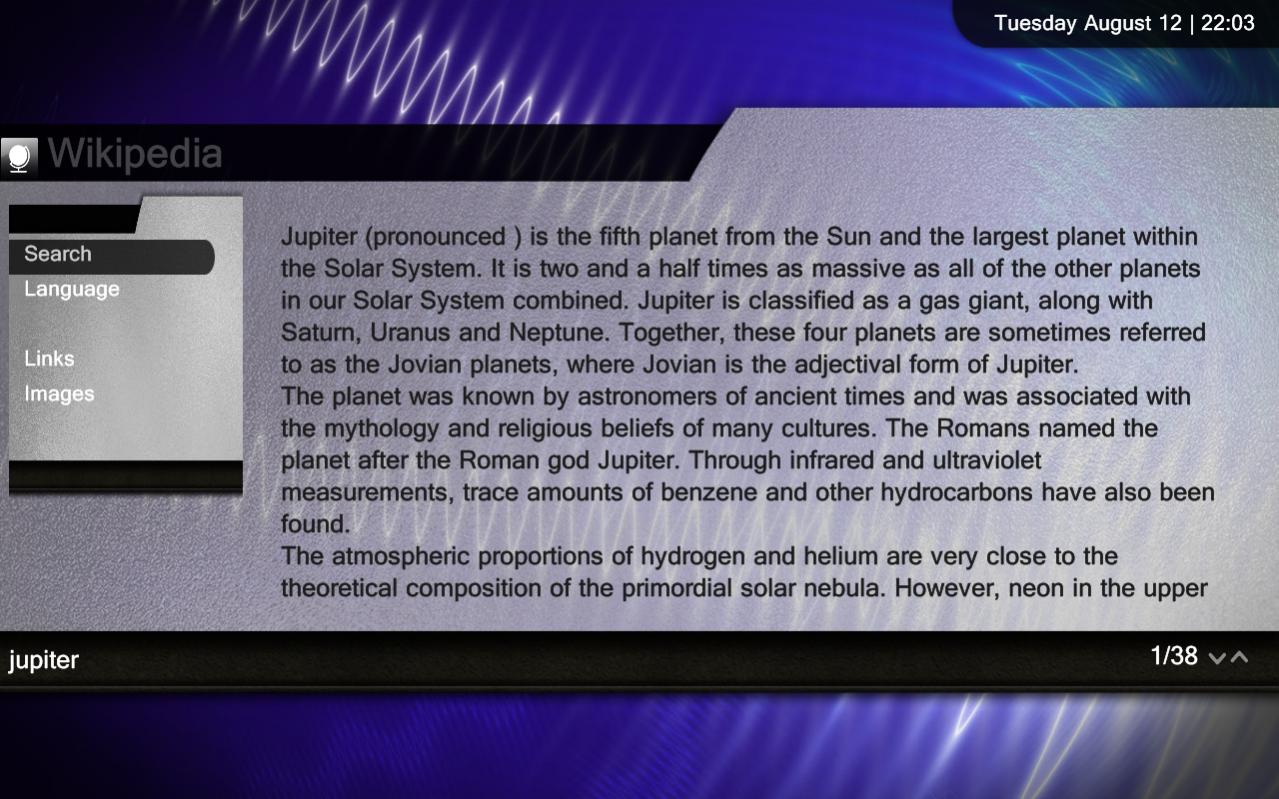
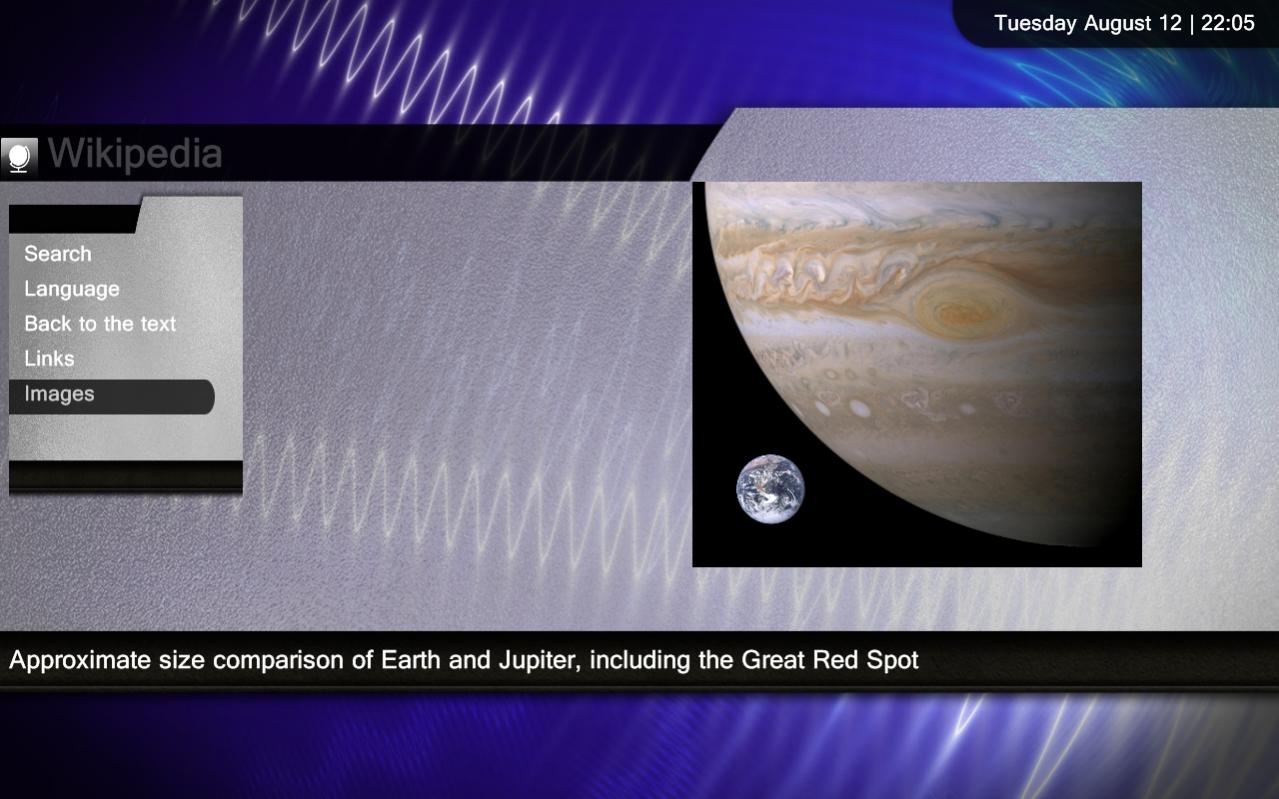
    Wikipedia screen updated

    Thought I would have a look at what core plugin screens were left, so first is
    Wikipedia.


    Trevor
     

    Attachments

    • 22-03-46.jpg
      22-03-46.jpg
      152.2 KB
    • 22-05-00.jpg
      22-05-00.jpg
      112.7 KB
    • wikipedia.xml
      30.6 KB

    Users who are viewing this thread

    Top Bottom