Germany
- Moderator
- #11
AW: Background in Black Glass to dark
which Menus would you like to brighter?
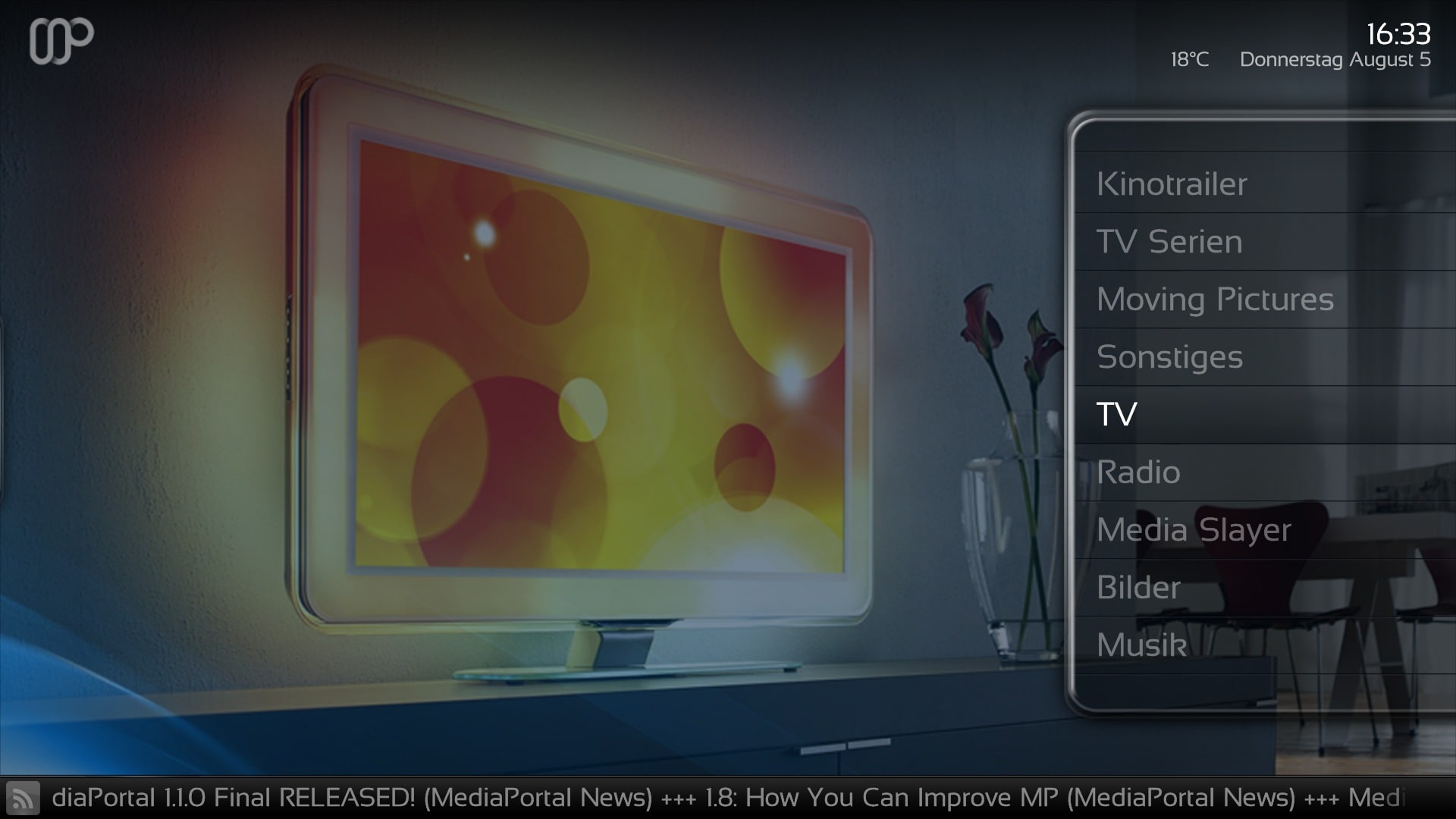
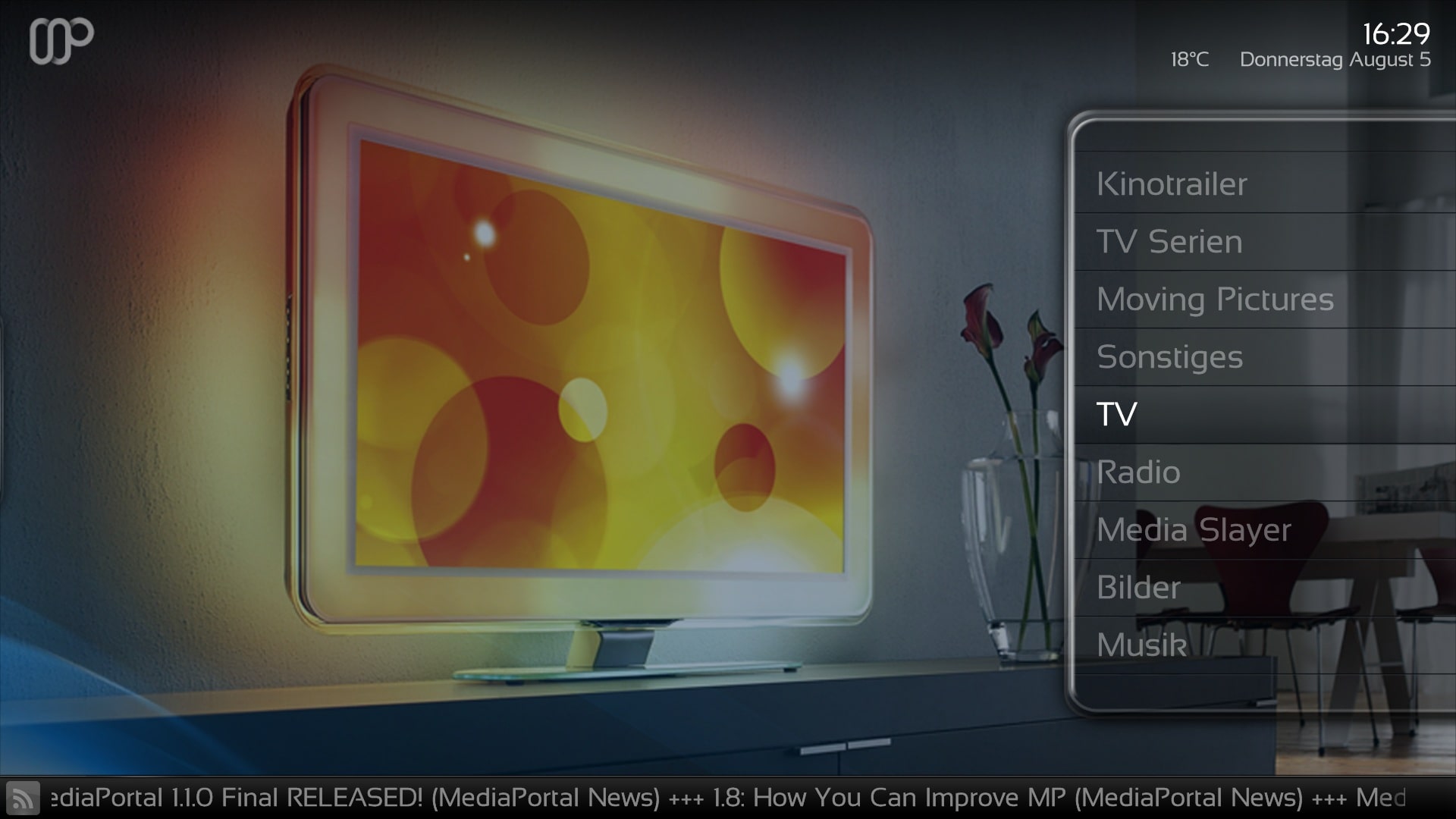
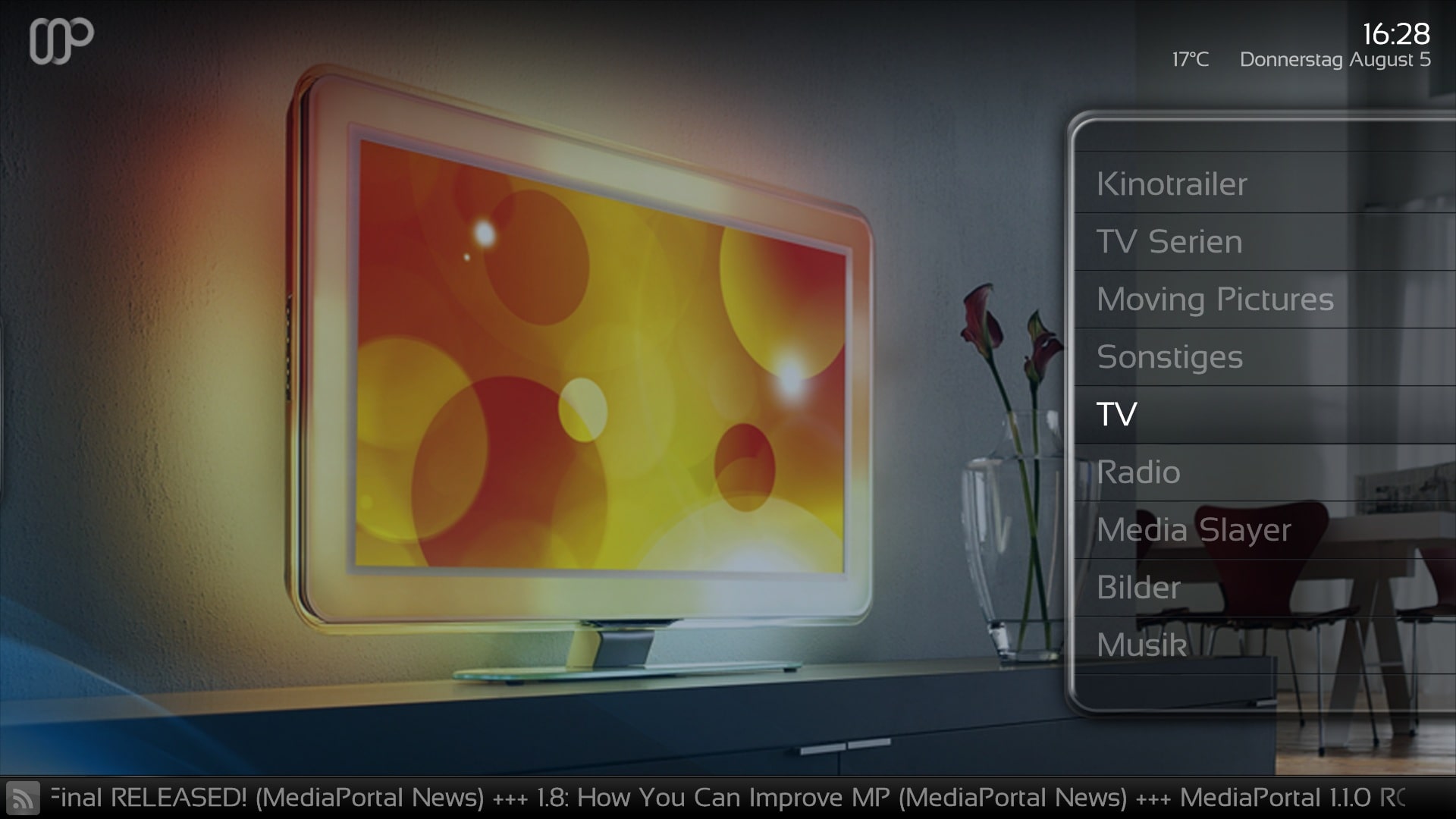
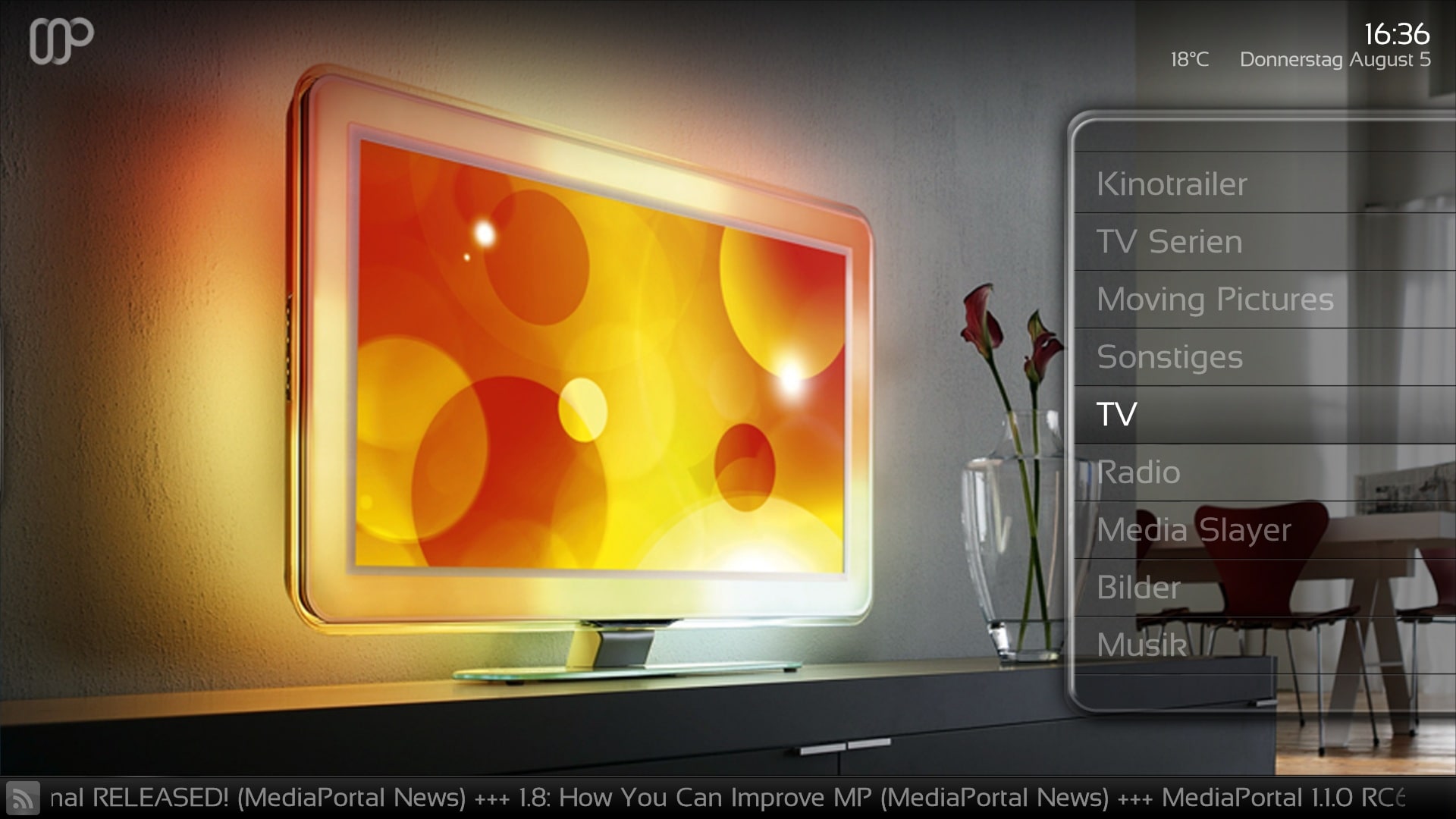
I have make some Screenshots with 4 changes in the brighter Screen.
there is one wich you would like to have?
you must go in the myHome.xml and myHomePlugIns.xml.
Would you change all Menus and Plugins go in common.window.overlay.xml, common.window.xml
Go in the middle and show at
change the bold Line.
My Screen:
1. Screen <colordiffuse>90ffffff</colordiffuse>[/B]
2. Screen <colordiffuse>70ffffff</colordiffuse>[/B]
3. Screen <colordiffuse>60ffffff</colordiffuse>[/B]
4. Screen delete
but remember that if you make the image completely transparent, you can read the Fonts very bad.
which Menus would you like to brighter?
I have make some Screenshots with 4 changes in the brighter Screen.
there is one wich you would like to have?
you must go in the myHome.xml and myHomePlugIns.xml.
Would you change all Menus and Plugins go in common.window.overlay.xml, common.window.xml
Go in the middle and show at
<control>
<description>BG</description>
<type>image</type>
<id>0</id>
<width>1280</width>
<height>720</height>
<texture>bg.jpg</texture>
<colordiffuse>c0ffffff</colordiffuse>
</control>
change the bold Line.
My Screen:
1. Screen <colordiffuse>90ffffff</colordiffuse>[/B]
2. Screen <colordiffuse>70ffffff</colordiffuse>[/B]
3. Screen <colordiffuse>60ffffff</colordiffuse>[/B]
4. Screen delete
<control>
<description>BG</description>
<type>image</type>
<id>0</id>
<width>1280</width>
<height>720</height>
<texture>bg.jpg</texture>
<colordiffuse>c0ffffff</colordiffuse>
</control>
but remember that if you make the image completely transparent, you can read the Fonts very bad.