Of topic: So sad that there is no 1080p skins ATM 
Glad you are willing to "optimize" you skin for ppl with other resolution!
Glad you are willing to "optimize" you skin for ppl with other resolution!

@Gixxer
yes, i'll repair the tvseries screen in next release (i don't use the fan art, that's why i didn't noticed that issue)


 Spain
Spain
Hi, using the tve3 for tv the live preview window when viewing the epg is overlapping the text at the bottom, it should be over further to the left hand corner. Also on the tv home screen the programme description is too big for the box it's in. Perhaps the font is too large? Apart from that it's looking very goo so far! Thanks
Patricion-
awesome job!
Love it-Can you tell me how to replace online videos with My tv in the watch menu and it will be perfect!
<control>
      <description>Online Videos Plugin Button</description>
      <type>button</type>
      <id>6</id>
      <posX>1065</posX>
      <posY>277</posY>
      <width>188</width>
      <height>199</height>
      <textureFocus>hover_online videos_sel.png</textureFocus>
      <textureNoFocus>hover_online videos.png</textureNoFocus>
      <hyperlink>4755</hyperlink>
      <label>Online videos</label>
      <font>font12</font>
      <textalign>center</textalign>
      <textXOff>0</textXOff>
      <textYOff>70</textYOff>
      <textcolor>ff02ccfe</textcolor>
      <textcolorNoFocus>00ffffff</textcolorNoFocus>
      <onleft>5</onleft>
      <onright>2</onright>
      <onup>21</onup>
      <ondown>99</ondown>
</control><control>
<description>TV Plugin Button</description>
<type>button</type>
<id>6</id>
<posX>1065</posX>
<posY>277</posY>
<width>188</width>
<height>199</height>
<textureFocus>hover_my tv_sel.png</textureFocus>
<textureNoFocus>hover_my tv.png</textureNoFocus>
<hyperlink>1</hyperlink>
<label>605</label>
<font>font12</font>
<textalign>center</textalign>
<textXOff>0</textXOff>
<textYOff>70</textYOff>
<textcolor>ff02ccfe</textcolor>
<textcolorNoFocus>00ffffff</textcolorNoFocus>
<onleft>5</onleft>
<onright>2</onright>
<onup>21</onup>
<ondown>99</ondown>
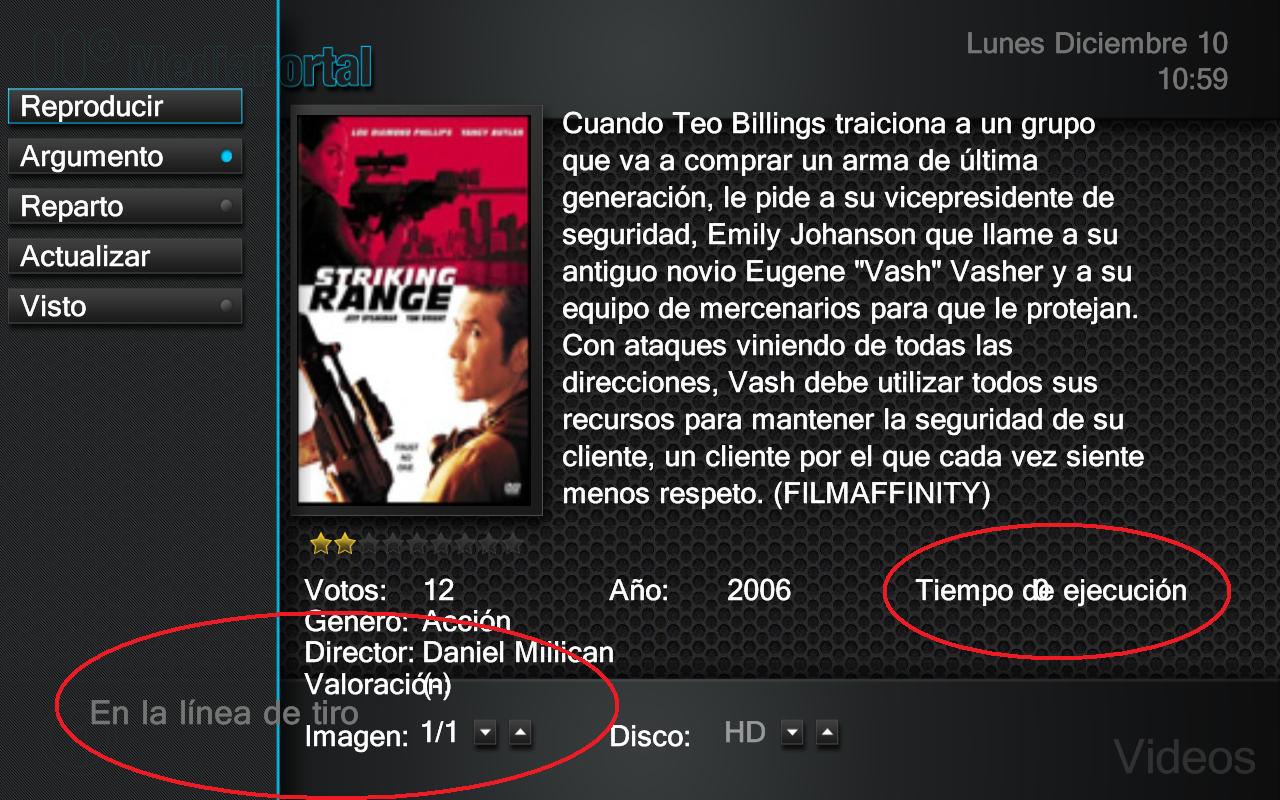
</control>1) when you are in music finding coverart, the progress bar is not in place, its just under the place ment to be.
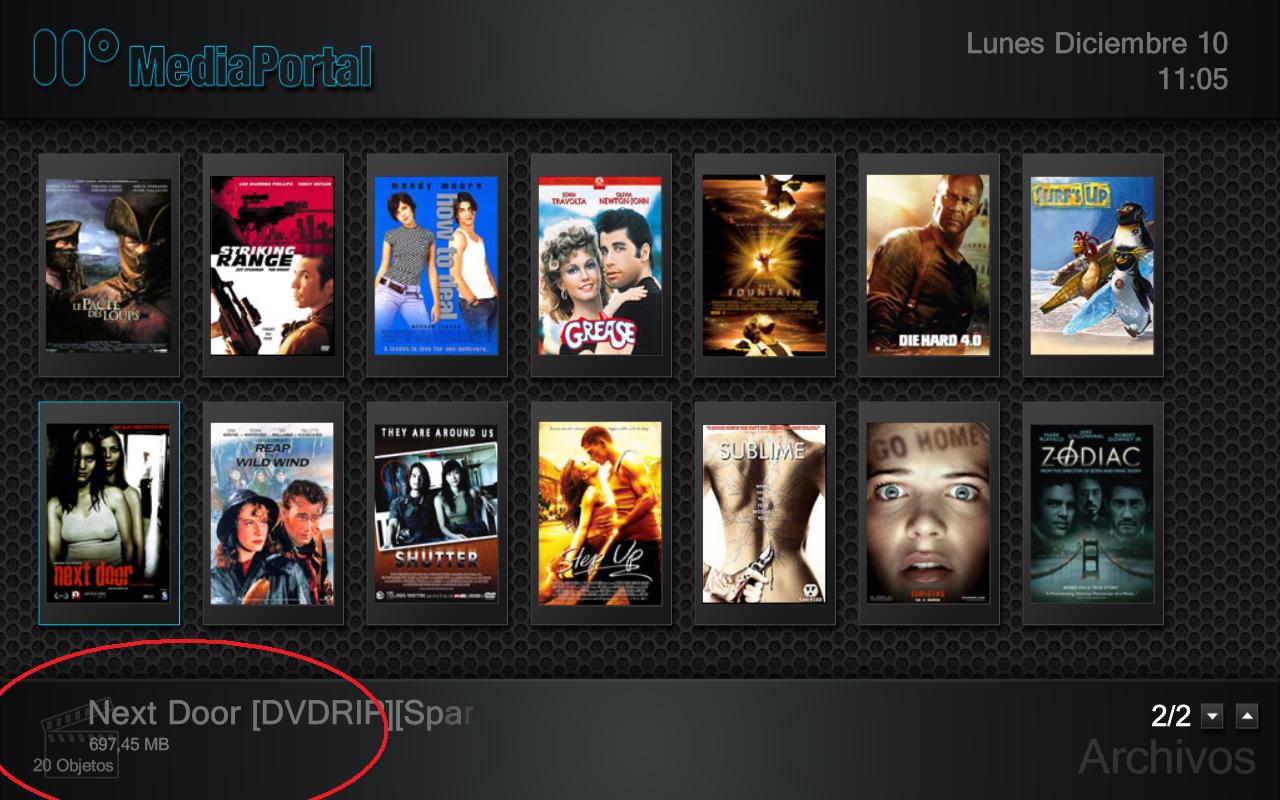
2) when in music, at the bottom left you have the music logo. the song title, overlays this icon, just move the text a little bit more to the right
3)it would be nice if when u are playing music you have some information in main screen so that you know what u are playing.
also remember about the tvseries plugin problem when using fan art.
please invert the scroll arrows
I do not see any now playing info when playing music, only the cover art.
Anybody else got this?