Are those videos located on external storage or the cloud?
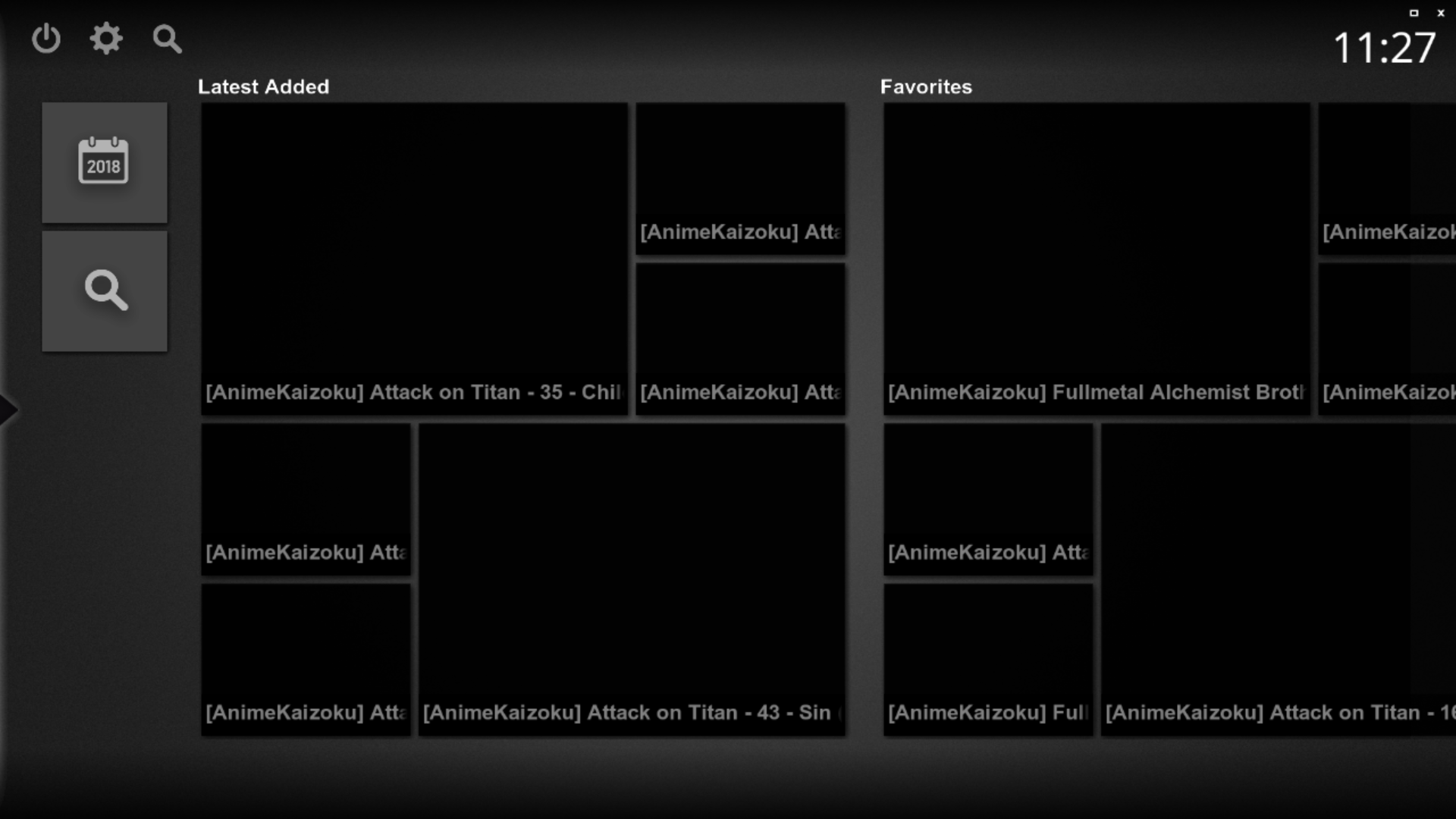
Also please can you take a screenshot of Settings/Media Sources/Media sources configuration and post it.
It would also help for troubleshooting if you could maybe copy a short vid to your C: disk and configure and try to play it just to confirm video player is working.
Are those videos located on external storage or the cloud?
Also please can you take a screenshot of Settings/Media Sources/Media sources configuration and post it.
It would also help for troubleshooting if you could maybe copy a short vid to your C: disk and configure and try to play it just to confirm video player is working.
Either the "info" button on your remote or right and left click on a mouse will toggle the player controls display which includes a seek bar.
Are you now able to access all your vids?
Either the "info" button on your remote or right and left click on a mouse will toggle the player controls display which includes a seek bar.
Are you now able to access all your vids?
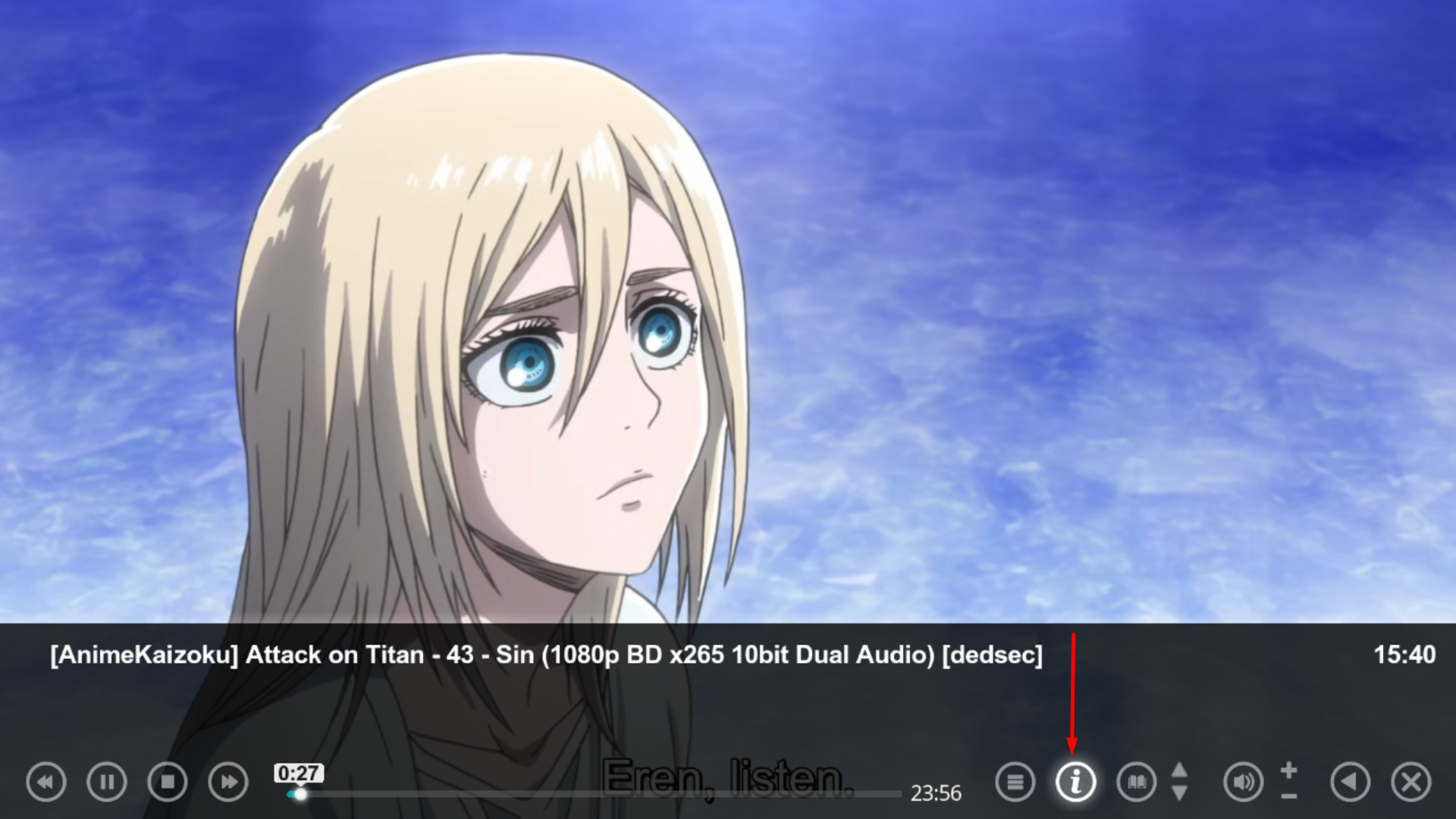
Seems I did not understand what you meant by "seek bar", I thought you meant to play progress bar highlighted in a red box in your screenshot below. Note I said the info button on your remote which will display the player controls if they are hidden not the "i" button on the player controls! As far as I can tell by your screenshot what you are seeing is what you get.
Seems I did not understand what you meant by "seek bar", I thought you meant to play progress bar highlighted in a red box in your screenshot below. Note I said the info button on your remote which will display the player controls if they are hidden not the "i" button on the player controls! As far as I can tell by your screenshot what you are seeing is what you get.
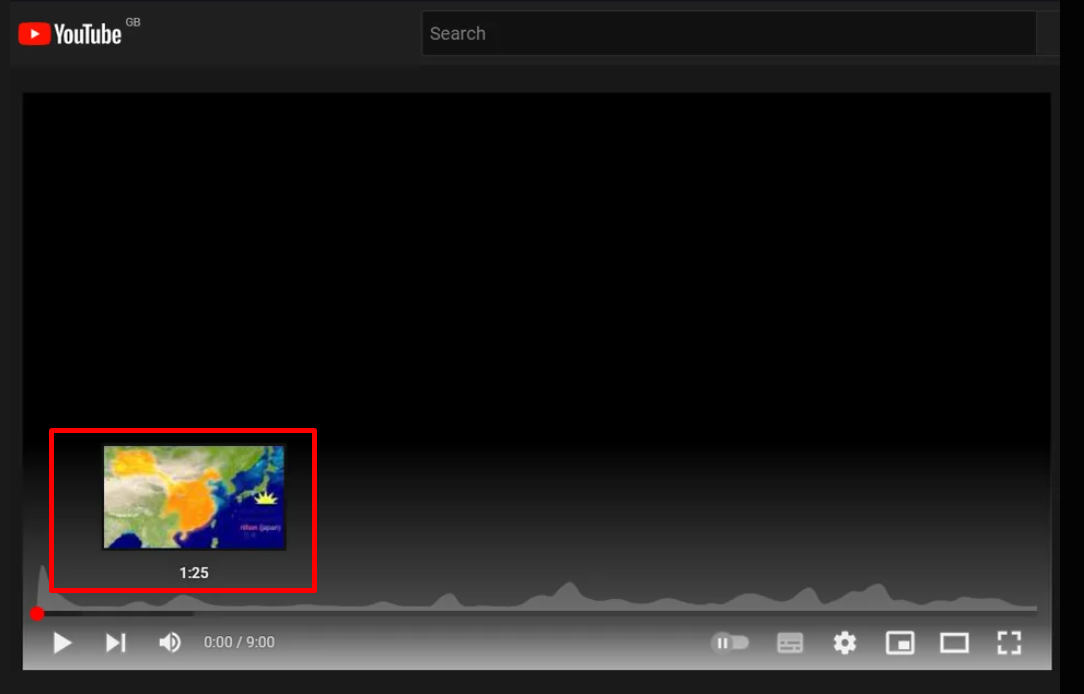
That’s not possible, MP2 is not YouTube. There are several skins with different appearance and skin settings. I really recommend you check the wiki first. Most things you ask are documented.
PS: A thumbnail should be shown if named correctly (see wiki again) and recognized by the importer. But it will be located within the OSD bar and not outside as in your YouTube screenshot.
Fixed, I think.
Certainly the vintage MP2 installer that I was using no longer installs the LAV filters. I can only assume that these were never part of the install package itself, but rather downloaded during the install, and that link no longer exists. Shame that the installer doesn't indicate this.
Last time when I installed the...
Fixed, I think.
Certainly the vintage MP2 installer that I was using no longer installs the LAV filters. I can only assume that...
Hi all,
I've recently retired my MP2 setup for my main HTPC and gone back to separates, but I wanted to retain the ability to play...
Yes, I saw that. Was beyond my understanding, however. Didn't see how to set that up. I'm a relative neophyte, who's done hardly any command-line coding.
To be more specific: I don't see, under either "Grabbing Listings" or in the "First use example," where it is designated just where on one's C drive the tv.xml file is...
Yes, I saw that. Was beyond my understanding, however. Didn't see how to set that up. I'm a relative neophyte, who's done hardly...
Does anyone know how to “fix” the MC2XML application, and hopefully permanently? Mine stopped working sometime after September 29...
 United Kingdom