raufiq , i have also hp mce remote, with hp mce receiver, working ok with all version, no slow down. Try uninstall the USB IR Receiver, after restart it install itself. Try now.

You are using an out of date browser. It may not display this or other websites correctly.
You should upgrade or use an alternative browser.
You should upgrade or use an alternative browser.
IR Server Suite - Version 1.4.2 Test Build 3158/3281 (7 Viewers)
- Thread starter and-81
- Start date
- Status
- Not open for further replies.

- November 14, 2006
- 79
- 2
- 45
- Home Country
-
 United Kingdom
great idea. My TV model is already there in "My System", but just in case my TV is SONY BRAVIA Z450 LCD 46" 200hzI am blasting to my set-top-box provided by my cable provider. i tried even blasting my SONY bravia TV. no luck so far.
not need to mention that i used set-top-box remote for learning to blast to STB and sony tv remote for learning to balst to tv.
Why don't you tell the make and model of the STB and TV? Maybe someone might have the same model (at least for the Sony TV) and share the IR code with you for testing. That way you can narrow down your problem to either learning or blasting.
My. STB is some model from Thomson. I'll post the details after reaching home.
thanks
LOL Damn you skoka123! I have been trying to get raufiq to do that for my past 3 posts! Guess i'm not as clear! ;-)
Zas
great idea. My TV model is already there in "My System", but just in case my TV is SONY BRAVIA Z450 LCD 46" 200hzWhy don't you tell the make and model of the STB and TV? Maybe someone might have the same model (at least for the Sony TV) and share the IR code with you for testing. That way you can narrow down your problem to either learning or blasting.
My. STB is some model from Thomson. I'll post the details after reaching home.
thanks
LOL Damn you skoka123! I have been trying to get raufiq to do that for my past 3 posts! Guess i'm not as clear! ;-)
Zas
Zas,
It was not my idea. It is actually old wine in new bottle. I have only rephrased your idea.
I hope raufiq will be able to get some IR codes.
Raufiq,
In case you are not able to get the IR codes, go to _www.remotecentral.com and get the pronto CCF codes for your model of equipment. You would need the free prontoedit software too. There is a way to get the pronto CCF to work with IRSS, though I am not sure how.
-Srikanth
great idea. My TV model is already there in "My System", but just in case my TV is SONY BRAVIA Z450 LCD 46" 200hzI am blasting to my set-top-box provided by my cable provider. i tried even blasting my SONY bravia TV. no luck so far.
not need to mention that i used set-top-box remote for learning to blast to STB and sony tv remote for learning to balst to tv.
Why don't you tell the make and model of the STB and TV? Maybe someone might have the same model (at least for the Sony TV) and share the IR code with you for testing. That way you can narrow down your problem to either learning or blasting.
My. STB is some model from Thomson. I'll post the details after reaching home.
thanks
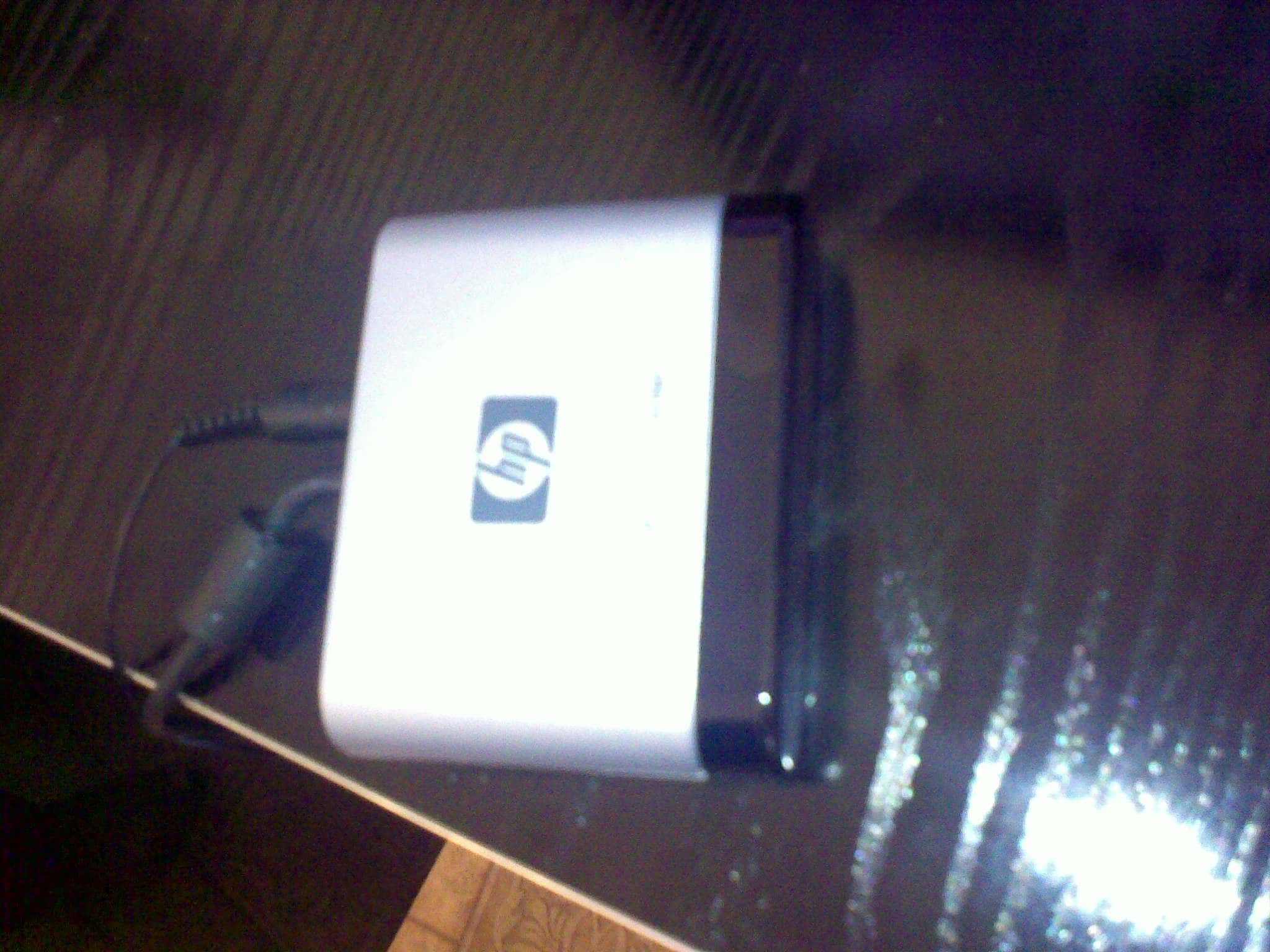
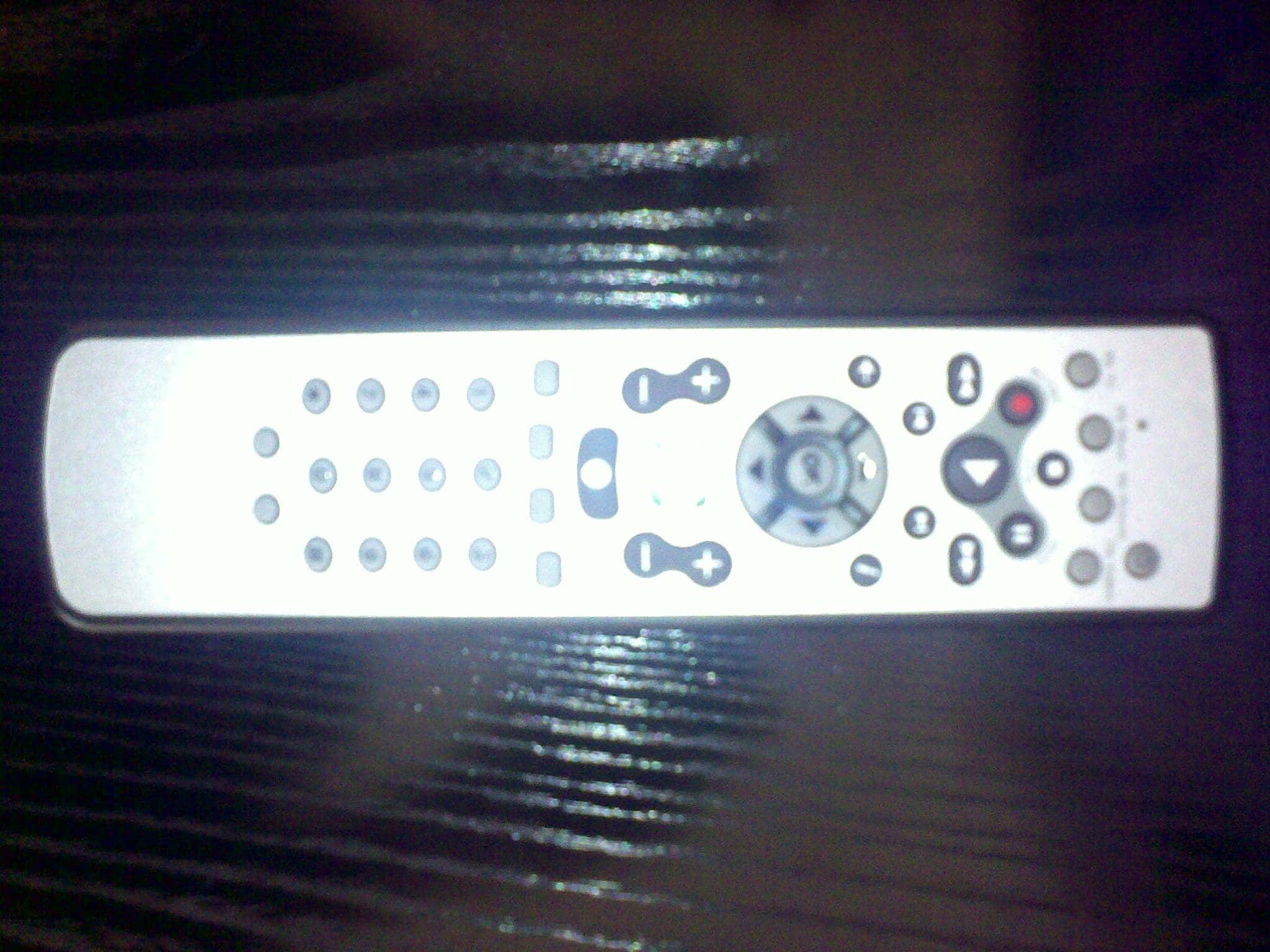
attached are the picture of my remote and IR transceiver. my STB model is THOMSON DCI-35ETI. hope some one has the IR codes files already for these so i can try them
Attachments

Hi Simone,
Just been using the new build and everything seems fine on my machine
BIG THANKS for your work as it is appreciated.
Now where did I put that windows 7 cd lol.
Hopefully i will be returning to windows 7 once a few driver issues are resolved by the likes of Asus etc.
Regards
Kev
Just been using the new build and everything seems fine on my machine
BIG THANKS
for your work as it is appreciated.Now where did I put that windows 7 cd lol.
Hopefully i will be returning to windows 7 once a few driver issues are resolved by the likes of Asus etc
.Regards
Kev
Hi,
I am using W7 RC1 and the IRSS 1.4.2 Test Build 3064. I am trying translator and I have got the green button to start MP as it should. However when I try to "Force window focus" it does save that. When I go back in it's not selected. And ofcourse when I start MP it's not focused and I have to grab the keyboard to use the mouse and focus MP. I have even tried to change directly in the Translator.xml file but that doesn't work either.
Is this a confirmed bug or am I missing something?
Regards
Tobias
I am using W7 RC1 and the IRSS 1.4.2 Test Build 3064. I am trying translator and I have got the green button to start MP as it should. However when I try to "Force window focus" it does save that. When I go back in it's not selected. And ofcourse when I start MP it's not focused and I have to grab the keyboard to use the mouse and focus MP. I have even tried to change directly in the Translator.xml file but that doesn't work either.
Is this a confirmed bug or am I missing something?
Regards
Tobias
- November 14, 2006
- 79
- 2
- 45
- Home Country
-
United Kingdom
Hi,
I am using W7 RC1 and the IRSS 1.4.2 Test Build 3064. I am trying translator and I have got the green button to start MP as it should. However when I try to "Force window focus" it does save that. When I go back in it's not selected. And ofcourse when I start MP it's not focused and I have to grab the keyboard to use the mouse and focus MP. I have even tried to change directly in the Translator.xml file but that doesn't work either.
Is this a confirmed bug or am I missing something?
Regards
Tobias
Don't know if it helps but if MP starts on the top of the windows but just not in focus and your using the MP IRSS plugin you can tell the plugin to work even when the window is not in focus? Might not help you but I find its more useful for me as I have a second monitor plugged into my PC and use the PC while watching TV on my plasma so being able to control MP without changing the focus back is useful... Just a thought.
Zas
I did uninstall and reboot many times. no luck. i have tried almost all the builds of IRSS 1.4.2 but things are still the same. is there a way to debug what and where some thing is not working correctly???raufiq , i have also hp mce remote, with hp mce receiver, working ok with all version, no slow down. Try uninstall the USB IR Receiver, after restart it install itself. Try now.
thanks for the help
try LM remote, google it, if it's working then you'll know it's Irsuite the problem.
WIndows 7 Issue (another 1 ! )
Hi
I am using Windows 7 64 Bit, and Winlirc to blast via the transmit.exe command line.
It appears as though "run program"option from the STB Setup is not working when channel changing .. When using the "Test"function .. all is well with the world, but when using Tvserver and selecting "Preview"on a channel, it appears that it is not running the program.
I have tested with multple exe and bat files, neither look like they run, a snippet from my log file looks like this
2009-08-26 14:16:41.494156 [6]: TV3BlasterPlugin: Tune request - Card: 1, Channel: 106, Action
2009-08-26 14:16:41.498156 [6]: card: CardTune 1 Action MediaServer1:1:-1
2009-08-26 14:16:41.505156 [6]: card: Tune 1 to Action
which appears as though the plugin returns false for the channel change (-1)
Please correct me if im wong or point me in the correct direction.
Regards
)Hi
I am using Windows 7 64 Bit, and Winlirc to blast via the transmit.exe command line.
It appears as though "run program"option from the STB Setup is not working when channel changing .. When using the "Test"function .. all is well with the world, but when using Tvserver and selecting "Preview"on a channel, it appears that it is not running the program.
I have tested with multple exe and bat files, neither look like they run, a snippet from my log file looks like this
2009-08-26 14:16:41.494156 [6]: TV3BlasterPlugin: Tune request - Card: 1, Channel: 106, Action
2009-08-26 14:16:41.498156 [6]: card: CardTune 1 Action MediaServer1:1:-1
2009-08-26 14:16:41.505156 [6]: card: Tune 1 to Action
which appears as though the plugin returns false for the channel change (-1)
Please correct me if im wong or point me in the correct direction.
Regards
- Status
- Not open for further replies.
Users who are viewing this thread
Online now: 8 (members: 0, guests: 8)