Maya: Beta release 04-04-10 (Original Thread) (1 Viewer)

Status
Not open for further replies.

pilehave

Community Skin Designer
  • Premium Supporter
  • April 2, 2008
    2,566
    521
    Hornslet
    Home Country
    Denmark Denmark
    Re: Maya: Beta release 06-02-10

    Hi Maya-Team.

    Great work, but I have a few problems.
    I use MovingPictures 0.7.5 and it looks like this:


    When I press Ok it looks like this:


    If I press Ok again the Movie starts.

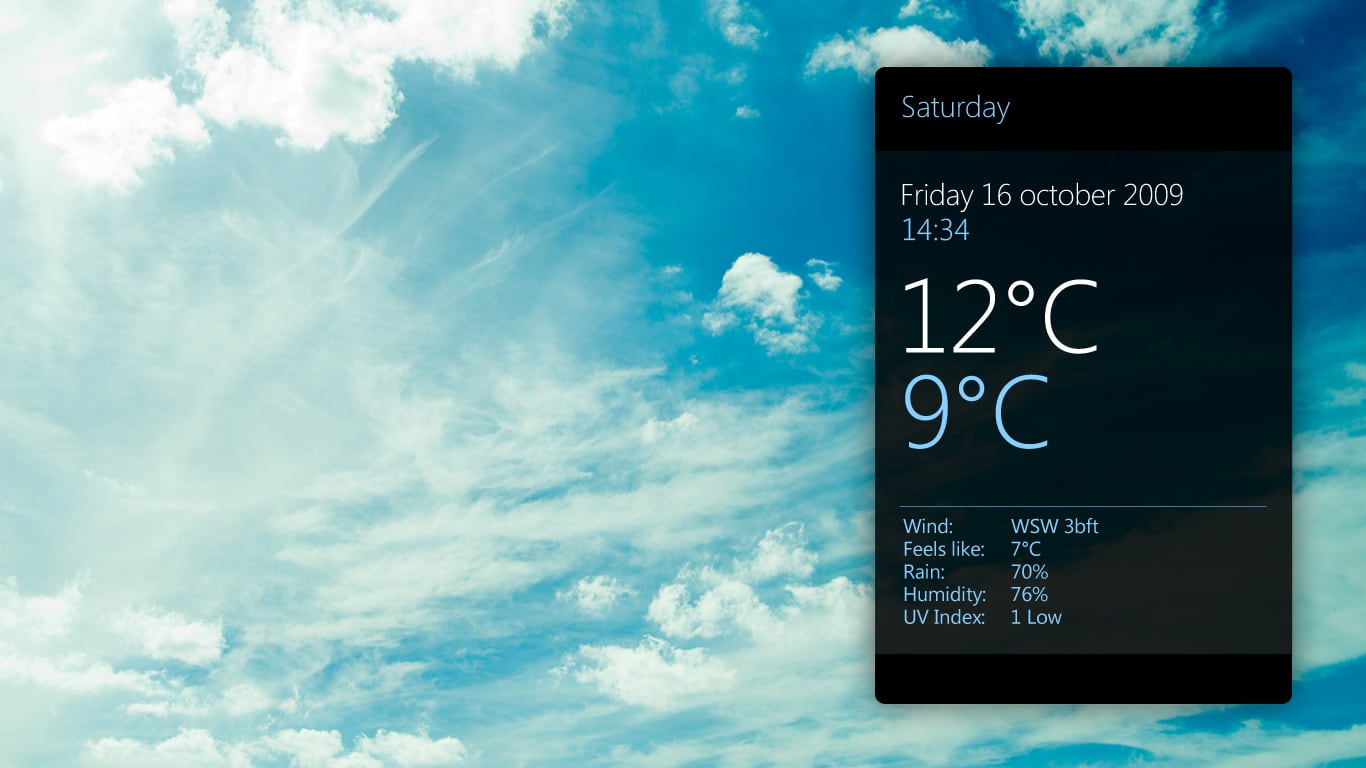
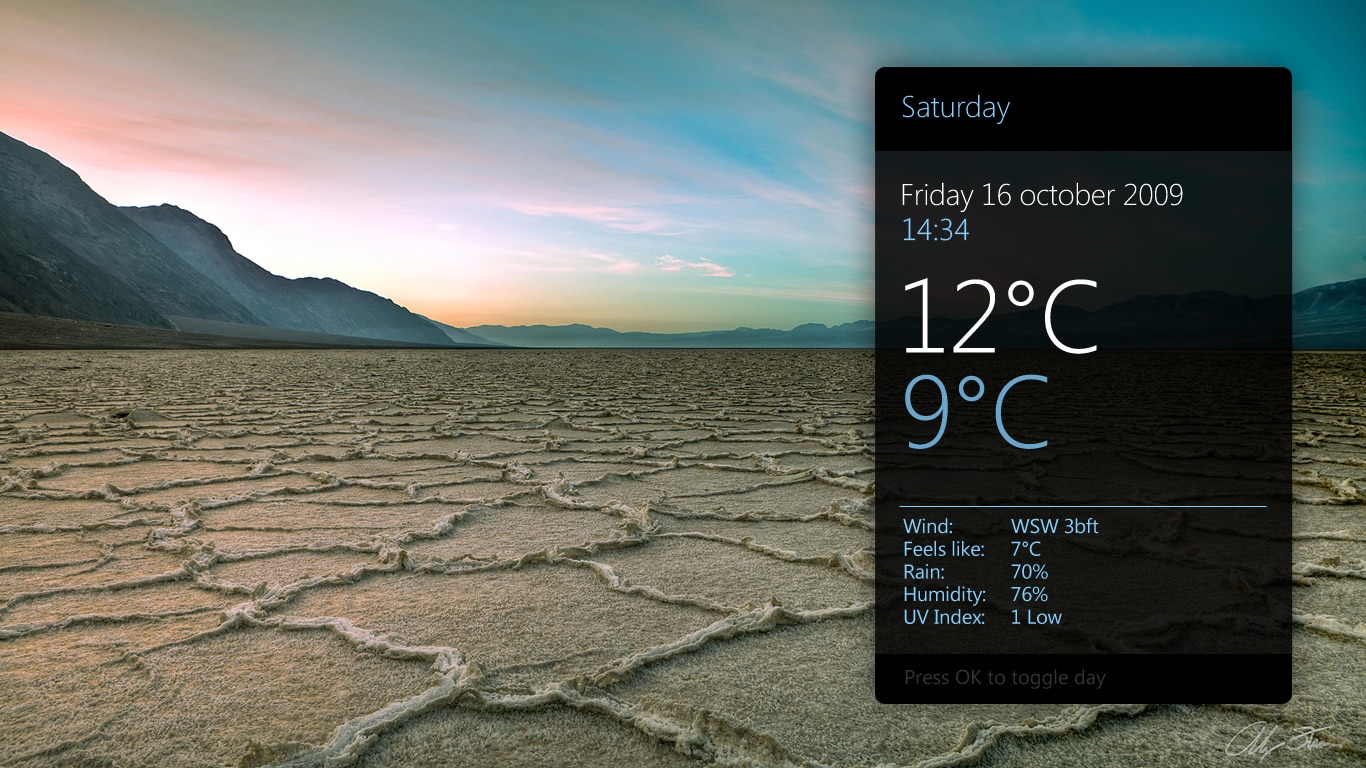
    Next Problem is the Weather overview:
    The Fonts are to big.


    When I go back to Homescreenn and go to Weather again the error with #maja.weather... is vanished.

    Any Idea?

    You seem to be running the skin in 800 x 600. This is not a 16:9 resolution as the skin is using. The skin is also usable for Moving Pics 0.7.5, but you need to edit the XML-files yourself. Look for commented parts using code similar to this:

    Code:
    <!-- Only in MovingPictures 0.7.x

    Uncomment these parts, and comment out the 0.8 or 1.0 parts.
     

    jof

    MP Donator
  • Premium Supporter
  • December 10, 2007
    417
    14
    Home Country
    Austria Austria
    AW: Maya: Beta release 06-02-10

    I have some comments to the tv osd:

    What I really miss is the information about the "next program" on current channel. Besides that I personally like this, there is also a technical need to have 2 lines for displaying text:

    If there are tuning errors:
    "current program" shows 1st line of text ("unable to start timeshift"),
    "next program" shows 2nd line of text ("no signal found")

    Maybe this is currently not the best solution to show the errors, but it integrates well into existing osd.

    Do you think it's possible to nicely integrate "next program" into OSD?

    +1

    it would be nice to have the next program visible in TV OSD, maybe also in the TV Miniguide?
     

    dreamdx

    Portal Member
    October 3, 2008
    21
    3
    Re: Maya: Beta release 06-02-10

    Last.FM Radio heading
    a6idl3xg.png
     
    J

    joostzilla

    Guest
    Re: Maya: Beta release 06-02-10

    @tomcat123 - I think it's designed for new beta version of moving pictures. I think you need to be running mediaportal 1.1 beta. I think you need latest version of infoservice installed in to the /plugins/windows directly (not the process directory)

    Suggestion for navigation within the basichome screen:

    I think when in the sub menu pressing right on any submenu item should get you back into the main menu. Currently it only works on the top submenu item. I also think that you should consider cycling back up to the top when you get to the bottom of the submenu list. See attached;

    I really like this skin, it's nice and fast compared to streamedmp.

    Suggestions for weather section:

    There is quite a big gap, you might like the gap or you might like to fill it with weather icon.

    maya12.jpg


    Alternatively xfactor has a high resolution matching background for all the weather types,
    you could use this under the overlay or as a thumbnail

    maya13.jpg


    maya14.jpg


    This looks washed out because the writing/weather icons are also transparent, so it's not a good example of how it would like, more an easier way to explain my ideas.

    maya15.jpg

    Weather is not finished yet. It is going to look like this:
     

    Attachments

    • Maya Weather 1.jpg
      Maya Weather 1.jpg
      527.7 KB
    • Maya Weather 2.jpg
      Maya Weather 2.jpg
      968.5 KB
    J

    joostzilla

    Guest
    Re: Maya: Beta release 06-02-10

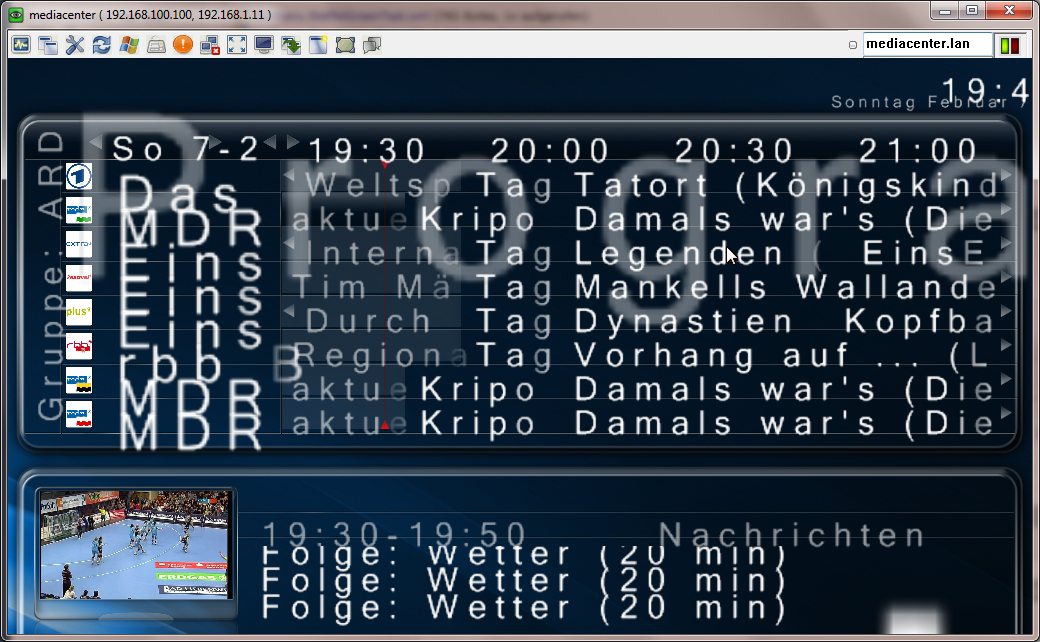
    Hi there, I can't figure out how to fix the overlapping issues I have using the TVGemist 3.1.3 plugin.

    see attachement for details.

    I hope someone can help me with this because this skin is awesome! :)

    thanks in advance

    Do you use MP 1.1.0 beta? I had this problem in 1.0.2 only.
    btw support for this plugin is suspended untill the plugin development is picked up again.
     

    disaster123

    MP Donator
  • Premium Supporter
  • May 14, 2008
    3,558
    434
    Home Country
    Germany Germany
    AW: Maya: Beta release 06-02-10

    Is there a way to tell maya in the recording screen to use the jpg files which are stored with the .ts file in the same folder instead trying to find jpg files in the thumb folder?
     

    Inker

    Retired Team Member
  • Premium Supporter
  • December 6, 2004
    2,055
    318
    Re: Maya: Beta release 06-02-10

    When I click save in the maya config util I get:

    System.IO.DirectoryNotFoundException: Ein Teil des Pfades "C:\Dokumente und Einstellungen\All Users\Anwendungsdaten\Team MediaPortal\MediaPortal\Skin\\Black Glass\custom files\references.bigfonts.xml" konnte nicht gefunden werden.
    Note the "Black Glass" which I don't have installed. I believe this is from copy/pasting code and forgetting to change a string or something.

    try select maya as the skin in MP Config -> general options, then save and quit mp config. Now reopen MP config and try to save again.

    Ok, then it works.

    (Still I believe it shouldn't crash :))
     

    mylle

    Portal Pro
    April 14, 2005
    574
    66
    Denmark
    Home Country
    Denmark Denmark
    Re: Maya: Beta release 06-02-10

    Nice skin :)

    I have an issue when enabling Moving pictures. Moving pictures wrks fine but live tv freezes almost instantly when the moving pictures plugin is enabled. when disabling moving pictures plugin, tv works fine again.

    regards
    Jacob
     

    morpheus_xx

    Retired Team Member
  • Team MediaPortal
  • March 24, 2007
    12,070
    7,459
    Home Country
    Germany Germany
    AW: Maya: Beta release 06-02-10

    I have serious problems after changing back to Black Glass skin.

    The font is totally messed up, skin is unusable. The screenshot should show the TV Guide :confused:

    Does Maya change anything in Black Glass skin folder ??? Blue3(wide) do still work as expected...
     

    Attachments

    • skin_error_after_maya.jpg
      skin_error_after_maya.jpg
      151.4 KB

    1stdead

    Portal Pro
    February 1, 2008
    1,089
    139
    Copenhagen
    Home Country
    Denmark Denmark
    Re: AW: Maya: Beta release 06-02-10

    Pilehave:
    Did you have have a look on this yet:
    2010-02-06 19:27:04.573840 [Info.][MPMain(1)]: Maya BasicHome plugin: Skin found
    2010-02-06 19:27:04.587841 [Info.][MPMain(1)]: Unable to start pluginrocessPlugins.MayaBasicHomePlugin.MayaBasicHomePlugin exceptionystem.ArgumentOutOfRangeException: Index was out of range. Must be non-negative and less than the size of the collection.
    Parameter name: index
    at System.ThrowHelper.ThrowArgumentOutOfRangeException(ExceptionArgument argument, ExceptionResource resource)
    at System.ThrowHelper.ThrowArgumentOutOfRangeException()
    at System.Collections.Generic.List`1.get_Item(Int32 index)
    at ProcessPlugins.MayaBasicHomePlugin.MayaBasicHomePlugin.SetNeighbours(Int32 mypointer, Int32 numberofitems)
    at ProcessPlugins.MayaBasicHomePlugin.MayaBasicHomePlugin.Start()
    at MediaPortal.GUI.Library.PluginManager.Start()

    The latest version of the plugin should take care of this error (which I believe is when you have no menuitems configured). If it doesn't, them please attach the MayaSkin.xml file so that I can try to recreate the problem.
    http://mamp2.googlecode.com/files/Maya BasicHome plugin.dll

    I was using latest one, was beta tester :) I've attached the logs and the mayaskin.xml. It's nothing fansy, was just trying to make it work..


    Edit: I tried to remove the xml and made something random up. Nothing happened within mediaportal gui, but no error. Weird.
     

    Attachments

    • MayaSkin.xml
      30.6 KB
    Status
    Not open for further replies.

    Users who are viewing this thread

    Top Bottom