Moving pictures goes black (1 Viewer)

Imm0rtal1

Portal Member
November 7, 2011
16
0
Home Country
Hey guys i first installed mportal, streamed mp with moving pictures a year ago on my current htpc. everything worked well. I did a full uninstallion of mediaportal and ticked the boxes to remove everything.

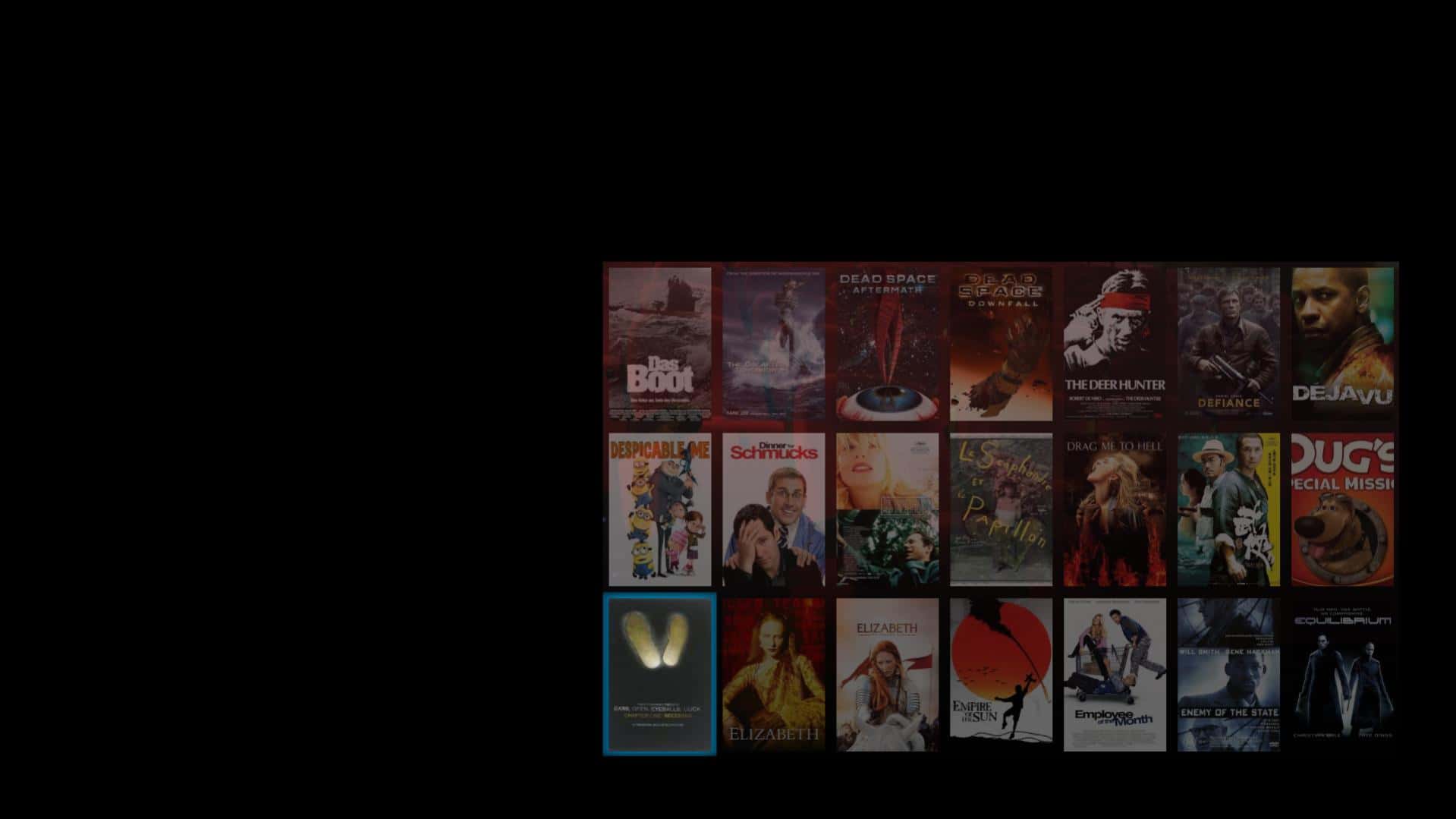
I then downloaded the latest stable release of mediaportal and streamed mp with ofcourse movingpictures included. I Then added all my movies like i did before, now when ever i go into movies after scrolling down about 4 pages (happens on all views) the screen will go black. Only a row of two will be on the screen and the top and bottom half of the screen are blacked out.

The only thing that fixes this is shutting down Mediaportal and restarting it again. But if i start scrolling through my movie collection again after after the 4th page it happens again.

I have changed my htpc setup. I added a Harddrive now my movies are split between 2 hard drives i don't know if thats related but i doubt it. everything else remains the same Win 7 64bit, Ati Radeon HD 5600 series 4gb ram.

I have attached my log and a picture so you guys know whats going on. Any help would be appreciated

:D
 

Attachments

  • Issue.jpg
    Issue.jpg
    107.4 KB

fforde

Community Plugin Dev
June 7, 2007
2,667
1,702
44
Texas
Home Country
United States of America United States of America
Well your movingpictures.log file looks clean but I see a whole lot of memory access violations in your error.log file related to rendering. :/ I am sorry this is a little bit outside my area of expertise, but my first guess would be maybe something to do with video drivers? If no one around here can help, you might want to consider posting in the main forums where a MediaPortal developer will be more likely to see the post.
 

Imm0rtal1

Portal Member
November 7, 2011
16
0
Home Country
updated vid drivers restarted. same issue :(

new log files.

Any changes?:D
 

Attachments

  • log2.zip
    42.1 KB

fforde

Community Plugin Dev
June 7, 2007
2,667
1,702
44
Texas
Home Country
United States of America United States of America
Logs look the same to me, sorry. I am a little bit out of my element here. I messaged the MediaPortal developers familiar with this functionality. Hopefully if they are free they will take a look. Or if anyone else has any ideas?
 

offbyone

Development Group
  • Team MediaPortal
  • April 26, 2008
    3,989
    3,712
    Stuttgart
    Home Country
    Germany Germany
    Can you try to remove your MovingPictures thumbs folder and test again? From the log I'd suspect a strange image used as thumb.
     

    SilentException

    Retired Team Member
  • Premium Supporter
  • October 27, 2008
    2,617
    1,130
    Rijeka, Croatia
    Home Country
    Croatia Croatia
    I suggest you try lightweight skin first and see what happens.. Try DefaultWide.

    Oh and onemorething. Your MediaPortal logs are not DEBUG. Go to configuration and fix that.
     

    Imm0rtal1

    Portal Member
    November 7, 2011
    16
    0
    Home Country
    log verbosity is on information and process priority is normal in config settings
    It is the same in default wide still happens.

    If i remove the moving pictures thumbs folder ill have no artwork to scroll through?
    ill give it a try

    Can you try to remove your MovingPictures thumbs folder and test again? From the log I'd suspect a strange image used as thumb.

    removed thumbs folder and bingo it fixes it :) so can we track down the culprit file?

    where do we go from here?

    :D:D:D
     

    Imm0rtal1

    Portal Member
    November 7, 2011
    16
    0
    Home Country
    After removing the thumbs folder and opening mediaportal and letting it download all the coverart and movies again, it worked fine. Then i added a few jpg files it couldn't find for ablum artwork in moving pictures config once i added my own jpeg artwork for 10 movies it started happening again.

    Ok i narrowed it down guys. Once i opened moving pictures config and deleted the album artwork for the 10 movies that i had added because the scrapper couldnt find them, it works again!!

    So adding my own artwork is what causes the problem. They are normal jpegs about 20kb in size, short file names. i dont know what could be wrong with them.?

    Any thoughts on how to solve this strange problem. It annoys me having black boxes instead of artwork but i can live with it if i have too.

    They are popular movies aswell. Angels and Demons is one of them.. Chris rock never scared is another.
     

    ltfearme

    Community Plugin Dev
  • Premium Supporter
  • June 10, 2007
    6,760
    7,224
    Sydney
    Home Country
    Australia Australia
    Maybe try opening your custom artwork in a popular image editor (Paint.Net is a good free one) and then re-save it. Maybe this can fix the image, other than that im not sure what you can do.
     

    Users who are viewing this thread

    Top Bottom