MP-TVSeries v4.3.6 Release [2020-01-24] (16 Viewers)

bta489

Portal Pro
March 17, 2013
187
112
Home Country
Germany Germany
I Noticed duplicates as well. I had several new series waiting for import. I added the .tvdb-File for one to see if it was working. It did, and after adding the rest of the files, the episodes were all lumped together in the first series with the original .tvdbd file.

I deleted the whole series from the database, this time via the config program, and initiated a new import (also in the config util) and now all is well. All series imported as they should without issues.
I noticed, that the .tvdb-file had to exist before initiating the import. I missed adding it for one series and had to restart the config util before it was properly recognized.
 

ltfearme

Community Plugin Dev
  • Premium Supporter
  • June 10, 2007
    6,777
    7,282
    Sydney
    Home Country
    Australia Australia
    fyi, if you do not want to use the Configuration tool to fix any stuff-ups, you can delete a series from the database using the context menu on the selected series: Actions->Delete->Delete From Database or Press 0 on your remote control from within MediaPortal, finally you can then press the Run import from the Side Menu or context menu.

    I am not having much luck myself in reproducing this duplication issue, but if it keeps happening, I may need you to pm me your database and logs so I can dig deeper.
     

    mickb

    Portal Pro
    June 8, 2005
    108
    34
    68
    Travelling Australia
    Home Country
    Australia Australia
    Hi, removed the series "Anna Pigeon" from the database and run the import wizard and everything is now working as normal. Thank you Itfearme for fixing this issue with such speed and accuracy. Might be worth putting a note on the wiki on how to add new series going forward. Thanks also to all members who have offered advice, this is a great community.
     

    mickb

    Portal Pro
    June 8, 2005
    108
    34
    68
    Travelling Australia
    Home Country
    Australia Australia
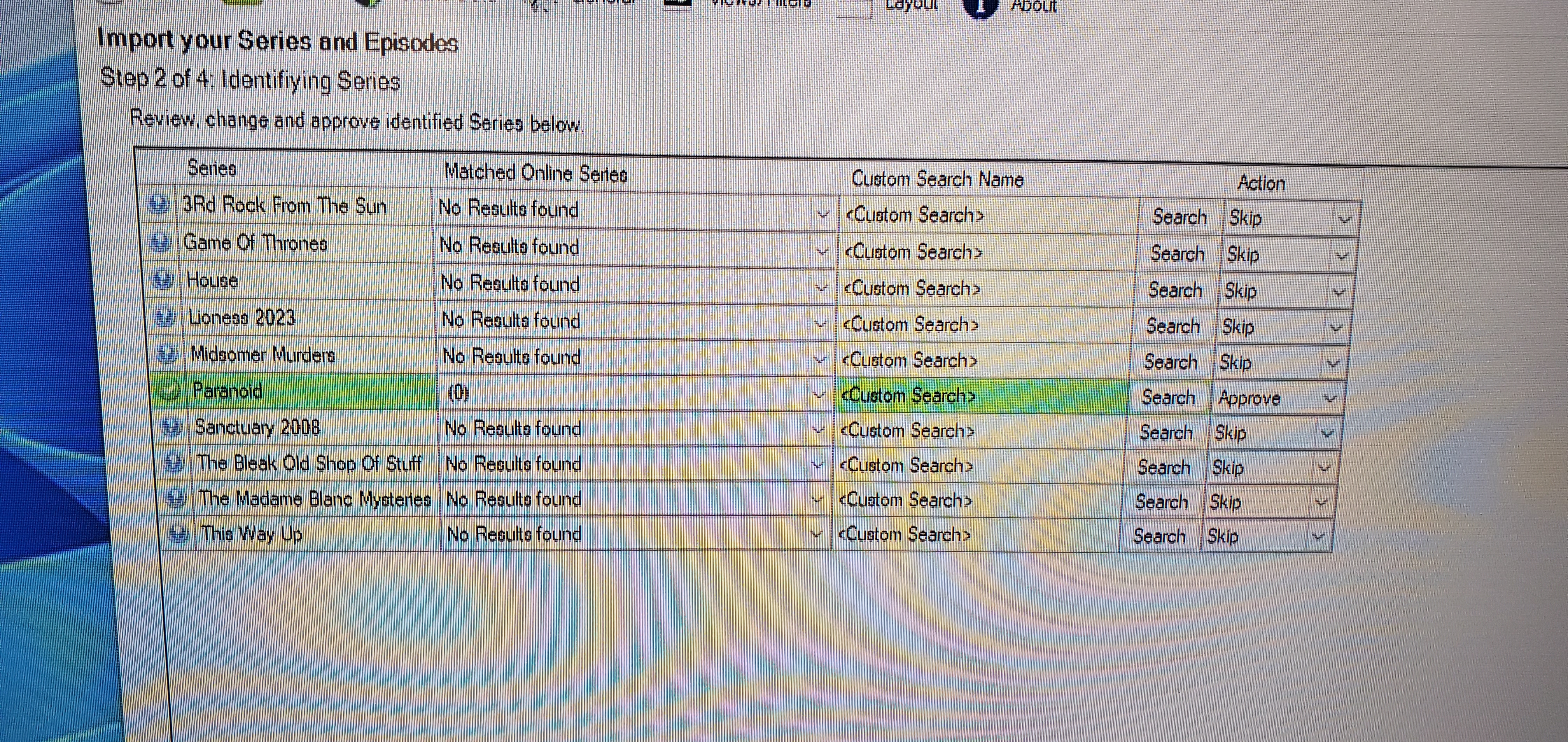
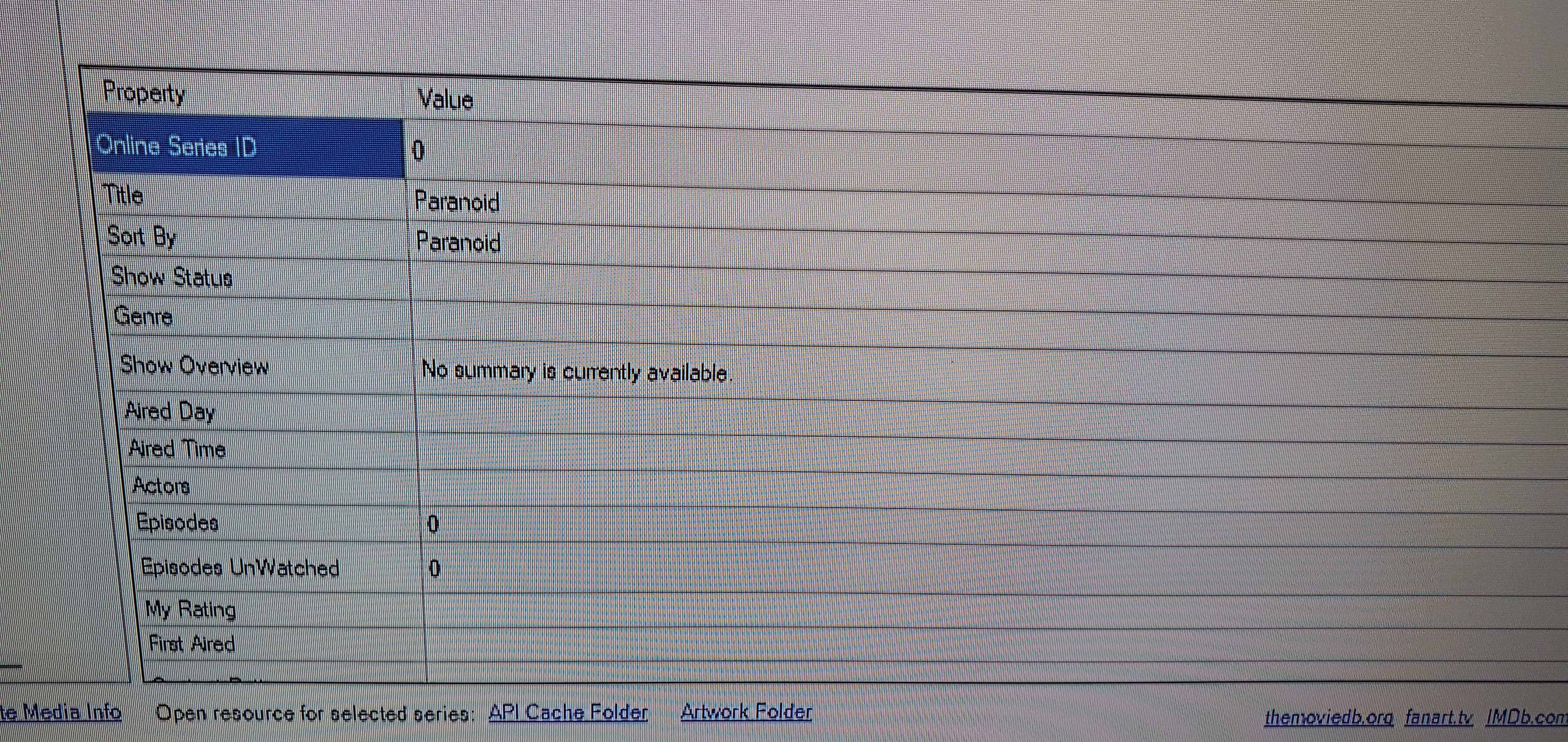
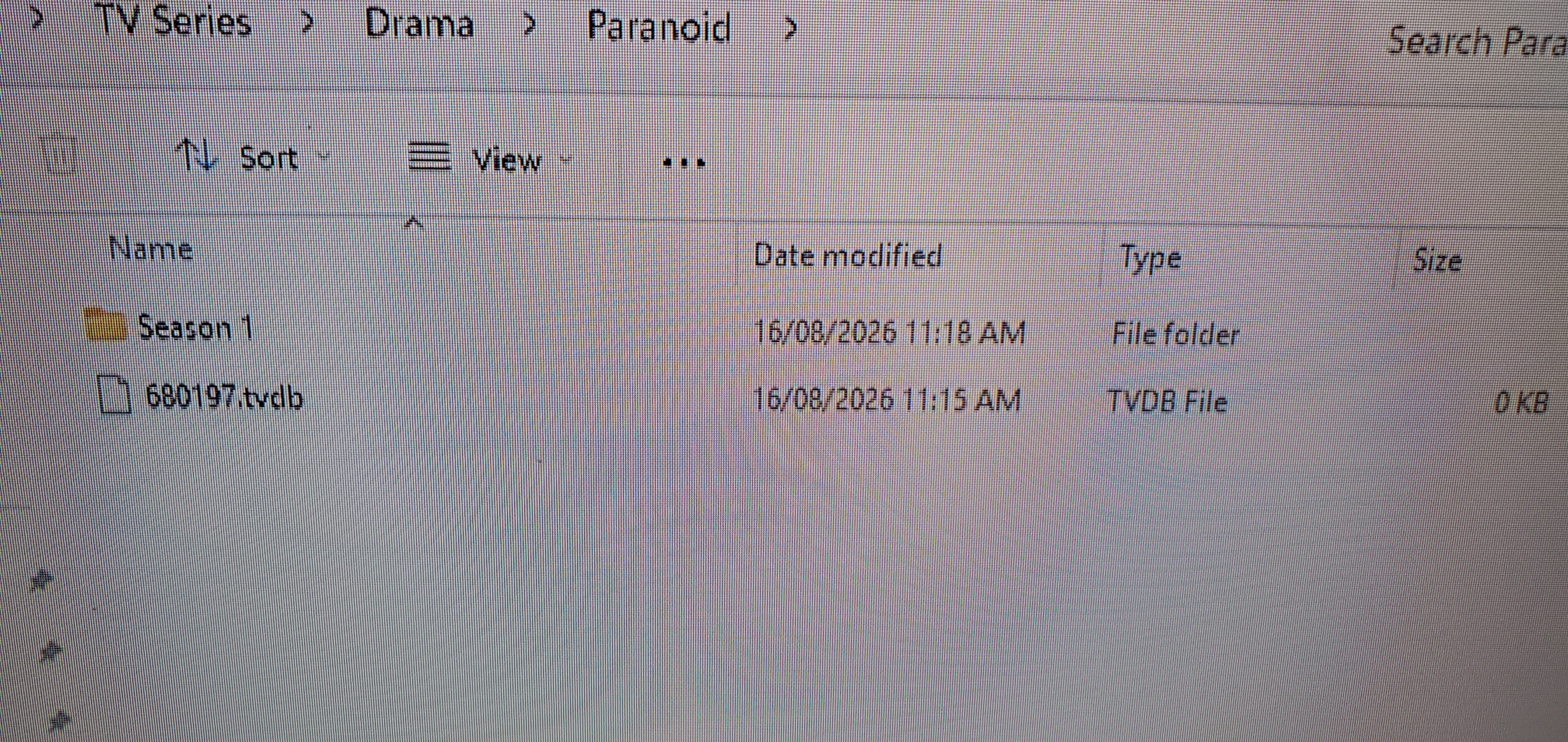
    Hi all, so did another test after successfully getting Anna Pigeon, My Brilliant Career & Nobody wants this added by deleting from the database and running the import wizard. I added another series and ran the import in the GUI. Didn't pop any Not found error but also did not bring across any data. I have the .tvdb file in the series directory as per the other 3. I deleted from the database and ran the import wizard again. Paranoid comes up in step 2 with (0) in the matched online series, not sure if that is correct. Finished running the wizard and it still did not pick up the series ID. Any thoughts are appreciated. Disregard all of the above, a long night and O entered the TV ID wrong. Sorry to all
     

    Attachments

    • 20260816_114848.jpg
      20260816_114848.jpg
      6.8 MB
    • 20260816_114029.jpg
      20260816_114029.jpg
      6.7 MB
    • 20260816_114014.jpg
      20260816_114014.jpg
      8.2 MB
    Last edited:

    Abe Smith

    MP Donator
  • Premium Supporter
  • February 7, 2013
    3
    4
    63
    Home Country
    Austria Austria
    After following the steps described and installing the update, everything is working as usual again. Thank you very much for resolving the issue so quickly; I'm relieved. (y)
     

    joker1639

    Portal Pro
    May 10, 2009
    54
    46
    Added the Series "The Pitt" after updating MP-TVSeries to 4.5.1.745 but no results were found.

    Added a file 448176.tvdb in the root were the 2 subfolders "Season1" and "Season 2" are, but still mo results.

    Maybe someone can help me to get the importer working again?

    Thanks
     

    joker1639

    Portal Pro
    May 10, 2009
    54
    46
    Sorry, my fault named the file 448176.tvdb but did not change the filetype to *tvdb

    Seems to work for now. @ltfearme hope you find a permanent solution without creating a file.

    Thanks for your efforts! (y)
     
    Last edited:

    Users who are viewing this thread

    Top Bottom