
My Emulators Screen Gone (1 Viewer)

Sogg_Nomis

Portal Pro
July 23, 2009
51
2
Home Country
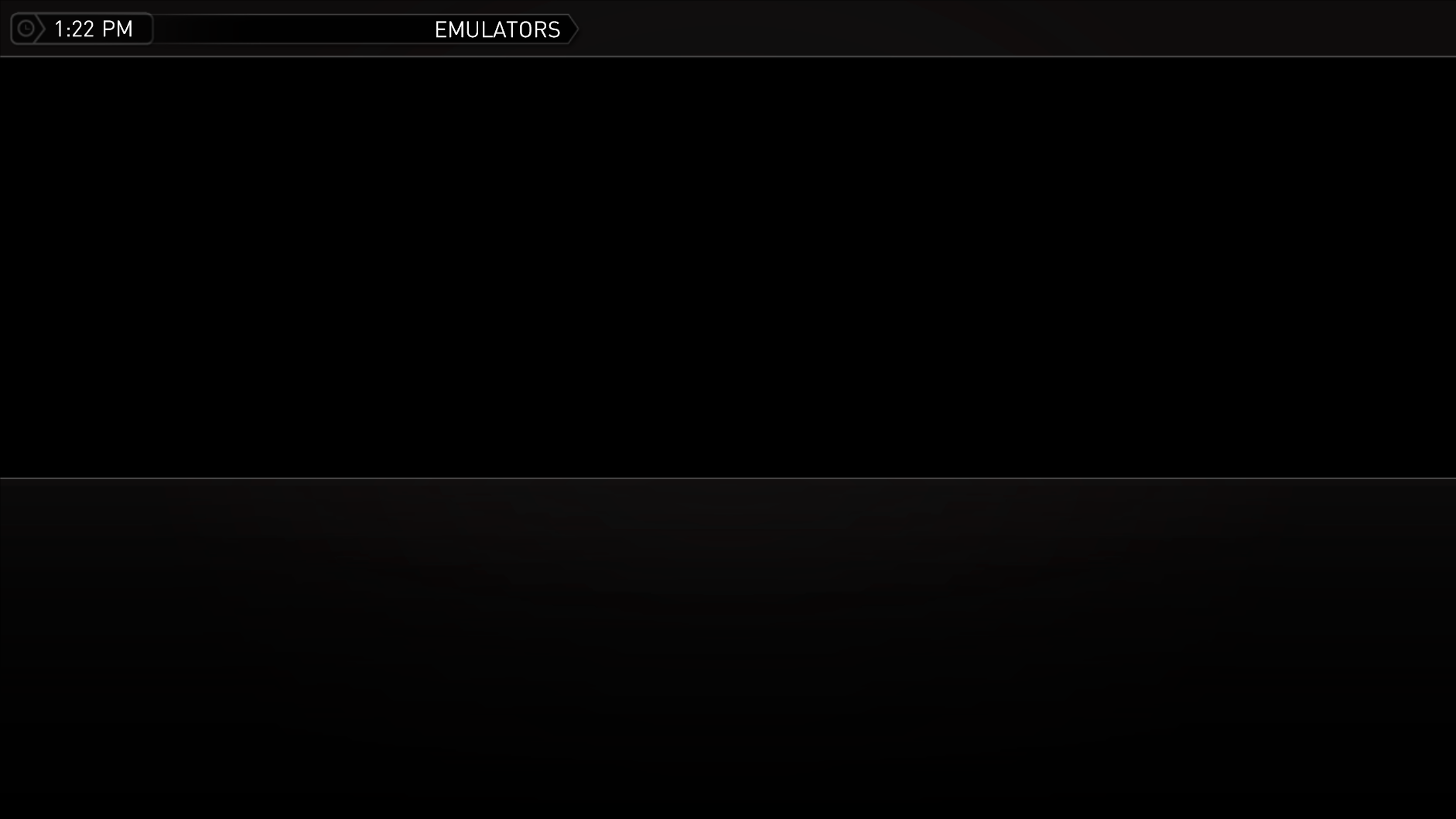
I am using media portal 1.2.1 final and just upgraded to the newest Streamed MP released yesterday 18th October. Now when I go to my emulators screen it just a blank screen with the outline of a screen as pictured below. If i try anything on the remote the sound of clicking can be heard but nothing happens and the only way to leave the screen is to use the mouse whihc brings up the top menu bar and I click on HOME to go back to the main screen.

All other plugins are fine.

EDIT: I Should add that the Emulators screen was working before the Streamed MP upgrade, I was already using MP1.2.1 final
 

Attachments

  • mpscreen.png
    mpscreen.png
    65.7 KB

ltfearme

Community Plugin Dev
  • Premium Supporter
  • June 10, 2007
    6,767
    7,241
    Sydney
    Home Country
    Australia Australia
    We haven't added official support for my emulators yet...but I believe there is community mods out there.
     

    heiserfeger77

    Portal Pro
    November 10, 2009
    275
    63
    Home Country
    Germany Germany
    AW: My Emulators Screen Gone

    Thx for the link sogg_nomis - yes i had the same problem. At the moment it gone a little more better. myemulators override the myemulators.xml in skinfolder. when i use a old version i go better. I think a streamedmp update is the way to go. So we must wait of the new version.
     

    Brownard

    Development Group
  • Team MediaPortal
  • March 21, 2007
    2,301
    1,886
    Home Country
    United Kingdom United Kingdom
    If you re-run the myEmulators mpei here you will get the required skin files back.

    ltfearme:
    Me and craige1 have taken over development of the myEmulators plugin and the latest supported version is here. If you want to include the required files in your installer my attempts can be found here but they could probably use some work :). We also have a new version nearing completion which will require a few additional skin changes when released - I can PM you details about it if you want?

    Thanks
     

    Sogg_Nomis

    Portal Pro
    July 23, 2009
    51
    2
    Home Country
    Just to confirm the above direction from Brownard fix the problem, I did also have to move my Artwork pictures to the new directory created in the thumbs folder / myemulators
     

    ltfearme

    Community Plugin Dev
  • Premium Supporter
  • June 10, 2007
    6,767
    7,241
    Sydney
    Home Country
    Australia Australia
    Thanks Brownard, I will try find some time to go over the xmls soon and get your plugin supported ;)
     

    Users who are viewing this thread

    Top Bottom