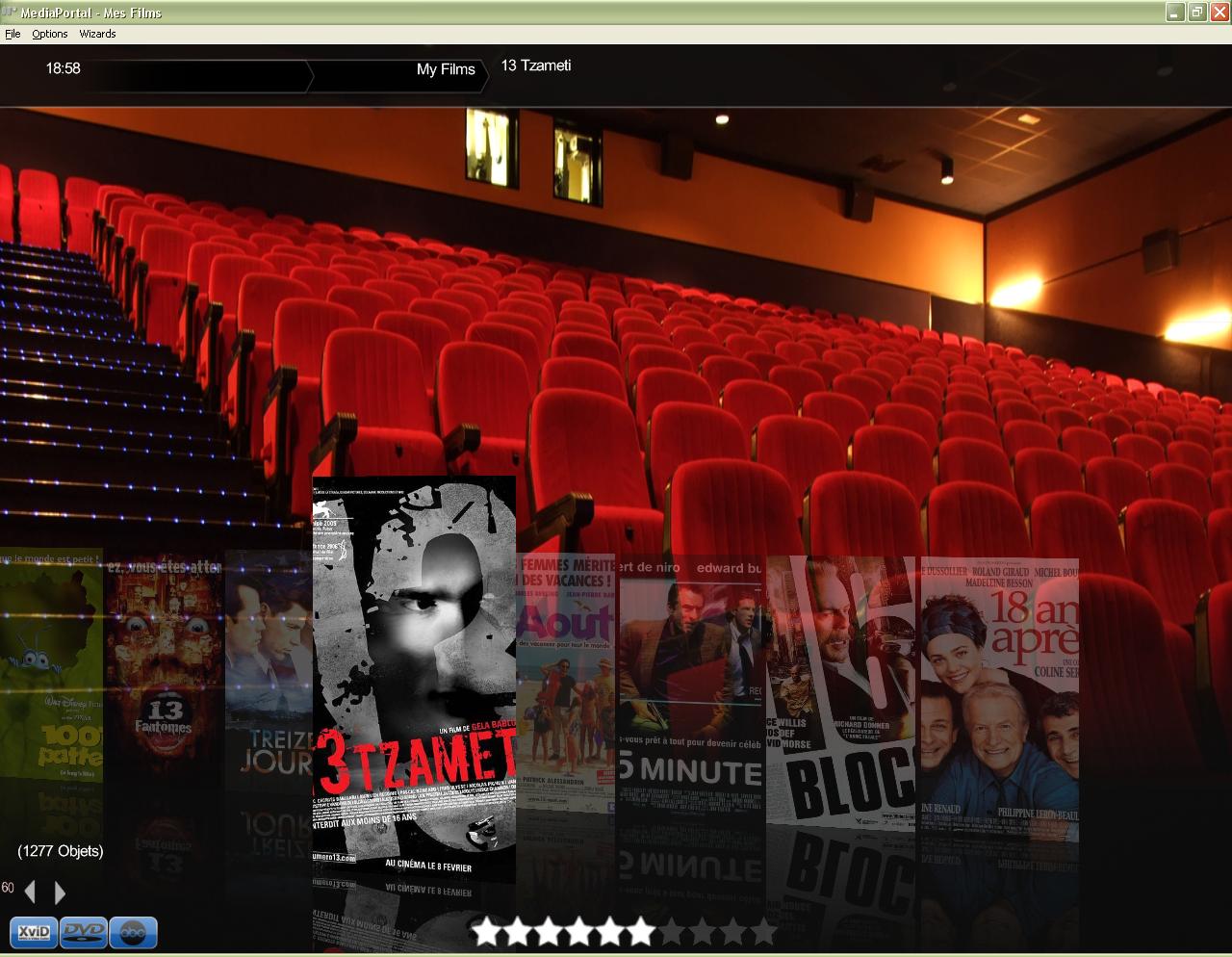
[NEW] MyFilms v4.7.9a (4 Viewers)

z3us

Portal Pro
December 4, 2007
1,047
123
46
Home Country
Spain Spain
Are you sure that you attach the 4.7.9 files as the filmstrip descriptions in the MesFilms.common.facade.xml file are excatly the same....

I will reupload the files, I dont remember if these are the same that I attached previously, but I have just tested that these work perfectly with MF 479 showing 8 full covers
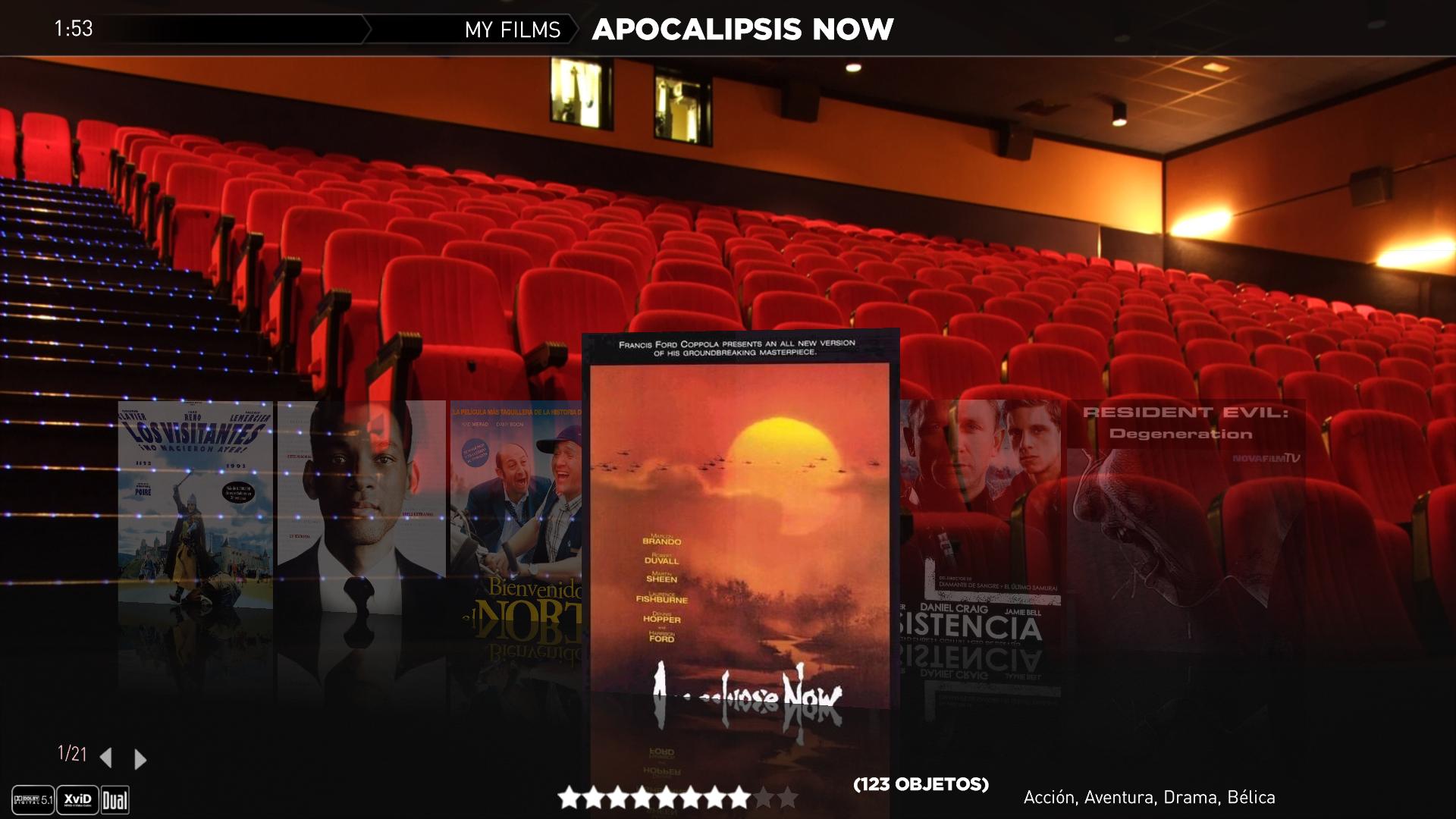
 

Attachments

  • mf.JPG
    mf.JPG
    176.9 KB
  • mf2.JPG
    mf2.JPG
    189.5 KB
  • MesFilms.common.facade.xml
    30.7 KB
  • MesFilms.xml
    30.6 KB
  • MesFilms_Visible.xml
    30.7 KB
  • MesFilmsDetail.xml
    30.6 KB
  • MesFilmsDialogRating.xml
    30.7 KB

gamestar

Portal Member
March 17, 2008
21
0
Thanks Zebons, I'll experiment a little more when I get home.

I had previously tried to point My Films at the folder Moving Pictures uses, but the search system wasn't successful. I also had an original title called "10,000 BC" with fanart named "10000 BC" and it wouldn't work. I'm sure I've had other problems, but will see if I can replicate.
Tru to name your fanart "10 000 BC" (replace the ',' by a blank)

I'm having the same problem on some of mine. For example, I have the movie named:

Austin Powers: International Man of Mystery

I've tried:

Austin Powers International Man of Mystery (2 spaces after Powers)
Austin Powers International Man of Mystery (1 space after Powers)

But the fanart doesn't show up.

I posted this a little while back and it describes the problem oOXOo is talking about. I don't know how to get fanart to display for movies with invalid filename characters in the title.
 

z3us

Portal Pro
December 4, 2007
1,047
123
46
Home Country
Spain Spain
Wouldnt it be easier if you remove those characters from the title using Ant Movie Catalog??
 

gamestar

Portal Member
March 17, 2008
21
0
Wouldnt it be easier if you remove those characters from the title using Ant Movie Catalog??

First, just for clarity, I'm actually using DVD Profiler. I have thought about just changing the name. The problem is that, if an updated profile for that movie becomes available, the name will be overwritten with the invalid name when I do an update. I can lock the profile so it doesn't allow an update but I'd rather not.
 

zebons

Portal Pro
January 2, 2006
1,484
114
Wouldnt it be easier if you remove those characters from the title using Ant Movie Catalog??

First, just for clarity, I'm actually using DVD Profiler. I have thought about just changing the name. The problem is that, if an updated profile for that movie becomes available, the name will be overwritten with the invalid name when I do an update. I can lock the profile so it doesn't allow an update but I'd rather not.
Can you try with that dll ?
You have to test it first install the 4.8.0 mpi package then overwrite the dll by this one.
 

Attachments

  • MesFilms_v4.8.0b.zip
    30.6 KB

zebons

Portal Pro
January 2, 2006
1,484
114
Are you sure that you attach the 4.7.9 files as the filmstrip descriptions in the MesFilms.common.facade.xml file are excatly the same....

I will reupload the files, I dont remember if these are the same that I attached previously, but I have just tested that these work perfectly with MF 479 showing 8 full covers
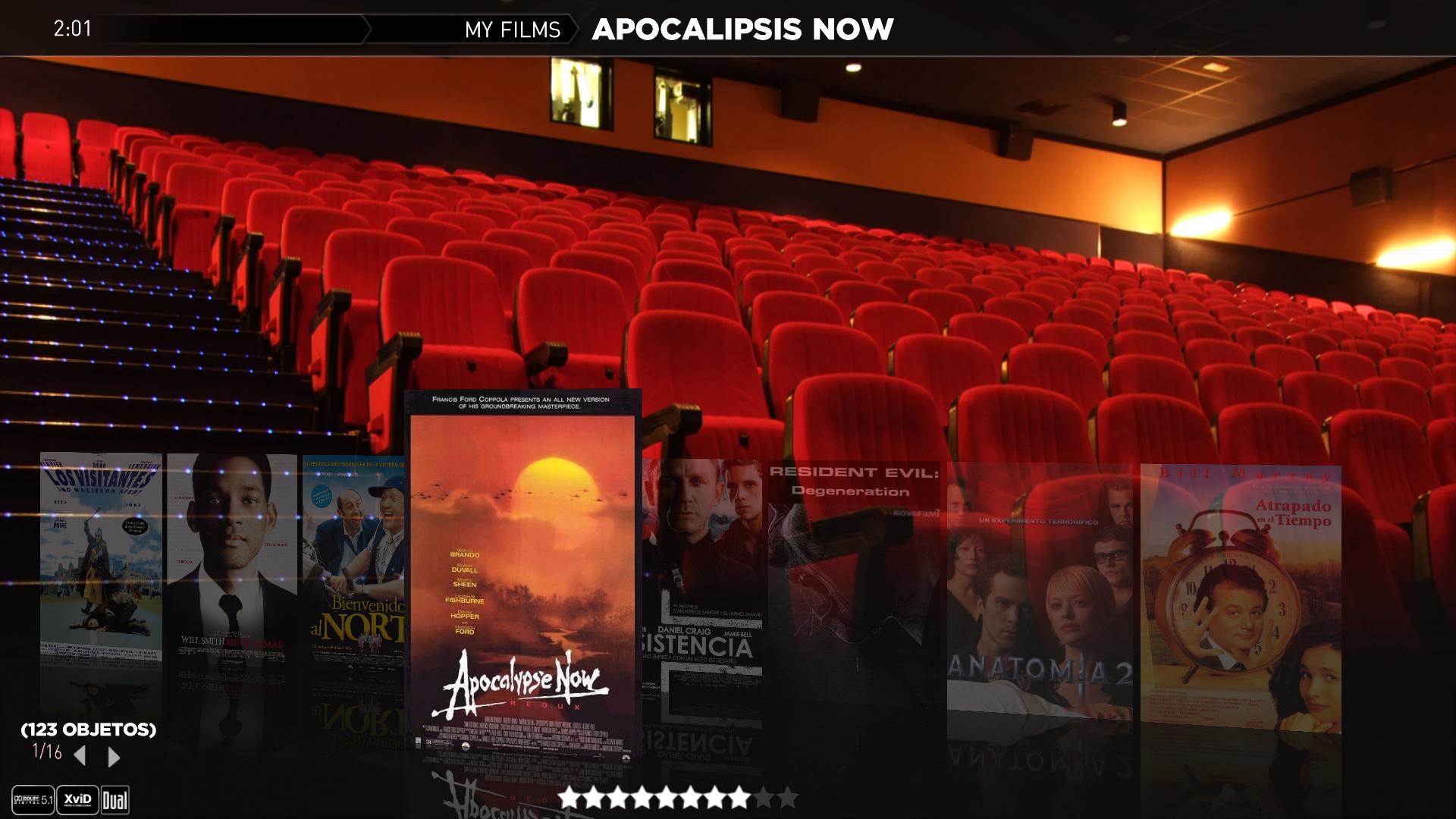
If I use your files, i loose left and right parts of thumbs !
 

Attachments

  • streamed.JPG
    streamed.JPG
    155.6 KB

z3us

Portal Pro
December 4, 2007
1,047
123
46
Home Country
Spain Spain
Where is the problem then? The resolution? How can I have 8 covers instead of 6? What dimensions must the pictures have? (mine are ...x1080 or lower)
 

gamestar

Portal Member
March 17, 2008
21
0
Wouldnt it be easier if you remove those characters from the title using Ant Movie Catalog??

First, just for clarity, I'm actually using DVD Profiler. I have thought about just changing the name. The problem is that, if an updated profile for that movie becomes available, the name will be overwritten with the invalid name when I do an update. I can lock the profile so it doesn't allow an update but I'd rather not.
Can you try with that dll ?
You have to test it first install the 4.8.0 mpi package then overwrite the dll by this one.

I'll try it either tonight or tomorrow night. Can I install 4.8.0 over 4.7.9 or should I uninstall 4.7.9 first?
 

zebons

Portal Pro
January 2, 2006
1,484
114
First, just for clarity, I'm actually using DVD Profiler. I have thought about just changing the name. The problem is that, if an updated profile for that movie becomes available, the name will be overwritten with the invalid name when I do an update. I can lock the profile so it doesn't allow an update but I'd rather not.
Can you try with that dll ?
You have to test it first install the 4.8.0 mpi package then overwrite the dll by this one.

I'll try it either tonight or tomorrow night. Can I install 4.8.0 over 4.7.9 or should I uninstall 4.7.9 first?

You don't neeed to uninstall the v4.7.9. Be carefull to use new skins files delivered in the mpi package as they are updated for that new version.
 

gamestar

Portal Member
March 17, 2008
21
0
Wouldnt it be easier if you remove those characters from the title using Ant Movie Catalog??

First, just for clarity, I'm actually using DVD Profiler. I have thought about just changing the name. The problem is that, if an updated profile for that movie becomes available, the name will be overwritten with the invalid name when I do an update. I can lock the profile so it doesn't allow an update but I'd rather not.
Can you try with that dll ?
You have to test it first install the 4.8.0 mpi package then overwrite the dll by this one.

That worked for the fanart. I can now put spaces for invalid filename characters and the fanart shows up. I know some of these were test files but I did notice a couple of things.

1. I'm using the Icon layout and the title of the movies used to be shown below the icon and it's not anymore.
2. When I highlight a movie, a large version of the movie icon shows up on the left side of the screen with the movie title underneath the icon. When I first enter My Films, it's displaying #Title instead of each movies name. After selecting a movie, viewing the details screen for the movie, and then returning to the list of movies, the title for the selected movie is displayed for all of the titles.
 

Users who are viewing this thread

Top Bottom