Italy
Italy
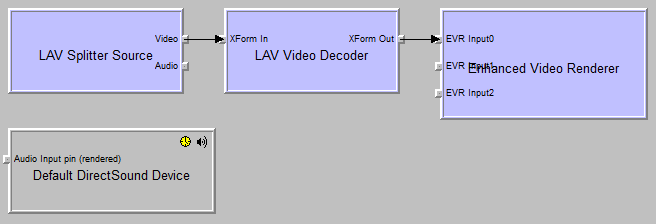
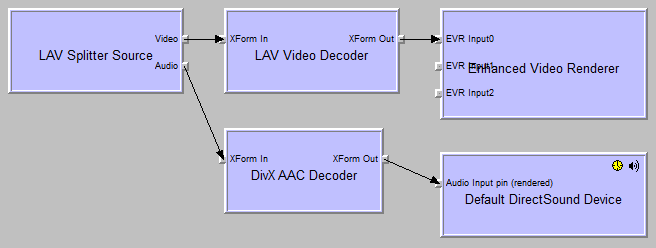
i'm using exactly as you wrote, that is IMHO the simplest way to get the volume correct.
you can still use lav audio but you must use ffdshow as post-processor, setting it up MP to do that. ( i prefer the direct way i've described before)
bye
I do not understand ffdshow is available as a choice only in the video section of mepo configuration not in the TV and DVD sections. The "direct way" you mentioned will solve the problem watching TV and dvd too?
In alternative can you give some more instruction on how set up the ffdshow post-processing? It seems this may solve everything.
God bless you
i use ffdshow audio for video tv and dvd without problems i've heard about using it as postprocessor from this thread, but to be honest i haven't tried so not sure if it is working .