Basic Menu mods....Please post here ;-) (7 Viewers)

Spragleknas

Moderator
  • Team MediaPortal
  • December 21, 2005
    9,471
    1,822
    Located
    Home Country
    Norway Norway
    Every skin has a reference.xml which contains the res. info.

    For Indigo, you got:
    Code:
    <?xml version="1.0" encoding="utf-8" standalone="yes"?>
    <controls>
      <skin>
        <width>1366</width>
        <height>768</height>
    ... rest is easy math.
     

    Spragleknas

    Moderator
  • Team MediaPortal
  • December 21, 2005
    9,471
    1,822
    Located
    Home Country
    Norway Norway
    Mod for usage with RSS and weather overlay + 2 lines
    indigoBHS.jpg
    Note:The import-line for RSS has been removed and specific controls added.
     

    Attachments

    • BasicHome.xml
      30.6 KB

    simonselmer

    Portal Pro
    December 15, 2008
    53
    0
    Hi Spragleknas (or who else that can help me)
    I have used your mod for my own with a little modification. But I cannot get the weather icons in the top left corner to work.
    It just write "#location" and "#temp" instead of actually showing the location name of my town and the correct temperature.
    From my main menu I have the weather button and in that in works fine. It gives me the icon, temp and location.

    In the basichome.xml in the buttom I also have this code
    <control>
    <description>Weather image</description>
    <type>image</type>
    <id>1</id>
    <posY>0</posY>
    <posX>0</posX>
    <texture>#weatherimg</texture>
    </control>
    <control>
    <description>location</description>
    <type>label</type>
    <id>1</id>
    <width>400</width>
    <height>50</height>
    <posY>25</posY>
    <posX>140</posX>
    <font>font13</font>
    <label>#location</label>
    </control>
    <control>
    <description>Temperature</description>
    <type>label</type>
    <id>1</id>
    <width>400</width>
    <height>50</height>
    <posY>55</posY>
    <posX>140</posX>
    <font>font13</font>
    <label>#temp</label>
    </control>

    But it's like I cannot import the variables. Can anyone tell me what to do to get that to work?
     

    simonselmer

    Portal Pro
    December 15, 2008
    53
    0
    No no, didn't see any realtion between those two. Just thought it was two different functions. I will look into Sambals RSS thing then :) Thanks, it looks great.

    Another question if you can answer without using to much of your time, how do you get a button to start a local program, for example internet explorer? What do I write en the xml file for that?
     

    oxymoron08

    Portal Member
    January 4, 2009
    43
    3
    Home Country
    United Kingdom United Kingdom
    what program do you use to edit xml?

    I have spent alday trying with notepad++ im going mad :(

    I basically need to see the changes I am making in a GUI as I do them.

    I'm totally confused. All I want to do is add a few more drop down menu's to this fantastic basichome.xml file

    Help a total retard out?

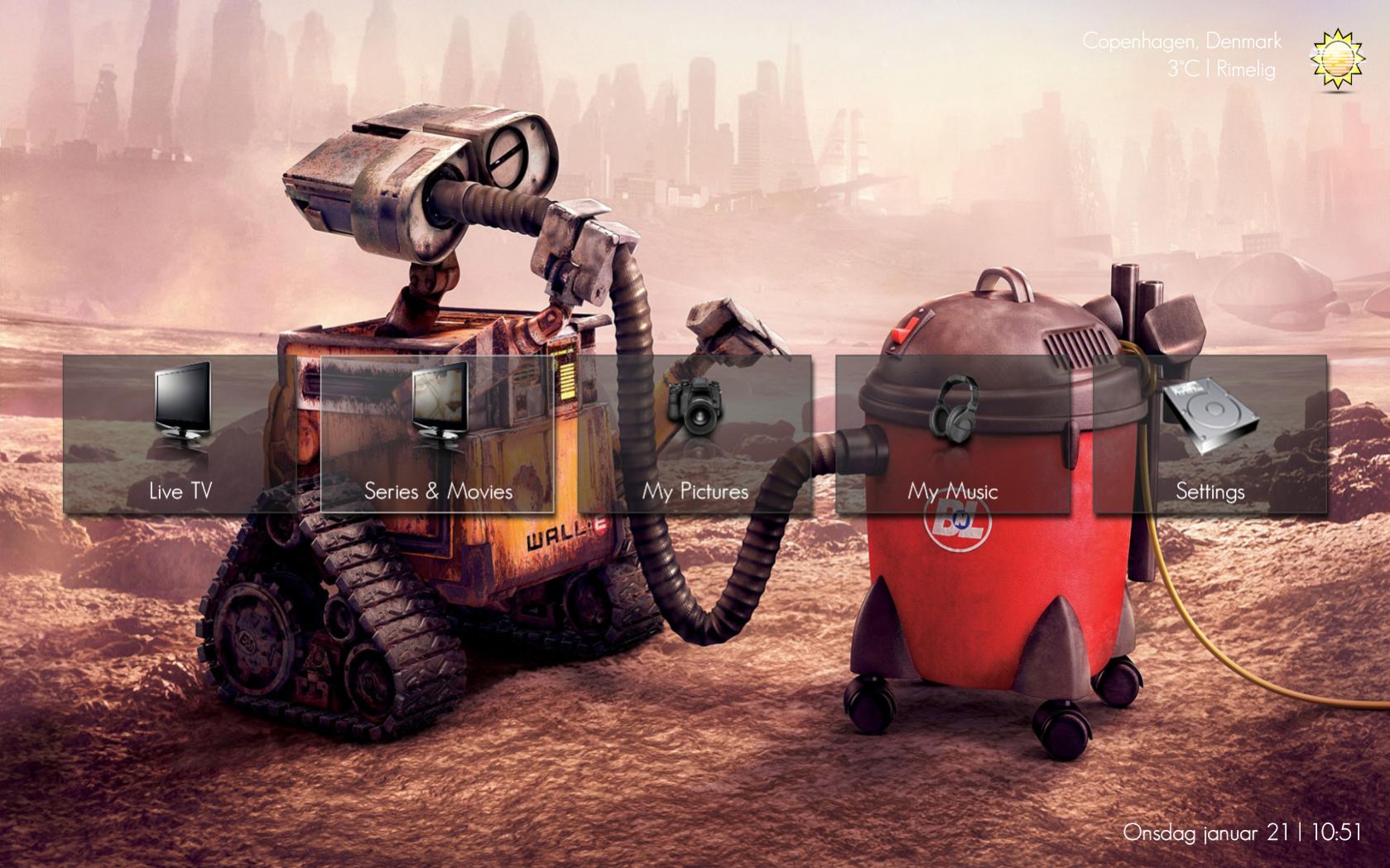
    Here's my Basic Menu mod - I tried to keep the simplicity of only having a few buttons, but also having many options available.

    The icons are removed as they are taken from another skin, and I dont have the right to redistribute them - so I wont even tease people with their awesomness ;-)

    As you can see from the images, when a main button is selected, "sub-buttons" are shown below, with related items to choose from.

    I am thinking of possibly releasing an updated version of the Black & Blue Monochrome mod theme I made a while ago, if so i'll have this menu.


    BasicHome.xml attached
     

    explodedk

    Portal Pro
    December 27, 2008
    265
    20
    Copenhagen
    Home Country
    Denmark Denmark
    i made a little mod to this. added fanart support as background. changed the default icons , maybe it easy to change labels, links icons and fanart folder. if people like i can make a drop down menu for each button aswell ?

    you can download my moderation here : www.explode.dk/monochrome.new.basichome.rar
     

    Attachments

    • monochrome.new.basichome.1.jpg
      monochrome.new.basichome.1.jpg
      231.2 KB
    • monochrome.new.basichome.2.jpg
      monochrome.new.basichome.2.jpg
      205.7 KB

    da2da2

    Portal Member
    February 12, 2009
    6
    0
    Home Country
    Spain Spain
    i made a little mod to this. added fanart support as background. changed the default icons , maybe it easy to change labels, links icons and fanart folder. if people like i can make a drop down menu for each button aswell ?

    you can download my moderation here : www.explode.dk/monochrome.new.basichome.rar
    It looks very good but the link is broken, can you fix it?

    Thanks.
     

    Users who are viewing this thread

    Similar threads

    I do not know why this xml was in my theme folders, it must have sneaked in some time ago (years?). I simply removed the file. The Latest Media Handler plugin seems to be working as expected. I've had no lock-ups.
    I do not know why this xml was in my theme folders, it must have sneaked in some time ago (years?). I simply removed the file. The...
    Before you create this bug report: Make sure that your system (windows, codecs and drivers) is up to date, matching the...
    Replies
    13
    Views
    2K
    MP1 MP2 MP2 - V2.3 EPG has stopped DE
    The only configuration that is certain to work is when the MP client and MP server are from the same release. It is sometimes possible to use MP clients from a release that is different to the MP server, but whether it works depends on the specific changes that were made between the two releases. -- from CyberSimian in the UK
    The only configuration that is certain to work is when the MP client and MP server are from the same release. It is sometimes...
    Before you create this bug report: Make sure that your system (Windows, codecs and drivers) is up to date, matching the...
    Replies
    10
    Views
    4K
    Before you create this bug report: Make sure that your system (Windows, codecs and drivers) is up to date, matching the Requirements and you've filled in your System Specs. Have a look at our MediaPortal Wiki! Maybe the solution is already there. Have a look at our Jira (Bug and Issue Tracker)and the threads in this section, maybe...
    Before you create this bug report: Make sure that your system (Windows, codecs and drivers) is up to date, matching the...
    Before you create this bug report: Make sure that your system (Windows, codecs and drivers) is up to date, matching the...
    Replies
    0
    Views
    1K
    Before you create this bug report: Make sure that your system (Windows, codecs and drivers) is up to date, matching the Requirements and you've filled in your System Specs. Have a look at our MediaPortal Wiki! Maybe the solution is already there. Have a look at our Jira (Bug and Issue Tracker)and the threads in this section, maybe...
    Before you create this bug report: Make sure that your system (Windows, codecs and drivers) is up to date, matching the...
    Before you create this bug report: Make sure that your system (Windows, codecs and drivers) is up to date, matching the...
    Replies
    0
    Views
    882
    Nice finding! (y)(y)(y) Adapted to new DWHD and PVHD ;) Position is in front of category bar ;)
    Nice finding! (y)(y)(y) Adapted to new DWHD and PVHD ;) Position is in front of category bar ;)
    This thread is intended for skin authors, plus those advanced users who have learnt skin programming and have customised the skins...
    Replies
    1
    Views
    2K
    Top Bottom